
New Office Chair vs Fixing Your Chair: How to Decide
You sit down, your lower back starts complaining within an hour, and you are stuck on the same question everyone with an aching chair faces: is it time for a new chair, or can you rescue the one you already own? The honest answer to new office chair vs fixing your chair is that it depends on what is actually wrong, and most people guess instead of diagnosing.
This guide is a decision framework, not a sales pitch. We make add-ons that fix some chairs and a comfort kit that bundles them, so we have an obvious bias and we will name it as we go. The goal here is to help you spend money once, on the right thing, whether that turns out to be a thirty-euro cushion or a new chair entirely. Treat our recommendation as one option judged against the same criteria as everything else.
A quick scope note before we start: chairs and add-ons are comfort and posture aids, not medical devices. If your pain is severe, came on suddenly, or comes with the warning signs we list near the end, this is a question for a clinician, not a shopping decision.
The real question: a chair problem or a setup problem?
Before you compare a new office chair against fixing your current one, rule out the cheapest fix of all: your setup. A surprising share of chair pain is not the chair failing, it is the chair set up wrong, or the desk and monitor forcing your body into a bad position the chair then gets blamed for.
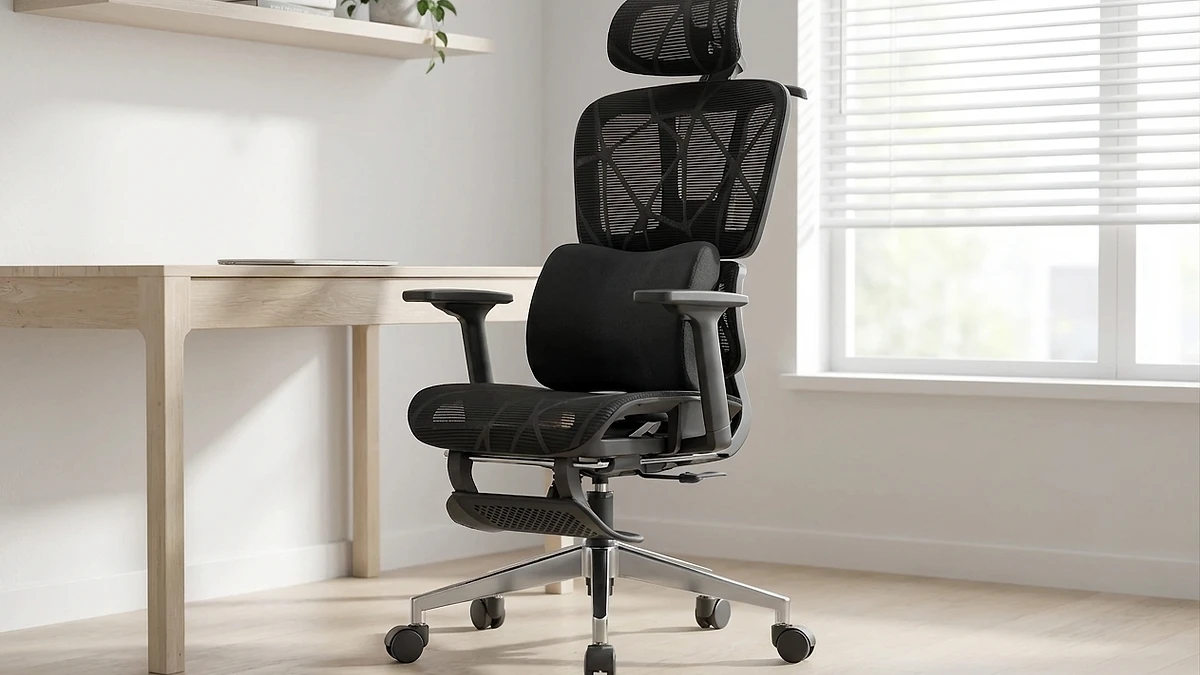
Run a three-minute check. Raise or lower the seat until your forearms rest roughly level with the desk and your elbows sit near a right angle. Now look down. If your feet are flat on the floor and your knees are near a right angle, good. If your feet dangle, the desk is too tall for your legs and a footrest, not a new chair, closes that gap. The U.S. OSHA good-working-positions guidance and Cornell University's ergonomics work both treat feet flat, forearms level and a screen near eye height as the baseline of a neutral seated posture, and none of those depend on buying a premium chair.
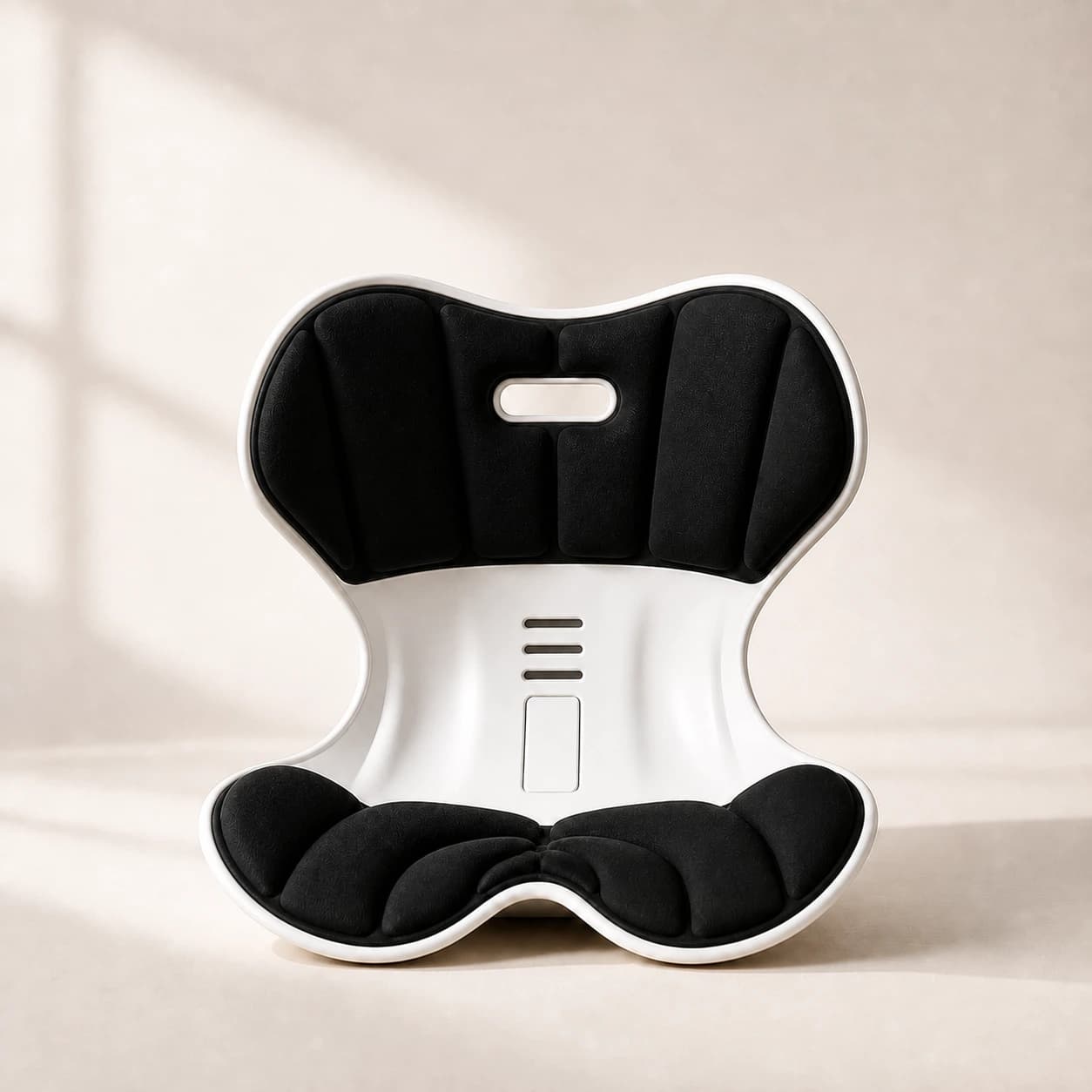
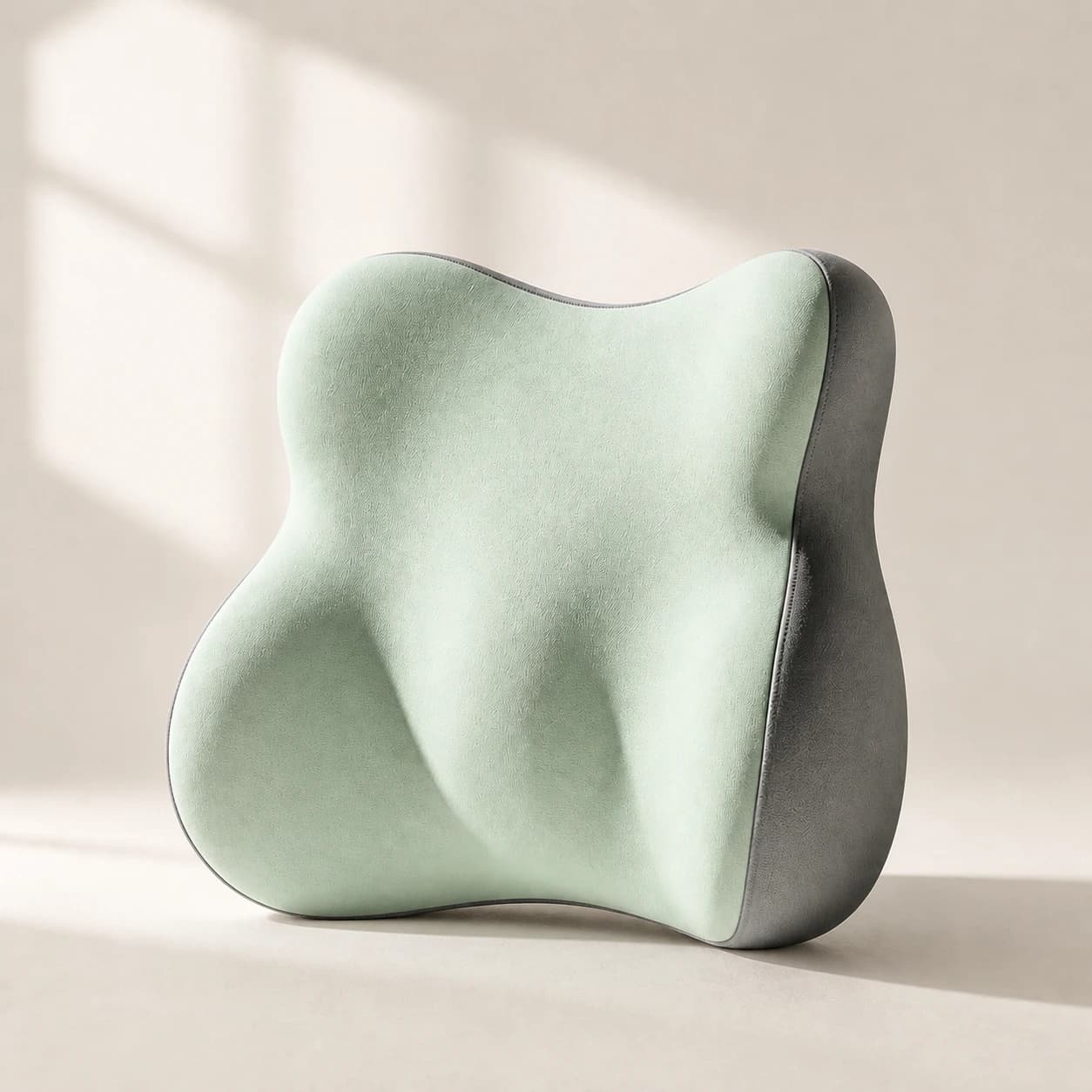
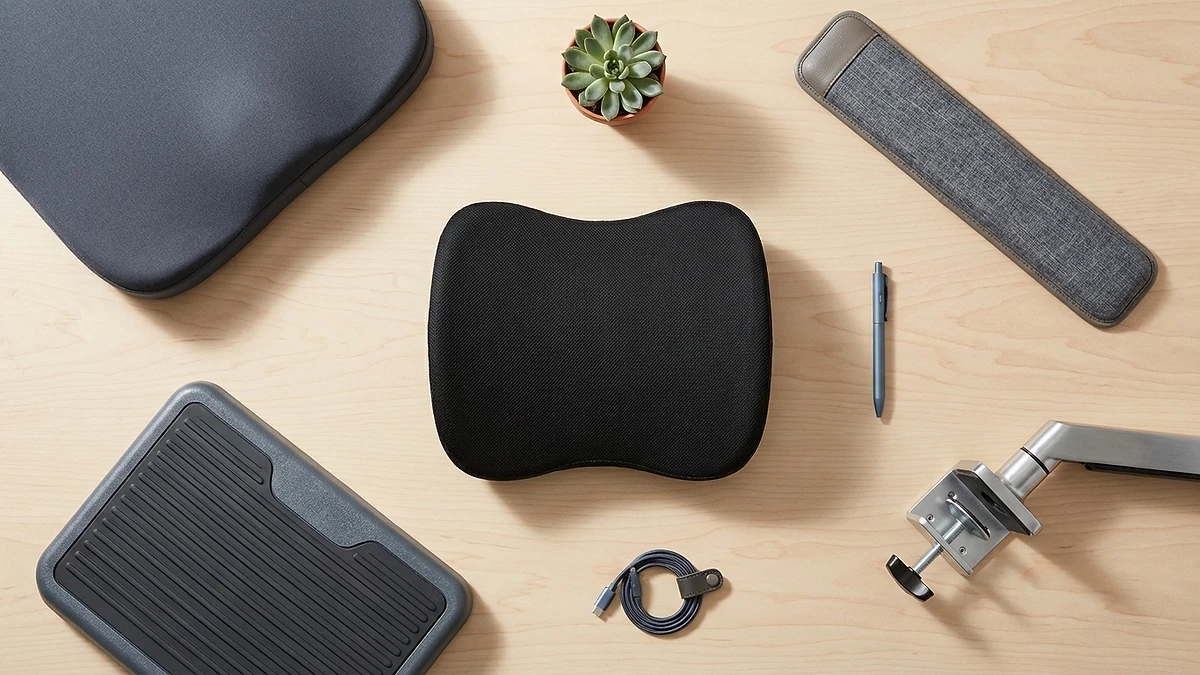
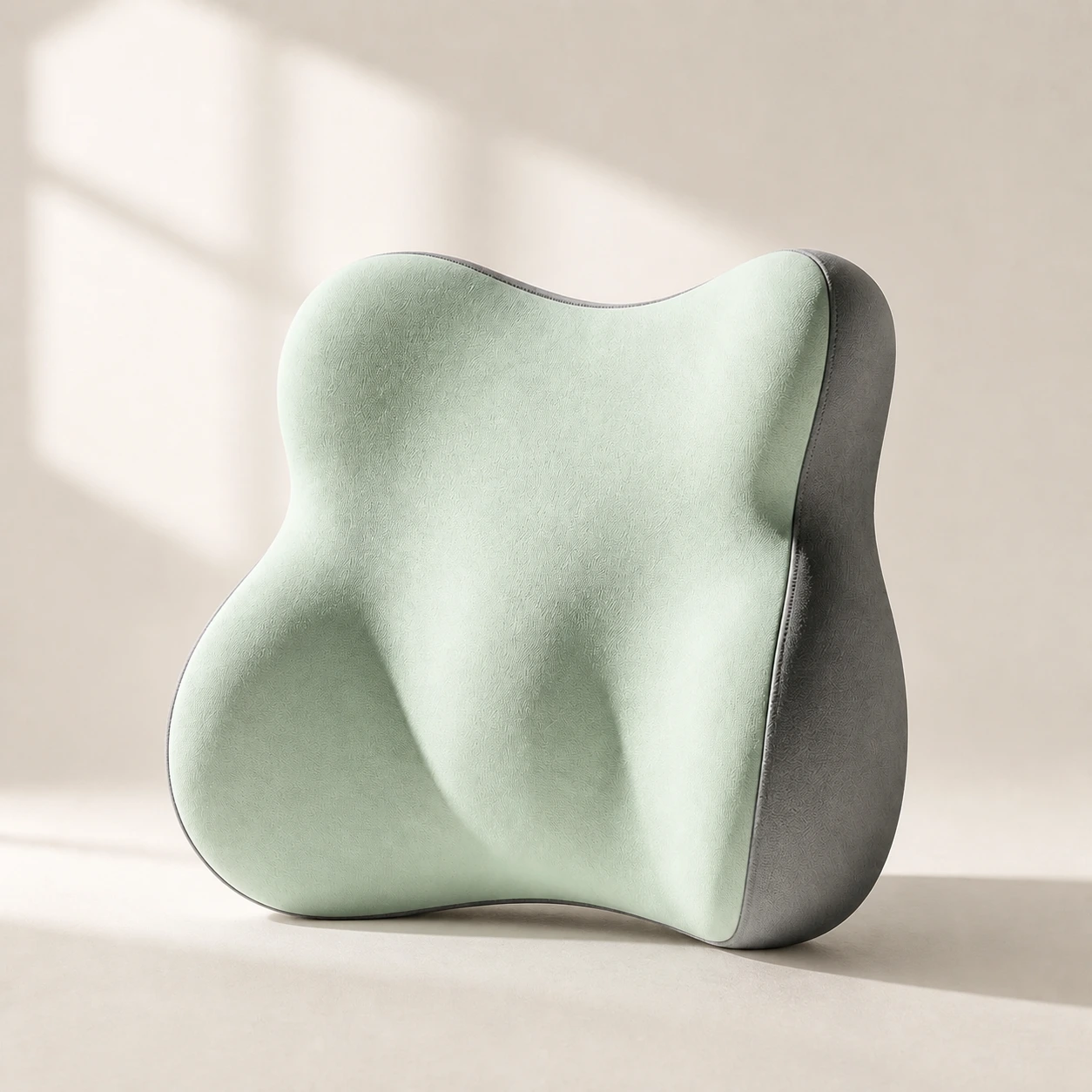 Product mentioned in this guideLumaWing Lumbar Cushion39 × 34 × 14 cm lumbar cushion available in four colours with a slow-rebound memory-foam core, fixed central ridge, recessed side channels, and broad outer…Free US shipping on every order60-Day Home Trial · we pay return shippingSee current price
If fixing the setup removes most of the ache, you have your answer and it cost nothing. If you have genuinely dialled in seat height, backrest and screen height and the chair still fights you, then you have a real chair question worth spending on. Our guide to adjusting an office chair for lower-back support walks through the adjustment order if you want to be sure you have exhausted the free fixes first.
What add-ons can fix (and what they cannot)
Add-ons rescue a chair when the chair's bones are sound but specific contact points are wrong. They cannot rebuild a chair that is structurally finished. Knowing which camp you are in is most of the decision.
What a lumbar pillow, seat cushion and footrest can fix
- A flat or shapeless backrest. A lumbar support pillow fills the gap behind your lower back so the chair holds your natural inward curve instead of letting you slump. This is the single most common rescue.
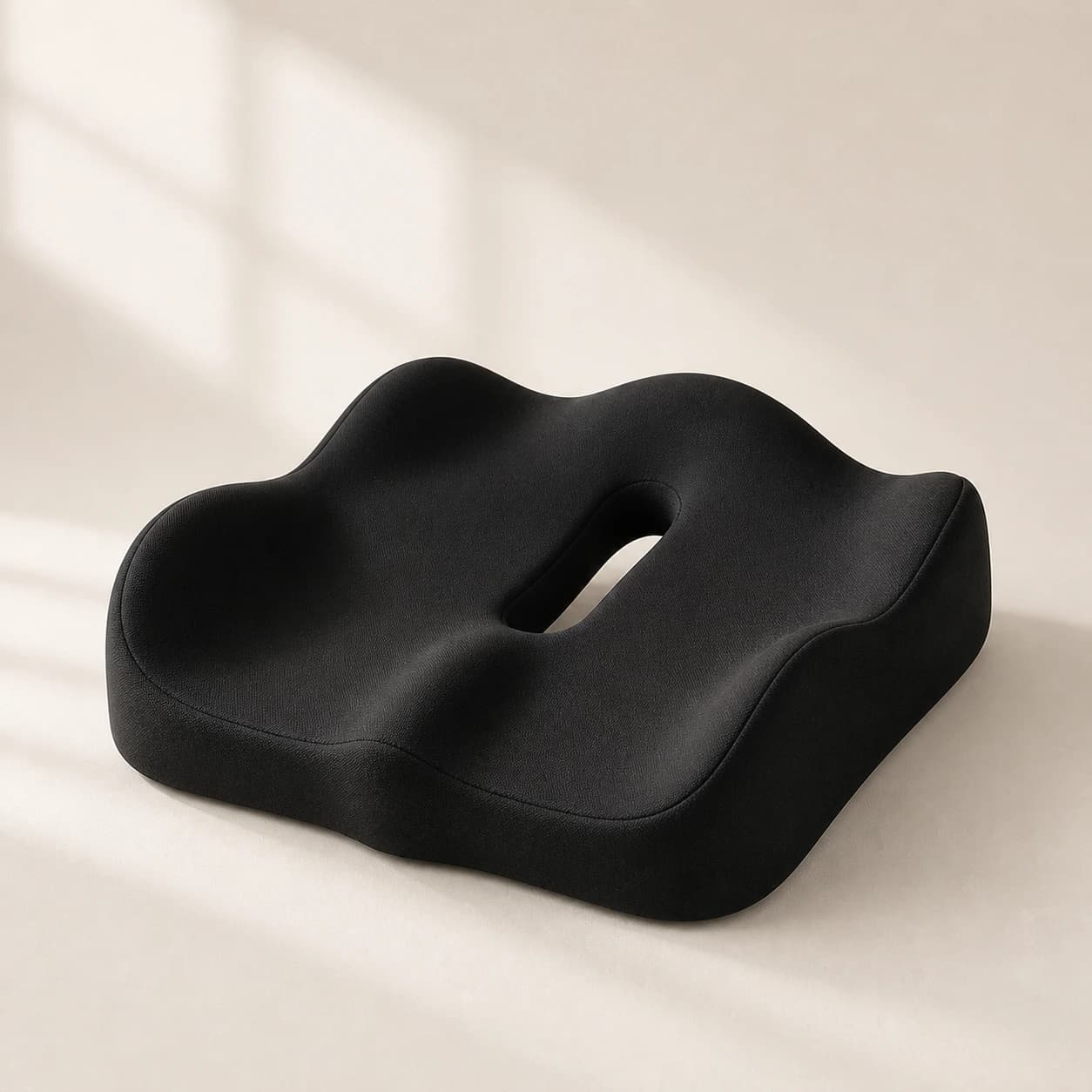
- A hard or worn-out seat. A contoured seat cushion restores even pressure across your sit bones when the foam has gone flat, easing tailbone and under-thigh pressure.
- Feet that dangle. A footrest raises the floor to your feet so you keep correct arm height without losing foot support, the classic short-person-at-a-tall-desk problem.
- A seat that is slightly too deep. A lumbar pillow effectively shortens seat depth by pushing you forward, so the front edge stops digging into the backs of your knees.
What add-ons cannot fix
- A broken or sagging mechanism. If the gas lift drops, the tilt is seized, or the base wobbles, no cushion fixes a chair that will not hold a position.
- No height adjustment at all. A fixed-height chair that leaves your forearms above or below the desk is a geometry problem add-ons only partly mask.
- Armrests that force your shoulders up. Non-adjustable armrests at the wrong height load your neck and shoulders, and a back cushion does nothing for that.
- A frame too small or too large for your body. If the seat is far too narrow or the backrest ends below your shoulder blades, you are fighting the wrong-size chair. Our office chair size guide covers how to check fit.
When replacing the chair is the right call
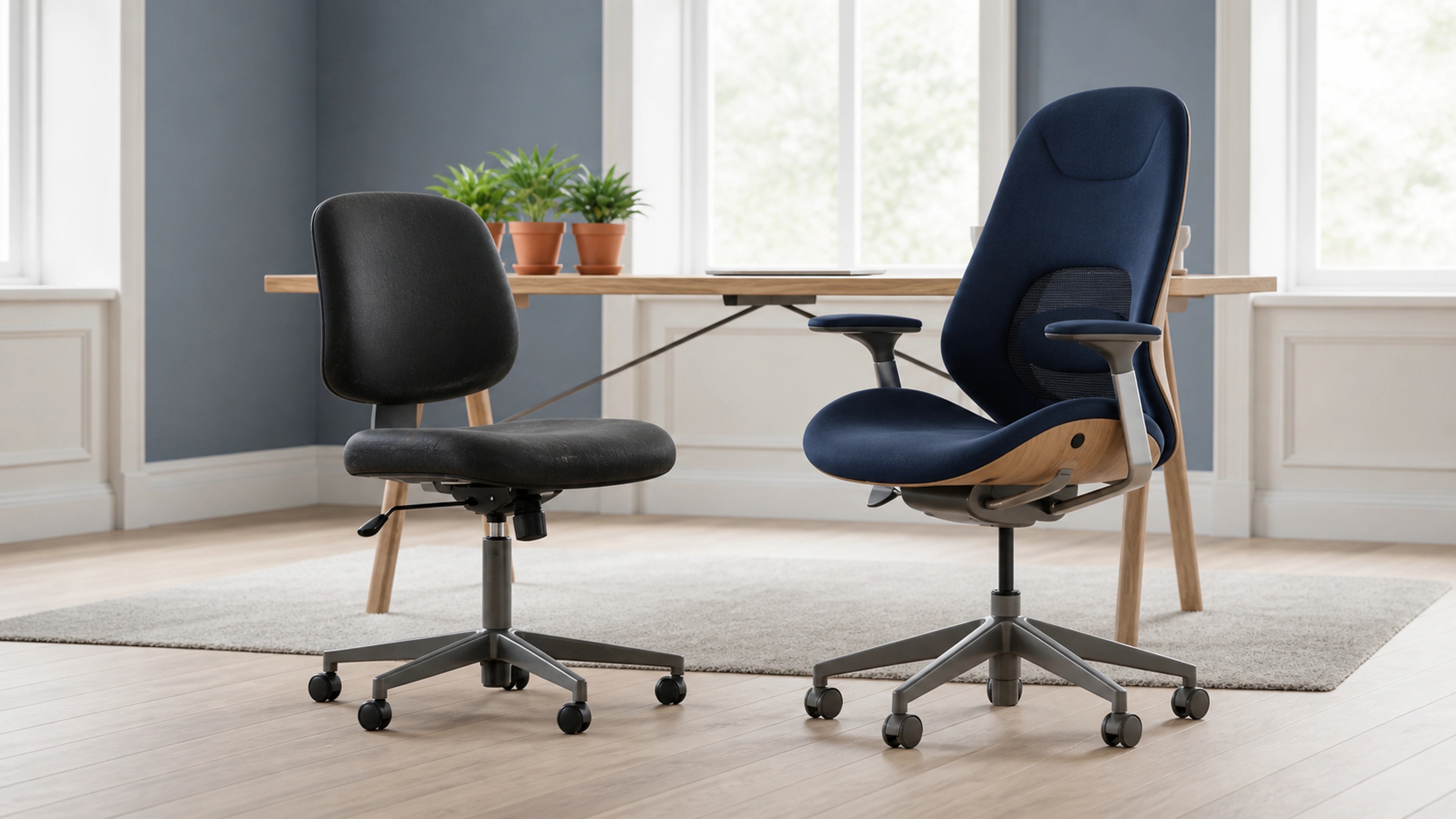
Replace the chair, do not patch it, when the structure or core adjustability is the problem rather than the contact points. Add-ons are wasted money on a chair that cannot hold a position or cannot be set to fit your body, because you are layering comfort on top of a broken or wrong-sized foundation.
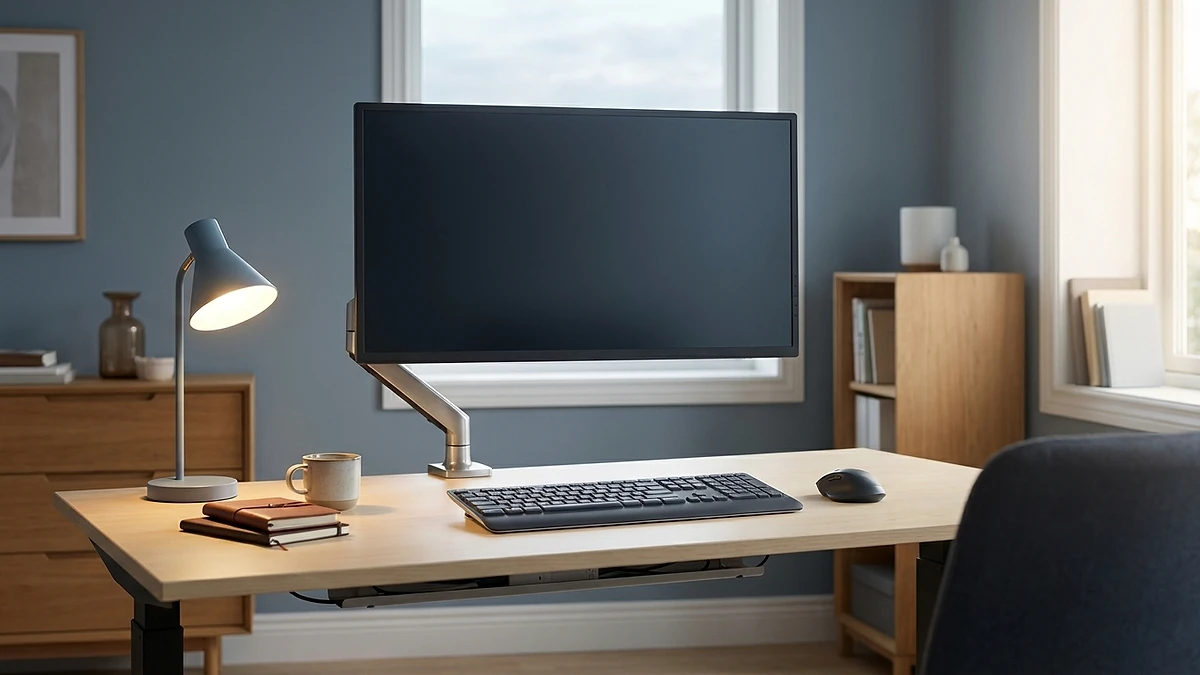
Lean toward a new chair if the gas lift will not hold height, the tilt or recline is seized or broken, the base or castors are damaged, the seat is structurally the wrong size for you, or you have no meaningful adjustability and your arms simply cannot reach a neutral height. Time at the desk matters too. If you sit for most of a full working day, every day, the CCOHS overview of working in a sitting position is clear that prolonged static sitting is itself a strain, and a chair that supports easy movement and posture changes earns its cost faster than one you are constantly fighting. A chair you battle for eight hours is a worse deal than a good chair, even before you add up the cushions you keep buying for it.
A rough cost comparison
Numbers force the decision into the open. These are rough ranges, not quotes, but the shape of the choice is what matters.
The trap is the slow drip. Buying a cushion, then another cushion, then a footrest, then a back pad over several months can quietly cost as much as a decent chair while never fixing a structural fault. If you are on your second or third add-on for the same chair and still uncomfortable, that is a signal the chair itself is the problem. The flip side is just as real: spending several hundred euros on a new chair when a single lumbar pillow would have solved it is the more common and more expensive mistake.
A short diagnostic checklist
Walk these in order. The first clear yes points you to your path.
- Did fixing the setup help? Correct seat height, backrest and screen height first. If most of the ache goes, stop here. You are done and it was free.
- Does the chair hold a position? If the gas lift drops or the tilt is broken, no cushion helps. Replace it.
- Can the chair be set to fit your body? If there is no height adjustment and your arms cannot reach neutral, or the frame is clearly the wrong size, lean toward replacing.
- Is the frame sound but a contact point wrong? Flat backrest, hard seat or dangling feet on an otherwise solid chair is exactly what add-ons fix. Add the one piece that matches.
- Is it both the back and the seat? If the backrest and the seat both let you down but the frame is fine, a paired lumbar-and-cushion kit is usually cheaper than a new chair and solves both at once.
- Are you on your third add-on already? If you keep patching the same chair and still hurt, stop patching. The chair is the problem.
Our honest take
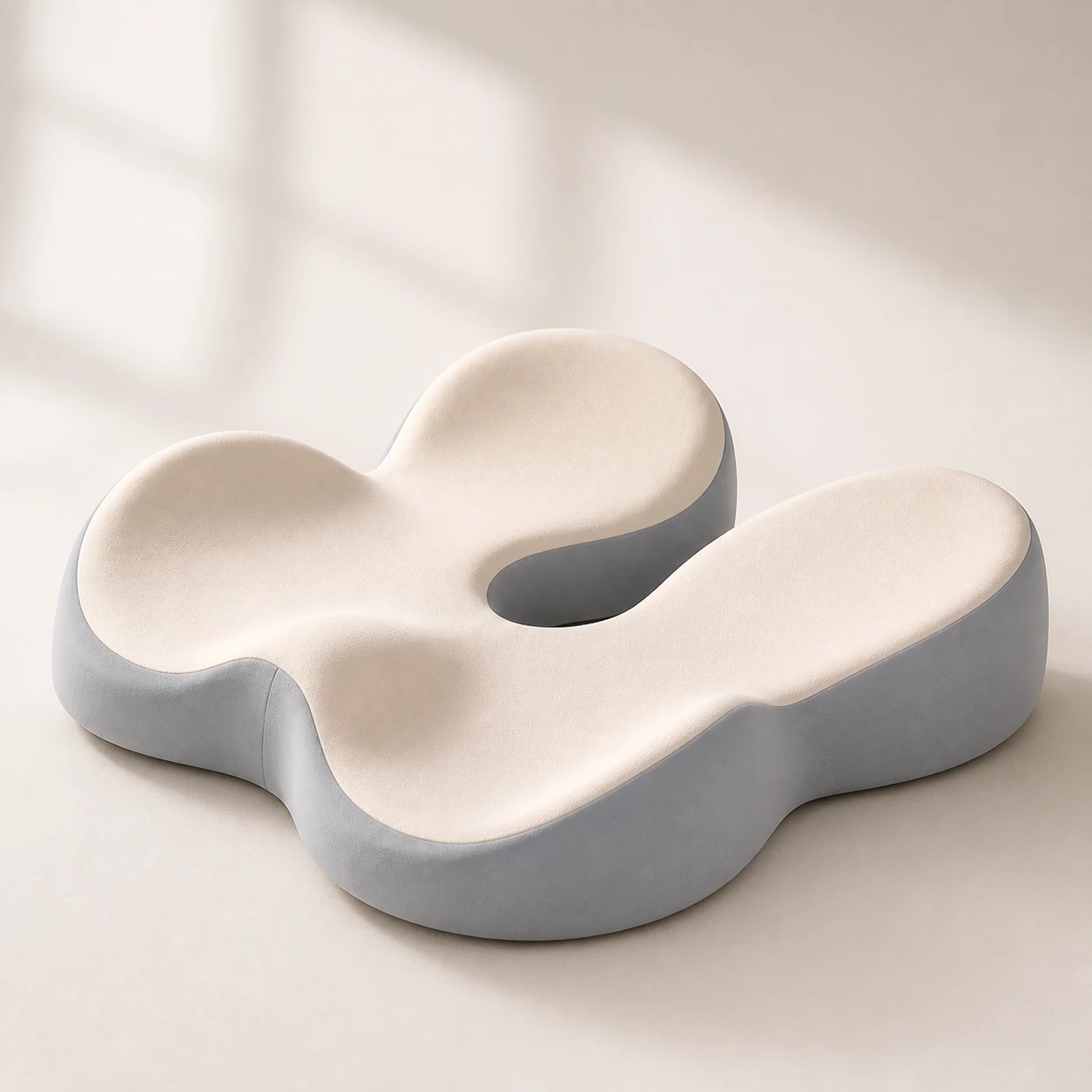 Product mentioned in this guideMemory Foam Seat CushionA sculpted seat cushion with a deep, open U-shaped rear channel designed to reduce direct contact beneath the coccyx and tailbone area. Raised rear…Free US shipping on every order60-Day Home Trial · we pay return shippingSee current price
If your chair holds a position, adjusts to fit you, and the only complaints are a flat back and a tired seat, fixing it is almost always the better spend. That is the case our office comfort kit is built for: it pairs a lumbar support pillow and a contoured seat cushion so you correct both the backrest and the seat at once, for a fraction of a new chair, on a frame that is still sound underneath.
We will say plainly where it is the wrong choice. If your gas lift is dropping, your tilt is seized, or the chair is the wrong size for your body, the kit is lipstick on a broken chair and you should put that money toward a replacement instead. It is also more than you need if only one contact point is wrong, in which case a single lumbar pillow or one seat cushion does the job for less. We would rather you buy the one piece you need than a kit you half-use. And if you are heading for a new chair anyway, browse the office chairs collection rather than spending on add-ons for a chair you are about to retire.
When to see a professional
Chairs and cushions are comfort and posture aids, not medical devices, and a buying decision is not a substitute for medical advice. Most desk-related aches ease with a corrected setup, the right support and regular movement. Some symptoms need a clinician, not a new chair. See a doctor or physiotherapist if your back or neck pain follows a fall or other trauma, if you have progressive weakness or numbness or tingling in a leg or arm, if you lose feeling in the saddle area between your legs, if you lose control of your bladder or bowels, or if pain comes with unexplained weight loss, fever or feeling generally unwell. These can signal something a cushion will never fix, and the NHS back-pain guidance is clear that they warrant prompt assessment.
The bottom line
New office chair versus fixing your chair is not a matter of taste, it is a matter of diagnosis. Fix the setup first because it is free. If the frame is sound and only the back, seat or foot support is wrong, add-ons rescue the chair for a fraction of a replacement. If the mechanism, size or core adjustability has failed, stop patching and replace it. When both the backrest and seat are the issue on a solid chair, our office comfort kit is the path we would recommend, judged against the same criteria as everything else. If your check points to a new chair instead, start with the office chairs collection and spend once, on the right thing.