
Skip to content

Free US shipping on every order

Reviews on Trustpilot

How-To Guides

Common Office Chair Setup Problems and Fixes

Greta ŠimkutėGreta ŠimkutėErgonomics specialist

Fix common office chair setup problems involving seat height, depth, lumbar placement, armrests and monitor position with a step-by-step check.

Editorial photograph illustrating Common Office Chair Setup Problems and Fixes

Shop the gear in this guide

The exact products this guide recommends — each covered by the 60-Day Home Trial.

Key takeaways

Always adjust chair geometry before judging whether a support product works.
Follow the correct sequence: height, depth, lumbar, armrests, monitor.
A weekly 30-second re-check prevents the slow drift that causes chronic discomfort.
Editorial photograph illustrating Why adjustment order matters

Why adjustment order matters

Most people adjust their chair by feel — raising it a bit here, sliding it there — without a systematic approach. This creates cascading misalignment: changing seat height affects your elbow angle, which affects your shoulder position, which changes how your lumbar support makes contact. The result is that each fix creates a new problem elsewhere, and you end up cycling through adjustments without ever reaching a stable setup.

The solution is a fixed adjustment sequence that eliminates cascading errors. Each step builds on the one before it, so changes made later do not undo earlier settings. This takes about five minutes the first time and becomes a 30-second check once your baseline is established. The sequence is always the same: seat height, seat depth, lumbar contact, armrests, then monitor position.

  • Random adjustments create cascading misalignment
  • A fixed sequence eliminates the need to re-do earlier steps
  • First setup takes ~5 minutes, subsequent checks take 30 seconds
  • Order: height → depth → lumbar → armrests → monitor
Editorial photograph illustrating Step 1 and 2: Seat height and depth

Step 1 and 2: Seat height and depth

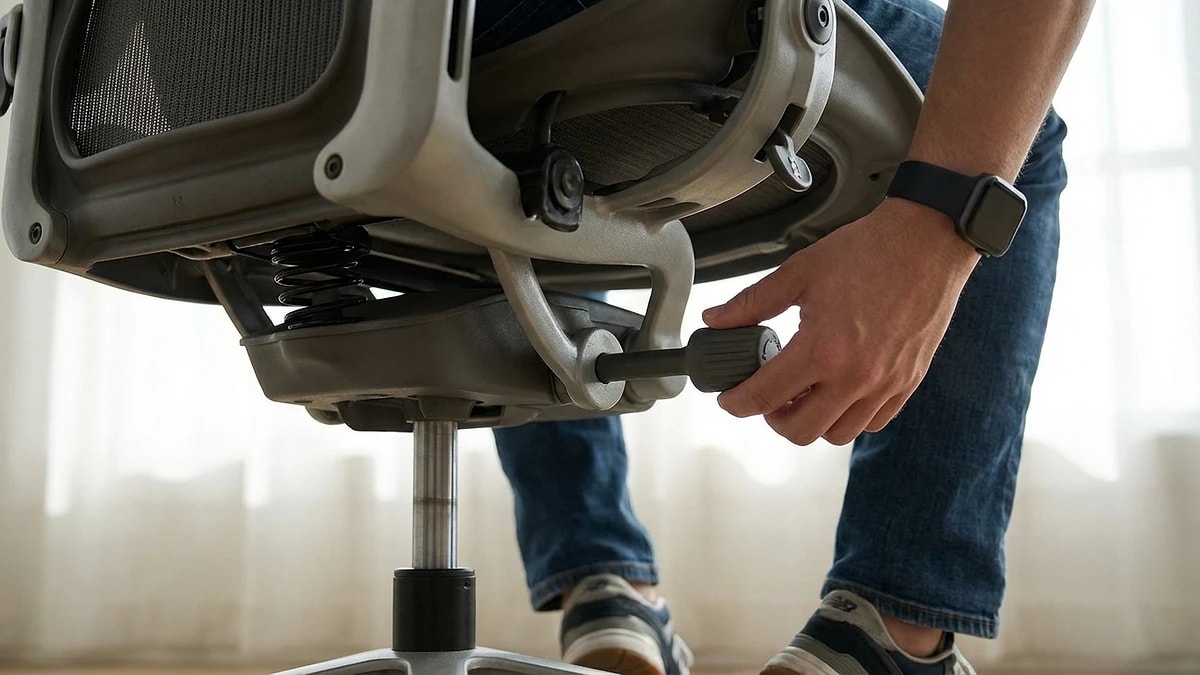
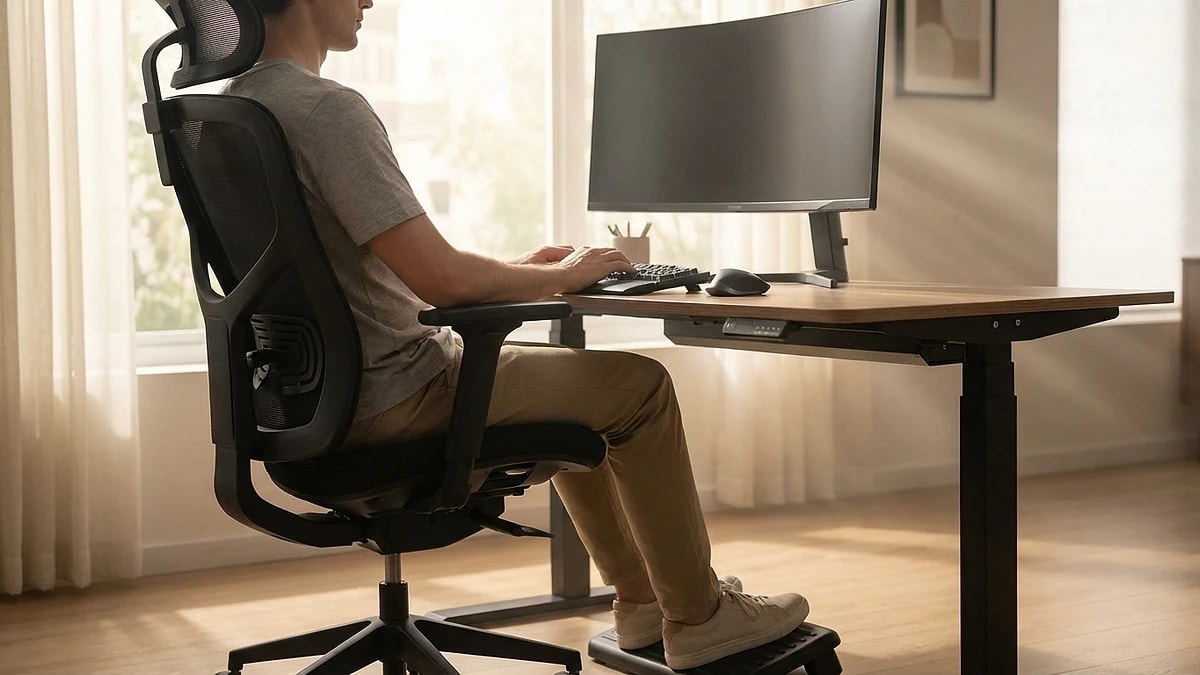
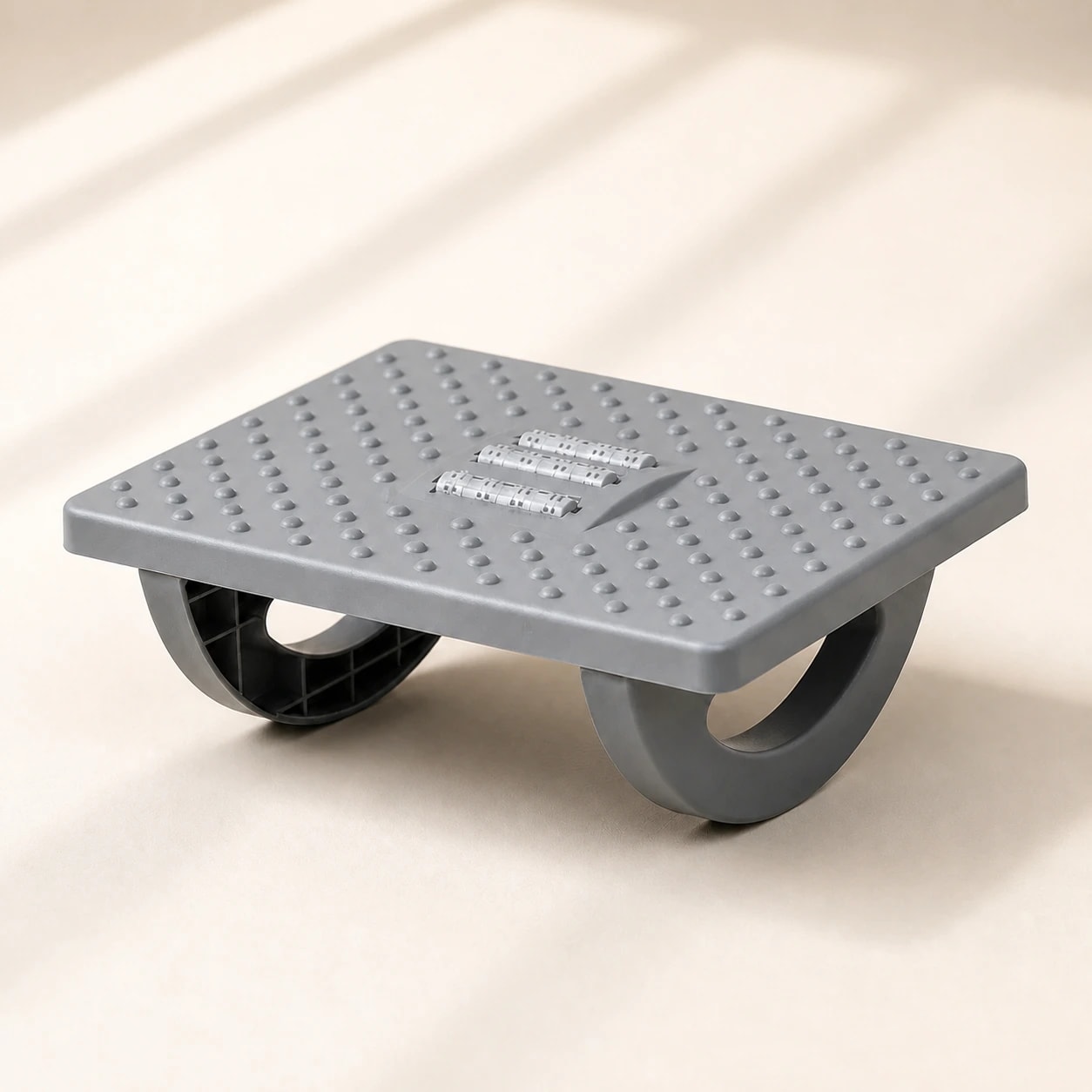
Start with seat height. Sit all the way back in your chair with your feet flat on the floor. Your thighs should be roughly parallel to the ground and your knees bent at approximately 90 degrees. If your feet dangle, lower the chair. If your knees are higher than your hips, raise it. For shorter users whose feet cannot reach the floor even at the lowest setting, a footrest maintains the correct angle without compromising other dimensions.

Seat depth is the next check — the distance from the chair back to the front edge of the seat. With your back against the lumbar zone, there should be a two-to-three finger gap between the front edge of the seat and the back of your knees. If the seat presses into the back of your knees, it restricts circulation and creates leg discomfort by afternoon. Most adjustable chairs have a seat slider; if yours does not, a slightly thicker seat cushion can effectively reduce seat depth.

  • Feet flat on floor, knees at 90 degrees, thighs parallel to ground
  • Use a footrest if chair cannot go low enough
  • 2-3 finger gap between seat edge and back of knees
  • Seat pressing behind knees causes circulation and leg discomfort
Editorial photograph illustrating Step 3: Lumbar support positioning

Step 3: Lumbar support positioning

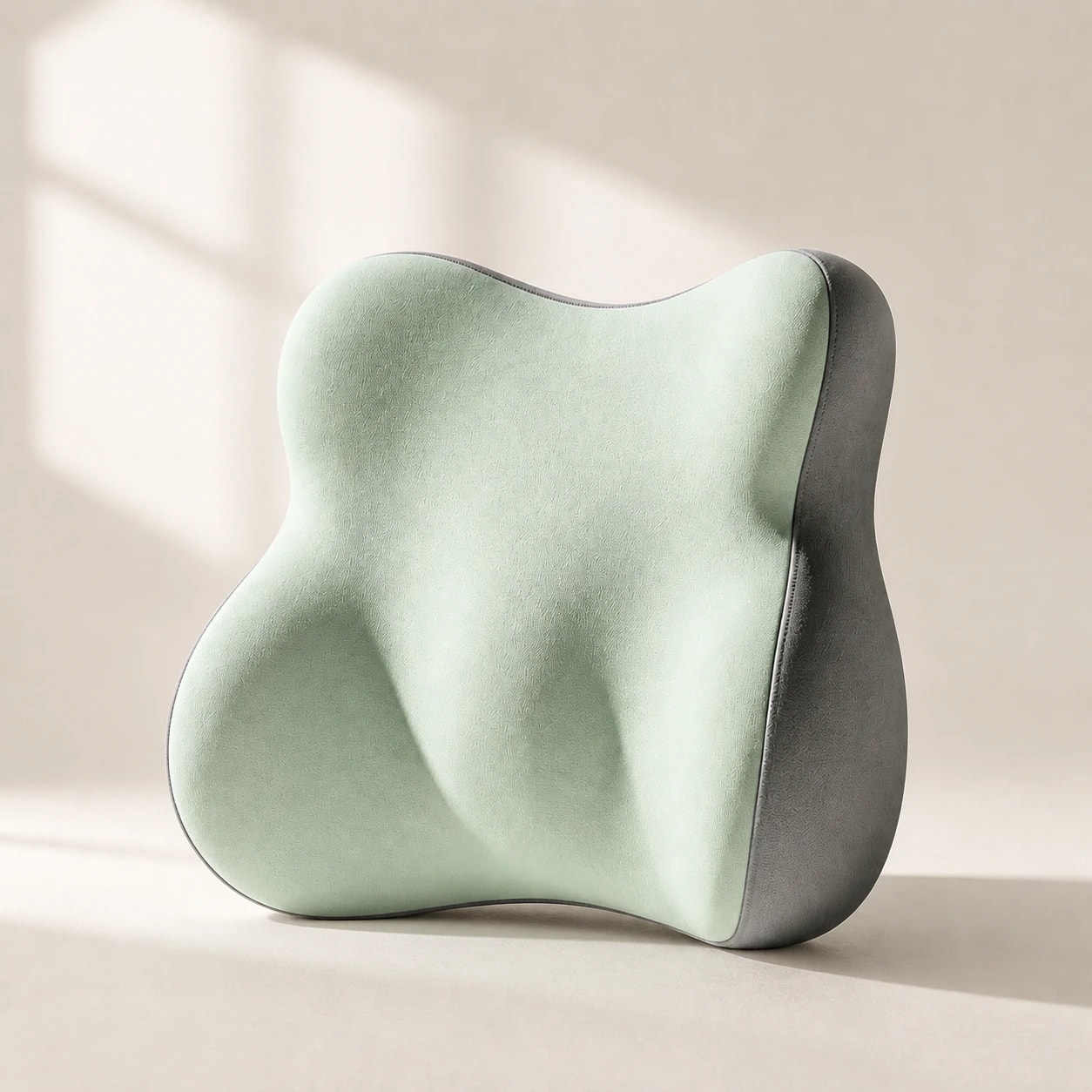
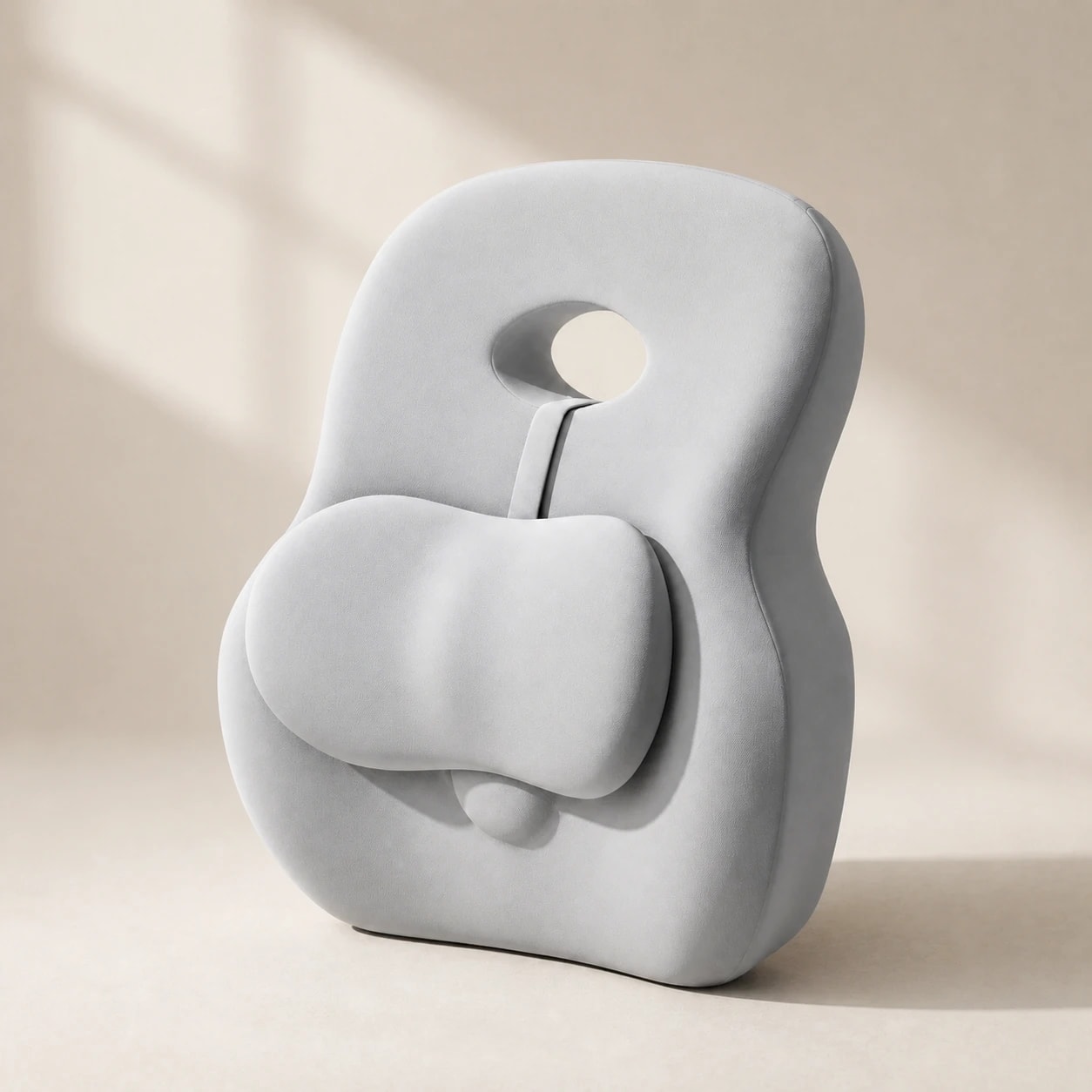
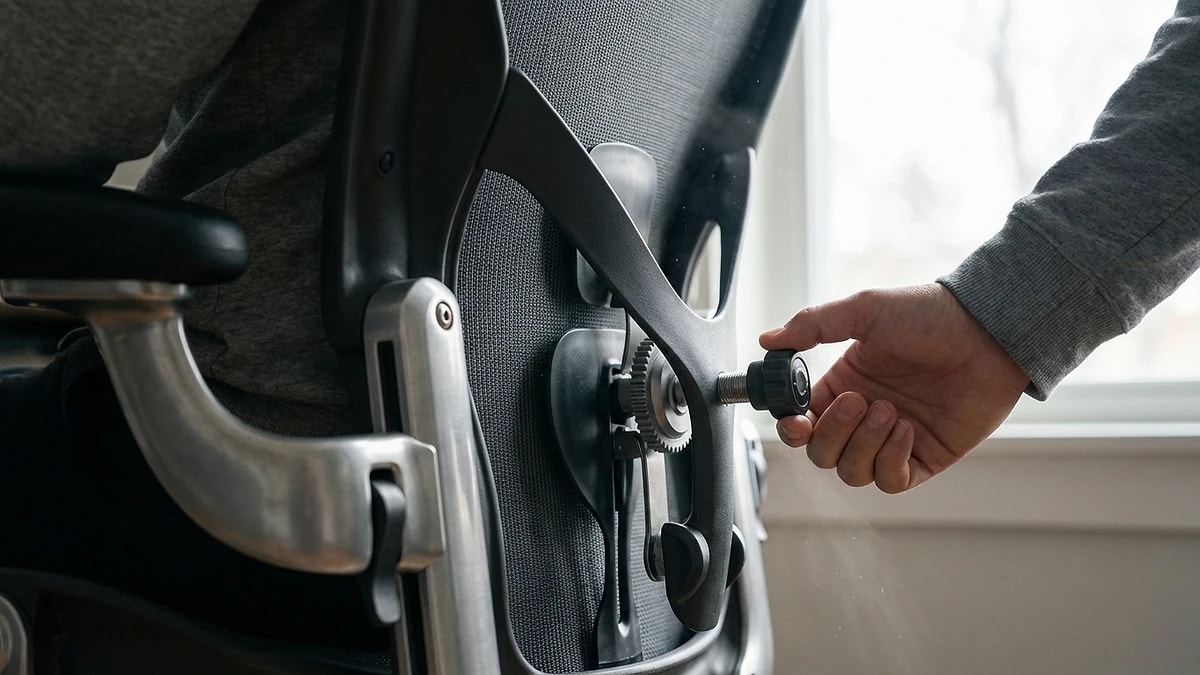
With height and depth set, now position lumbar support. If your chair has a built-in lumbar adjustment, move it to contact the inward curve of your lower back at roughly belt height. Increase depth gradually until you feel gentle, even pressure — not a sharp push. If the built-in adjustment does not reach low enough or feel firm enough, this is where an external lumbar pillow fills the gap.

For a separate lumbar support, place it near your lower-back curve and secure it only as the individual product instructs. Your shoulders should rest against the chair back without being pushed forward. If the support creates a gap between your upper back and the chair, compare a shallower profile or adjust the chair before adding more depth.

  • Built-in lumbar: adjust to belt height, increase depth gradually
  • External support: use its documented attachment method, then check shoulder position
  • No gap should exist between upper back and chair
  • Goal: continuous contact from lumbar through mid-back
Editorial photograph illustrating Step 4 and 5: Armrests and monitor

Step 4 and 5: Armrests and monitor

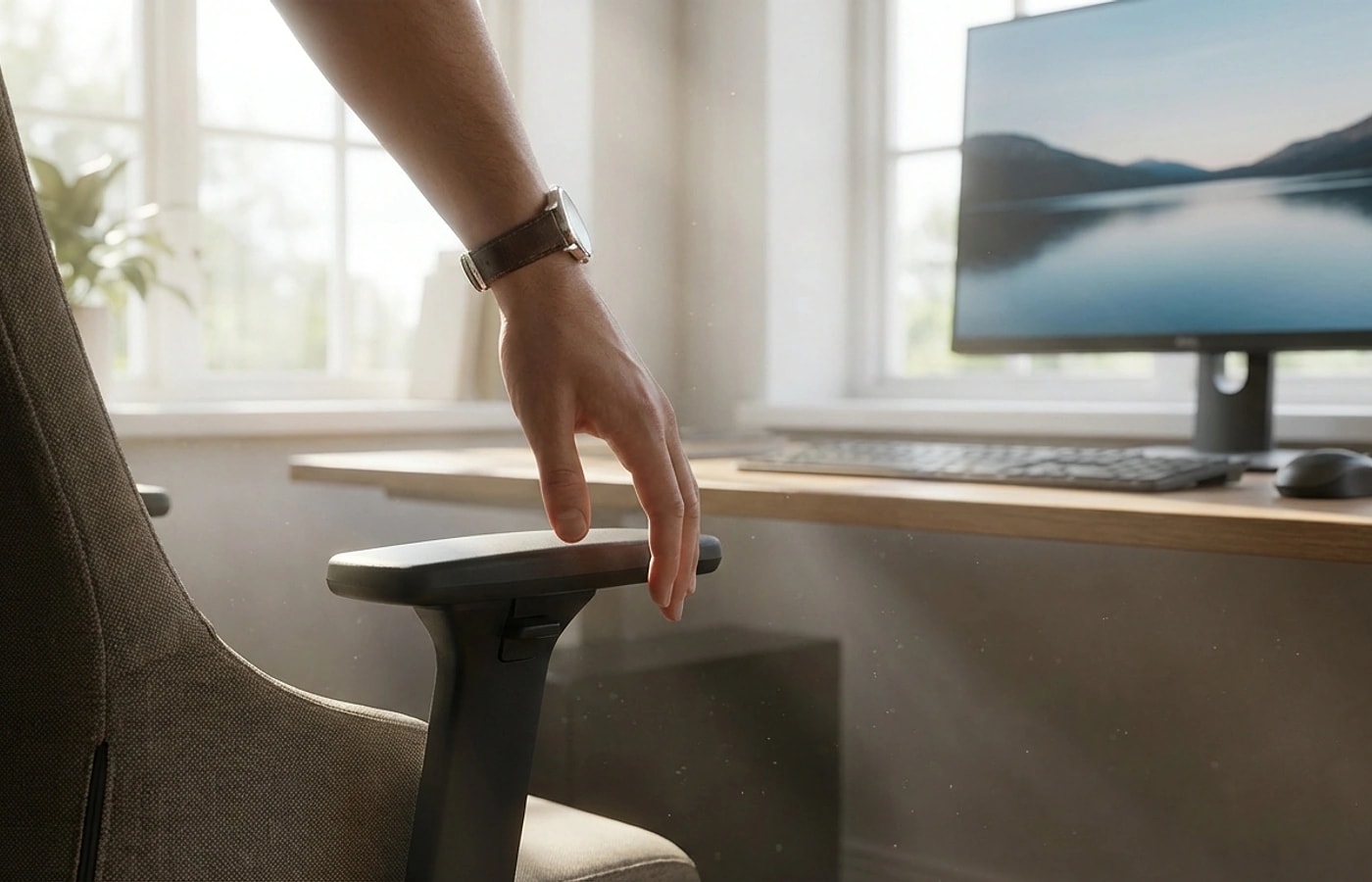
Armrests should support your forearms with your elbows at approximately 90 degrees and your shoulders relaxed — not elevated. If armrests push your shoulders up, lower them or remove them entirely. Armrests set too low cause you to lean to one side. The ideal position lets your arms rest lightly without any shoulder tension. If your armrests are not adjustable and cause problems, working without them is often better than forcing a bad height.

Monitor position is the final check. The top of the screen should be at or slightly below eye level, and the screen should be roughly an arm's length away. If you find yourself leaning forward to read text, increase font size rather than moving the monitor closer — leaning forward pulls you away from your lumbar support and undoes all previous adjustments. For laptop users, an external monitor or laptop stand paired with a separate keyboard solves this common problem.

  • Elbows at 90 degrees, shoulders relaxed — not elevated
  • Remove armrests entirely if they force bad shoulder position
  • Monitor top at eye level, arm's length distance
  • Increase font size rather than leaning forward to read
Editorial photograph illustrating Weekly re-check routine

Weekly re-check routine

Chair settings or support position may change with use. A quick periodic re-check helps you notice whether your feet, backrest, and lower-back contact still feel supported.

Pick a consistent time to check chair height, support contact, and foot position. If anything has changed, revisit the adjustment sequence. This is a setup habit, not a guarantee against back discomfort.

  • Check chair height and support position after adjustments or shifting
  • A short periodic re-check can catch a poor fit
  • Follow the same sequence: height → depth → lumbar → arms → monitor
  • Persistent or worsening pain needs professional assessment

Frequently asked questions

How high should my office chair be?

Set height so your feet are flat on the floor with knees at approximately 90 degrees and thighs parallel to the ground. Use a footrest if needed.

Should lumbar support maintain constant contact?

Yes — it should provide gentle, stable pressure at your lower-back curve without pushing your torso forward. If you feel gaps when you lean back, the support is too low or too shallow.

When should I replace a product versus adjusting chair settings?

Check chair settings and product fit before replacing an accessory. If it still feels wrong, compare the product's documented dimensions with your available seat depth.

What if my chair has no adjustable features?

Check whether an accessory would improve contact without reducing usable seat depth or leaving your feet unsupported. A footrest may help with foot support, but no accessory guarantees that a fixed chair will fit.

How often should I completely redo my chair setup?

A full setup from scratch is needed after changing chairs, desks, or monitors. Otherwise, a 30-second weekly re-check using the standard sequence maintains your baseline.

Greta Šimkutė

Written by

Greta Šimkutė

Ergonomics & workspace-setup specialist · writing for Ergola since 2024

Greta Šimkutė is an ergonomics specialist who writes Ergola's posture and workspace guides. She focuses on the practical side of sitting-related back, neck, and hip strain - how desk height, lumbar support, and chair fit actually change all-day comfort - and tests products against the criteria that matter, not spec sheets. She has covered ergonomic furniture and desk setups since 2024.

Related guides

Explore these guides to learn more and find the right solution for your needs.