
Correct Desk Height Guide: Sitting and Standing
If your shoulders creep up toward your ears by mid-afternoon, your wrists ache, or you find yourself perching on the edge of your chair to reach the keyboard, the problem is often not your posture discipline. It is that your desk sits at the wrong height for your body. Finding your correct desk height is the single setup change that fixes the most complaints at once, because it sets the angle of your elbows, wrists, shoulders, and neck all at the same time.
This guide gives you a method you can run in two minutes with a tape measure, a table of approximate heights by your stature, and an honest account of what to do when your desk is a fixed slab that will not move. We sell a height-adjustable desk and we will point to it where it genuinely solves the problem, but most of this guide costs nothing and works with the furniture you already own.
One scope note before the numbers. There is no single magic height that is correct for everyone, and the figures below are starting points, not prescriptions. Your build, your chair, your keyboard thickness, and whether you use a mouse or a trackpad all shift the right answer by a few centimetres. Treat the table as a place to begin, then fine-tune against how your body feels.
How to find your correct desk height
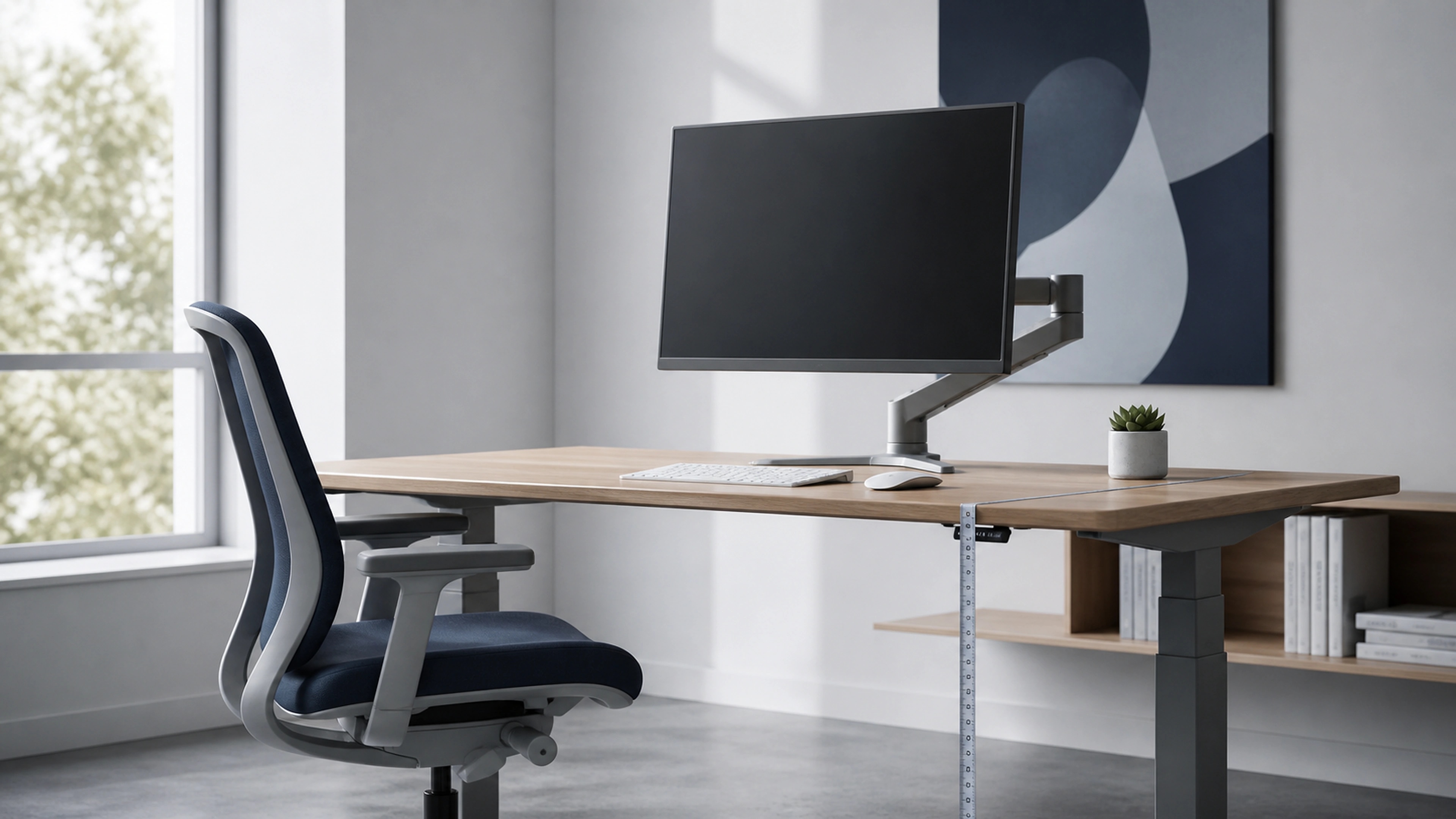
Sit with feet flat and back supported, bend your elbows to roughly 90 degrees with forearms parallel to the floor, and set the desk to meet the underside of your forearm. That floor-to-forearm height is your sitting desk height. Repeat standing tall for your standing height. Both should let your shoulders relax.
That short answer is the whole method, and it works because it sets your elbow angle first and lets the desk follow. Most desk-related aches in the upper body trace back to an elbow angle that is too open or too closed, which forces the shoulders to compensate. The U.S. OSHA Computer Workstations guidance describes the same target: upper arms hanging close to the body, elbows bent in the 90-to-120-degree range, and wrists straight rather than bent up or down to reach the keys.
A few practical notes when you measure. Use the keyboard surface, not the desk surface, as your reference if your keyboard is thick or sits on a tray, because that is where your hands actually rest. Keep your wrists neutral and floating rather than planted on the desk edge. And measure in the clothes and shoes you usually work in, since a heeled shoe or a thick chair cushion changes the number more than people expect.
Desk height by your height
The table below gives approximate sitting and standing desk heights for a range of statures. These are guideline figures derived from the elbow-90-degree target for an average build; your own correct height may land a couple of centimetres either side. If the numbers and your forearm measurement disagree, trust your forearm.
Two things to read out of this table. First, a standard fixed desk in much of the world sits around 72 to 75 cm (28 to 30 inches), which is built for someone roughly 180 cm tall. If you are shorter than that, a standard desk is too high for you, which is the most common hidden cause of raised shoulders and wrist strain. Second, the standing column climbs fast with height, which is why a tall person often cannot raise a budget standing desk far enough to stand comfortably.
The elbow-90-degree rule
Everything above is one rule applied twice. When your forearms are parallel to the floor and your elbows sit near 90 degrees, your upper arms can hang relaxed at your sides instead of being held out or up. That relaxed shoulder position is what stops the slow tension that builds across the tops of the shoulders and into the neck over a long day.
OSHA's good-working-positions guidance frames the target as a small range rather than an exact angle: elbows roughly 90 to 120 degrees, wrists and hands straight and roughly in line with the forearms, and shoulders relaxed. The range matters because a slightly more open elbow, closer to 100 or 110 degrees, is often more comfortable for typing than a rigid right angle. The failure modes are what you are avoiding.
- Desk too high. Your shoulders shrug upward to reach the keys, your elbows close past 90 degrees, and the tension lands in your upper traps and neck.
- Desk too low. You slump or lean forward to reach down, your wrists bend back, and your lower back rounds away from the chair's support.
- Wrists planted. Resting your wrists hard on the desk edge while typing bends them up at a sharp angle, which is a separate strain even when the height is right.
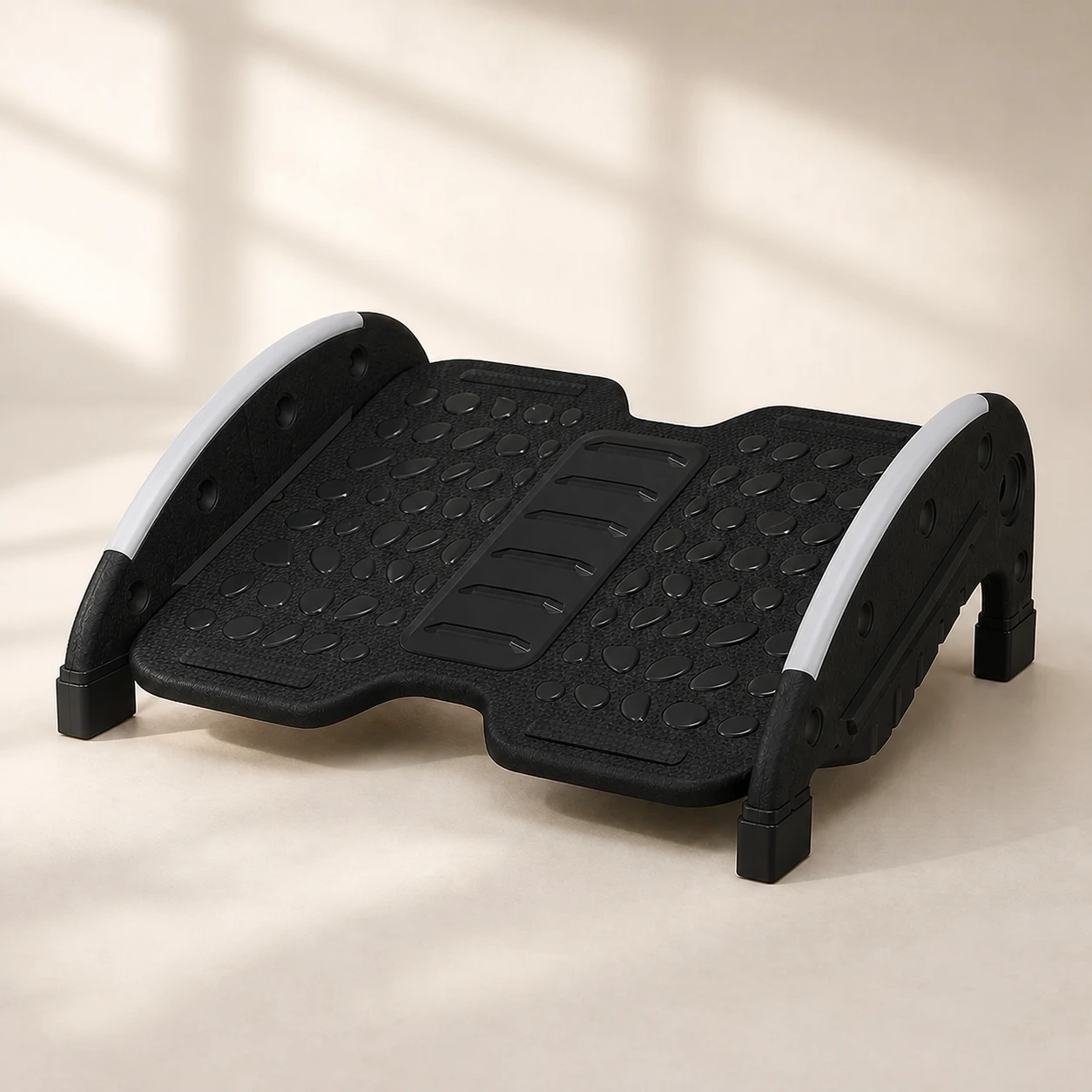 Product mentioned in this guideFlexRock DuoTwo-mode under-desk footrest with a user-controlled rocking option, fixed 15° support, and a reversible 40 × 30 cm textured platform.Free US shipping on every order60-Day Home Trial · we pay return shippingSee current price
If you can only remember one thing from this guide, remember the elbow angle. It is the test you can run at any desk, in any chair, without a tape measure.
Working around a fixed-height desk
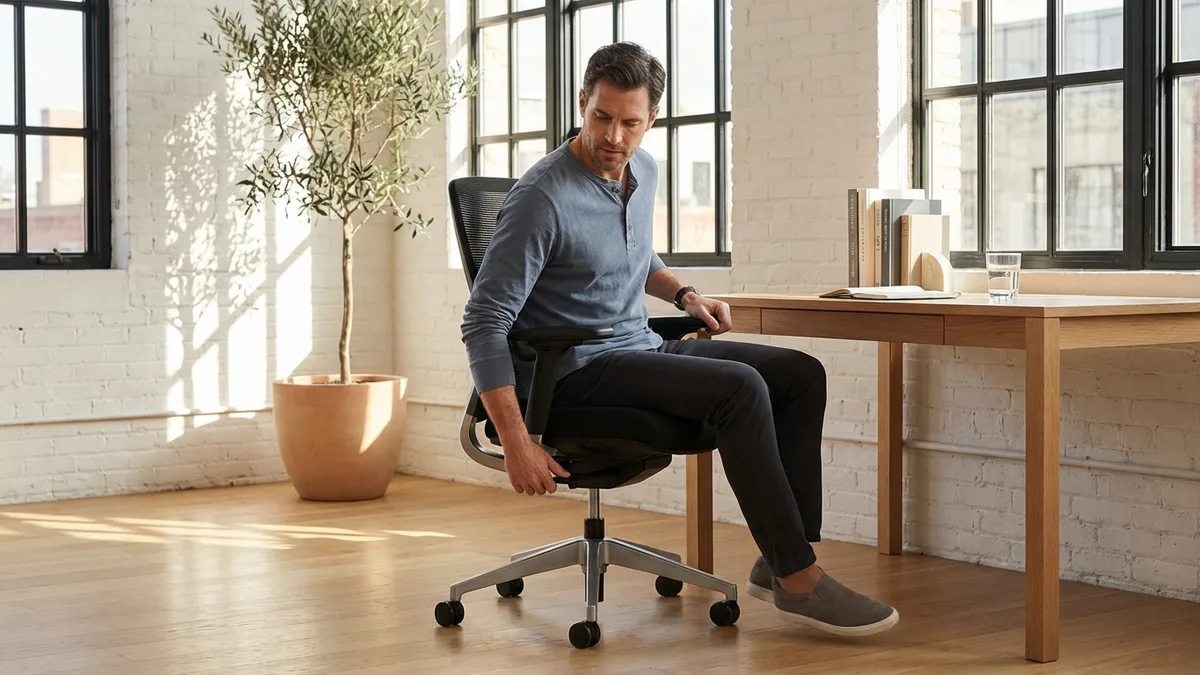
Most desks do not move, and most people are not at the height a standard desk is built for. The good news is that you do not adjust the desk; you adjust your body relative to it, using your chair and a footrest. The logic is simple: set your chair so your elbows hit the right angle at the desk, then fix whatever that does to your feet.
- Set the chair to the desk, not the floor. Raise your chair until your forearms are level with the desk surface and your elbows are near 90 degrees. Ignore where your feet land for now.
- Rescue your feet. If raising the chair lifted your feet off the floor, add a footrest so your feet are supported and your thighs stay roughly parallel to the floor. Dangling feet drag your weight onto the front of the seat and into your lower back.
- Keep the angles open. Aim for knees around 90 to 110 degrees and feet flat on the rest, not tucked under the chair. A foot rocker adds gentle movement on top of support, which helps if you fidget.
This chair-plus-footrest approach is the cheapest correct answer for a shorter person at a standard desk, and it is genuinely good ergonomics, not a compromise. If you are taller than the desk was built for, the fix is harder: you cannot make a fixed desk taller without raising it on risers, and a desk that is too low for you tends to push you into a slumped reach that no chair adjustment fully solves.
Why a height-adjustable desk removes the compromise
The chair-and-footrest method works for one position and one user. The moment you want to alternate between sitting and standing, or you share the desk, or you are too tall for the desk to begin with, a fixed height forces a trade-off that a moving desk simply removes. A height-adjustable standing desk lets you set your exact sitting height and your exact standing height and switch between them, so the elbow angle stays correct in both.
Be honest with yourself about whether you need one, though. If you sit at a single workstation all day, you fit a standard desk, and you have no interest in standing, a chair set to the right height plus a footrest gives you the same correct elbow angle for far less money. An adjustable desk earns its cost when you want to alternate positions, when you are at either extreme of height, or when more than one person uses the desk. The value of standing is in the switching, not the standing itself: a Cochrane review of workplace sit-stand interventions found they reduced sitting time at work, though the authors rated the certainty of the evidence as low, and standing still for hours brings its own aches, as Canada's CCOHS notes for standing work generally. The point of the moving desk is variety, not a new fixed posture.
If an adjustable desk does fit your situation, the two specifications that matter most are height range and standing stability, because a desk that does not reach your standing height or wobbles when raised quietly gets parked at one height and stops earning its keep. You can compare options in our standing desks collection, and our guide on how long to stand at a standing desk covers the switching rhythm that makes the desk worth owning.
Pairing monitor height with desk height
Setting the desk height fixes your arms; it does not fix your neck. Once the desk and chair put your elbows at the right angle, your screen is almost always too low, because most laptops and many monitors sit well below eye level on a correctly set desk. A low screen pulls your head and neck forward and down, which is the posture behind a lot of end-of-day neck ache.
OSHA's monitor-placement guidance gives a clear target: the top of the screen at or slightly below eye level, the screen about an arm's length away, and tilted slightly back so you look down at it by only a small angle. To hit that after setting your desk height, raise the monitor on a stand or arm, or set a laptop on a riser and use a separate keyboard and mouse so your hands stay at desk height while the screen comes up to your eyes. The order matters: set the desk and chair for your arms first, then lift the screen to your eyes second. Doing it the other way around tends to push the desk to the wrong height to chase the screen.
If you are setting up a workspace from scratch, our home office setup guide walks through desk, chair, monitor, and footrest in the order that keeps each adjustment from undoing the last.
When to see a professional
A correct desk height addresses a mechanical cause of discomfort: the angle of your joints over a long working day. It is not a treatment for an underlying condition, and our products are comfort and posture aids, not medical devices. See a doctor or physiotherapist promptly rather than relying on a desk adjustment if you have any of the following.
- Pain after trauma. Back, neck, or arm pain that began after a fall, collision, or other injury.
- Numbness or weakness. Progressive weakness, pins and needles, or numbness in an arm or leg, especially if it is worsening.
- Saddle numbness or loss of control. Numbness around the groin or inner thighs, or any loss of bladder or bowel control, which needs urgent medical care.
- Systemic warning signs. Unexplained weight loss, fever, or night pain that wakes you, alongside the discomfort.
- Pain that will not settle. Severe pain, or pain that does not improve over a few weeks despite a sensible setup and gentle movement.
The bottom line
Your correct desk height is the one where your elbows sit near 90 degrees and your shoulders relax, sitting and standing alike. Run the forearm measurement, use the table as a starting point, and then trust how your body feels over a number on a chart. If your desk is fixed and you are shorter than it was built for, a chair set to the desk plus a footrest gives you the right angle for very little money. If you want to alternate positions, sit at either extreme of height, or share the desk, a moving surface is what removes the compromise, and that is where our height-adjustable standing desk earns its place. Whichever route fits, set the arms first and the screen second, then keep moving, because variety is the part that actually helps your back.