
Budget Ergonomic Office Setup: A Spending Order
You do not have hundreds to spend on a chair and desk, but your lower back, neck, and shoulders are paying the price of a setup that was never built for sitting all day. The good news is that a genuinely ergonomic workspace is mostly about position, not price. A smart budget ergonomic office setup spends your first hour on free fixes, then puts a small amount of money only where it changes how you feel - and skips the rest.
We make and sell ergonomic comfort products, so treat this as a buying framework rather than a neutral ranking, and notice that the first half of it costs nothing. We will lay out the order to fix things, judge our own value kit against the same criteria, and tell you plainly who can stop reading after the free section. These are comfort and posture aids, not medical devices, and nothing here diagnoses or treats a condition.
The ergonomic essentials in priority order
On a budget, fix things in this order: get your screen, posture, and breaks right for free; then spend a little on the parts your body still misses - lumbar support, then a footrest, then a seat cushion; and only after that consider the big-ticket chair or desk. Position and movement do most of the work; products fill the gaps.
The reason for that order is simple. The biggest ergonomic problems - a screen too low, a slumped back, hours without standing - cost nothing to fix and matter more than any single purchase. OSHA's guidance on good working positions and Cornell University Ergonomics both stress neutral joint angles and frequent posture change over any specific piece of kit. So the cheapest improvements are usually the largest, and money spent before the free fixes are in place is money half wasted.
Free fixes first
Before you buy anything, do these. Most setups improve more from this list than from any single product, and all of it is free.
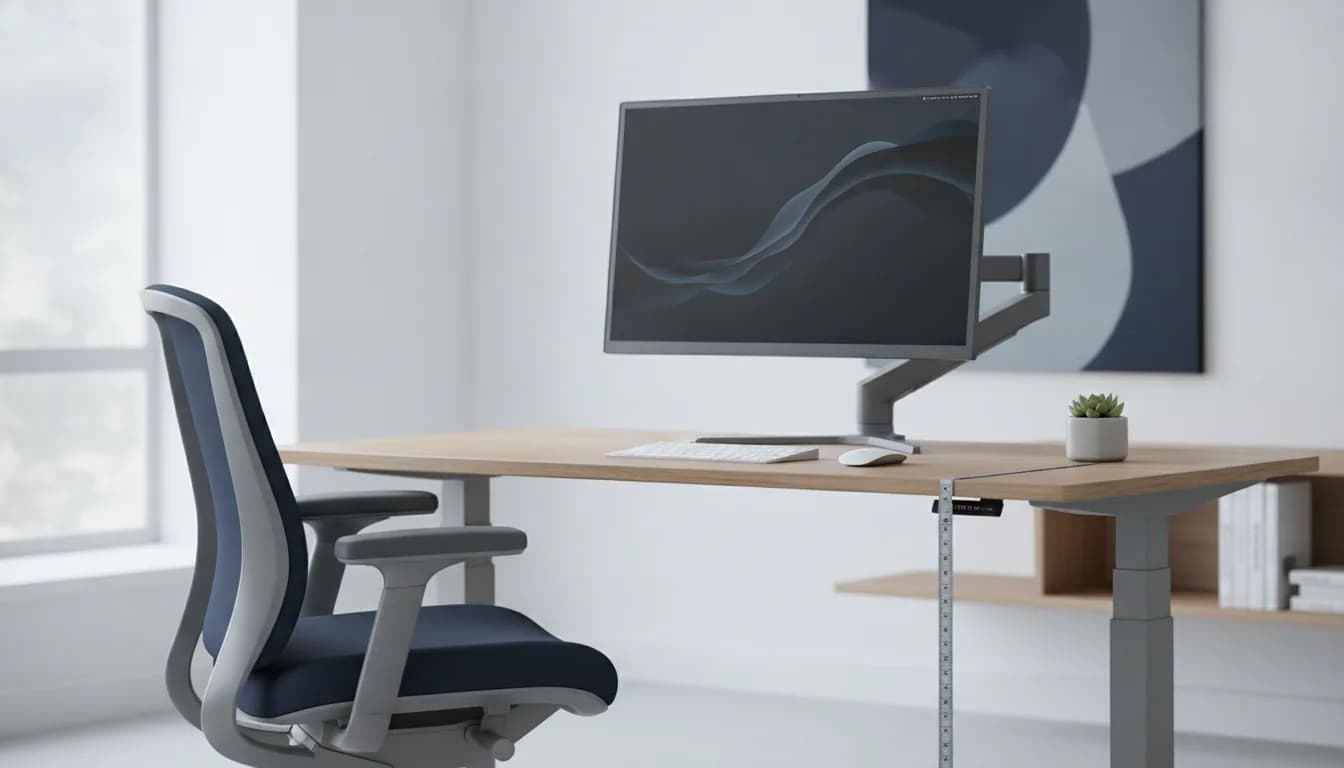
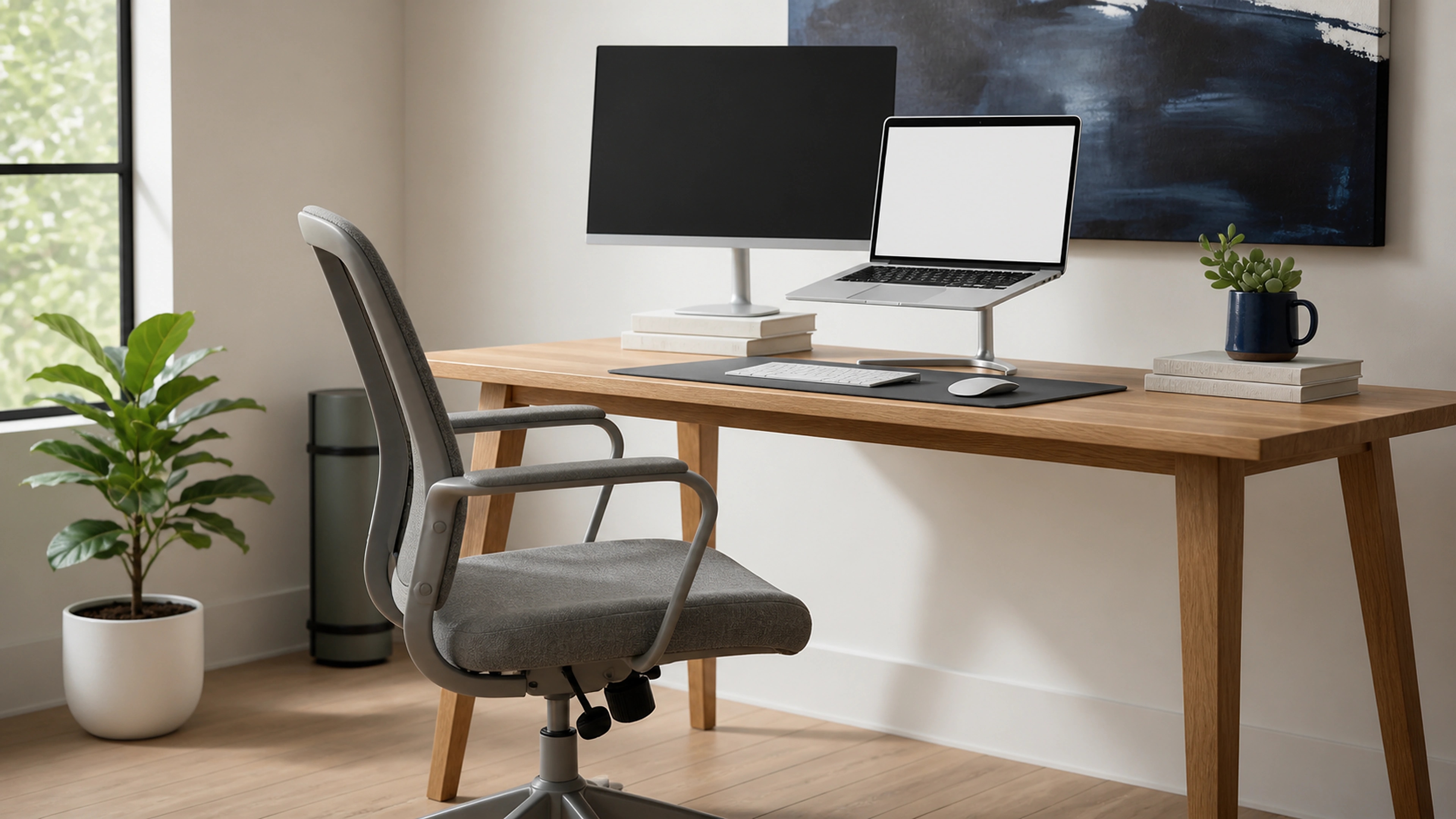
- Raise your monitor. The top of the screen should sit at roughly eye level, about an arm's length away. Stack it on a ream of paper, a sturdy box, or a few books until it is high enough. OSHA's monitor-placement guidance is that the top of the screen at or slightly below eye level keeps your neck neutral - this one change does more for tech neck than most purchases.
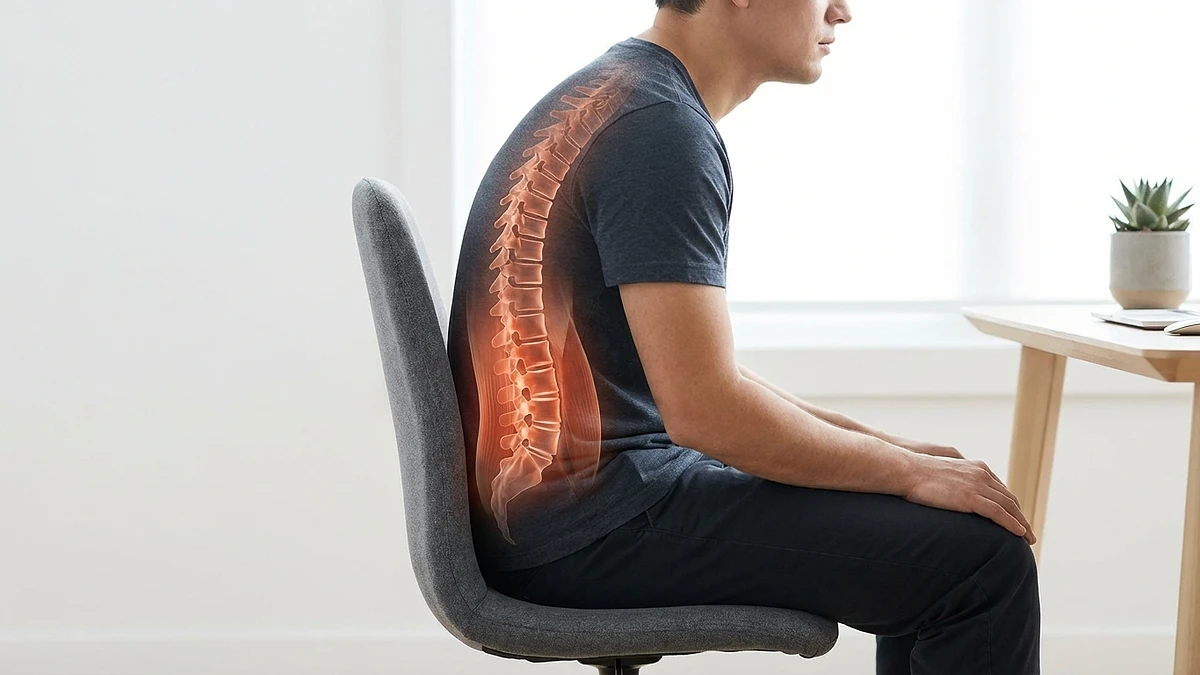
- Fix your sitting posture. Sit back so your lower back is supported by the chair, not hovering off it. Keep your feet flat, hips and knees roughly level, shoulders relaxed, and forearms about level with the desk. A rolled towel behind your lower back is a free lumbar trial.
- Drop your keyboard and mouse close. Keep them near enough that your elbows stay close to your sides and your wrists stay straight, not bent up or reaching forward.
- Take real breaks. No position is healthy for hours. Stand or walk for a minute or two every half hour to hour. CCOHS guidance on sitting is consistent that breaking up sitting time matters more than any single posture.
- Use the daylight. Angle the screen to cut glare and reduce the squint-and-lean that quietly wrecks your neck by the afternoon.
If you want a fuller walkthrough of getting heights right before spending, our desk height guide covers it step by step. Do this section first - it changes what, if anything, you actually need to buy.
Cheap high-impact buys
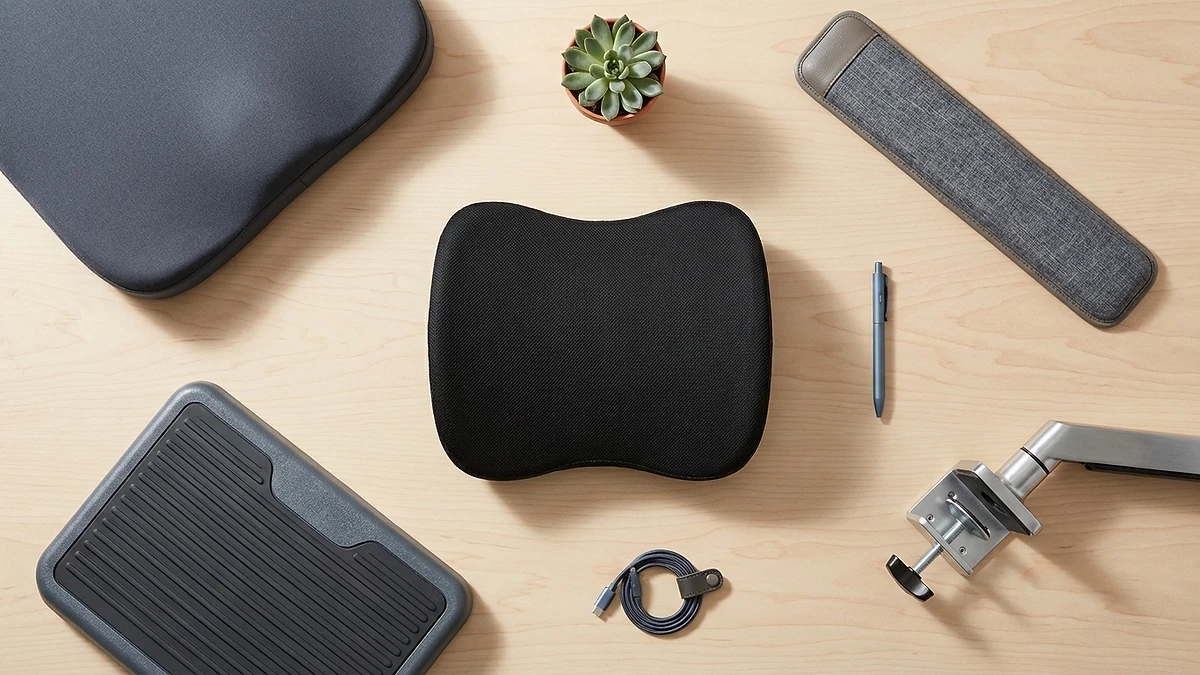
Once the free fixes are in, a short list of low-cost items fills the gaps a basic chair and desk leave. Buy them in this order, and only the ones your body actually misses.
Lumbar support first
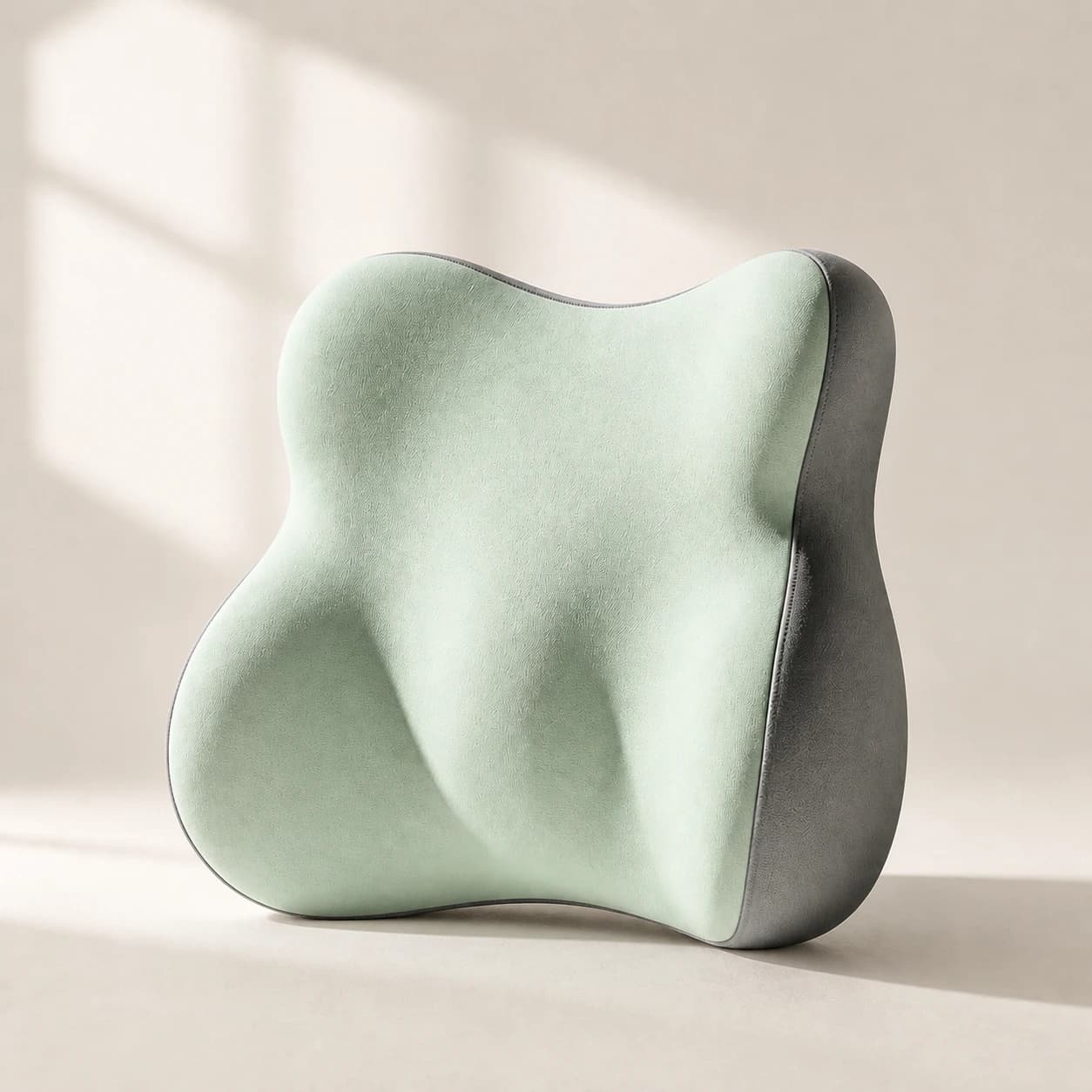
If the free towel-roll trial helped your lower back, a proper lumbar pillow is the highest-value buy on a budget. Most affordable chairs have weak or badly placed lumbar support, and filling the inward curve of your lower back is what stops the end-of-day ache for many people. It is cheap, it moves between chairs and the car, and it tests whether better back support is what you have been missing before you spend on a new chair.
Footrest second
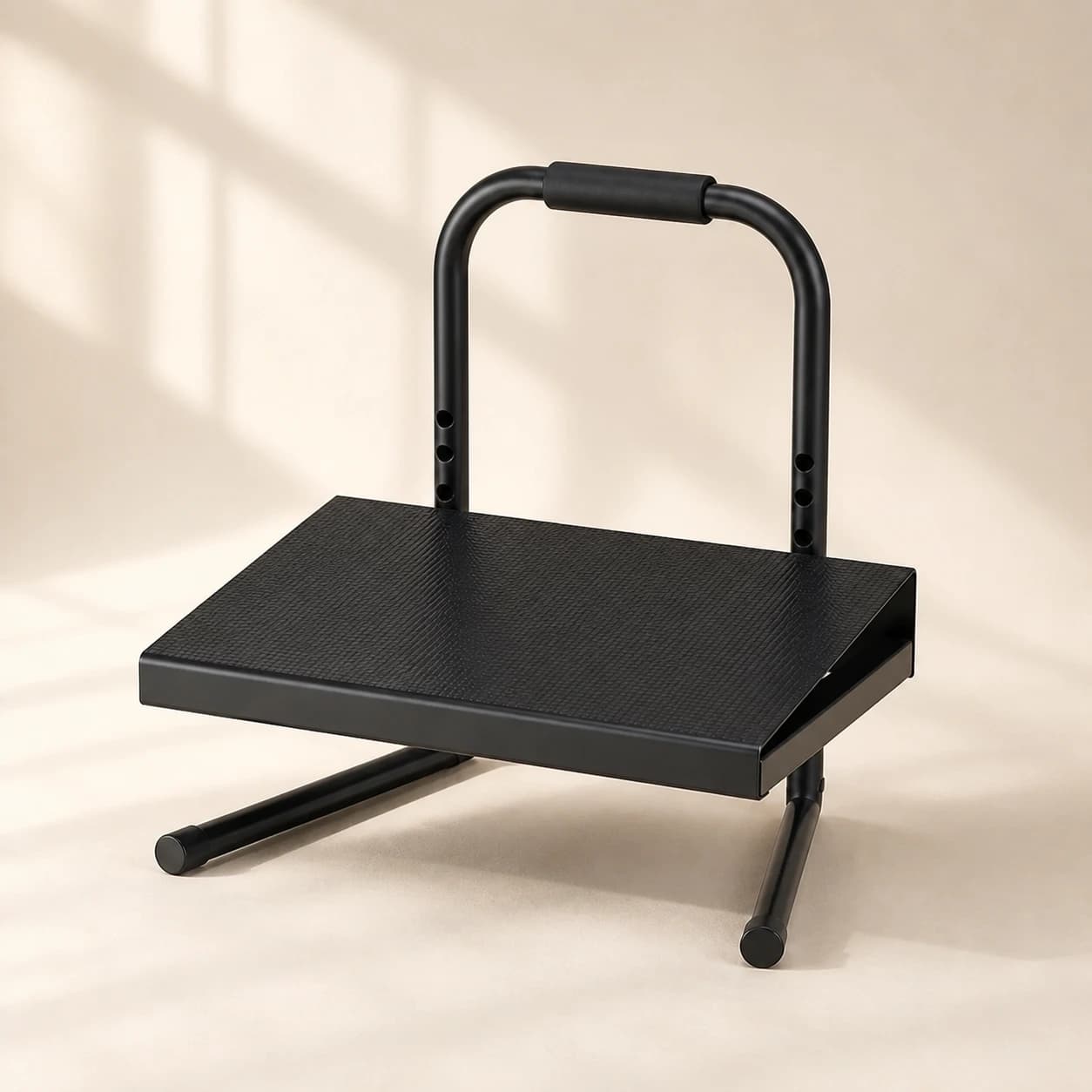
If your feet dangle or you had to drop the seat too low to reach the floor, a footrest restores the hip-and-knee angle you want without a height-adjustable chair. It is a small spend that fixes a real fault, and a rocking footrest also lets you shift your legs and keep some movement going while seated.
Seat cushion third
If a hard or worn seat is the thing that gets uncomfortable first, a supportive seat cushion is the fix - especially for tailbone or sitting-bone soreness on a flat budget chair. It is the third priority, not the first, because posture and lumbar usually matter more, but for the right person it is the difference between bearable and comfortable.
When it is worth spending on the chair or desk
The big-ticket items - an ergonomic chair or a standing desk - come last on a budget, and for good reason. They are the most expensive way to fix a problem that the free section and a few cheap add-ons often solve for a fraction of the cost.
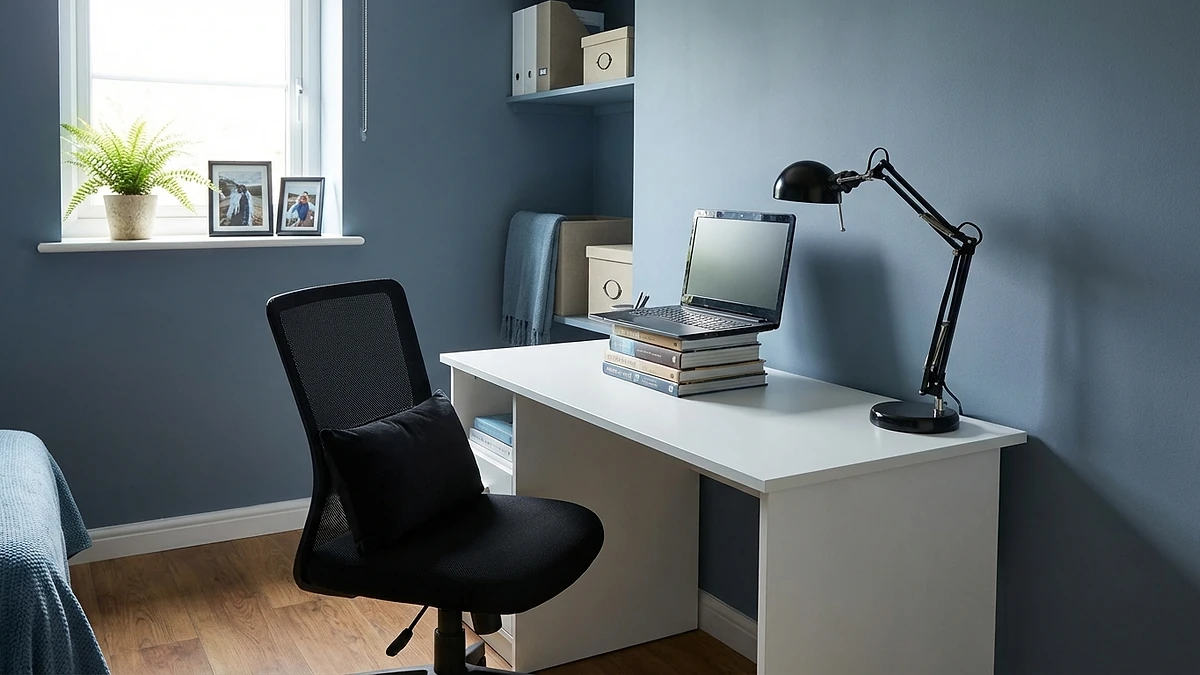
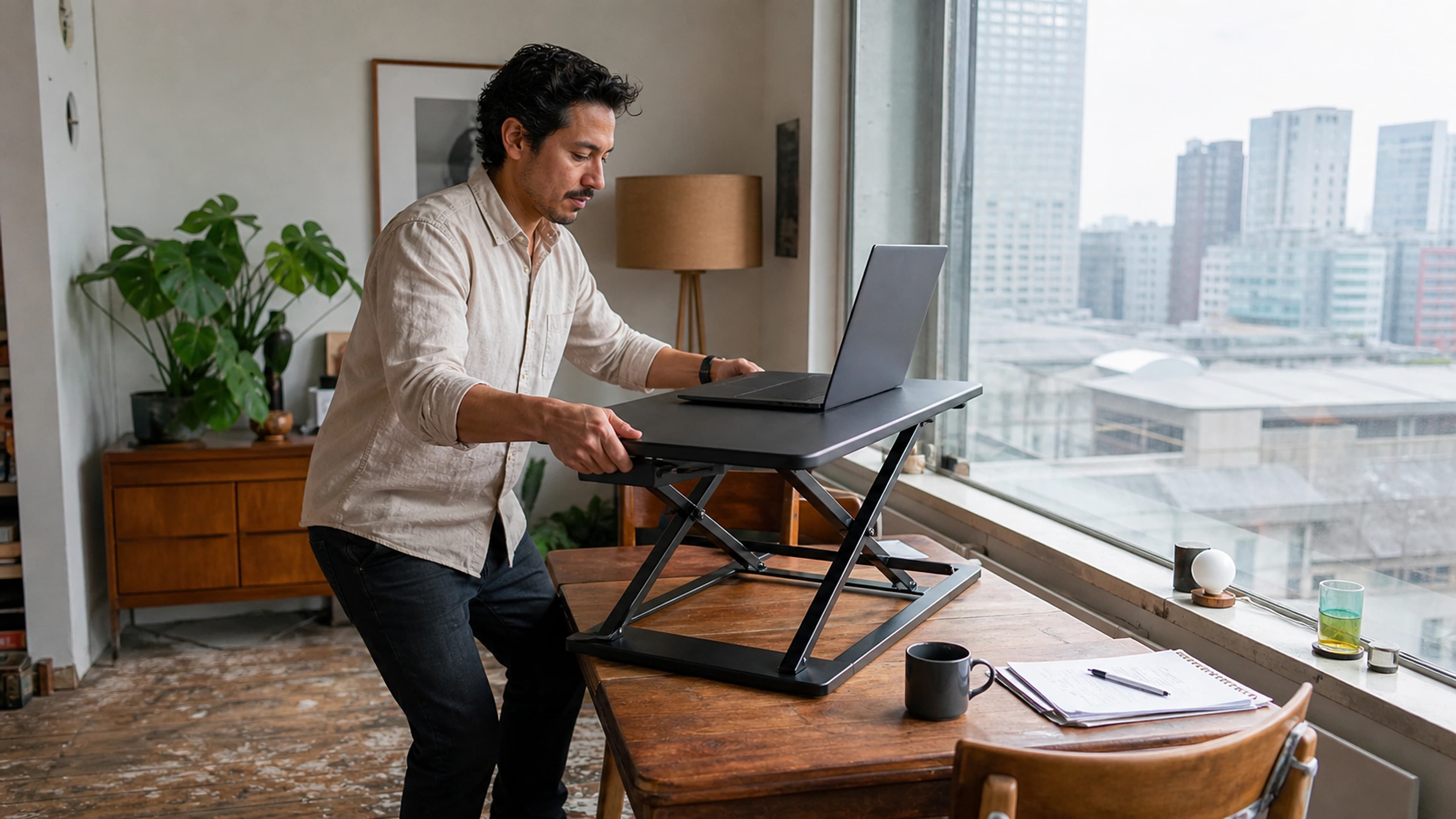
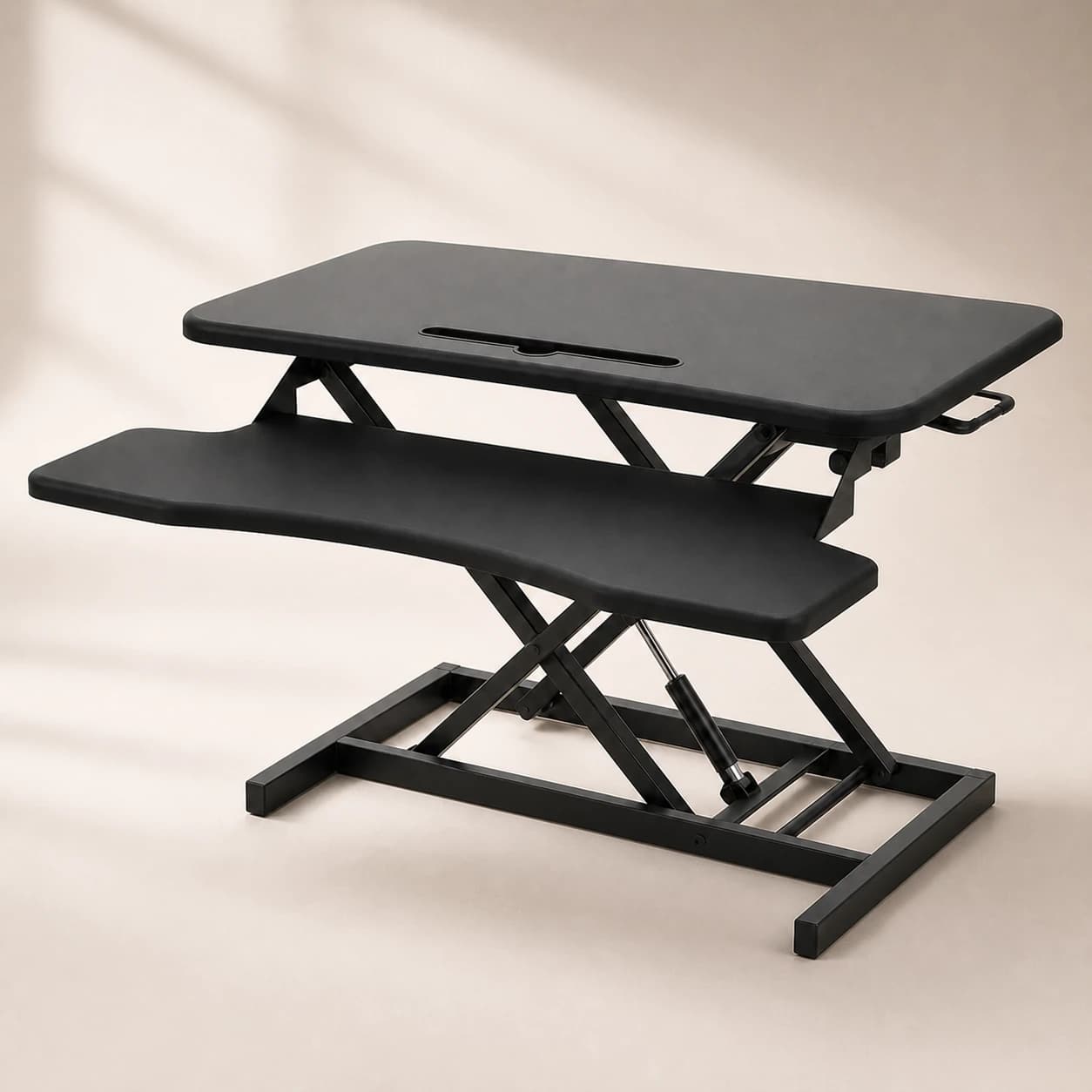
Spend on a new chair when your current seat is genuinely broken or unsupportable - sagging foam, no working height adjustment, a frame that wobbles - and the lumbar pillow and cushion have not been enough. At that point a chair that adjusts to your body is a real upgrade, not a luxury. Spend on a standing desk, or a cheaper desk converter, only if you specifically want to alternate sitting and standing and have the budget free after the basics. CCOHS guidance is clear that standing has its own downsides if overdone, so a desk is about variety, not a cure.
If you do reach this point, decide honestly between fixing your current chair and replacing it before you commit the money, because an under-set-up chair often only needs the cheap add-ons above rather than a full replacement.
A staged budget plan
Here is the whole approach as a spending order. Work top to bottom and stop whenever your setup feels right - many people never need the bottom row.
For a setup walkthrough aimed at a typical desk worker, our home-office setup guide follows this same priority order in more detail.
Our value kit, honestly
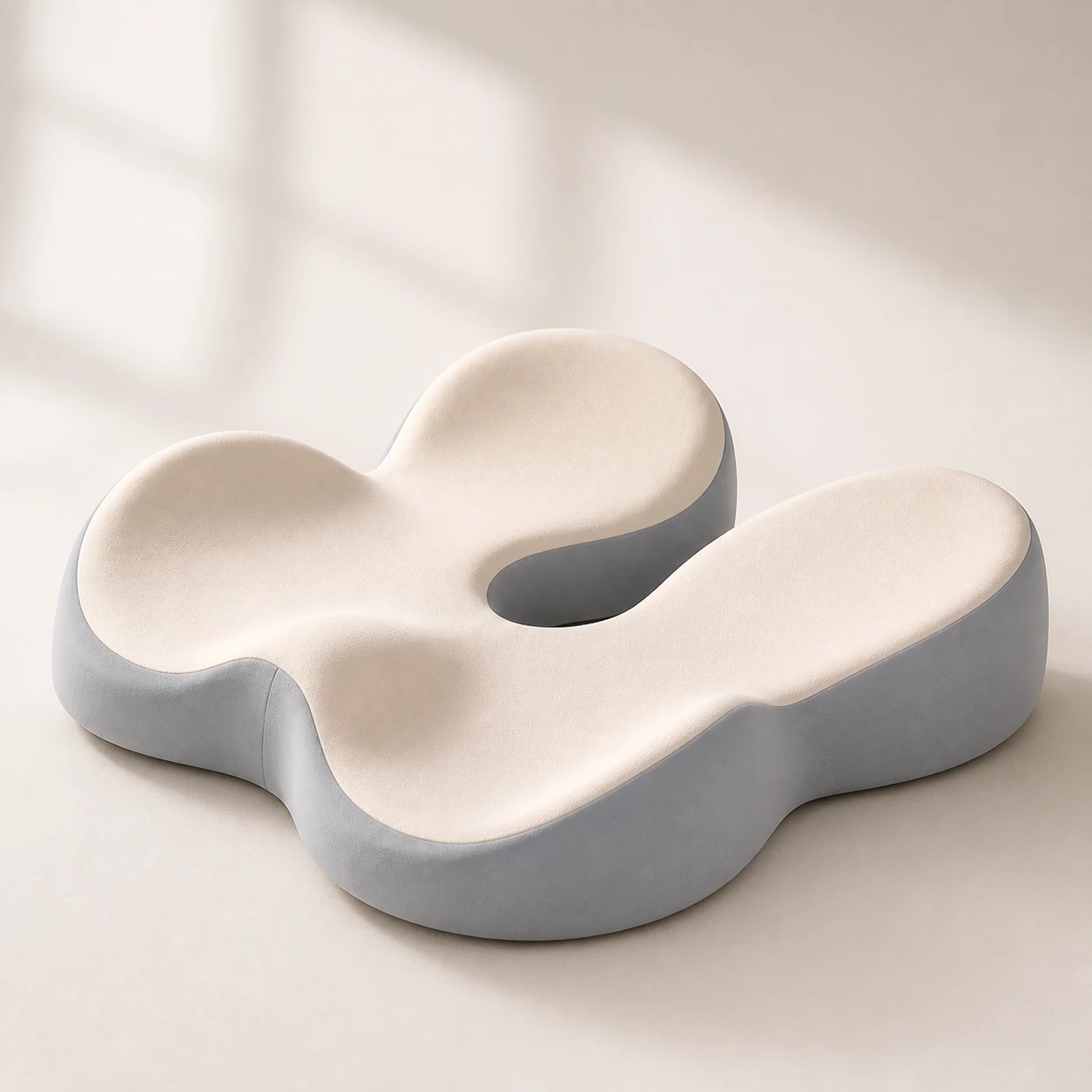 Product mentioned in this guideMemory Foam Seat CushionA sculpted seat cushion with a deep, open U-shaped rear channel designed to reduce direct contact beneath the coccyx and tailbone area. Raised rear…Free US shipping on every order60-Day Home Trial · we pay return shippingSee current price
Held against the order above, the product we point budget buyers to is the office comfort kit - it bundles the three cheap high-impact buys (lumbar support, a footrest, and a seat cushion) into one lower-cost set rather than buying them separately. We will judge it the same way we asked you to judge everything else.
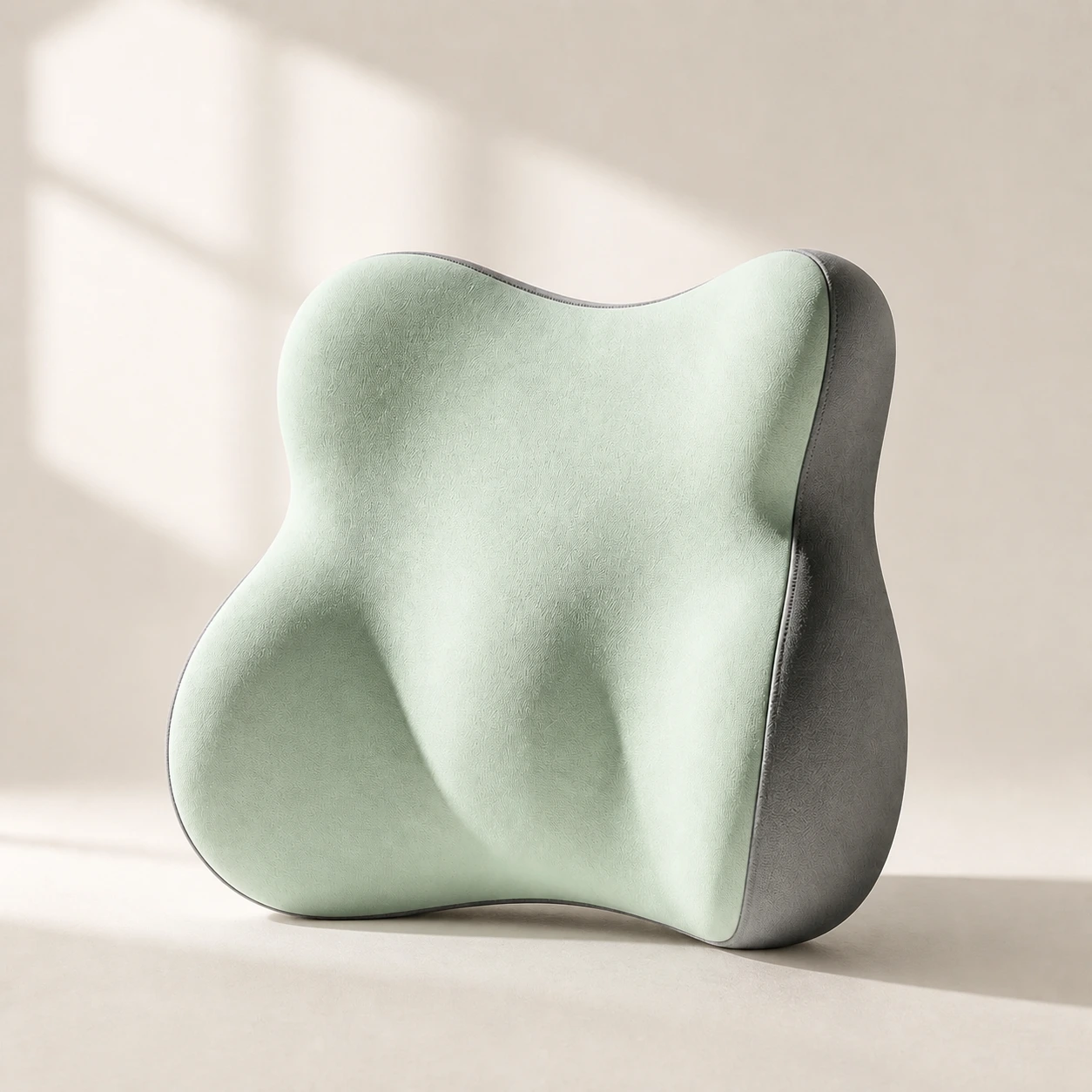 Product mentioned in this guideLumaWing Lumbar Cushion39 × 34 × 14 cm lumbar cushion available in four colours with a slow-rebound memory-foam core, fixed central ridge, recessed side channels, and broad outer…Free US shipping on every order60-Day Home Trial · we pay return shippingSee current price
On value, bundling the three add-ons together costs less than buying them one by one, and it covers stages two through four in a single purchase. On flexibility, each piece works on its own and moves between chairs, so nothing is wasted if you only end up needing one part. On honesty, here is the caveat we keep stressing: a kit is only worth it if you need more than one of its parts. If the free fixes and a single lumbar pillow sort you out, buy just the lumbar support pillow on its own and keep the rest of your money - the kit is the right call only when you genuinely want two or three of the items. We would rather sell you the lumbar pillow you need than a kit you do not.
If you would prefer to assemble your own selection, buy the individual pieces and add only what your setup is actually missing.
Who should skip this
A budget ergonomic setup is more than some people need. You can stop after the free section if you sit at a desk for only an hour or two a day, if you already move around often and rarely sit unbroken, or if your current setup is comfortable and you have no recurring ache. In those cases, position and breaks are enough, and the smartest budget move is to spend nothing.
And no product, cheap or expensive, fixes a problem caused by sitting too much. CCOHS and OSHA guidance both come back to the same point: movement and neutral positions matter more than gear. If your discomfort comes mainly from the sheer hours rather than a missing piece of support, the highest-value change is moving more - and that is free.
When to see a professional
A comfort product is a posture aid, not a medical device, and some back, neck, or leg pain needs a clinician rather than a cheaper setup. See a doctor or physiotherapist if your pain followed a fall, a blow, or other trauma; if it is severe, steadily worsening, or not improving after a few weeks of better setup and more movement; or if it comes with any warning sign that points beyond simple posture strain.
Seek prompt medical advice for numbness or tingling in the saddle area between your legs, loss of bladder or bowel control, progressive weakness or numbness in a leg, fever alongside back pain, or unexplained weight loss. These are red flags, not setup problems. No cushion, pillow, or chair is the right response to them - waiting for the right gear to fix them only delays the care you actually need.
The bottom line
A good budget ergonomic office setup is mostly free: raise your screen, fix your posture, and take real breaks before you spend a penny. Then add only the cheap, high-impact items your body still misses - lumbar support first, then a footrest, then a seat cushion - and leave the expensive chair or desk for last, if at all. If you do need two or three of those add-ons, our office comfort kit bundles them for less than buying separately; if you need just one, buy that one. Either way, start with the free fixes and keep getting up to move - browse the bestsellers collection only for the gaps you actually have.