
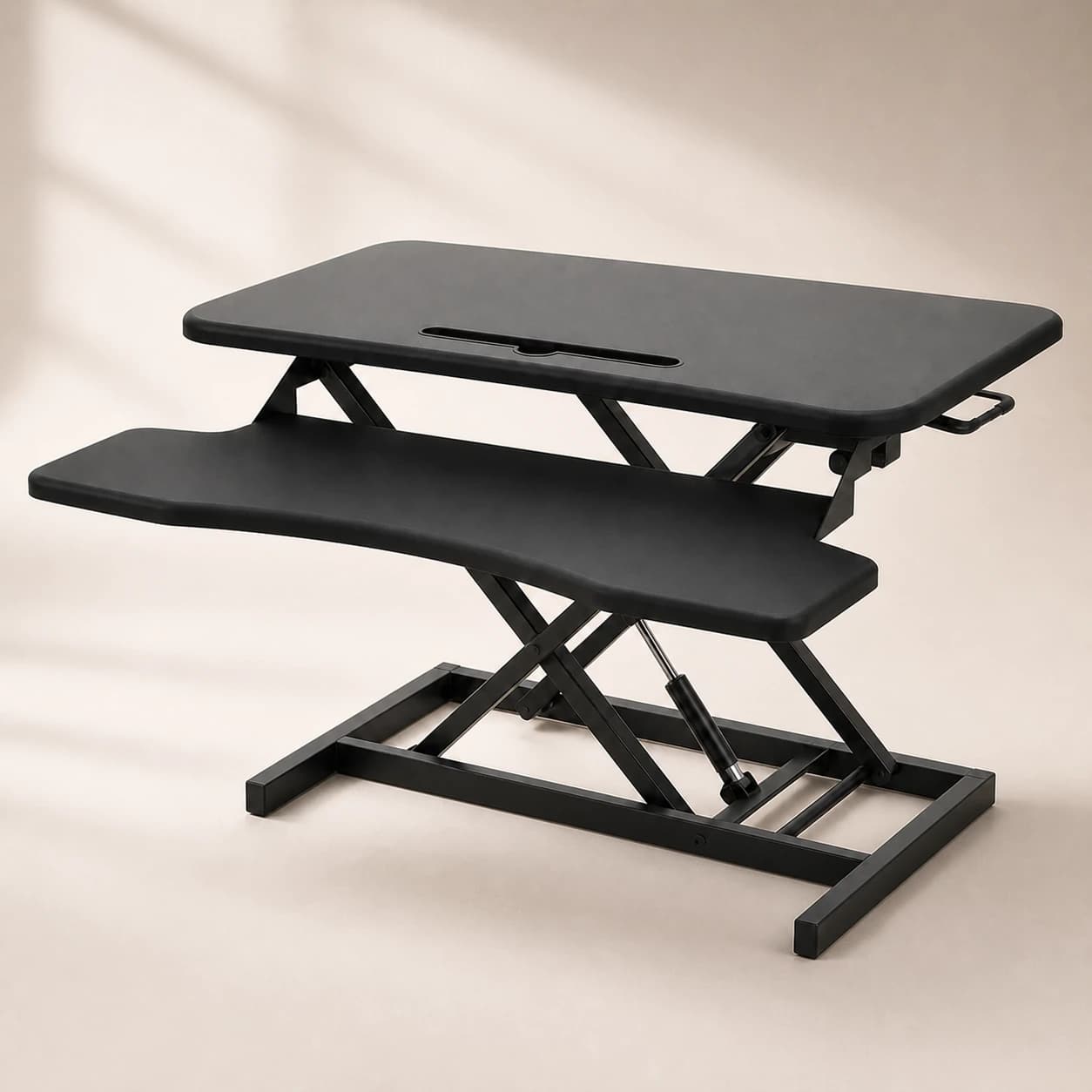
If you are searching for the best standing desk converter in 2026, the honest answer is that the right converter is the one that fits your monitor and keyboard, holds your gear without wobbling, and drops low enough to keep your elbows at roughly a 90-degree angle when you stand. There is no single model that wins for everyone. So instead of a fake head-to-head ranking, this guide leads with the criteria that actually decide whether a converter works for you, explains when a desktop riser is the right call and when it is a false economy, and makes the case for why a full height-adjustable standing desk is the better long-term buy for most people.
Converter vs full standing desk: what is the actual difference?
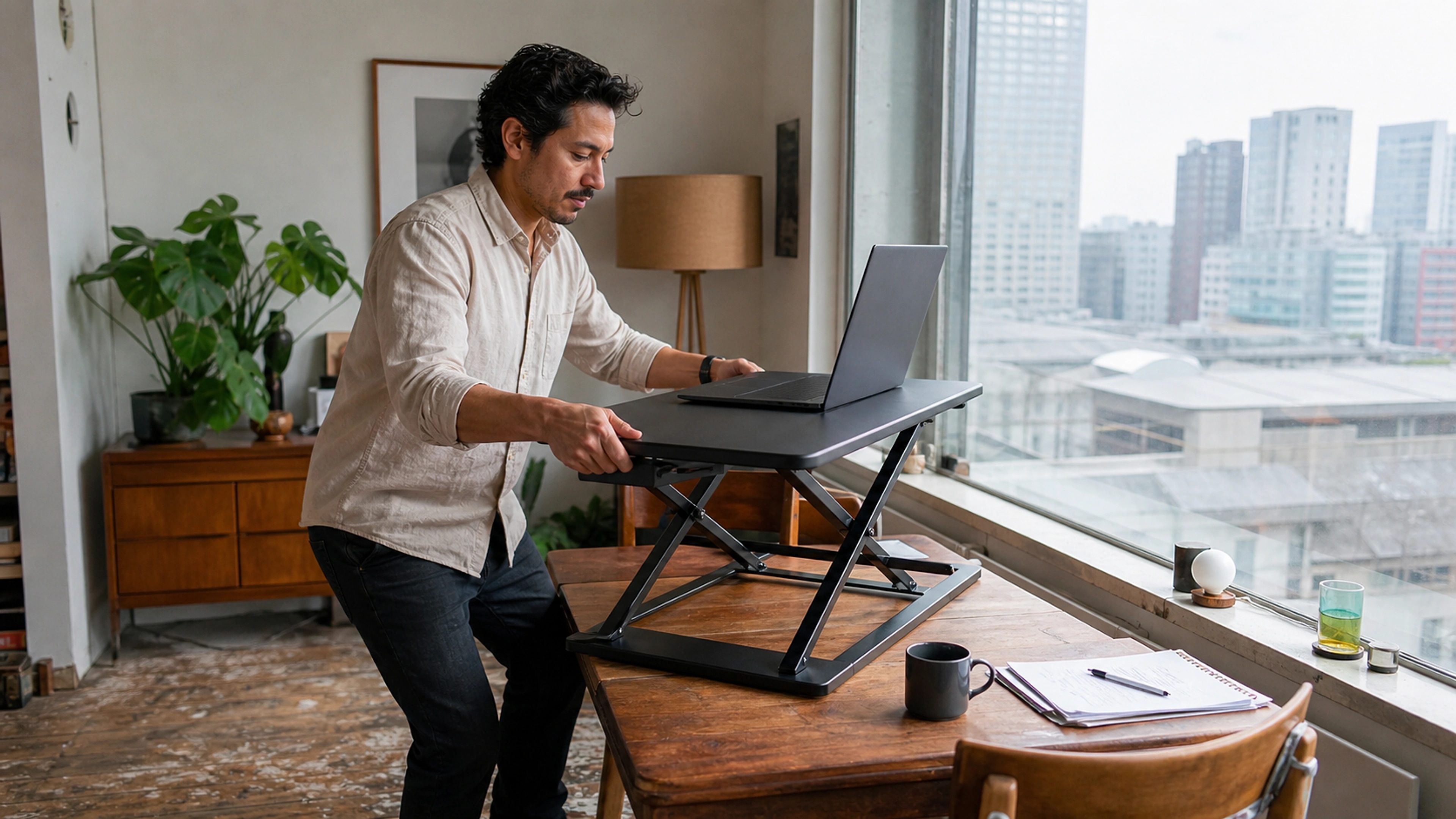
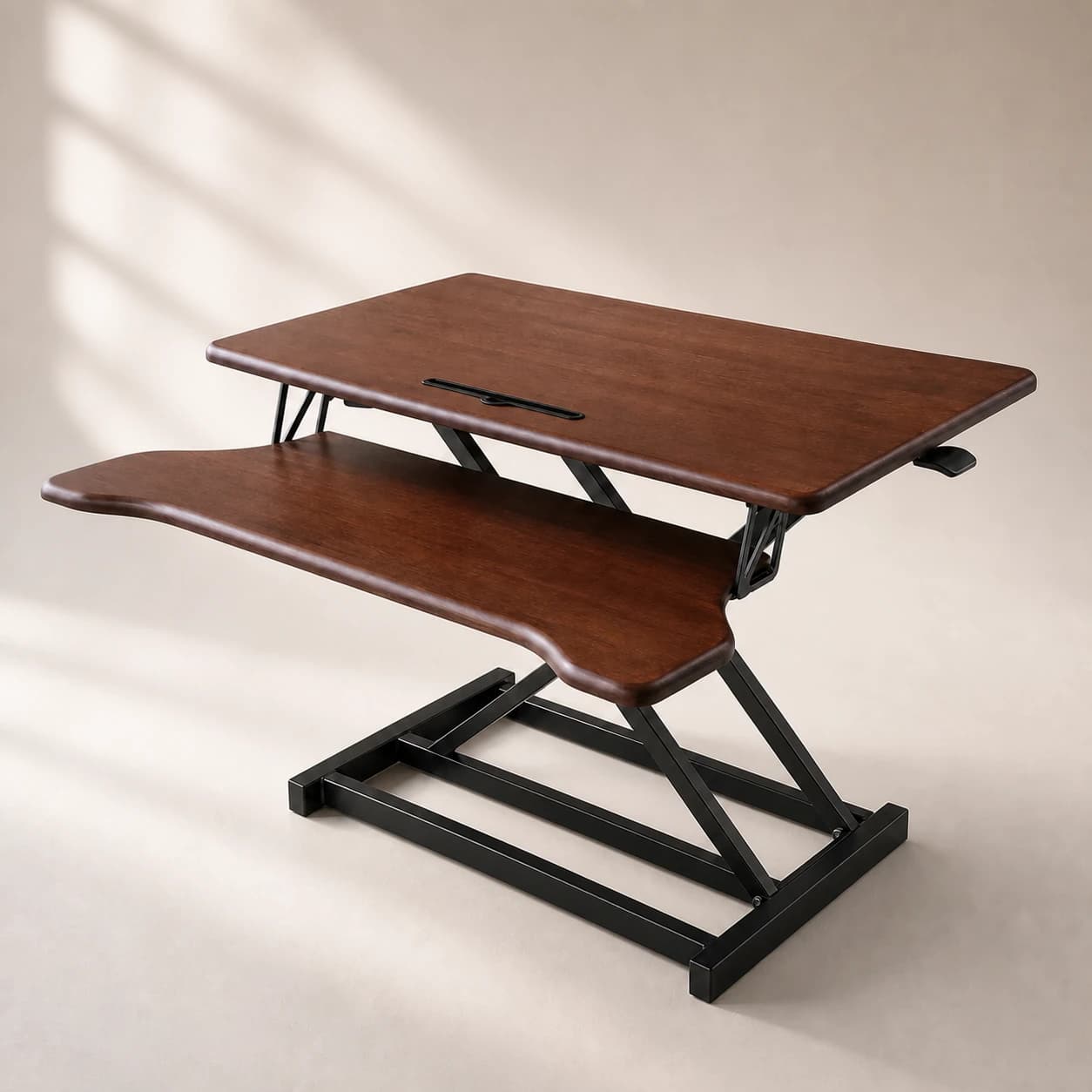
A standing desk converter, also called a desktop riser, is a unit you set on top of your existing desk. It lifts your monitor and keyboard up so you can stand, then lowers back down so you can sit. Your desk never moves; only the converter does. A full standing desk is different in kind: it replaces the desk entirely and raises the whole work surface on motorised or crank legs.
That distinction drives everything else. A converter is a bolt-on that works with furniture you already own. A standing desk is the furniture. The converter is cheaper and reversible; the desk is a bigger commitment that removes the compromises a converter forces. Which is right depends on your situation, not on a spec-sheet winner.
The five criteria that decide a good converter
Whether you end up buying a converter or a desk, these are the things that determine whether a sit-stand setup feels right or quietly creates new aches. Use them as a checklist.
1. Standing height range
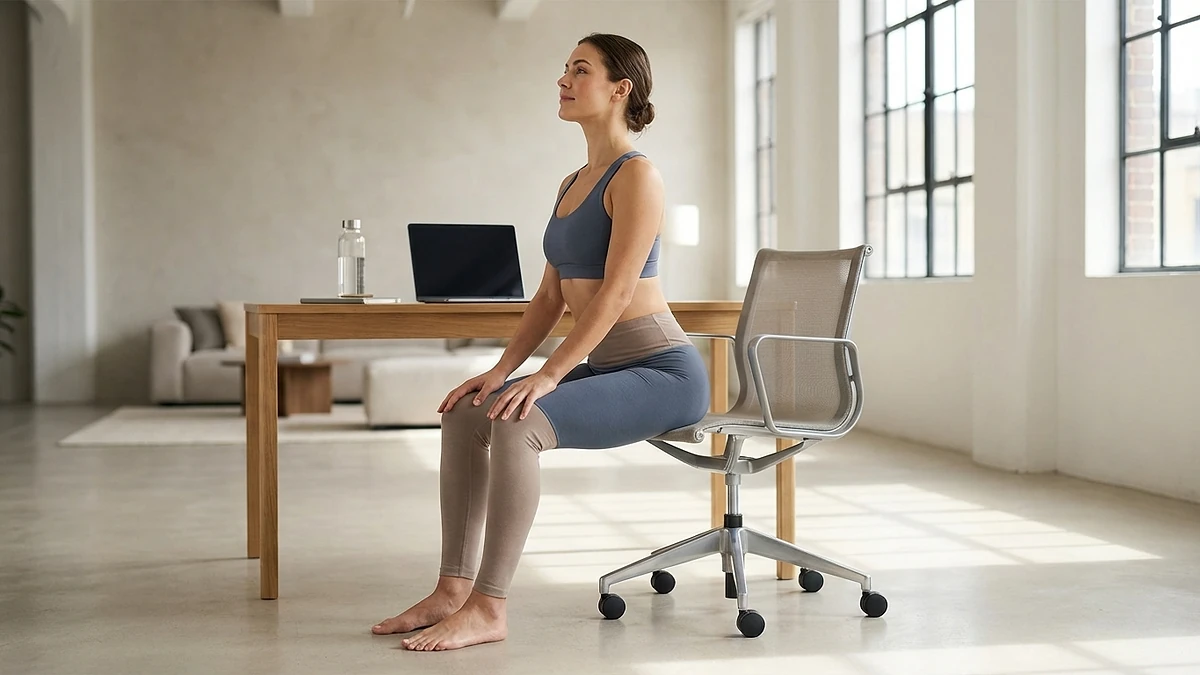
This is the criterion most people get wrong. When you stand, your elbows should rest at about a 90-degree angle with your forearms parallel to the floor, which the Canadian Centre for Occupational Health and Safety lists as the baseline for a standing work surface. A converter that does not lift high enough leaves a taller person hunched. Just as often, a converter that does not drop low enough leaves a shorter person with the keyboard too high, wrists bent upward, shoulders shrugged. Check the full travel range and confirm both ends suit your height before anything else.
2. Stability under load
A converter raises your screens on a platform, and the higher that platform goes, the more a poorly built one sways as you type. Wobble is the single most common complaint about converters, because you are stacking weight on top of an existing surface rather than building from the floor up. Look for a wide base, a solid lift mechanism, and a weight rating with comfortable headroom over your actual monitor weight.
3. Depth for a full keyboard and mouse
A standing setup still needs room for a full keyboard and a mouse with space to move it. Many converters use a separate lower keyboard tray to make room, which is good ergonomically but eats into the desk depth in front of you. Measure your gear and confirm the keyboard surface is deep enough that your mouse is not crammed against the monitor shelf.
4. Monitor fit

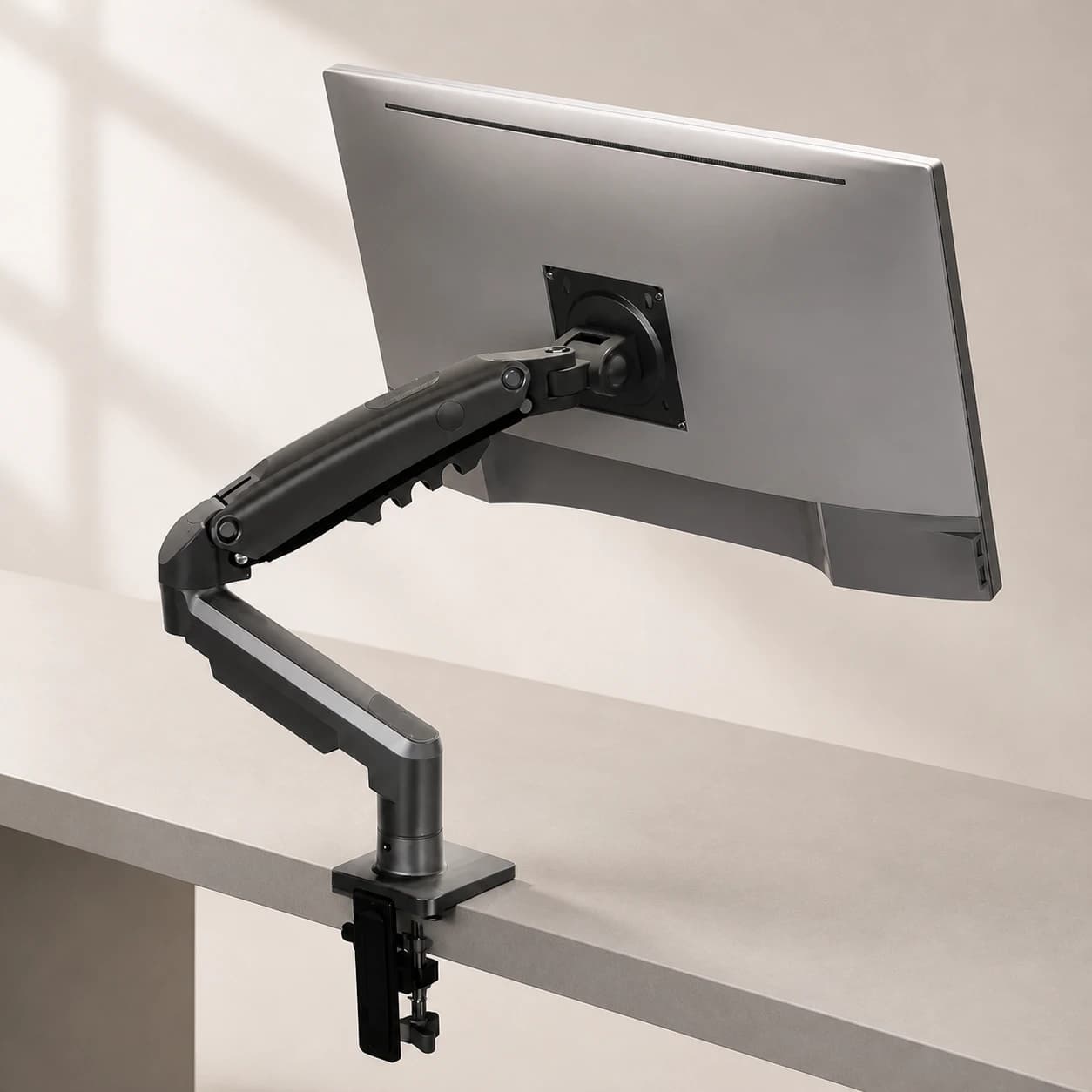
Confirm both the weight capacity and the layout. A single ultrawide, a laptop plus an external screen, or a dual-monitor arm all place different demands on a converter. If you run two screens, make sure the top surface is wide enough and rated for the combined weight, otherwise you are back to wobble.
5. How easy it is to raise and lower
The benefit of sit-stand working comes from actually alternating positions through the day. If changing height is a two-handed wrestle, you will stop bothering and the converter becomes an expensive monitor stand. Spring-assisted or gas-strut lifts that move with one smooth motion are far more likely to get used than anything you have to fight.
When a converter is the right call
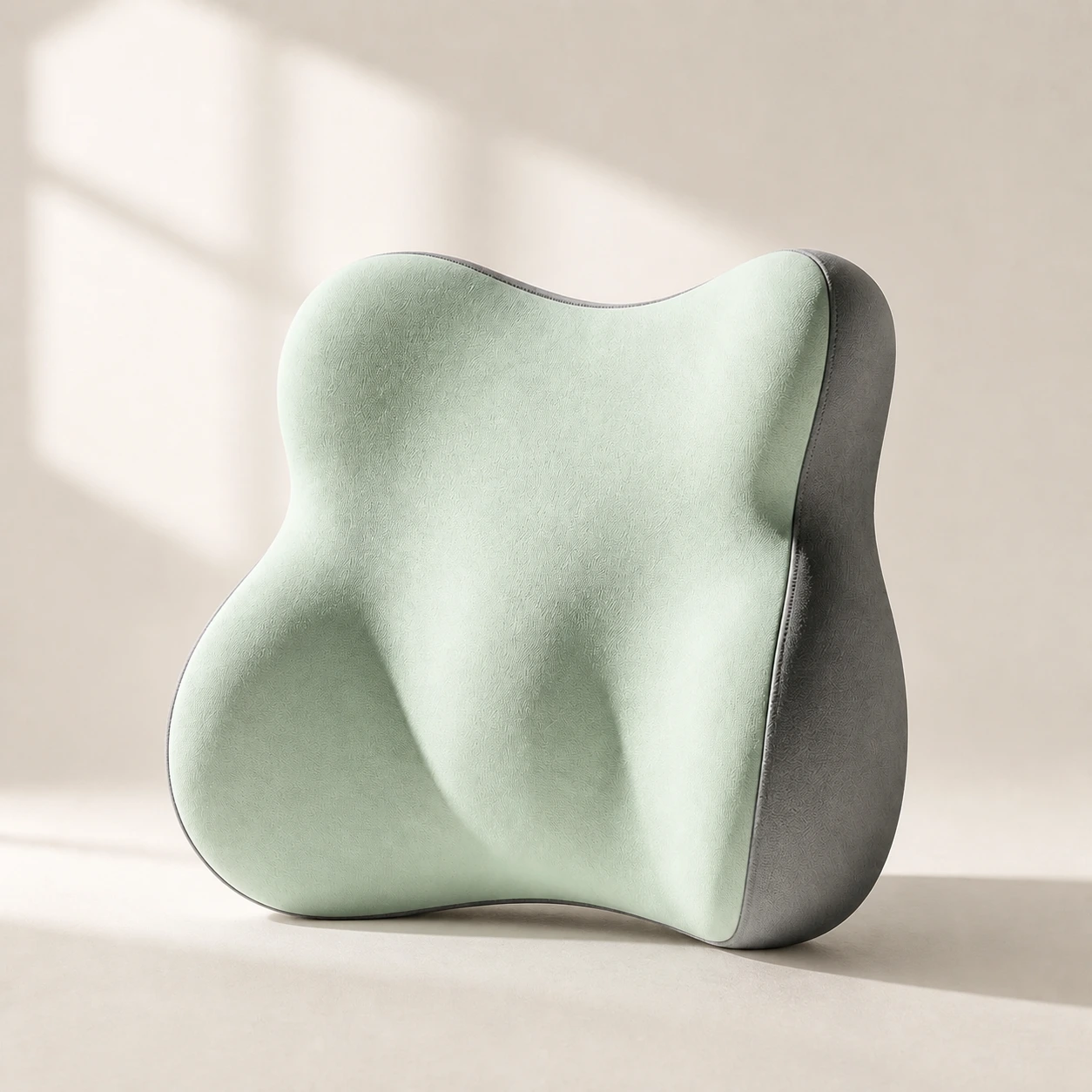 Product mentioned in this guideLumaWing Lumbar Cushion39 × 34 × 14 cm lumbar cushion available in four colours with a slow-rebound memory-foam core, fixed central ridge, recessed side channels, and broad outer…Free US shipping on every order60-Day Home Trial · we pay return shippingSee current price
A converter is not a bad product. In the right situation it is the sensible, frugal choice. A desktop riser makes genuine sense when:
- You cannot replace your desk. If you have a built-in desk, a treasured solid-wood piece, or a shared workspace you do not control, a converter lets you stand without ripping anything out.
- You are renting or moving soon. A converter is light, reversible, and easy to take with you. A full desk is a heavier commitment to a space you may not keep.
- You want to test sit-stand cheaply. If you are not sure whether you will actually use a standing setup, a converter is a low-cost way to find out before committing to a desk.
- You only stand occasionally. If standing is a sometimes thing rather than a core part of your day, the converter's compromises matter less.
In those cases, buy against the five criteria above and you will get a unit that does its job. Treat it honestly, though, as a stopgap and a test, not as the ergonomic equal of a proper desk.
Where converters fall short
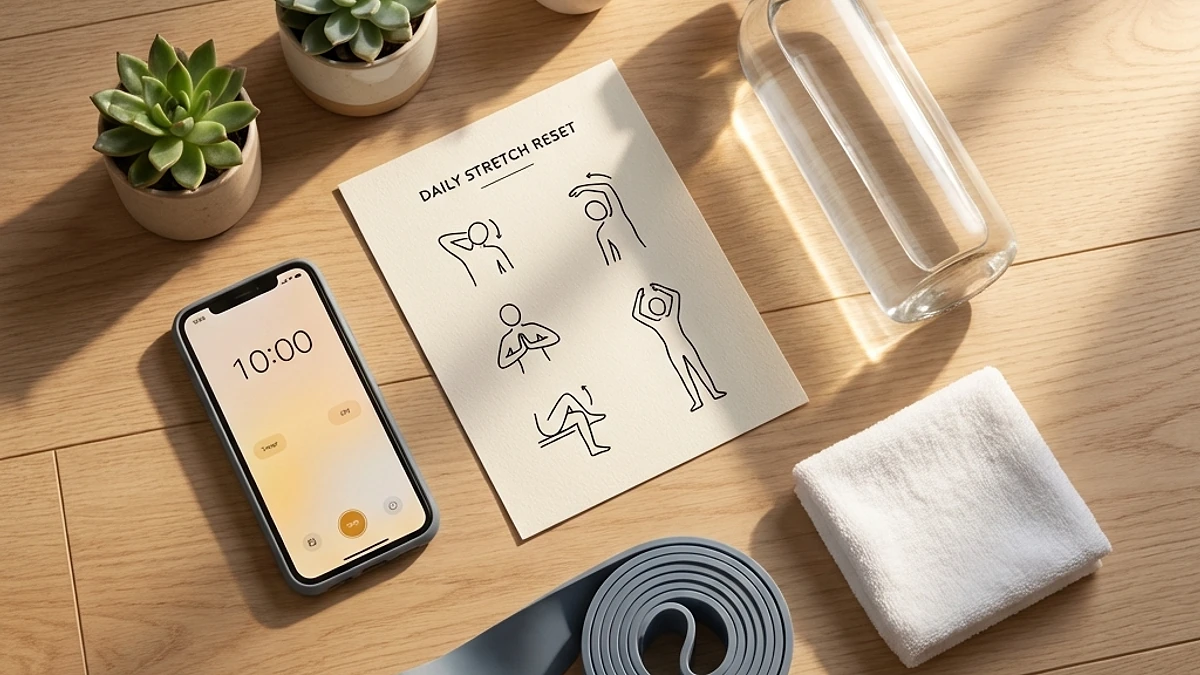
The same design that makes a converter convenient also creates its limits. It is worth being clear-eyed about them before you buy:
- It steals desk depth. The riser and its keyboard tray occupy the space in front of you, so the desk feels smaller in both sitting and standing modes.
- It often wobbles. Stacking screens on a tall platform is inherently less stable than a desk built from the floor, and cheaper converters show it.
- It frequently will not sit low enough. Many converters add height even in their lowest position, which can leave shorter users with a keyboard that is too high when seated.
- It splits your work surface into tiers. Notebooks, a coffee cup, or a second device end up on the fixed desk below while your keyboard sits on the raised tray, so your gear is scattered across two heights.
Why ERGOLA recommends a full standing desk for most people
For anyone who works at a desk every day and plans to keep doing so, a full adjustable standing desk is the better buy, and it is the one we recommend most often. The reason is simple: it removes the compromises a converter forces rather than working around them.
Because the entire surface rises and falls together, your keyboard, mouse, monitor, and notes all stay in one place and at the correct height in both sitting and standing modes. There is no platform stealing depth, no two-tier balancing act, and no wobble from stacking weight on top of another surface. A motorised desk changes height in seconds at the press of a button, and that frictionless switch is exactly what keeps you alternating positions instead of settling into one. The CCOHS guidance and the broader research both point the same way: the value of sit-stand working comes from changing posture often, and a full desk makes that the path of least resistance.
It is also the more honest long-term value. A converter is cheaper today, but if you are buying it because you stand at your desk every day for years, you are paying for a workaround. A desk that does the job properly, every day, without the compromises, is usually the better spend. You can compare options across the standing desks collection or the wider desks collection to find the size and footprint that fits your room.
A realistic note on the health claims
Neither a converter nor a desk is a fitness device. A 2018 meta-analysis in the European Journal of Preventive Cardiology found standing burns only a fraction of a calorie more per minute than sitting, so no sit-stand setup will drive meaningful weight loss. The better-supported benefits are different: a 2018 Cochrane review found sit-stand desks reliably reduce total workplace sitting time, and a 2014 study in Occupational and Environmental Medicine found standing after lunch blunted post-meal blood-sugar spikes compared with sitting. Those benefits may help, but they come from alternating positions and moving more, not from standing rigidly for hours, which has its own downsides.
A standing setup addresses a posture-and-movement problem, not a medical condition. If you have persistent, severe, or radiating back, neck, wrist, or shoulder pain, or pain with numbness or weakness, adjust your setup and see a doctor or physiotherapist rather than relying on furniture alone.
How to set up either one correctly
Whichever you choose, the same rules make it work:
- Standing surface height: raise it so your elbows sit at about 90 degrees with forearms parallel to the floor and wrists neutral.
- Monitor height: the top of the screen at or just below eye level, about an arm's length away, so you are not tipping your head down.
- Alternate often: a common starting rhythm is roughly 30 minutes sitting to 15 minutes standing, adjusted to comfort, and switch before either position aches.
- Mind the seated half: you still sit for much of the day, so support your lower back with a chair that holds your lumbar curve or a lumbar support pillow retrofitted onto your existing seat.
The bottom line
The best standing desk converter is the one that lifts to your elbow height, stays stable under your monitors, leaves room for a full keyboard, and moves easily, and in 2026 a converter remains a fair, frugal choice when you cannot replace your desk, are renting, or want to test sit-stand working cheaply. But for most people working at a desk every day, a converter is a stopgap, and a full adjustable standing desk is the smarter long-term buy because it removes the wobble, the lost depth, and the two-tier compromise entirely. Decide based on your situation, set it up so the ergonomics are right, and remember the benefit comes from moving and switching positions, not from standing still.