
Best Ergonomic Office Chair 2026: An Honest Buying Framework
You sit through most of a working day, your lower back aches by mid-afternoon, and you have decided the chair is the problem. The honest place to start a search for the best ergonomic office chair is not a ranked list of models, because the right chair depends on your body, your hours and your budget, not on which brand paid for the top slot. This page is a buying framework: fix the criteria that affect your back, then judge any chair against them.
We make one ergonomic office chair, and we will put it through the exact same checklist as everything else, and tell you plainly where it is not the right fit. Treat our recommendation as one option measured against stated criteria, including ours. One scope note up front: an office chair is a comfort and posture aid, not a medical device, and no chair treats a back condition. If your aches come with the warning signs we list near the end, that is a reason to see a clinician, not to buy a chair.
What makes a chair genuinely ergonomic
An ergonomic office chair is one that lets your body reach and hold a neutral seated posture and then move within it, rather than one with a long feature list. The U.S. OSHA good-working-positions guidance and Cornell University's ergonomics work both describe the same baseline: feet flat on the floor, forearms roughly level with the work surface, the lower back supported in its natural inward curve, and the screen near eye height. A chair earns the word ergonomic by letting most people set themselves to that baseline comfortably.

Five things deliver that. Adjustability sets the chair to your body. Lumbar support holds your lower back's curve. Recline lets you shift your weight through the day. Seat shape and padding spread pressure evenly across your sit bones. Build and stability keep all of that working over years rather than months. A chair can have a striking design and a premium badge and still miss these, and a plain-looking chair can hit every one. The badge is not the test.
The criteria checklist
The best ergonomic office chair for you is the one that holds these six criteria, in roughly this order of importance. Run any chair you are considering down the list and refuse to let one strong feature paper over a weak one.
- Adjustability. Seat height at minimum, ideally seat depth and armrest height too, so your forearms sit level with the desk and your feet stay flat. A chair you cannot set to your body is the wrong chair at any price.
- Lumbar support. Real support for your lower back's inward curve, adjustable in height where possible, so you are held in posture rather than left to slump into the backrest.
- Recline. A backrest that tilts and holds tension across positions, so you can lean back and change posture instead of sitting frozen upright all day.
- Seat comfort and pressure. Even pressure across your sit bones with no hard front edge digging into the backs of your thighs, sustained over hours rather than minutes.
- Build and stability. A solid base, castors that roll true, and a gas lift that holds its height. This is where cheaper chairs most often fail over time.
- Warranty and support. Cover for the mechanism and frame for years, from a seller who will actually honour it. A two-year warranty on a chair you sit in daily is a short runway.
If you want to pressure-test your current chair against most of these before spending anything, our guide to adjusting an office chair for lower-back support walks the adjustment order. A surprising amount of what feels like a chair fault is really a setup fault that costs nothing to fix.
How to test a chair before you commit
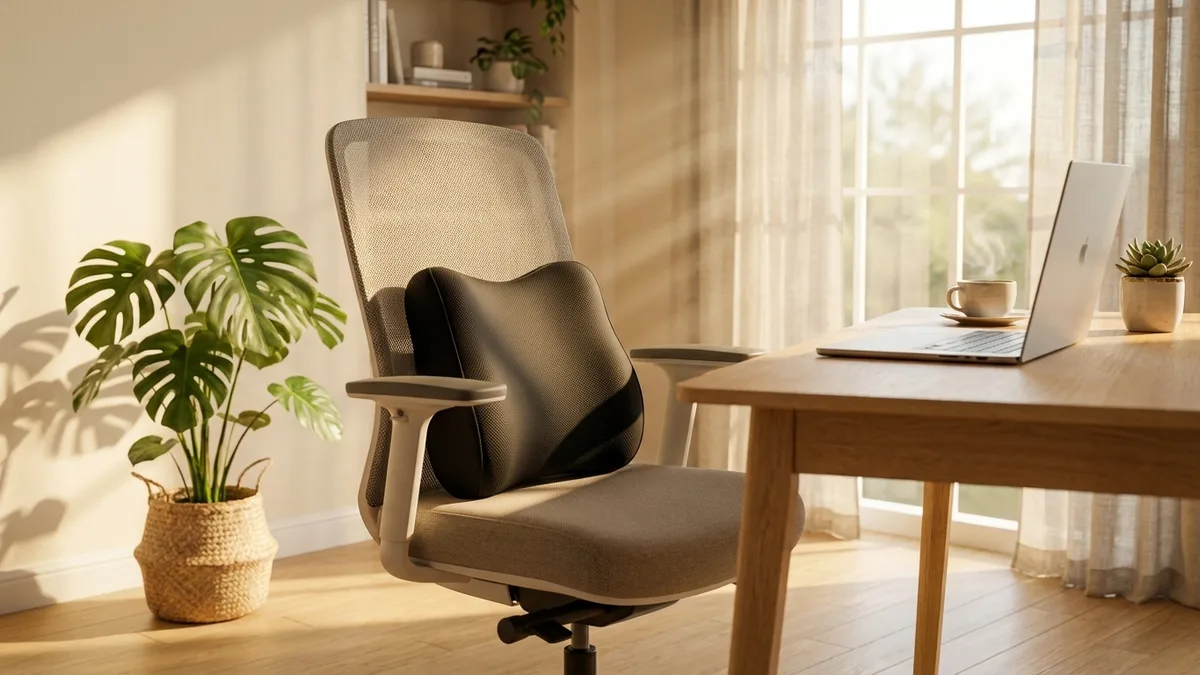
The honest way to judge a chair is to run it down the six-point checklist and then test the two things a spec sheet cannot tell you: how it feels after an hour, and whether it actually fits your body. Most chairs feel fine for ten minutes; the truth shows up around hour two, when a hard front edge or a fixed seat depth starts to press where it should not.
Do three concrete things. First, sit in it for longer than a showroom minute if you possibly can, or buy from somewhere with a real return window so hour two happens in your own home. Second, check the size honestly against your own measurements rather than the statistical average, because a chair built for the average can still be wrong for you; our office chair size guide covers how to check seat width, depth and back height against your body. Third, read the warranty terms rather than the headline number, and find out who you call when something breaks. One more point that no chair fixes: the CCOHS overview of working in a sitting position is clear that prolonged static sitting is itself a strain, so a chair's ability to support easy movement and posture change matters as much as how it feels when you first sit down.
Price tiers, honestly
Spending more buys better adjustability, a longer-lasting mechanism and a backed warranty, but the curve flattens, and past a point you are paying for range and finish rather than for what your back notices. Here is roughly how the tiers break down, so you can match your spend to your hours rather than to the marketing.
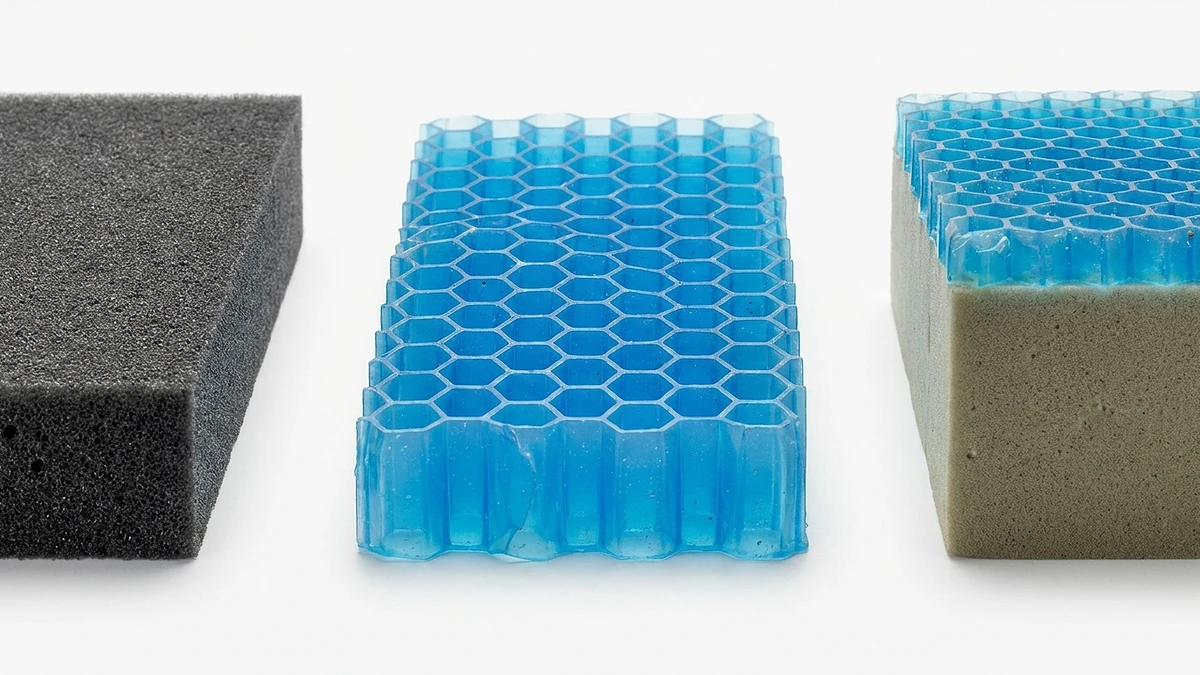
The mid-range is where most full-day desk workers find the best value, because it usually hits the six criteria your back actually cares about without the premium that pays for range you may never use. A budget chair can still be a sound buy for light use, and a high-end chair genuinely earns its price for heavy users at the size extremes. The mistake is paying a premium tier price for a chair that has quietly cut the corners that matter, or buying the cheapest chair on the page and discovering it cut all of them.
Who needs a high-end chair and who does not
An honest framework has to say when the expensive option is right and when it is more than you need. Buy a high-end chair if you sit in it for most of a full working day every day, if cheaper chairs have never felt comfortable, if you fall at the edges of the size range where a multi-size fit genuinely matters, or if a long, well-serviced warranty is worth the premium for a chair you will keep for a decade. For heavy daily users at the size extremes, the dearer chair is often the cheaper choice over ten years, not the more expensive one.
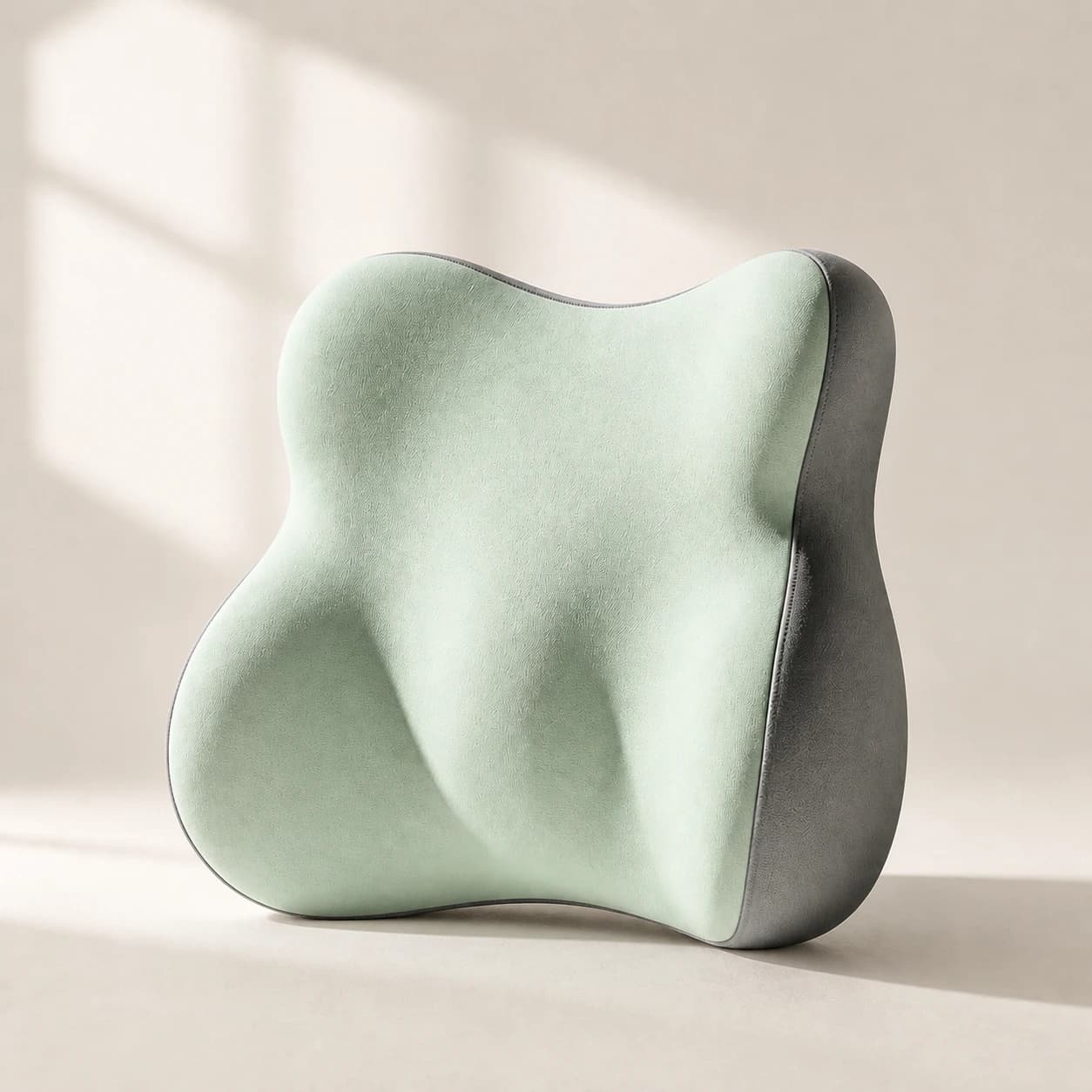
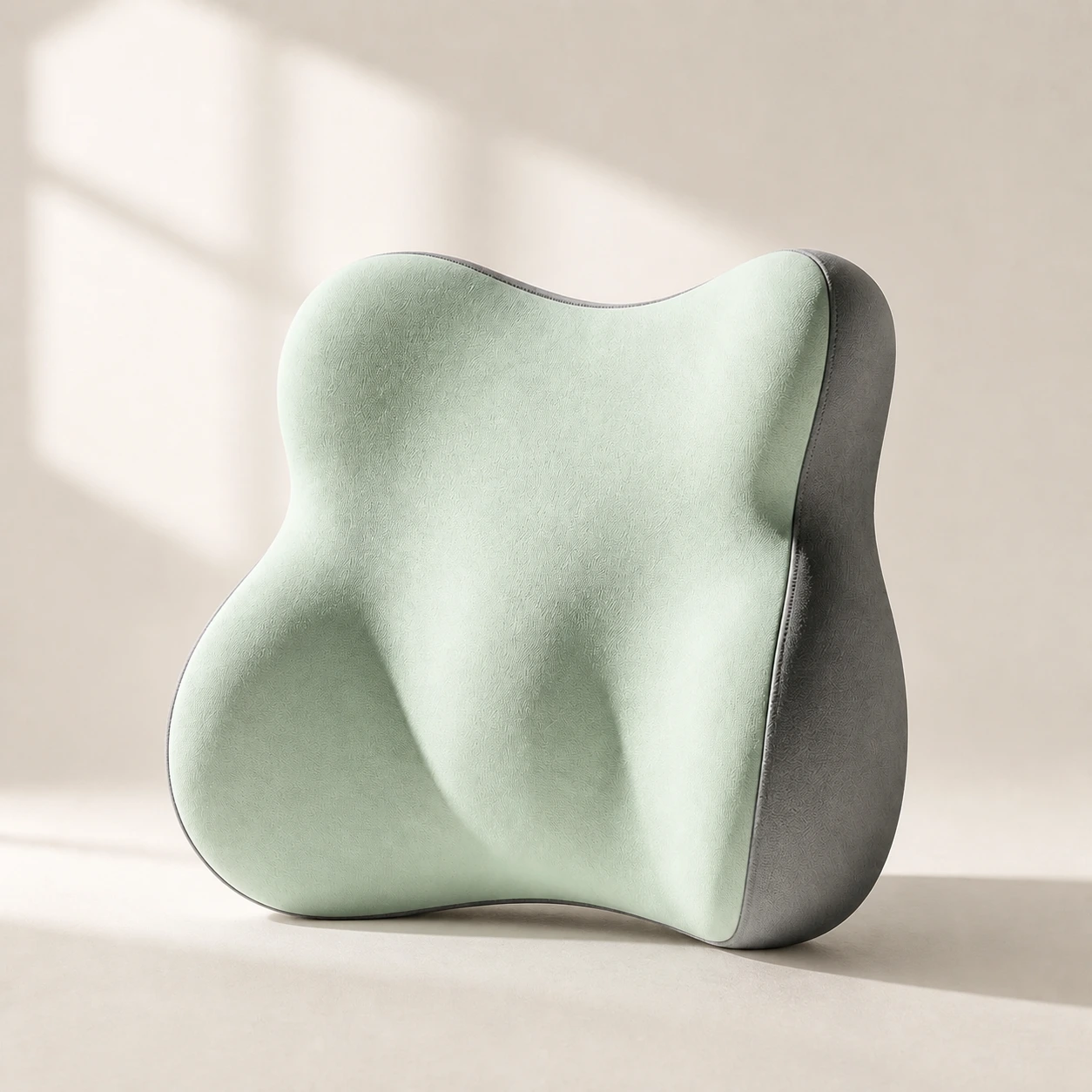 Product mentioned in this guideLumaWing Lumbar Cushion39 × 34 × 14 cm lumbar cushion available in four colours with a slow-rebound memory-foam core, fixed central ridge, recessed side channels, and broad outer…Free US shipping on every order60-Day Home Trial · we pay return shippingSee current price
You probably do not need it if you sit at a desk a few hours a day rather than all day, if your body sits comfortably within the middle of the size range, or if your budget is better spent solving a specific problem than buying range you will not use. And you may not need a new chair at all. If your current chair has a sound frame and only the back support or the seat lets you down, that is a contact-point problem: a lumbar support pillow fills the gap behind your lower back, and a seat cushion restores even pressure on a hard or worn seat, each for a fraction of a new chair. If you are weighing hours-a-day comfort specifically, a dedicated full-day chair guide goes deeper on the all-day case.
Our chair, judged on the same criteria
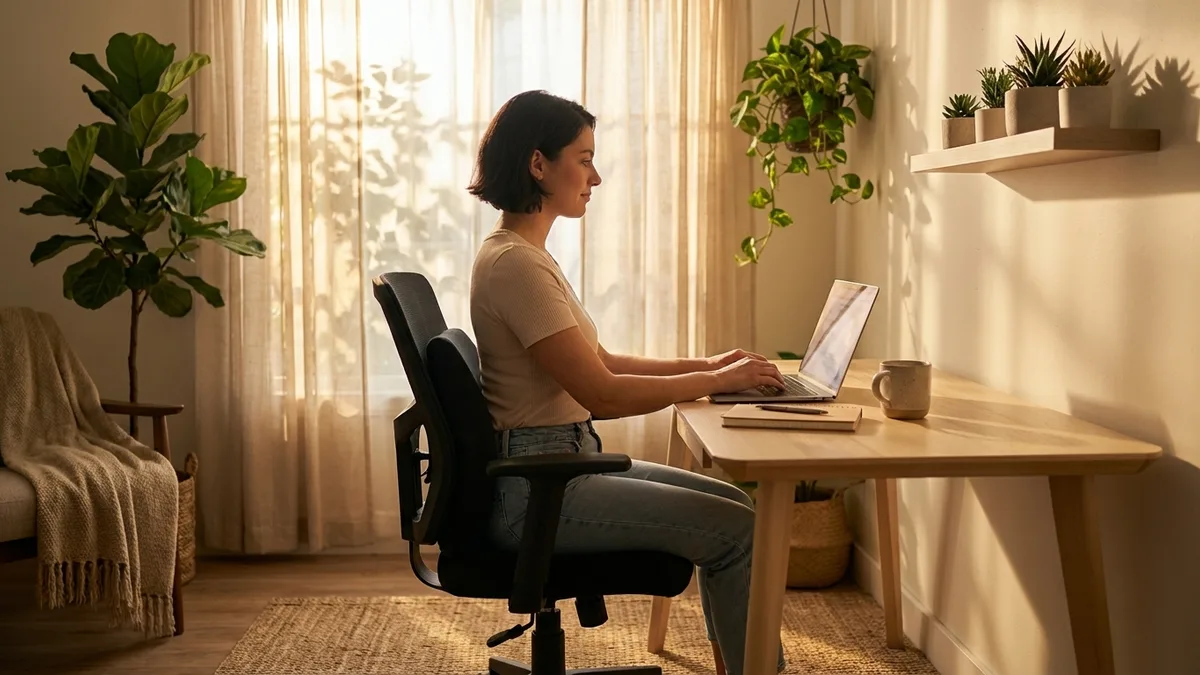
We make one chair, so here it is on the same checklist, with no special pleading. The LumaSpine Pro ergonomic office chair is built to hit the criteria that affect your back through a full day: seat-height and armrest adjustment so you can reach a neutral posture, height-adjustable lumbar support for your lower back's curve rather than a fixed foam bump, a recline that holds tension so you can move through the day, and a breathable back to keep you cool over hours. It is designed to land in the mid-range tier on price while covering the points your body notices.
Where it is not the best fit, plainly: it does not come in several separate frame sizes, so if you sit at the far edges of the size range, a multi-size high-end chair may fit you better, and that fit matters more than any single feature. It is also more chair than some people need. If you sit only a couple of hours a day, or your current chair has a sound frame and only the back support or seat lets you down, you do not need a new chair at all, and we would rather sell you a cushion or a pillow than a chair you will not use. If you do want to compare full chairs side by side, the office chairs collection sets the LumaSpine Pro next to the field on the same criteria.
When to see a professional
An office chair is a comfort and posture aid, not a medical device, and choosing one is a shopping decision, not medical advice. Most desk-related aches ease with a chair set up correctly, the right support and regular movement away from the desk. Some symptoms need a clinician, not a new chair. See a doctor or physiotherapist if your back or neck pain follows a fall or other trauma, if you have progressive weakness or numbness or tingling in a leg or arm, if you lose feeling in the saddle area between your legs, if you lose control of your bladder or bowels, or if pain comes with unexplained weight loss, fever or feeling generally unwell. The NHS back-pain guidance is clear that these warning signs warrant prompt assessment, and no chair, however good, is a substitute for it.
The bottom line
There is no single best ergonomic office chair, only the chair that holds the criteria your back actually notices, adjustability, lumbar support, recline, seat comfort, build and warranty, at a price matched to your hours. Heavy all-day users at the size extremes are often right to buy high-end. Most full-day workers are better served by a mid-range chair that nails the six points, and a few-hours-a-day user with an average-fitting body may only need a cushion or a pillow on the chair they already own. That mid-range case is what our LumaSpine Pro ergonomic office chair is built for, judged on the same checklist as everything else and not the right buy if you need a multi-size fit or only a single support. Compare it against the field on the same six criteria, then spend once, on the right thing.