
Best Computer Chair for Long Hours (2026 Guide)
If you spend eight, ten, sometimes twelve hours a day in the same seat - coding, gaming, or running a home office - you already know the problem. A chair that felt fine for an hour quietly turns into a source of lower-back ache, a numb backside, and that restless need to shift every few minutes by mid-afternoon. The best computer chair for long hours is the one that keeps your support and comfort steady deep into a long session, not the one that wins the first ten minutes.
We make and sell an ergonomic office chair, so read this as a buying framework rather than a neutral ranking of chairs we have never sat in. We will lay out what very long sessions actually demand, judge our own chair against the same criteria, and tell you plainly who is better off spending less. A computer chair is a comfort and posture aid, not a medical device, and no chair can diagnose or cure anything.
What long hours actually demand
For sessions of eight hours or more, the best computer chair for long hours is one that holds firm lumbar support without sagging, offers enough independent adjustment to fit your exact body, breathes so heat does not build up, and reclines so you can shift your posture without leaving the seat. Sustained fit over time matters more than a soft first impression.
The reason is straightforward: the danger of long sitting is not a single bad position, it is staying in any one position too long. Guidance from Cornell University Ergonomics and from CCOHS is consistent that no static seated posture is healthy for hours on end - the body needs variation. So a chair built for long hours is really a chair that supports you well across a range of postures, and lets you move between them, rather than locking you into one "correct" pose. Four things decide whether it does that.
Sustained support, not first-impression comfort
A plush seat that feels great in the showroom can bottom out under your full weight after twenty minutes, dropping your sitting bones onto the hard base. What matters over a long day is dense, supportive foam or a well-tensioned mesh that holds its shape from the first hour to the last, plus firm lumbar contact that stays where you set it.
Deep, independent adjustability
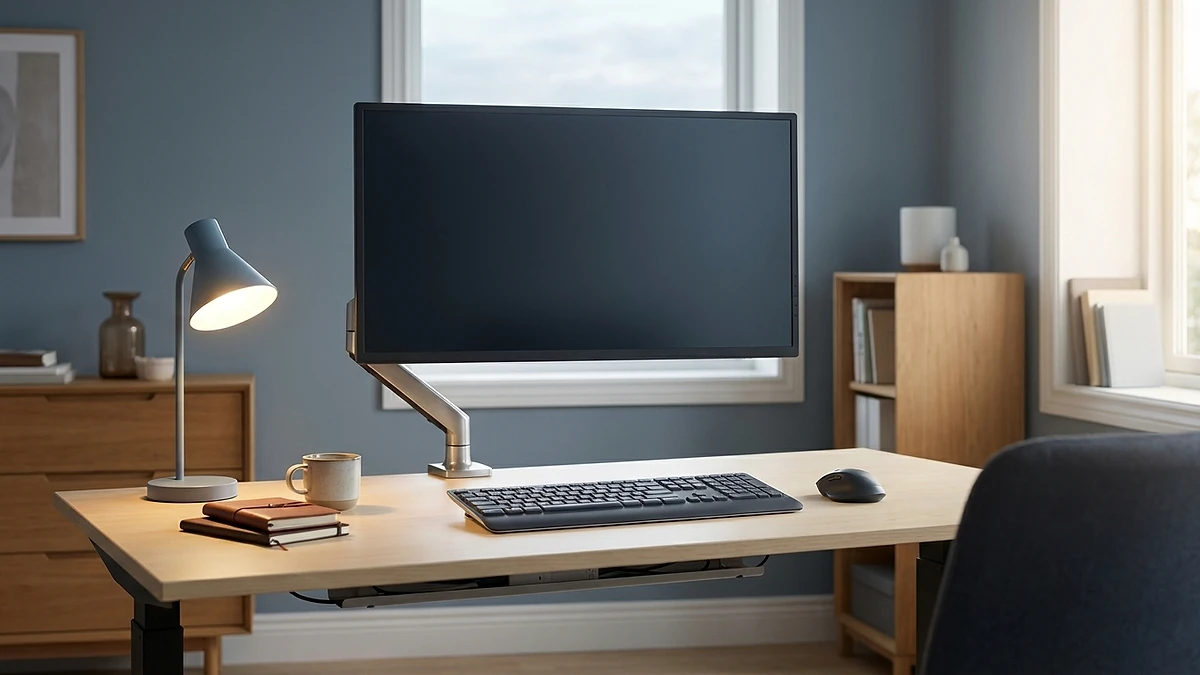
Over eight-plus hours, small fit errors compound into real pain. The chair needs to adjust to you, not the other way around: seat height, seat depth, lumbar height and depth, armrest height, and recline tension should all move independently. A chair with one lever fits one body; a chair with several fits yours.
Breathability
Heat is the quiet enemy of long sessions. A chair that traps warmth makes you fidget, sweat, and shift not because your posture is wrong but because you are uncomfortable. Mesh backs and breathable seat surfaces let heat escape, which is a bigger deal across a full day than people expect.
Recline and movement range
A chair that lets you lean back, rock, and change your hip angle is doing the most important thing a chair can do over long hours: it makes posture change easy and frequent. A good recline with adjustable tension turns your chair into a tool for movement rather than a cage that holds one position.
The criteria, side by side
Here is the same framework as a quick reference. Judge any long-hours chair - ours included - against these, and be honest about which ones you actually need for how you sit.
If you want a broader view across body types and price points, our wider ergonomic office chair guide for 2026 walks through the same criteria for everyday use, not just marathon sessions.
Why movement still matters in the best chair
This is the part most buying guides skip, and it is the most important. Even the best computer chair for long hours does not make long sitting healthy - it only makes it more comfortable. The two are not the same thing.
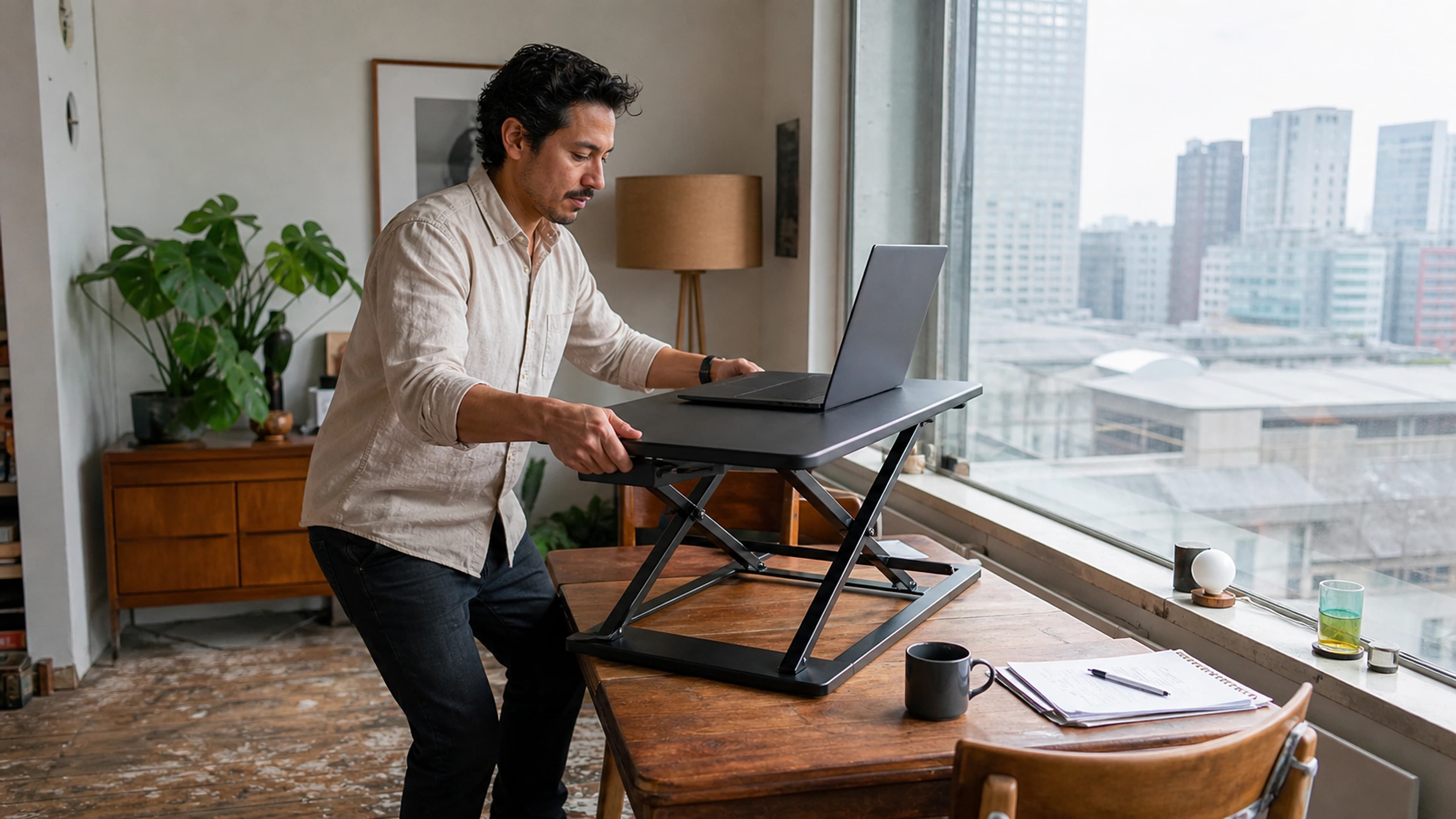
NHS guidance on why we should sit less is direct that long, unbroken sitting carries its own risks regardless of how good your chair is, and that breaking up sitting time is what counts. A chair can support you beautifully and you can still benefit from standing and moving. The honest framing is that your chair manages the hours you do sit; it does not cancel out the cost of sitting for ten straight hours.
In practice this means the best chair is the one that supports you across many postures and makes it easy to get up, not the one so comfortable you never move. If you sit for very long stretches, build in short breaks - a minute or two of standing or walking every half hour to hour. Our micro-break routine guide shows a simple way to do that without losing focus. The chair and the breaks work together; neither replaces the other.
Setting up for long sessions
A good chair set up badly fits worse than a cheap chair set up well. Spend five minutes on this once and it pays back every day.
- Set seat height first. Raise or lower the seat so your feet rest flat on the floor and your knees sit roughly level with your hips. If your feet dangle, use a footrest rather than dropping the seat too low.
- Set seat depth. Slide the seat so there is a small gap - about two to three fingers - between the front edge and the back of your knees. Too deep and the edge presses your legs; too shallow and your thighs lose support.
- Position the lumbar support. Adjust the lumbar height so it fills the inward curve of your lower back, then set its depth so it gives firm contact without pushing you forward.
- Set the armrests. Raise them so your shoulders stay relaxed and your forearms rest level, close to elbow height at the desk, so you are not shrugging or reaching.
- Tune the recline. Set the recline tension so leaning back takes light, easy effort. Then actually use it through the day - alternating between upright and reclined is the point.
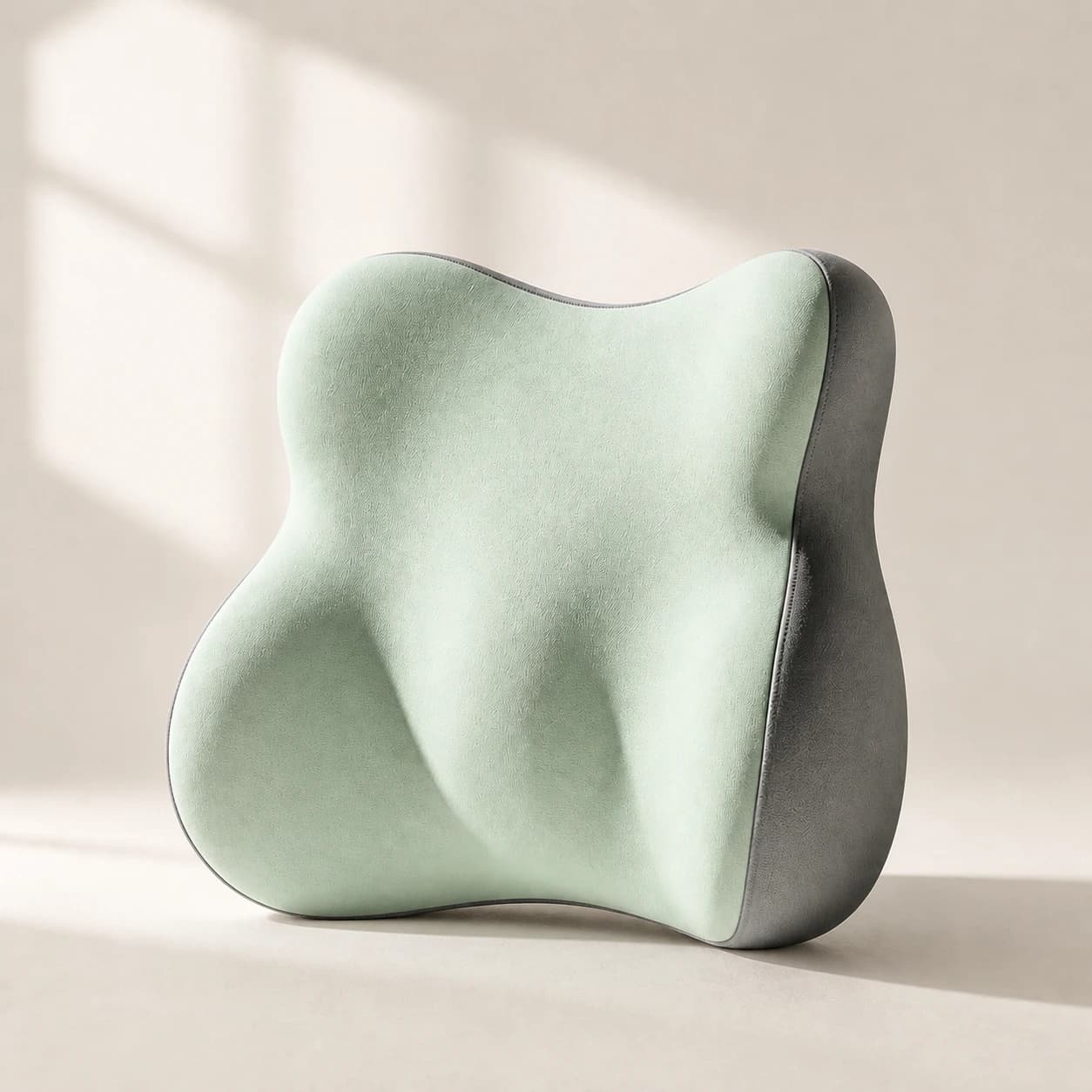
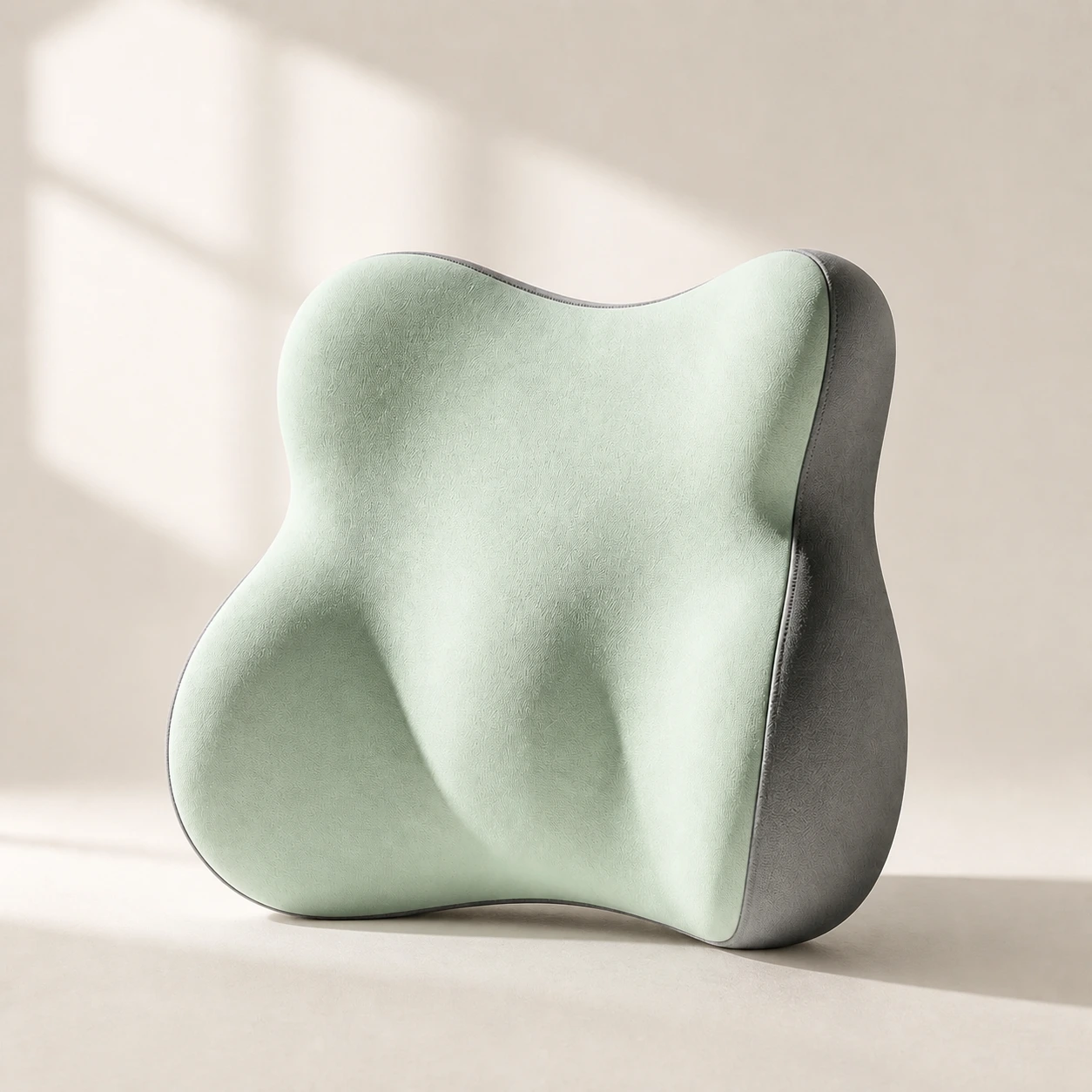 Product mentioned in this guideLumaWing Lumbar Cushion39 × 34 × 14 cm lumbar cushion available in four colours with a slow-rebound memory-foam core, fixed central ridge, recessed side channels, and broad outer…Free US shipping on every order60-Day Home Trial · we pay return shippingSee current price
If your lower back still aches in a well-set-up chair, a separate lumbar cushion can fine-tune the support, and our lumbar support pillow is a low-cost way to test whether more lumbar contact is what you are missing before committing to a new chair.
Who needs this versus a budget chair
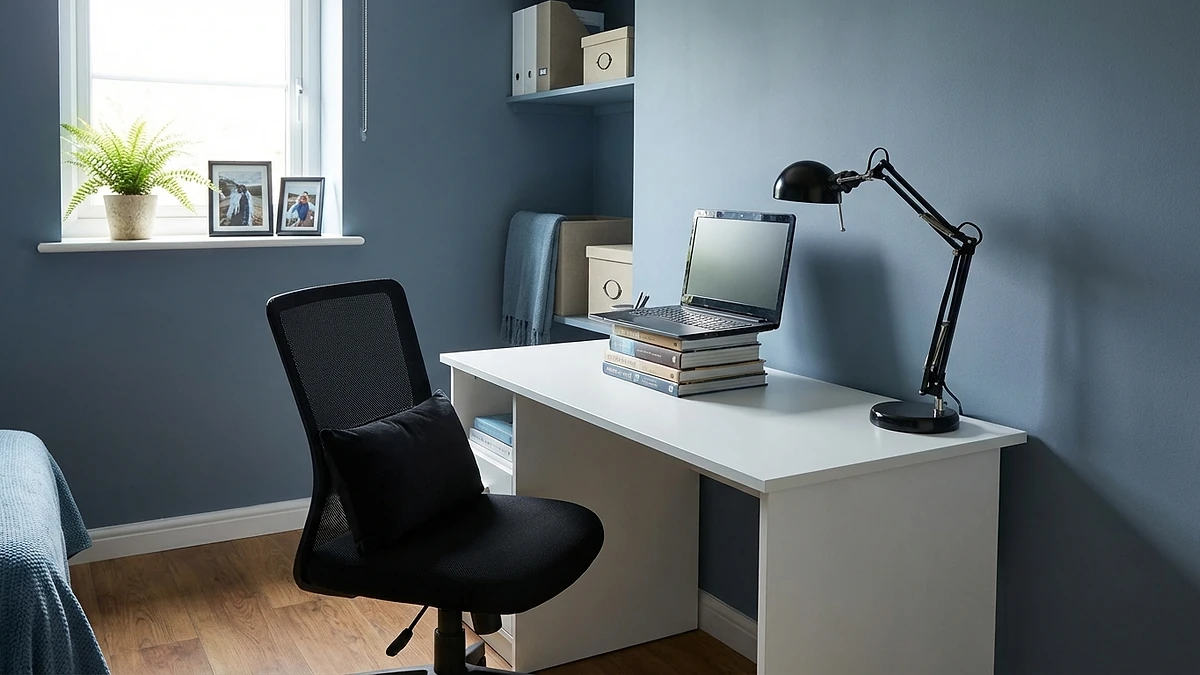
A deeply adjustable, breathable, reclining chair earns its price for a specific group, and it is more than many people need. You are a strong candidate if you genuinely sit at a computer for long, daily stretches - full-time developers, streamers and gamers in long sessions, and home workers who are seated most of the working day. Across that many hours, sustained support and the ability to shift posture pay for themselves in comfort and fewer aches.
You probably do not need a high-end long-hours chair if you sit at a computer for only an hour or two a day, if you already move around frequently and rarely sit unbroken, or if your current chair is comfortable and you have no recurring ache. In those cases a solid budget chair, set up well, does the job, and the money is better spent elsewhere - or not at all.
And no chair, at any price, fixes a problem caused by sitting too much. If your discomfort comes mainly from the sheer hours rather than poor support, the highest-value change is moving more, not spending more.
Our chair, honestly

Held against the criteria above, the chair we make and back is the LumaSpine Pro Ergonomic Office Chair. We will judge it the same way we asked you to judge everything else, including where it is more than you need.
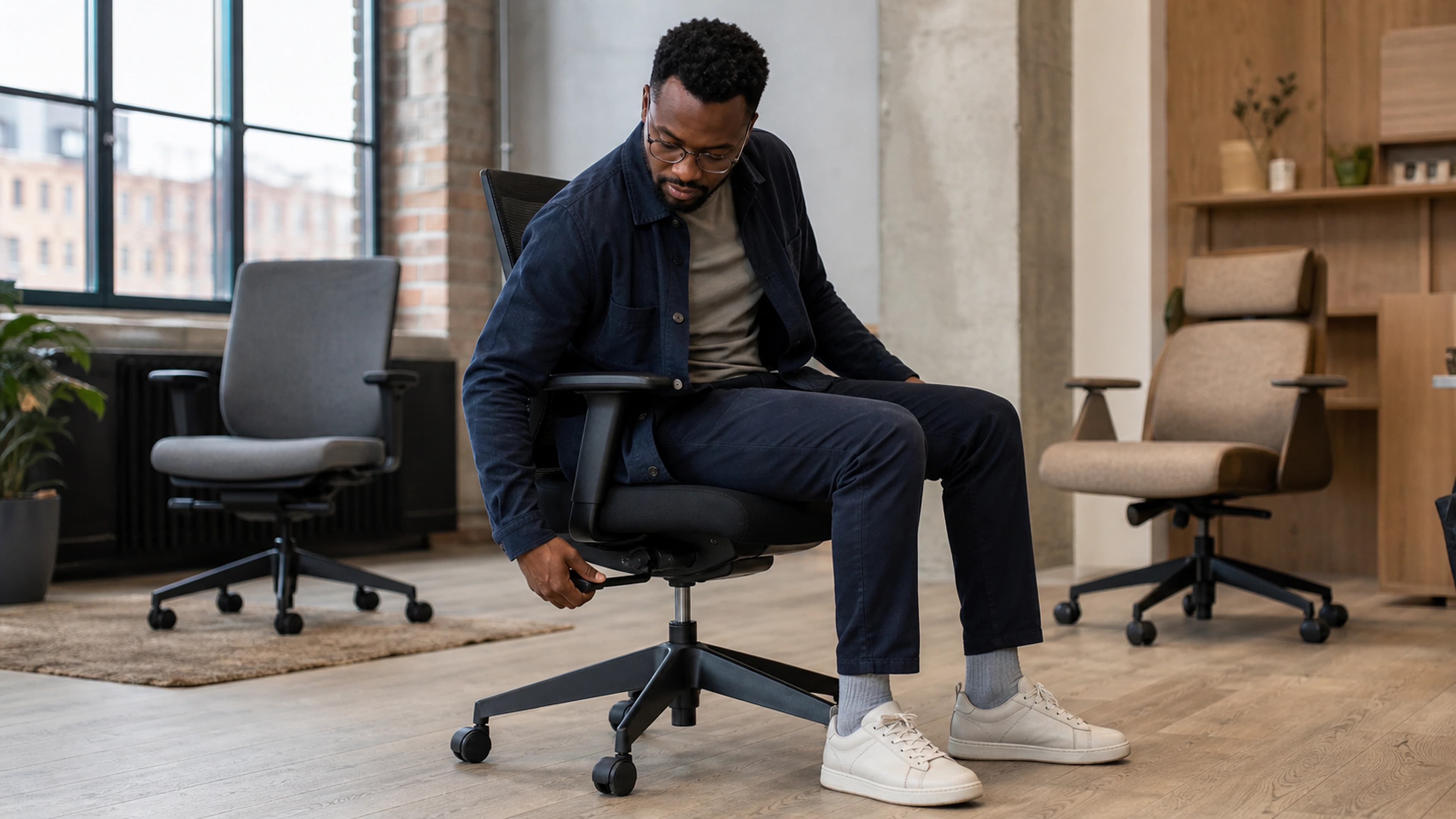
On sustained support, it pairs a tensioned mesh back with adjustable lumbar support designed to hold firm contact through a full day rather than sagging. On adjustability, it offers independent seat height, recline and armrest adjustment so you can fit it to your body rather than settling for a single fixed posture. On breathability, the mesh back is built to let heat escape, which matters most exactly when you are seated for hours. On recline, it leans back with adjustable tension so changing posture is easy and frequent - the behaviour we keep saying matters more than any single setting.
The honest caveat: this is a chair built for people who really do sit for long, daily stretches. If you are at your desk for an hour or two a day, it is more chair than you need, and a simpler seat plus a good lumbar support pillow will likely serve you better for less. We would rather you buy the right amount of chair than the most expensive one. If you want to compare the full range first, our office chair collection lays out the options side by side.
When to see a professional
A computer chair is a comfort and posture aid, not a medical device, and some back, neck or leg pain needs a clinician rather than a new chair. See a doctor or physiotherapist if your pain followed a fall, a blow, or other trauma; if it is severe, getting steadily worse, or not improving after a few weeks of better setup and more movement; or if it comes with any warning sign that points beyond simple posture strain.
Seek prompt medical advice for numbness or tingling in the saddle area between your legs, loss of bladder or bowel control, progressive weakness or numbness in a leg, fever alongside back pain, or unexplained weight loss. These are red flags, not chair problems. No chair, however good, is the right response to them - waiting for a better seat to fix them only delays the care you actually need.
The bottom line
The best computer chair for long hours in 2026 is not the plushest or the priciest - it is the one whose support holds steady all day, adjusts to your exact body, breathes, and reclines so you can keep shifting posture. That last point is the whole game: even the best chair only manages the hours you sit, so it needs to make movement easy, not impossible. If you genuinely spend long, daily stretches at a computer, our LumaSpine Pro Ergonomic Office Chair is built to those criteria and is the right call. If you sit far less than that, save your money - and either way, keep getting up to move.