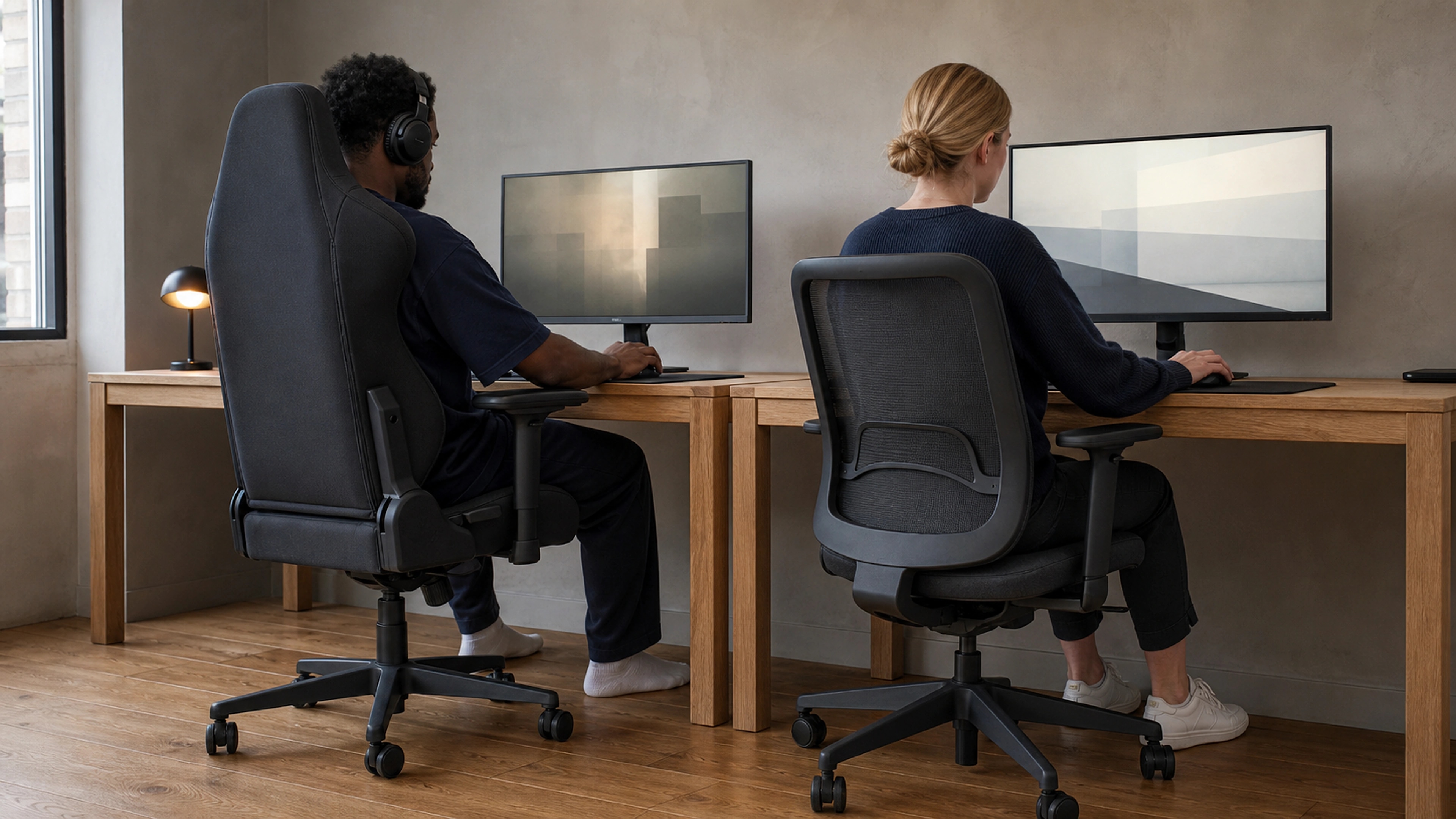

For all-day desk work, an ergonomic office chair is generally the better choice for your back than a gaming chair. Gaming chairs are built around a racing-bucket shape with a loose lumbar pillow, while quality ergonomic office chairs are engineered around the natural curve of your spine with adjustable lumbar support, deeper recline range, and breathable materials designed for eight-hour days rather than gaming sessions.
That said, "better" depends on how you sit, how long you sit, and how much the chair lets you adjust. This guide compares both chair types on the factors that actually affect your lower back, grounds each claim in published research, and helps you decide which one fits your body and your workday.
Why Your Chair Matters for Back Health
Low back pain is not a niche problem. According to the World Health Organization, low back pain affected 619 million people globally in 2020 and is the single leading cause of disability worldwide. For anyone who works at a desk, the chair is one of the few variables you can control directly.
The research on sitting itself is more nuanced than most marketing suggests. A systematic review of studies using objectively measured sitting time (PubMed, 2020) found that prolonged exposure to seated postures is associated with immediate increases in back pain, even though the link to long-term clinical back pain is less clear. In plain terms: how you sit, and how long you stay locked in one position, affects how your back feels right now.
A landmark in-vivo study by Wilke and colleagues (PubMed, 1999) measured pressure inside a lumbar disc across everyday postures. One of its most important findings was that muscle activity and constant changes in position matter for disc nutrition and comfort. No single "perfect posture" beats simply moving and varying how you sit throughout the day. The best chair, then, is the one that supports your spine and makes healthy movement easy, not the one that pins you into one fixed shape.
Gaming Chair vs Office Chair: The Core Differences
Both chair types can hold you in a reasonable posture. The differences are in how they get there and how well they hold up over a full workday.
Shape and lumbar support
Gaming chairs use a high, racing-style bucket back with raised side bolsters and a removable lumbar pillow held on by a strap. The bolsters are designed to keep a driver centered during fast movement, not to support a stationary spine for hours. The lumbar pillow helps, but because it is loose and strapped on, it tends to drift out of position and rarely sits exactly at your lumbar curve.
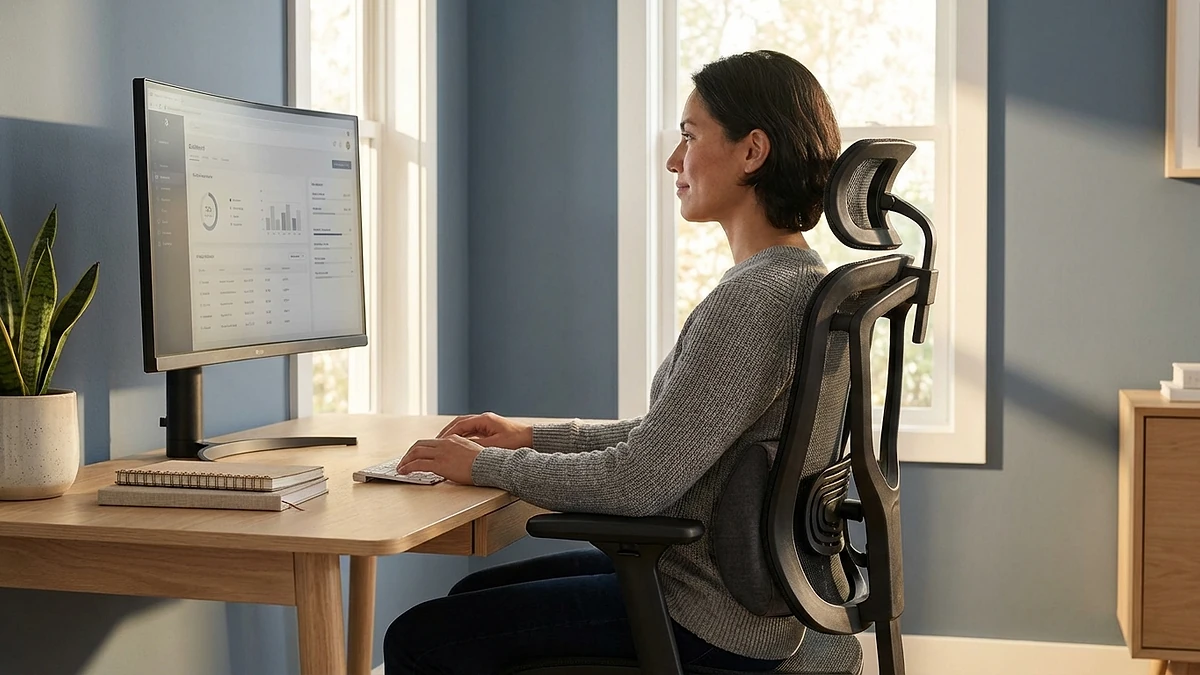
Ergonomic office chairs are built the opposite way. Most use a contoured backrest with built-in, height-adjustable lumbar support that you can dial in to your own lower back. The OSHA Computer Workstations eTool specifically recommends a backrest that conforms to the natural curvature of the spine, with lumbar support that is height-adjustable so it can be placed to fit the small of your back. That adjustability is the single biggest practical advantage an office chair has over a gaming chair.
An executive mesh office chair is a clear example: the lumbar support is integrated and adjustable rather than a strap-on accessory, so it stays where you set it instead of sliding around through the day.
Materials and heat
Most gaming chairs are wrapped in faux leather (PU or PVC). It looks sharp and wipes clean, but it traps heat and moisture during long sessions, which pushes you to shift, slump, or peel away from the backrest, breaking the contact that lumbar support depends on. Premium ergonomic chairs more often use breathable mesh that lets air move across your back, so you stay in supported contact with the backrest longer and more comfortably.
Adjustability
Adjustability is where office chairs pull ahead. The features that matter most for your back include:
- Height-adjustable lumbar support so the curve lands at your actual lumbar region, not above or below it.
- Seat depth adjustment so the seat pan supports your thighs without pressing behind your knees.
- A recline range with lockable tilt so you can lean back slightly and let the backrest carry your weight. OSHA notes the back should be supported when sitting vertically or leaning back slightly.
- Adjustable armrests so your shoulders relax and you are not bracing your upper body, which indirectly loads the lower back.
Gaming chairs typically offer a deep recline and a tilt mechanism, but fewer fine-grained adjustments for lumbar height and seat depth, which are precisely the controls that let you match the chair to your spine.
Recline and dynamic sitting
Both chair categories let you recline, and that matters more than it sounds. Because the Wilke research highlights movement and posture change as key to spinal comfort, a chair that makes it easy to shift between an upright working posture and a relaxed recline is doing real work for your back. Office chairs with a smooth, lockable recline encourage this dynamic sitting; a fixed, heavily bolstered gaming seat can subtly discourage it.
When a Gaming Chair Can Be the Right Call
This is not a case against gaming chairs across the board. A good gaming chair can be a sensible pick when:
- You genuinely split your time between work and gaming and want one seat for both.
- You prefer a high backrest with a headrest for leaning back during breaks.
- You will actually use and reposition the lumbar pillow rather than letting it slide off.
- Budget and aesthetics rank high, and you sit for shorter, broken-up stretches rather than continuous eight-hour shifts.
The key is to treat the lumbar pillow as essential equipment, not decoration, and to get up and move regularly. A poorly adjusted office chair can be worse for your back than a well-used gaming chair.
How to Choose the Right Chair for Your Back
Whichever category you lean toward, judge the chair against the features that the evidence and ergonomics guidance actually support:
- Adjustable lumbar support that meets your lower back at the right height and depth.
- Seat depth and height adjustment so your feet rest flat and your thighs are supported without pressure behind the knees.
- A backrest that follows your spine's curve and a recline you will actually use.
- Breathable material so heat does not drive you out of a supported position.
- Adjustable armrests to take load off your shoulders and neck.
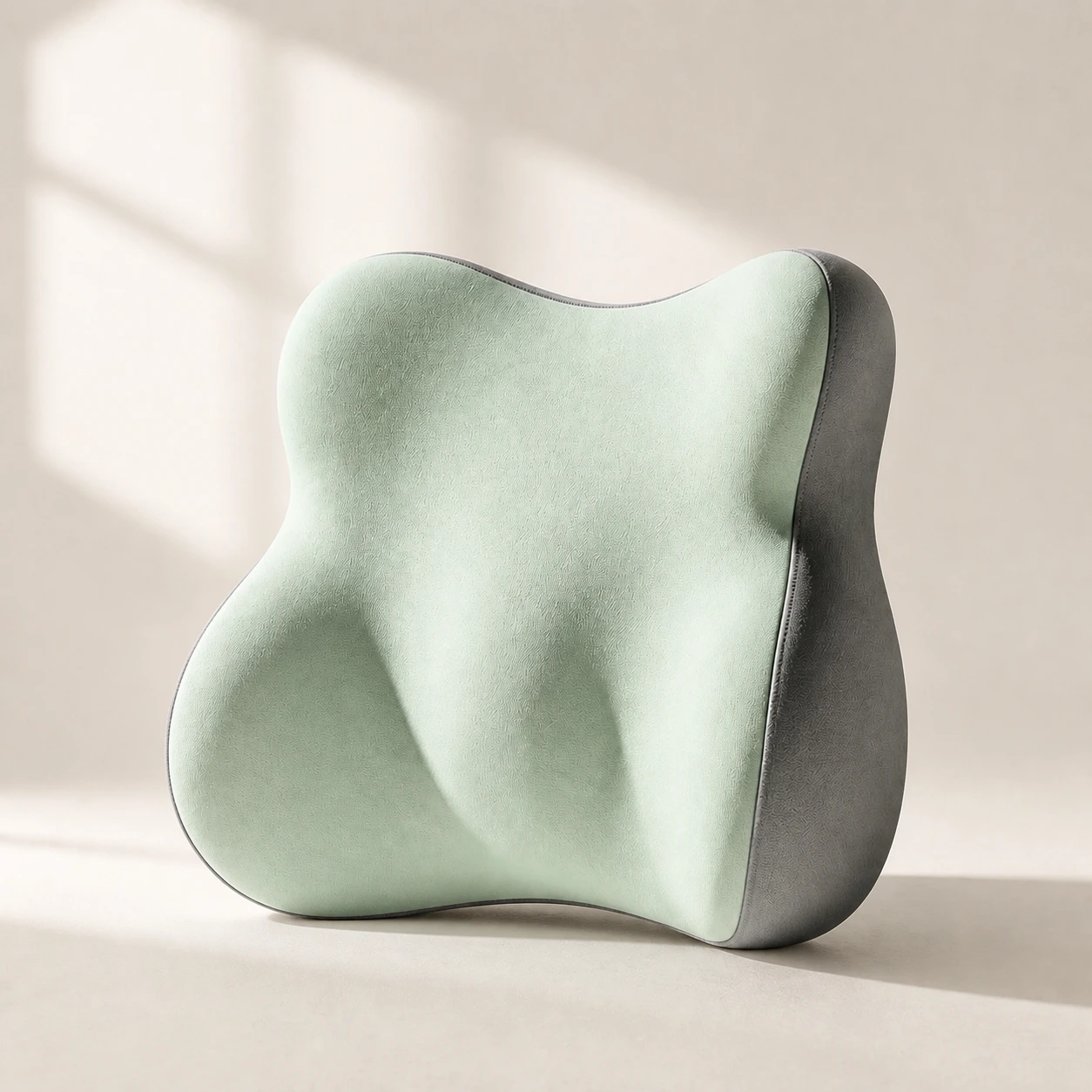 Product mentioned in this guideLumaWing Lumbar Cushion39 × 34 × 14 cm lumbar cushion available in four colours with a slow-rebound memory-foam core, fixed central ridge, recessed side channels, and broad outer…Free US shipping on every order60-Day Home Trial · we pay return shippingSee current price
If your current chair falls short, you do not always need to replace it. A dedicated lumbar support pillow can add the missing lower-back curve to almost any seat, and a memory foam seat cushion can improve seat-pan comfort and pelvic positioning. These are inexpensive ways to test whether better support changes how your back feels before you invest in a new chair.
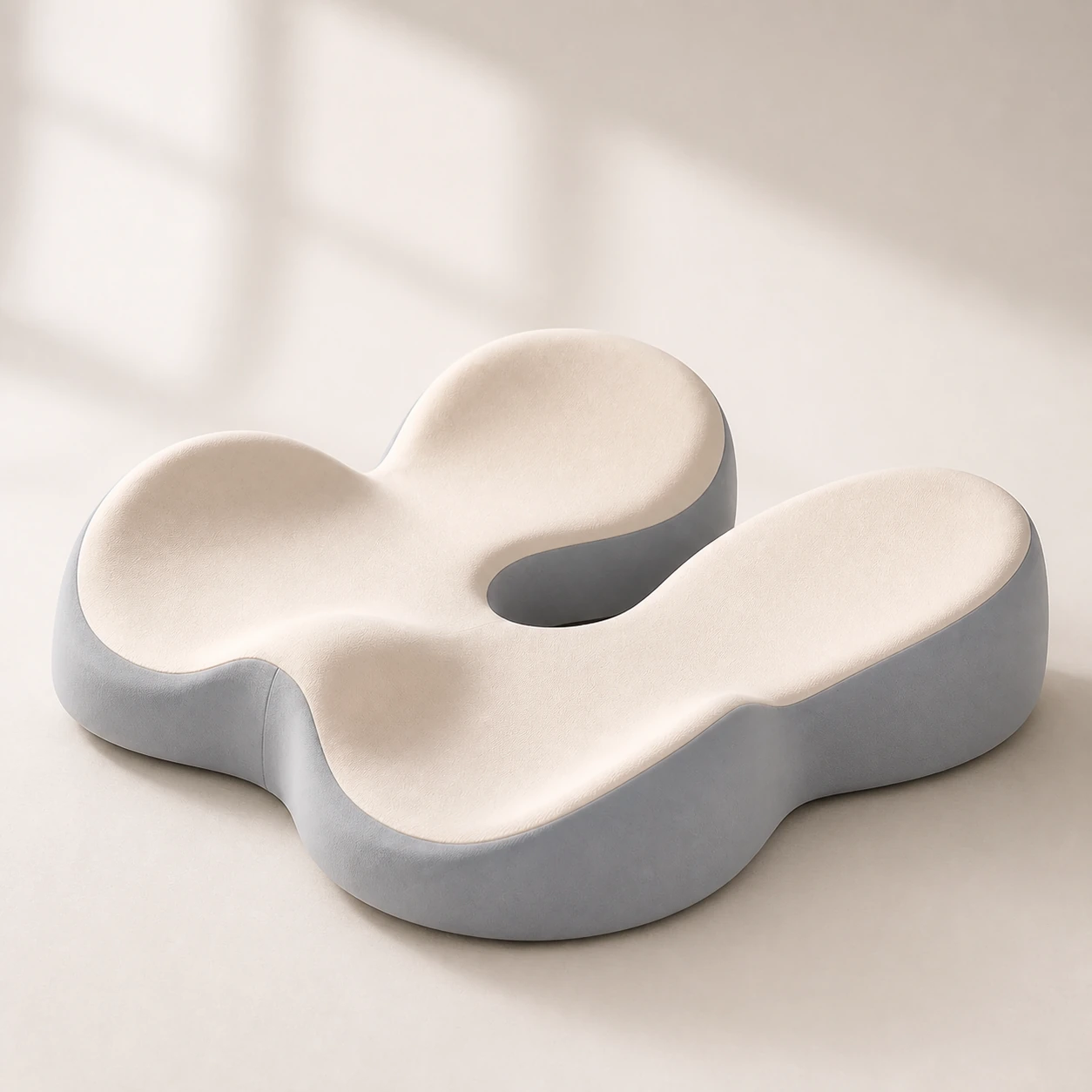 Product mentioned in this guideMemory Foam Seat CushionA sculpted seat cushion with a deep, open U-shaped rear channel designed to reduce direct contact beneath the coccyx and tailbone area. Raised rear…Free US shipping on every order60-Day Home Trial · we pay return shippingSee current price
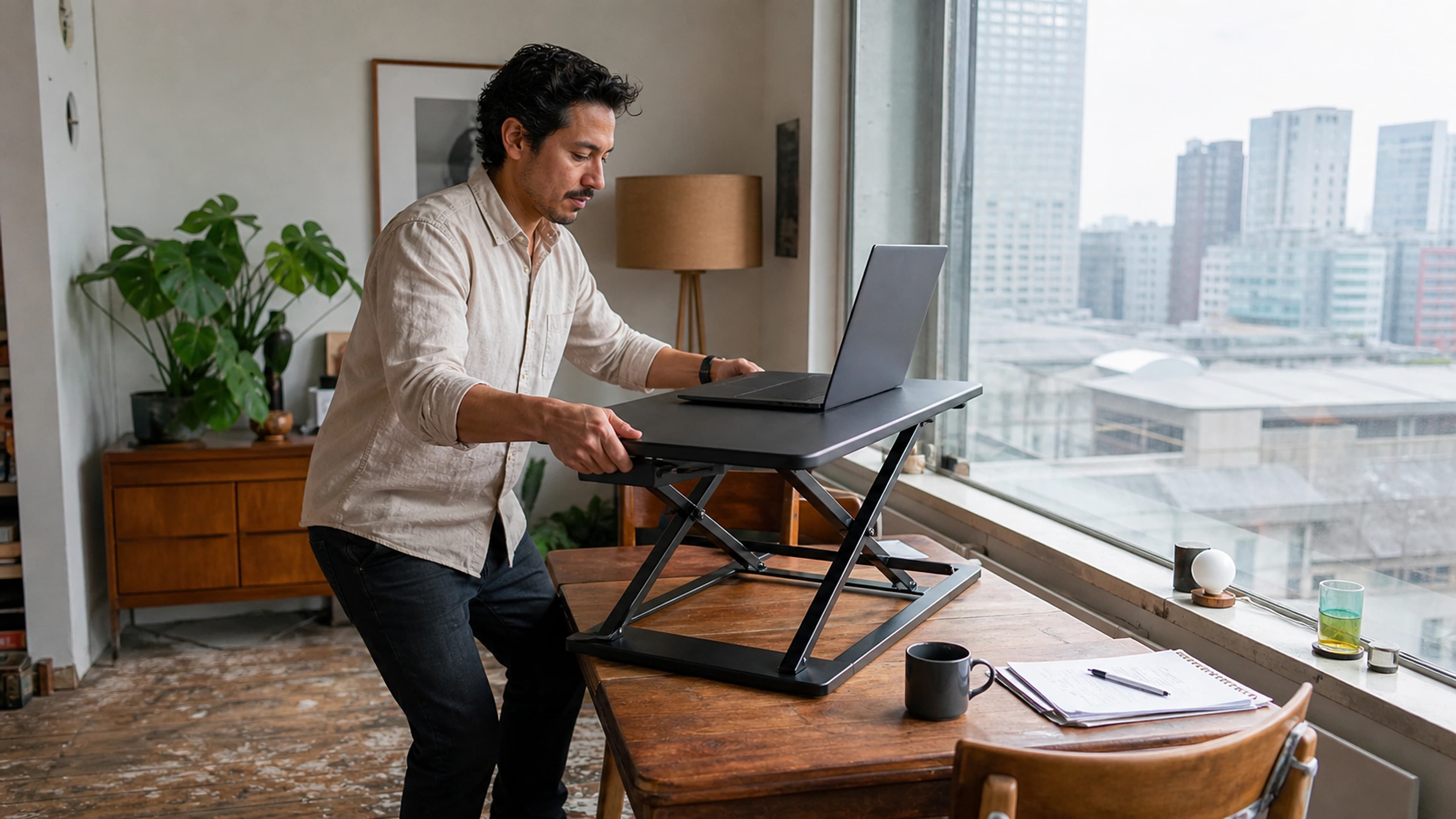
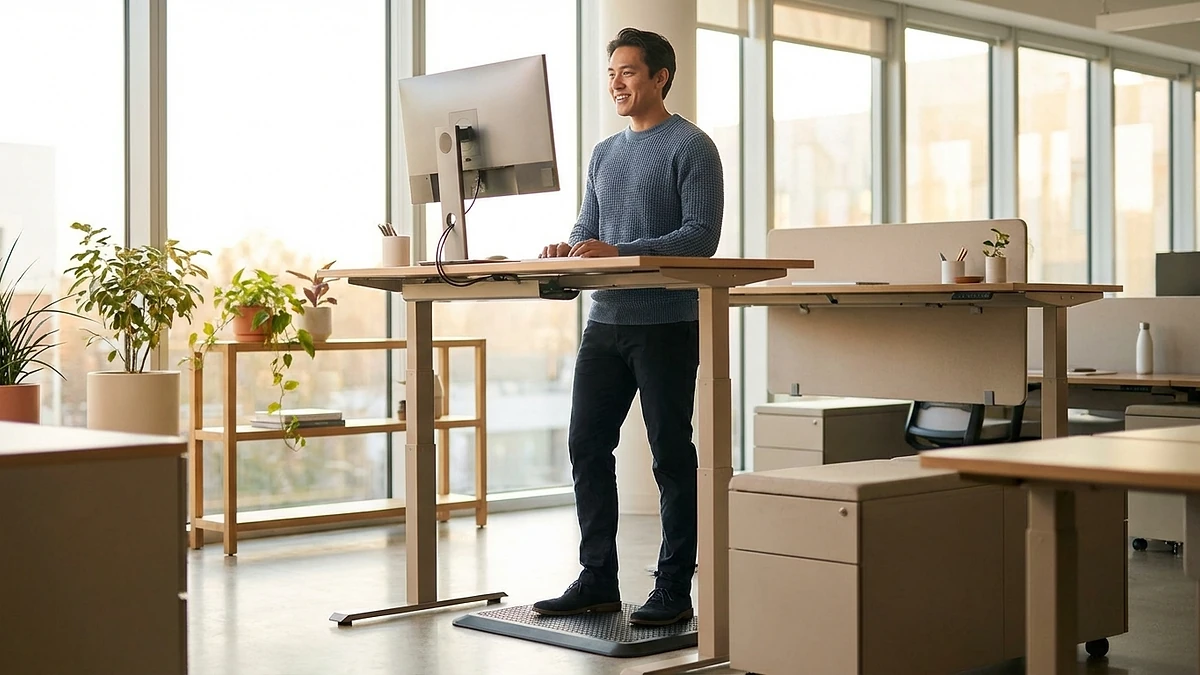
And remember the research takeaway: no chair replaces movement. Even the best seat works better when you stand, stretch, or switch tasks regularly. Pairing a supportive chair with an adjustable standing desk lets you alternate between sitting and standing, which is one of the most evidence-aligned habits for desk workers.
The Verdict
For sustained desk work, a well-adjusted ergonomic office chair is the stronger choice for back health. Its built-in, height-adjustable lumbar support, breathable materials, and finer adjustability map directly onto what ergonomics guidance recommends and what the research on sitting implies: support the natural curve of your spine, stay cool enough to keep good contact, and make it easy to move and recline.
A gaming chair can still serve you well if you use its lumbar pillow diligently and build in regular movement, but for most people who sit at a desk all day, an ergonomic office chair is the safer long-term investment in your back.
Ready to upgrade? Explore the Executive Mesh Chair with integrated adjustable lumbar support and breathable mesh, compare it against the LumaSpine Pro ergonomic chair, or browse the full office chairs collection to find the right fit for your spine and your workday.