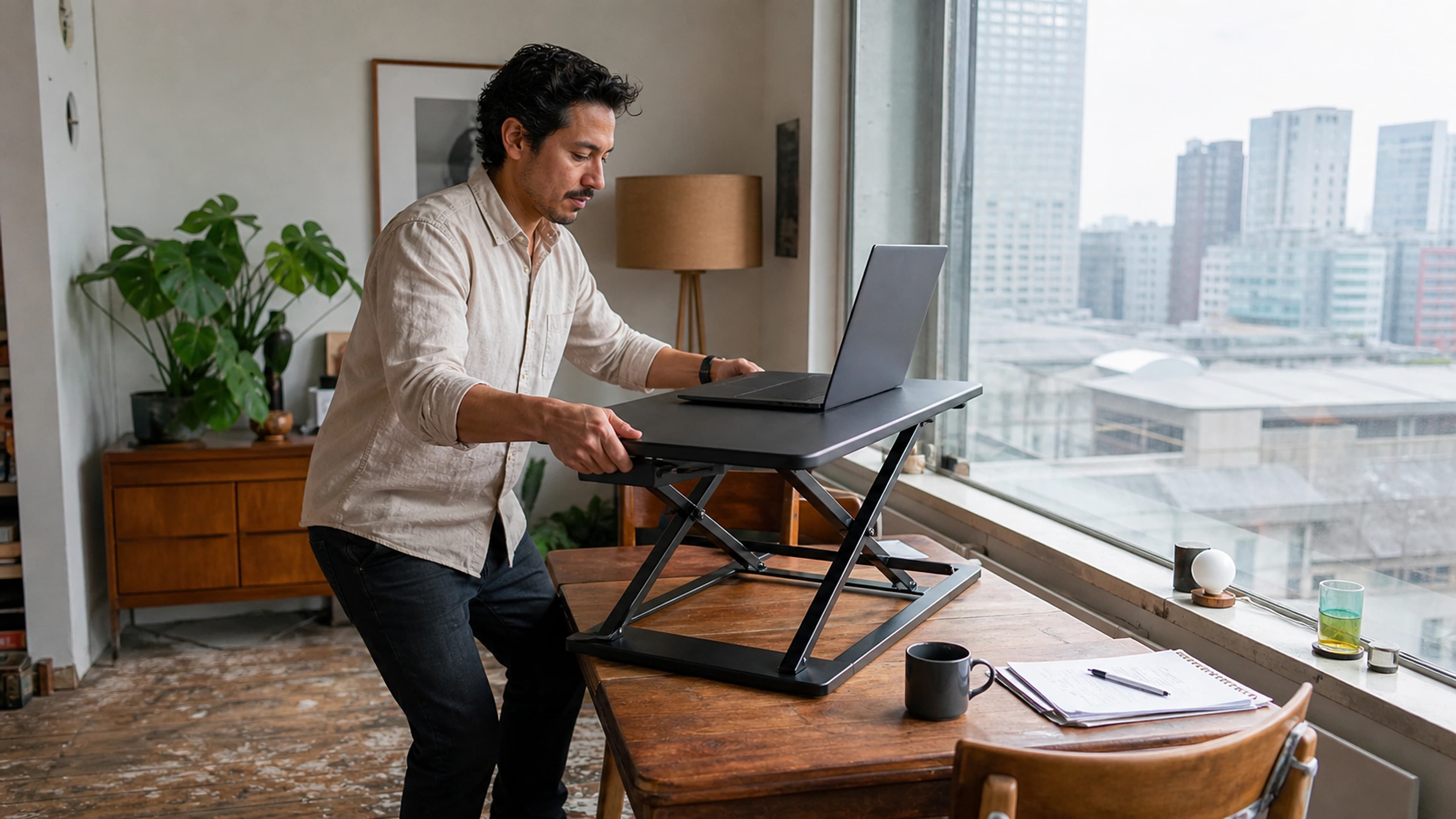

The best office chair for long hours of sitting is one with adjustable lumbar support, an adjustable seat height and depth, and adjustable armrests, so the chair conforms to your body instead of forcing your body to conform to it. For all-day desk work, prioritise a chair like the LumaSpine Pro Ergonomic Office Chair that lets you fine-tune the support at the small of your back, then pair it with movement and small adjustments throughout the day.
Below, we break down the features that genuinely matter for long sitting sessions, what the evidence from health and safety bodies actually says, and how to set your chair up so it works for eight hours, not eight minutes.
Why your chair matters more during long sessions
Low back pain is not a rare complaint. According to the World Health Organization, low back pain affected 619 million people globally in 2020 and is the single leading cause of disability worldwide. The longer you sit in one position, the more load accumulates on the structures of your lower spine, which is exactly the situation a long workday creates.
Sitting itself is not the enemy, but prolonged, static sitting is a real risk factor. The WHO classifies sedentary behaviour, defined as any period of low energy expenditure while sitting, reclining, or lying, as associated with poorer health outcomes, and it advises everyone to limit the amount of time spent being sedentary. A good chair will not undo eight unbroken hours of stillness, but it dramatically reduces the strain of each of those hours and makes it easier to keep moving.
That is the right frame for buying a chair for long hours: you are buying a tool that supports a healthy posture by default and lowers the cost of staying seated, not a cure for sitting.
The features that actually matter for all-day sitting
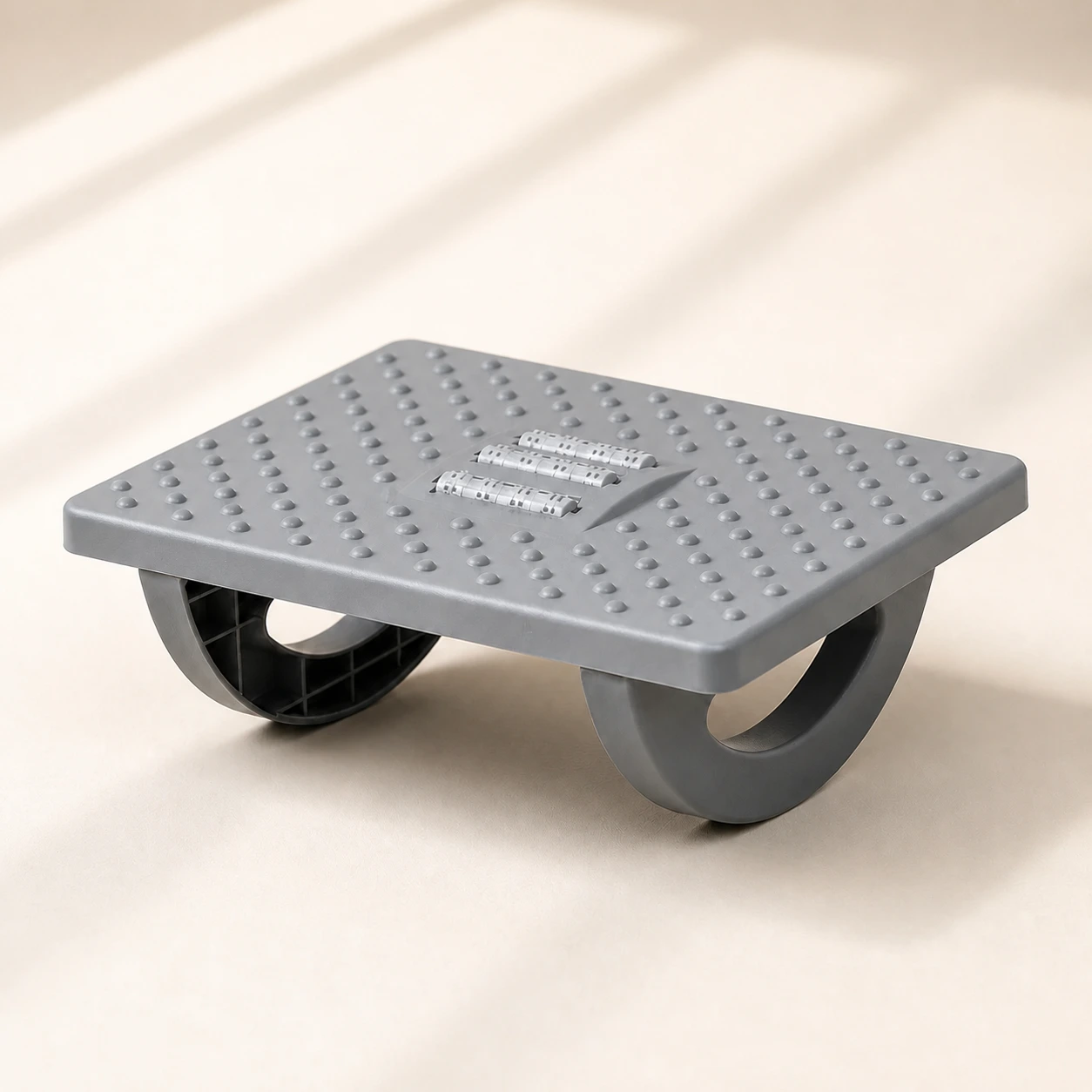 Product mentioned in this guideRollArc Rocking FootrestCompact gray footrest with twin curved supports for user-controlled rocking, a textured deck, and three central roller tracks.Free US shipping on every order60-Day Home Trial · we pay return shippingSee current price
The word "ergonomic" is unregulated, so manufacturers attach it freely. These are the features that occupational health guidance consistently supports as the foundation of a chair you can sit in for a full day.
Adjustable lumbar support

This is the non-negotiable feature. Your lower back has a natural inward curve, and a chair needs to support that curve to reduce muscle fatigue and disc loading. OSHA's computer-workstation guidance is explicit: it recommends "a lumbar support that is height adjustable so it can be appropriately placed to fit the lower back," and notes that the outward curve of the backrest should fit into the small of your back.
Height-adjustable lumbar matters because no two spines sit at the same height. A fixed lumbar bump that lands perfectly for a 6-foot user can press uselessly into the mid-back of a shorter one. A chair such as the LumaSpine Pro lets you position the apex of the support at your belt line, which is where it does the most good over a long day.
Seat height and depth
Seat height is correct, per OSHA, when "the entire sole of the foot can rest on the floor with the back of the knee slightly higher than the seat of the chair." If your feet dangle, pressure concentrates on the back of your thighs and your circulation suffers over the hours.
Seat depth is just as important. OSHA advises that the seat pan should "provide support for most of the thigh without contact between the back of the user's knee and the front edge of the seat pan." In practice, you want roughly a two- to three-finger gap between the front edge of the seat and the back of your knees. A sliding seat pan lets you set this precisely, which is valuable if you are taller or shorter than average or if you share the chair.
Adjustable armrests
Your forearms should be supported with your upper arms relaxed and close to your torso. OSHA recommends positioning adjustable armrests so they support your lower arm, sitting "low enough so your shoulders are relaxed" yet "high enough to provide support for your lower arms." Armrests that sit too high lift your shoulders and tense your neck; too low, and you lean. Across an eight-hour day, both patterns turn into neck and shoulder pain.
Breathable backrest and a waterfall seat edge
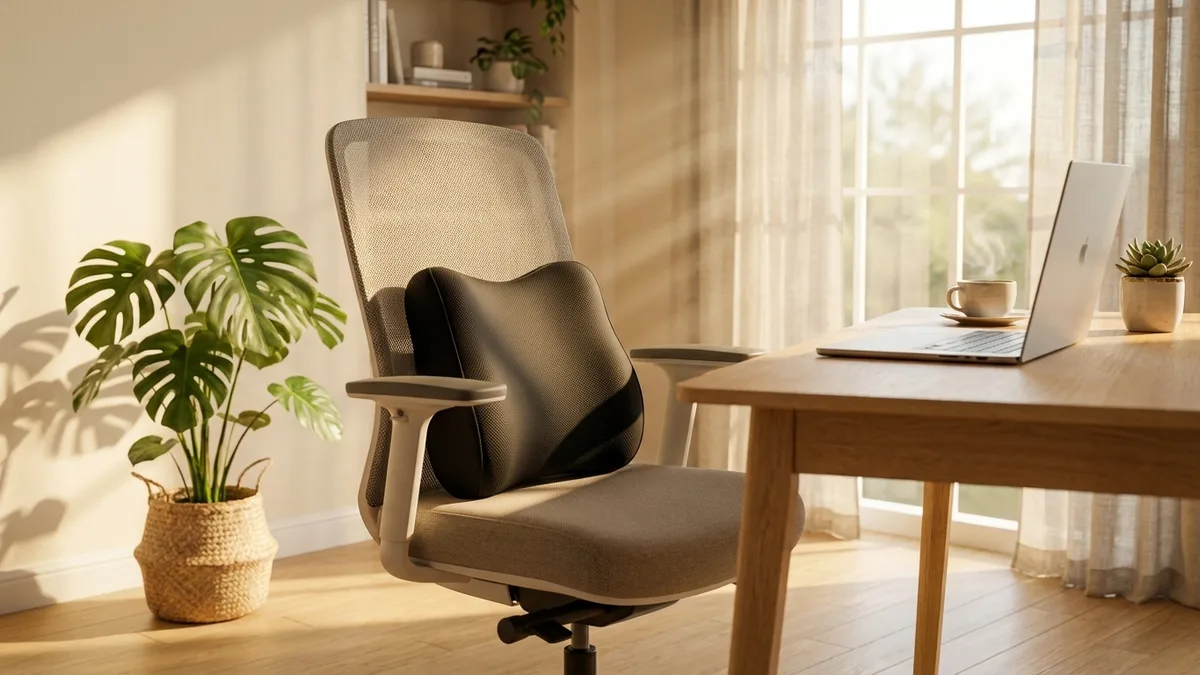
Heat buildup is one of the most common reasons people stop using an otherwise good chair. A mesh backrest moves air across your back and helps you stay comfortable into the afternoon. A waterfall seat edge, where the front of the seat curves gently downward instead of forming a hard horizontal lip, reduces pressure on the underside of your thighs and supports circulation to your lower legs. These are subtle features that you only appreciate once the day gets long.
A backrest that reclines and locks
A backrest you can recline and lock at several angles lets you shift your posture through the day rather than holding one fixed position. The ability to lean back periodically, with the lumbar support following you, takes load off your spine and is one of the simplest ways to make long sessions more tolerable.
How to choose the right chair for your situation
Once a chair has the core adjustments above, the decision comes down to fit and how you work.
- Match the chair to your body. Taller and shorter users benefit most from seat-depth adjustment and a tall backrest. If you are between sizes, prioritise the chair with the widest adjustment range rather than the one with the most padding.
- Test it for at least 15 minutes. A chair that feels fine for two minutes can reveal pressure points by minute twelve. Sit the way you actually work, lean back, and reach for a keyboard.
- Buy for daily use, not occasional use. A chair used for full workdays needs a durable gas cylinder, a frame rated for everyday cycling, and materials that hold their shape. Build quality is what separates a chair that lasts years from one that sags within months.
- Consider a mesh task chair as your default. For most people doing long focused work, a breathable, fully adjustable task chair is the safest choice. Our Executive Mesh Chair is a strong alternative if you want a higher backrest and headrest, and you can compare options across the office chairs collection.
Set the chair up correctly, then keep moving
A great chair set up badly is just an expensive bad chair. Spend five minutes dialing it in, working from the ground up.
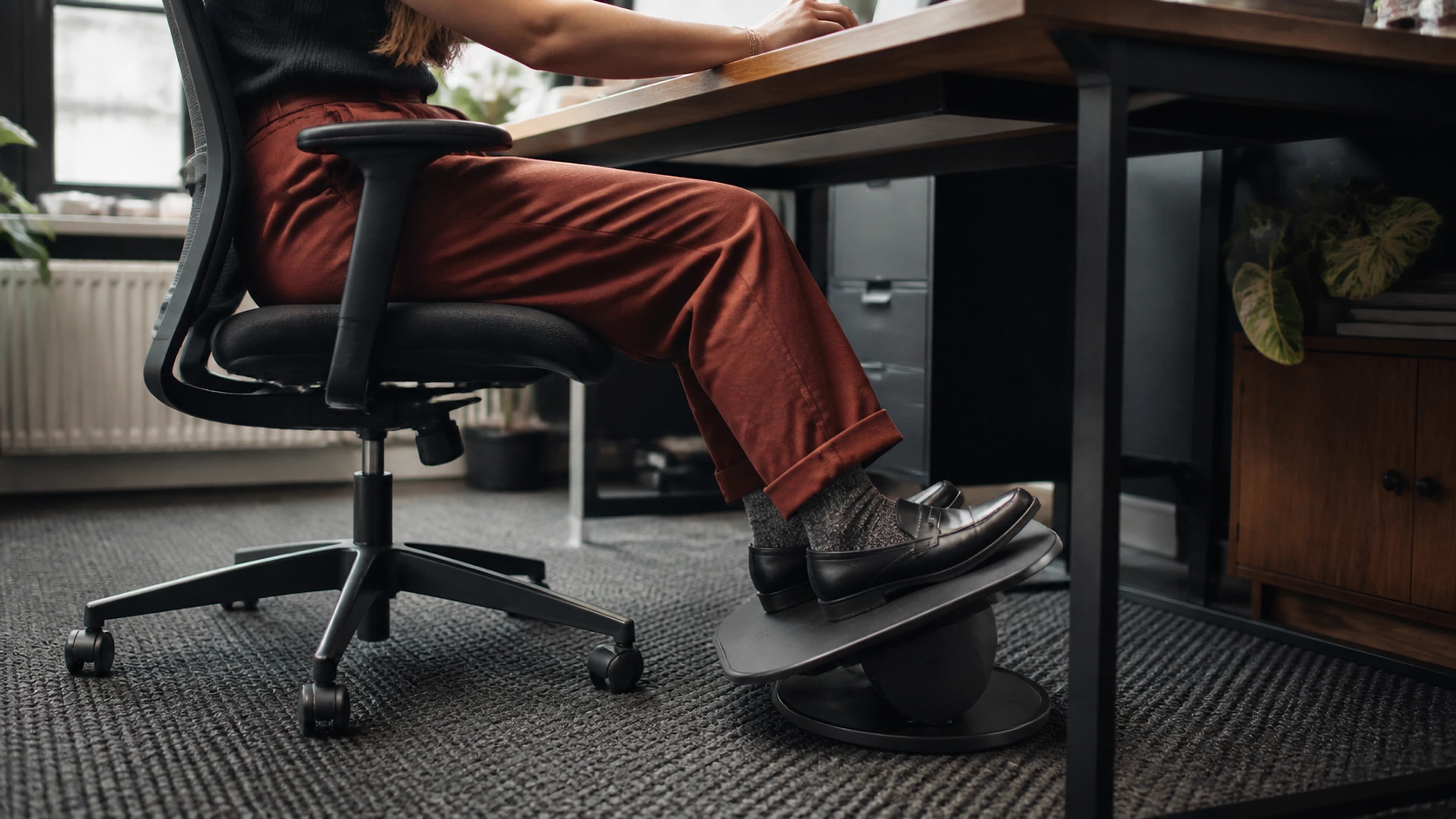
- Set seat height first. Feet flat on the floor, knees at roughly 90 degrees and slightly below your hips. If your feet do not reach comfortably, add an ergonomic foot rocker so they are fully supported.
- Adjust seat depth. Slide the seat pan until you have a two- to three-finger gap behind your knees while your back rests against the lumbar support.
- Position lumbar support. Raise or lower the lumbar pad until its apex sits at your belt line, filling the small of your back.
- Set armrests. Lower them until your shoulders relax with your forearms supported, elbows near 90 degrees.
- Set the recline tension. Loosen it enough that you can lean back with light effort, then use that range throughout the day.
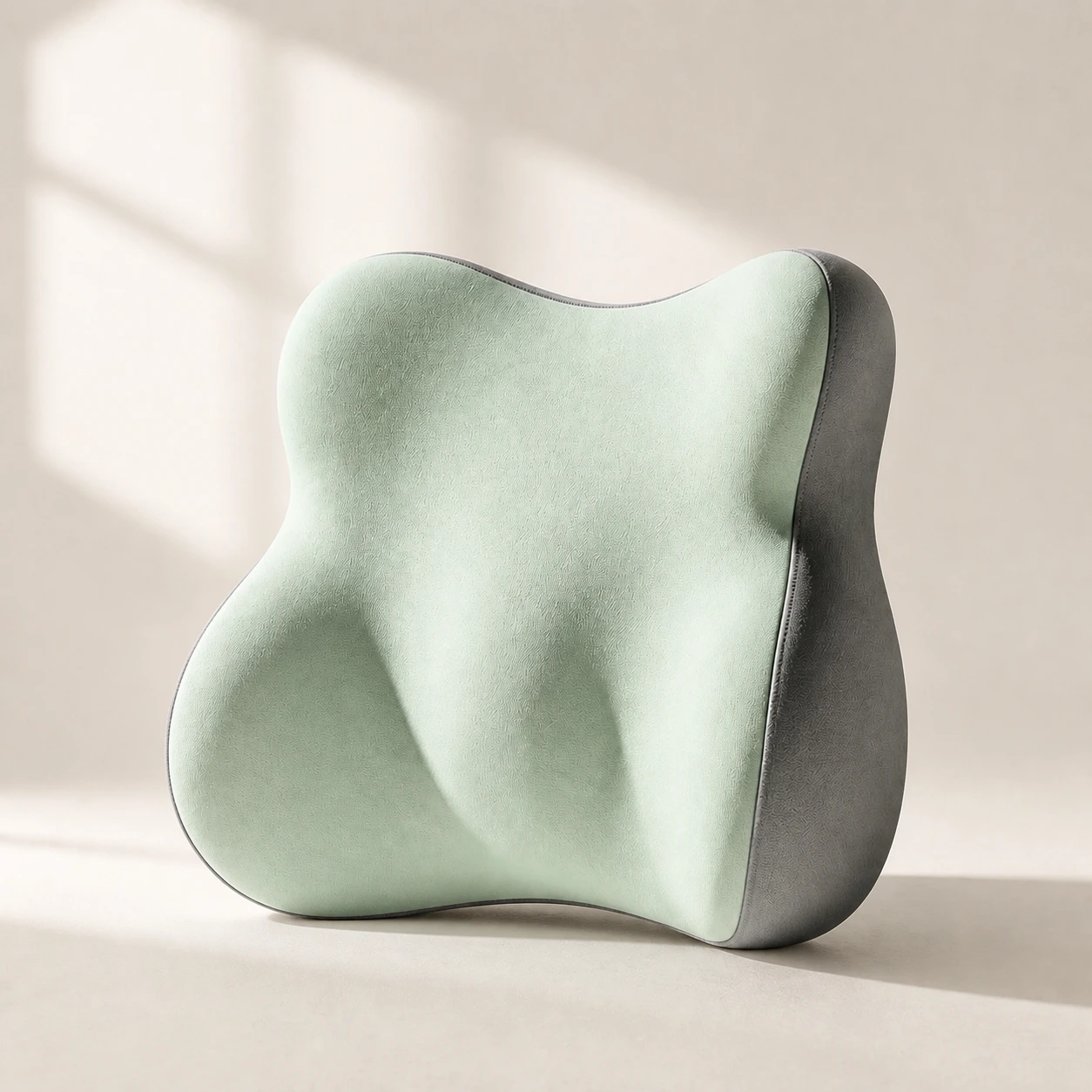 Product mentioned in this guideLumaWing Lumbar Cushion39 × 34 × 14 cm lumbar cushion available in four colours with a slow-rebound memory-foam core, fixed central ridge, recessed side channels, and broad outer…Free US shipping on every order60-Day Home Trial · we pay return shippingSee current price
Even a perfectly fitted chair benefits from movement. Because the WHO advises limiting sedentary time, treat your chair as the place you return to between brief breaks, not a place to hold still for hours. Stand up every 30 to 60 minutes, and consider alternating with an adjustable standing desk so you can switch postures without leaving your work. If you already own a chair you like but the lumbar support falls short, a dedicated lumbar support pillow is an inexpensive way to fine-tune the fit. For added seat comfort on very long days, a gel seat cushion or other option from the seat cushions collection can relieve pressure points.
The bottom line
For long hours of sitting, the best office chair is the one that adjusts to you across the dimensions that matter: lumbar height, seat height, seat depth, and armrests, with a breathable back and a recline you can lock. Get those right and you remove most of the strain that builds over a full workday.
If you want a chair engineered specifically for this kind of all-day support, the LumaSpine Pro Ergonomic Office Chair brings adjustable lumbar support, seat-depth adjustment, and a breathable mesh back together in one package built for daily use. Set it up properly, keep moving through the day, and your lower back will thank you long after the workday ends.