
The Best Sitting Position for Lower Back Pain: A Practical, Evidence-Based Guide
If your lower back aches by mid-afternoon at your desk, the problem is rarely the chair alone. It is the position you hold for hours at a time. Sitting loads the lumbar spine more than standing, and a slumped or unsupported posture concentrates that load on the discs and soft tissue of your lower back. The good news: small, specific changes to how you sit can meaningfully reduce that load.
Low back pain is the single biggest cause of years lived with disability worldwide, according to the World Health Organization. For people who sit six or more hours a day, posture is one of the few risk factors you can change today, without a prescription or a gym membership.
What Counts as a Good Sitting Position
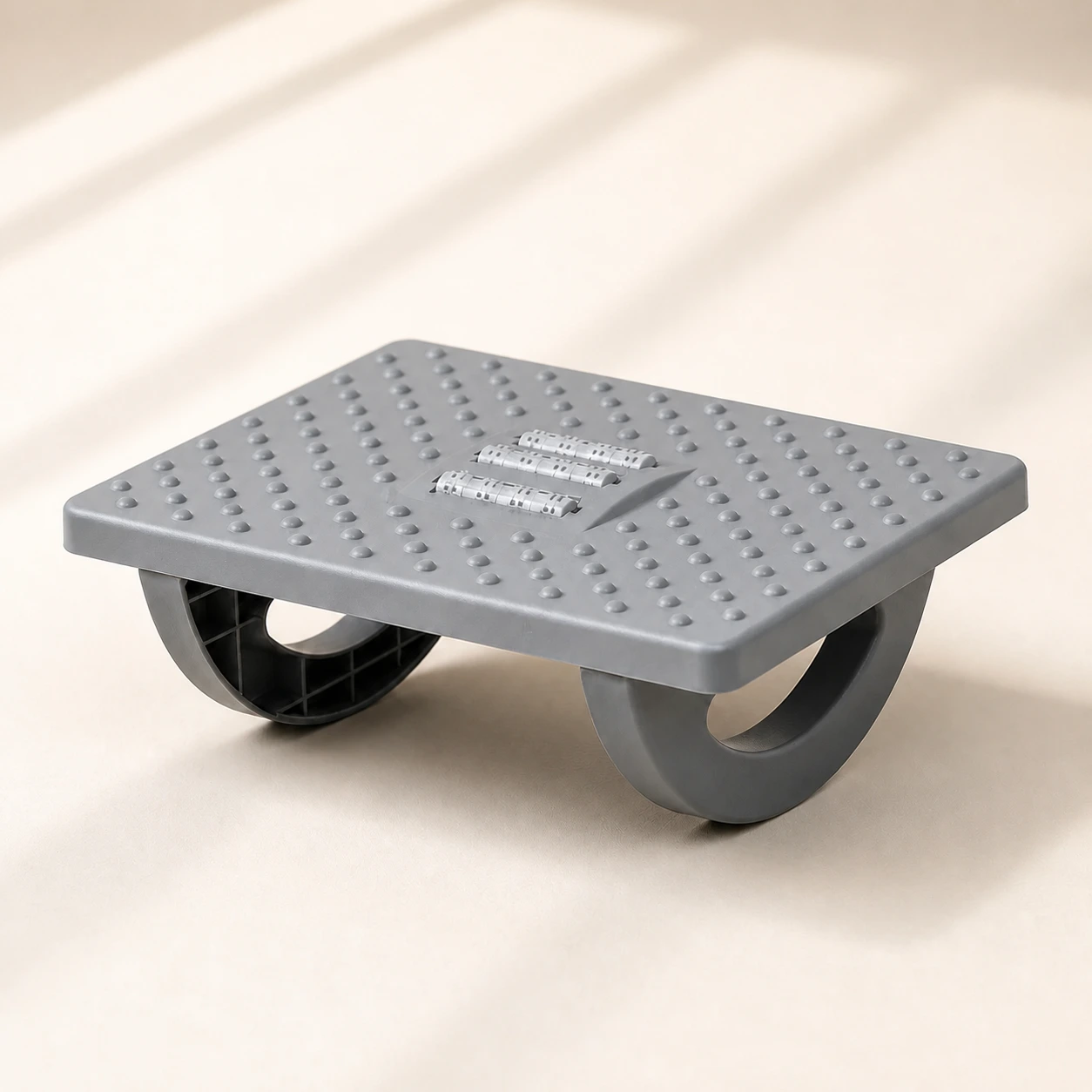 Product mentioned in this guideRollArc Rocking FootrestCompact gray footrest with twin curved supports for user-controlled rocking, a textured deck, and three central roller tracks.Free US shipping on every order60-Day Home Trial · we pay return shippingSee current price
There is no single magic posture, but the research converges on a set of principles. A well-supported sitting position keeps your spine in its natural curves, distributes your weight evenly, and lets you breathe and move freely. Aim for the following:
- Hips slightly above knees. Set your seat height so your thighs slope gently downward and your hip angle is a little more than 90 degrees. This open hip angle reduces pressure on the lumbar discs compared with a deep, knees-high seated position.
- Feet flat and supported. Keep both feet flat on the floor or on a footrest. Dangling feet pull your pelvis into a backward tilt, which flattens the lower back. If your feet do not reach comfortably, an ergonomic foot rocker keeps them grounded and gently active.
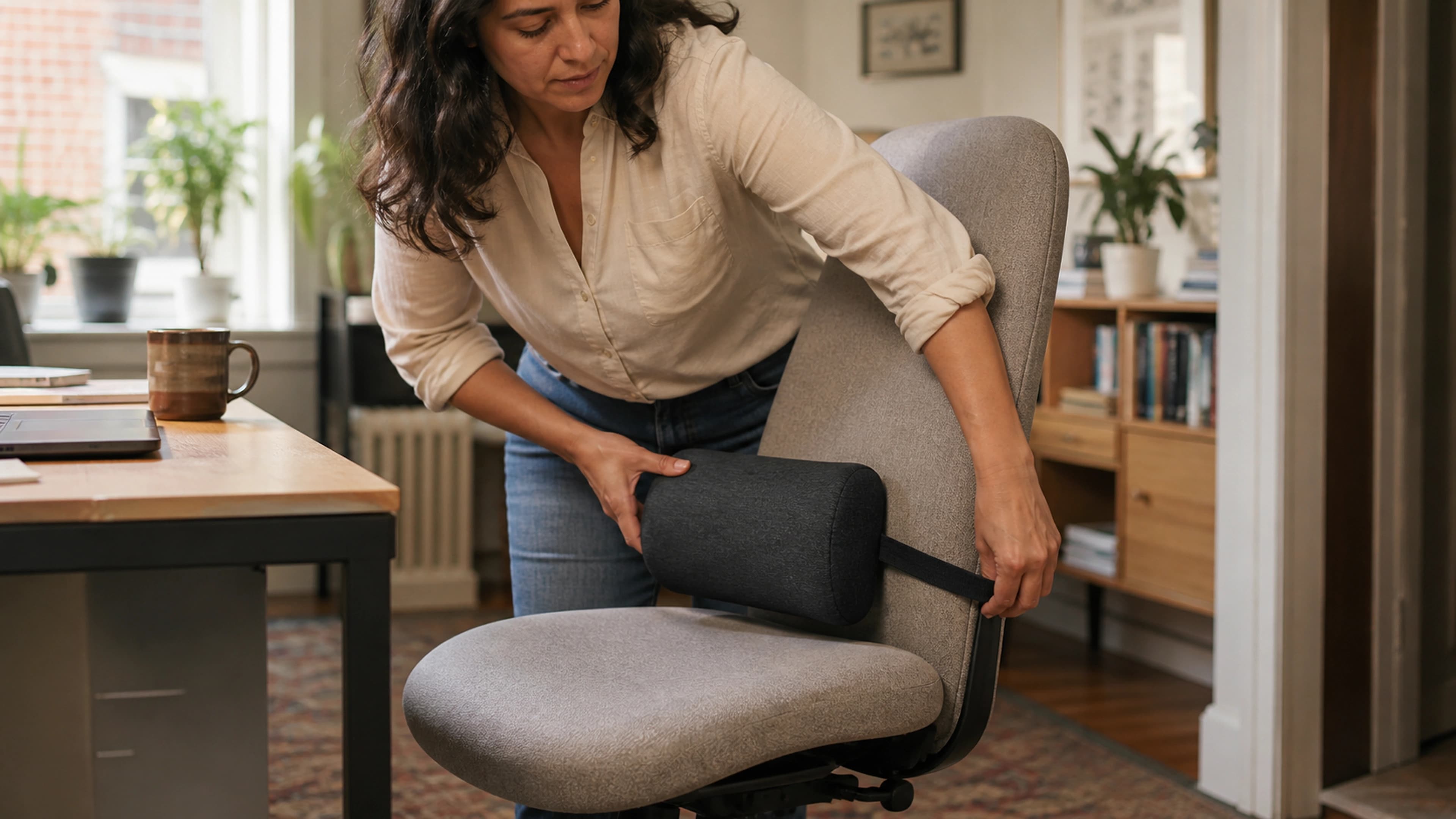
- A preserved lumbar curve. Your lower back has a natural inward curve. The most common mistake is letting it collapse into a C-shape slump. A lumbar support pillow fills the gap between your lower back and the chair so the curve is maintained without effort.
- Relaxed, supported shoulders. Shoulders down and back, elbows close to the body at roughly 90 degrees, forearms supported. Tension in the upper back eventually radiates down to the lumbar region.
- Ears over shoulders. Keep your head stacked over your spine rather than jutting forward toward the screen. A forward head adds leverage that the lower back ultimately pays for.
The Single Most Important Rule: Move
Here is the part most "perfect posture" advice gets wrong. The best sitting position is the next one. Even an ideal posture becomes harmful when held motionless for hours, because static loading starves spinal tissue of the movement that circulates fluid and nutrients. A 2018 review in the journal Applied Ergonomics and broader occupational research consistently point to the same conclusion: posture variation matters more than any single "correct" pose.
Practically, this means alternating between a few good positions throughout the day and standing up regularly. The often-cited guideline is to change position roughly every 30 minutes. A height-adjustable surface such as an adjustable standing desk makes alternating between sitting and standing effortless, so movement becomes the default rather than an afterthought.
How to Set Up Your Chair Step by Step
- Set seat height. Sit fully back. Adjust height until your feet are flat and your hips sit slightly higher than your knees.
- Use the full backrest. Slide back so your hips meet the seat-back junction. The chair should support you, not the other way around. A well-built ergonomic office chair with adjustable lumbar support makes this far easier to sustain.
- Dial in lumbar support. Position support at belt level, in the small of your back. If your chair lacks an adjustable lumbar, add a dedicated lumbar pillow.
- Adjust armrests. Set them so your shoulders stay relaxed and your forearms rest lightly, without shrugging or reaching.
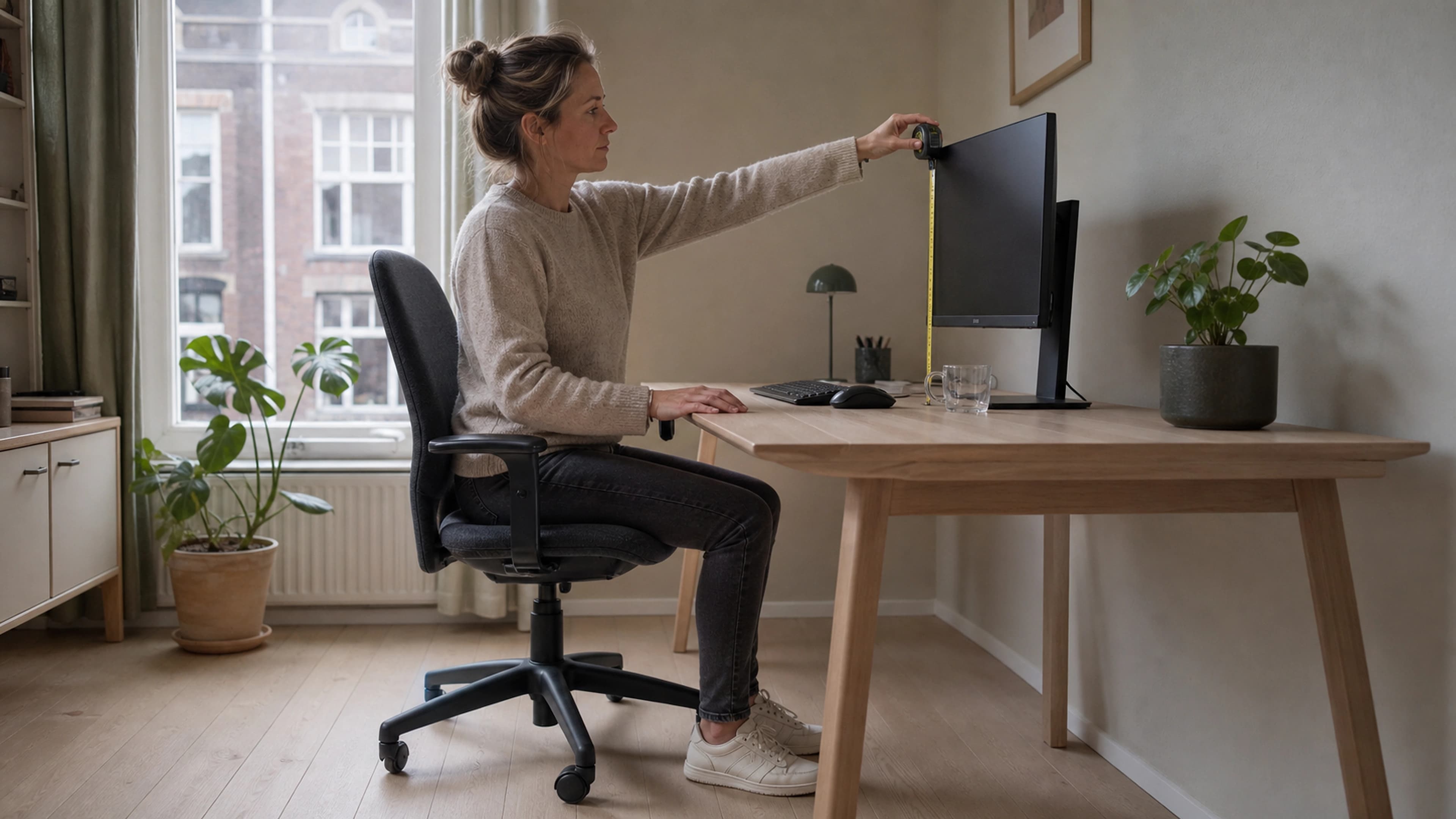
- Position your screen. The top of the monitor should sit at or just below eye level, about an arm's length away, so you are not craning forward or down.
- Add a seat cushion if needed. If your seat is hard or you feel pressure on your tailbone, a memory foam seat cushion redistributes weight and takes pressure off the lower spine.
Common Sitting Mistakes That Worsen Back Pain
- Slumping into a C-shape. The classic end-of-day collapse flattens the lumbar curve and shifts load onto the discs. Lumbar support is the simplest fix.
- Perching on the seat edge. Sitting forward off the backrest removes all support and forces your back muscles to hold you up for hours.
- Crossing your legs. This tilts the pelvis and twists the spine asymmetrically over time. Keep both feet grounded.
- Cradling a phone or leaning toward a screen. Repeated forward and side leaning loads one side of the back unevenly.
- Sitting all day, even with good posture. The fix is not a better pose. It is regular movement.
The Best Sitting Position in the Car
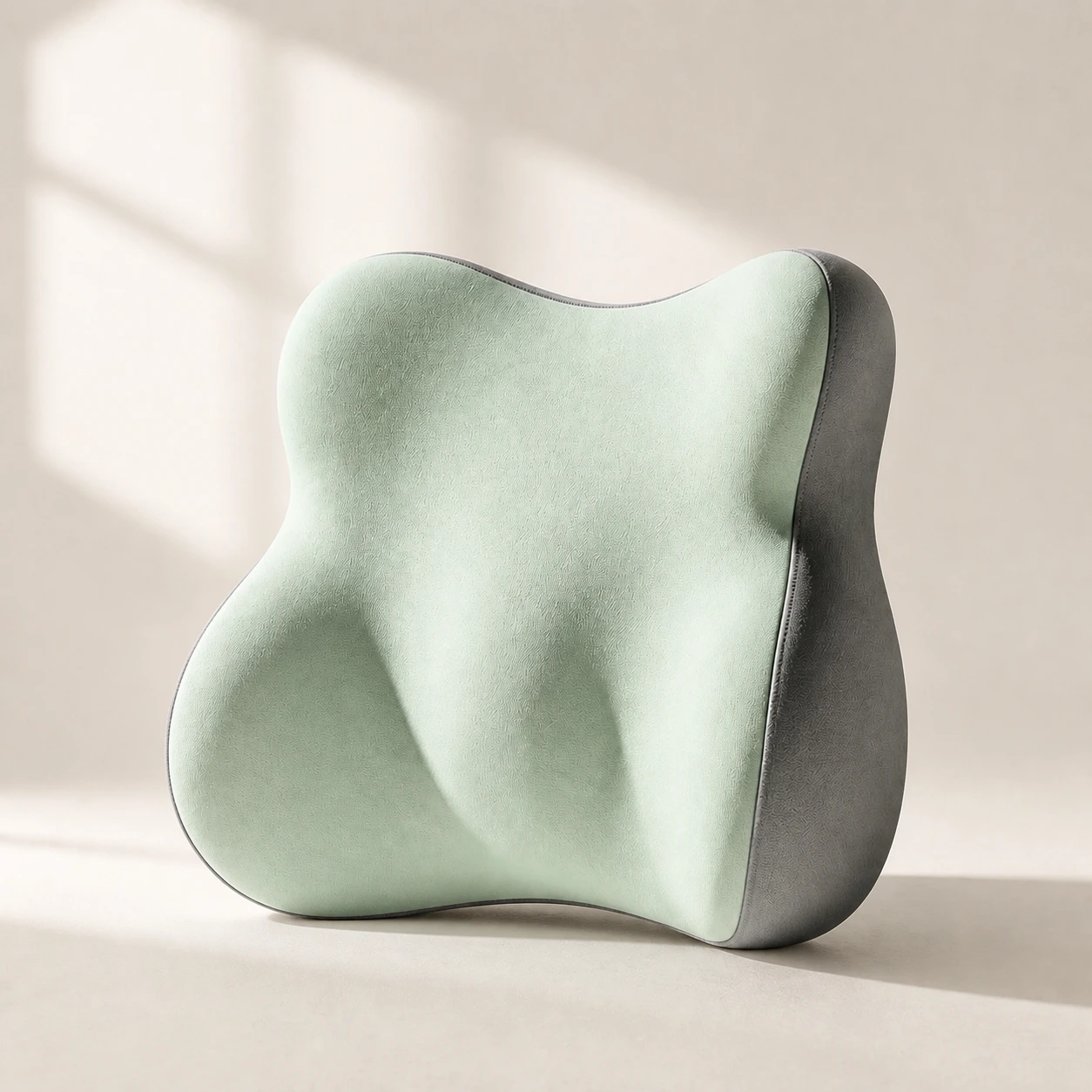 Product mentioned in this guideLumaWing Lumbar Cushion39 × 34 × 14 cm lumbar cushion available in four colours with a slow-rebound memory-foam core, fixed central ridge, recessed side channels, and broad outer…Free US shipping on every order60-Day Home Trial · we pay return shippingSee current price
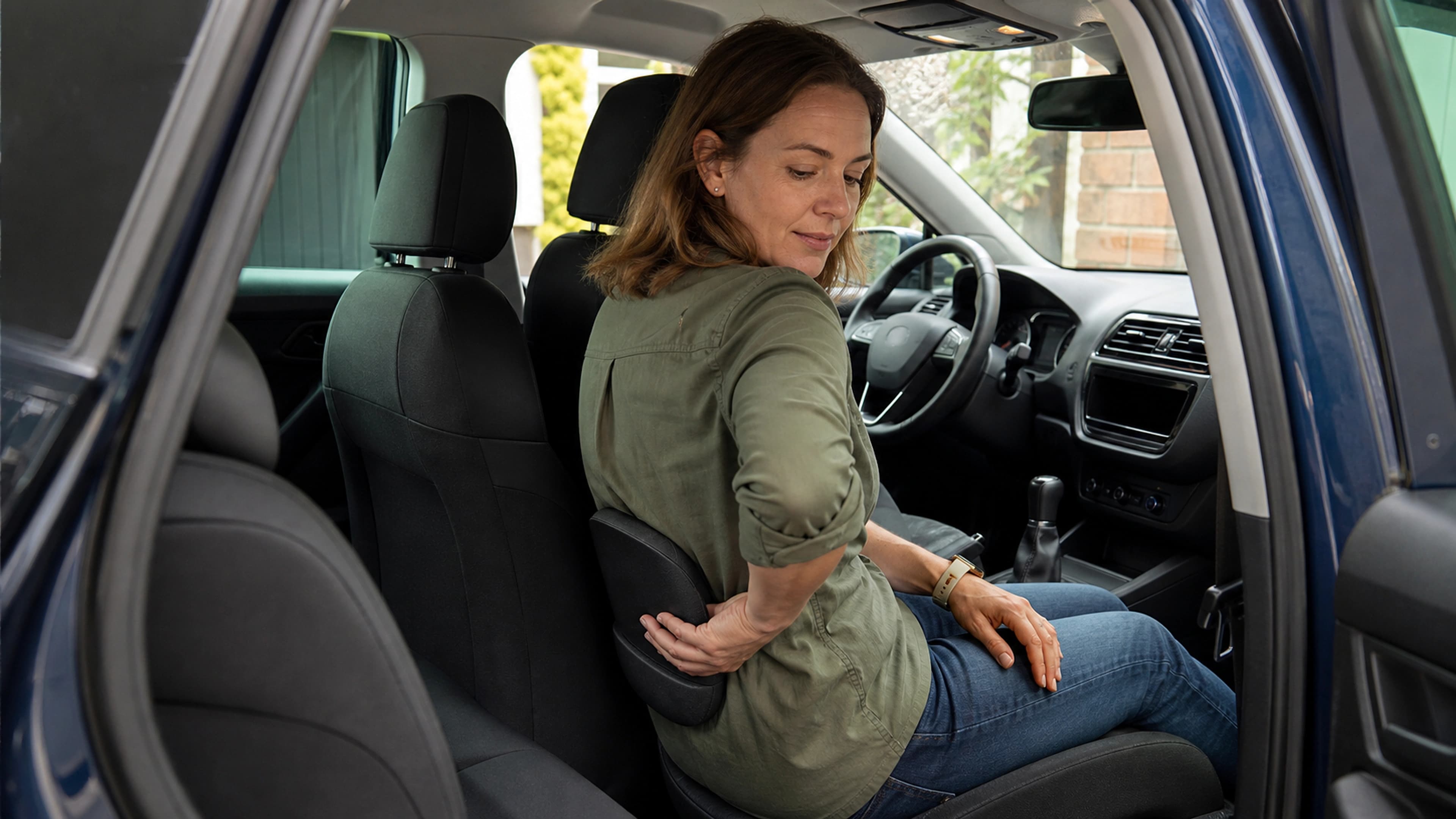
Driving compounds the problem because the seat reclines and vibrates, and you cannot get up to move. Slide the seat close enough that your knees stay slightly bent without reaching, set the backrest to roughly 100 to 110 degrees rather than fully upright, and add a slim car lumbar pillow to preserve the lumbar curve through the more reclined angle.
When to See a Professional
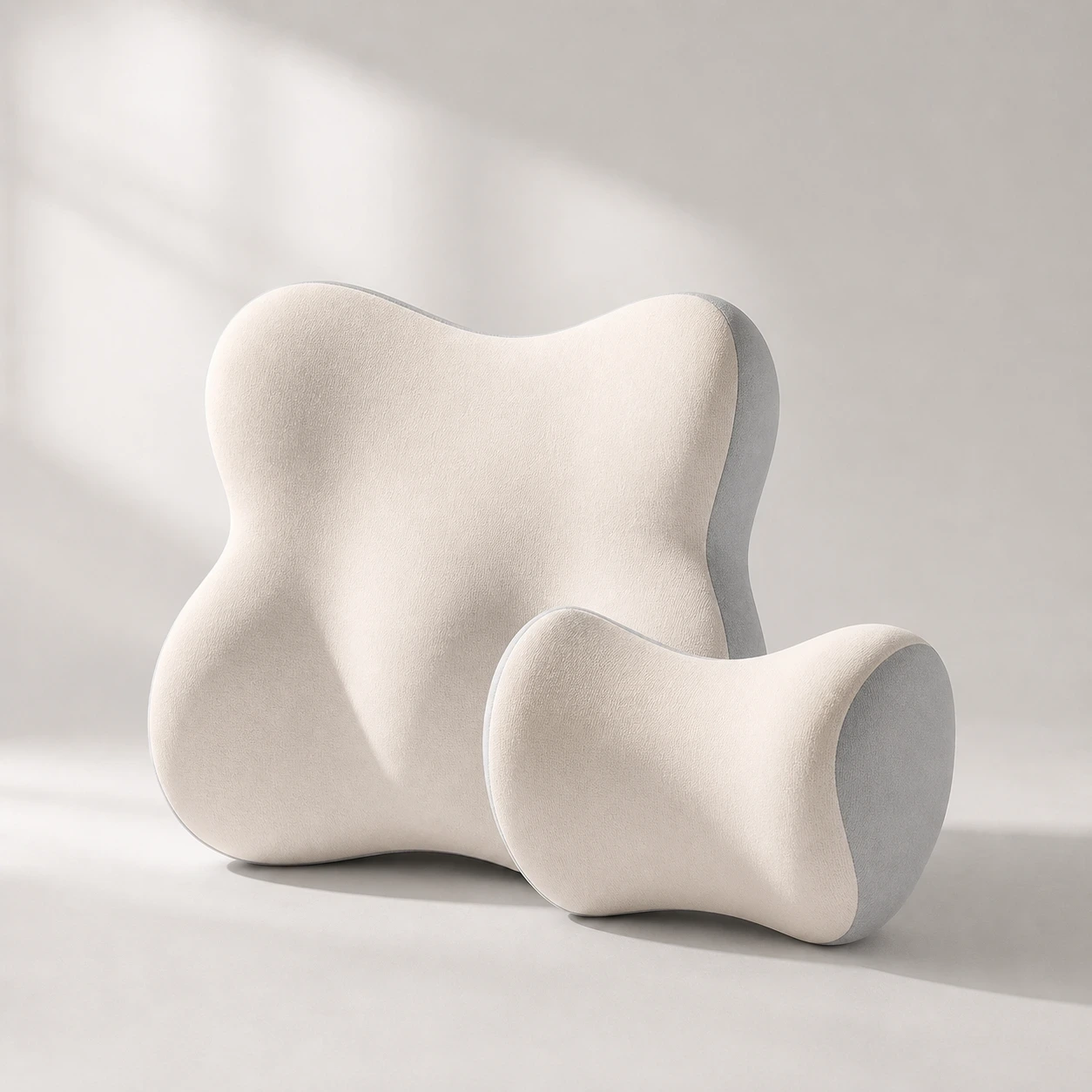 Product mentioned in this guideDriveNest DuoCar headrest and lumbar-cushion set available in four colours with 60D slow-rebound memory foam and two distinct contoured shapes.Free US shipping on every order60-Day Home Trial · we pay return shippingSee current price
Posture changes help the everyday, activity-related back pain that comes from prolonged sitting. They are not a substitute for medical care. See a clinician if your pain is severe, radiates down a leg, follows an injury, comes with numbness or weakness, or persists beyond a few weeks despite ergonomic changes. This article is educational and not a diagnosis.
The Bottom Line
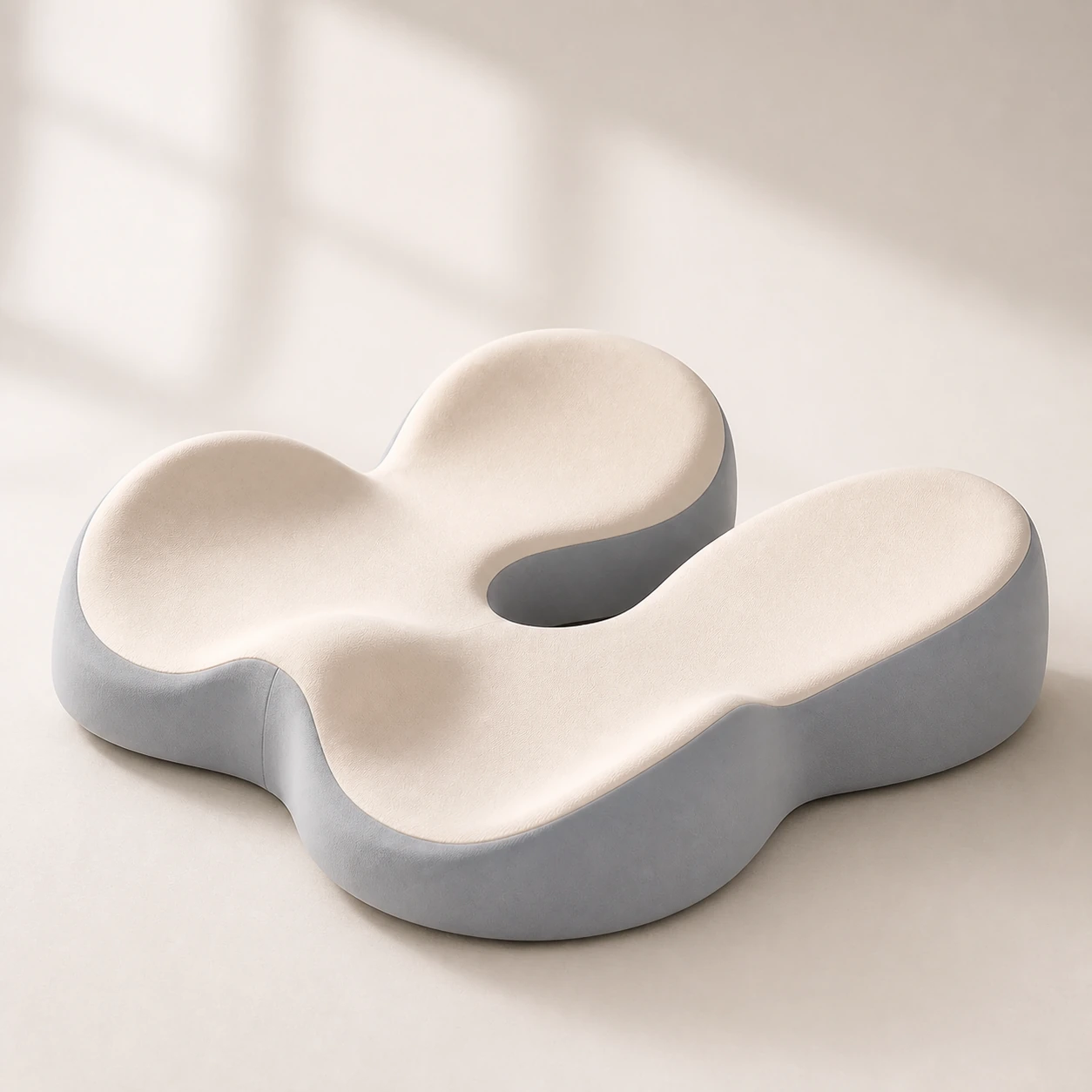 Product mentioned in this guideMemory Foam Seat CushionA sculpted seat cushion with a deep, open U-shaped rear channel designed to reduce direct contact beneath the coccyx and tailbone area. Raised rear…Free US shipping on every order60-Day Home Trial · we pay return shippingSee current price
The best sitting position for lower back pain keeps your hips slightly above your knees, your feet supported, your lumbar curve preserved, and your head stacked over your spine. But the most powerful principle is movement: vary your posture and stand up regularly so no single position bears the load for too long.
Start with the two highest-return changes. Add lumbar support so your lower back keeps its natural curve, and build in regular movement breaks. From there, a properly adjusted ergonomic chair and a setup that lets you alternate between sitting and standing turn good posture from a constant effort into your default. Your lower back will feel the difference within the first week.
Frequently Asked Questions
What is the best sitting position to relieve lower back pain?
Sit fully back in your chair with your hips slightly higher than your knees, feet flat on the floor or a footrest, and your lower back supported so it keeps its natural inward curve. Stack your head over your spine and keep your shoulders relaxed. Most importantly, change position and stand up roughly every 30 minutes, because no single posture should be held for hours.
Is it better to sit upright or reclined for back pain?
A slight recline of about 100 to 110 degrees, with the lumbar curve supported, tends to load the lower back less than a rigid, fully upright posture. Bolt-upright sitting is hard to sustain and often collapses into a slump. The key is keeping lumbar support in place at whatever angle you choose, and varying that angle through the day.
Does a lumbar support pillow actually help?
Yes. A lumbar support pillow fills the gap between your lower back and the chair so your spine keeps its natural curve without your muscles having to hold it there. Most people notice less end-of-day back fatigue within the first week of consistent use, especially when the pillow is positioned at belt level in the small of the back.
How often should I get up from my desk?
Aim to change posture or stand up at least every 30 minutes. Even a short stand-and-stretch restores movement to spinal tissue that static sitting starves. Alternating between sitting and standing with a height-adjustable desk makes this easy to do consistently.
Can the way I sit cause lower back pain, or only make it worse?
Prolonged unsupported sitting is a well-established contributor to activity-related lower back pain, not just an aggravator of existing pain. Posture and movement are among the few risk factors you can change immediately. That said, if pain is severe, radiates into a leg, or comes with numbness or weakness, see a clinician rather than relying on ergonomic changes alone.