
Best Office Chair for Lower Back and Hip Pain
The best office chair for combined lower back and hip pain is one with adjustable lumbar height and depth, a seat-depth slide, and a waterfall front edge - features that keep your pelvis upright and take pressure off your hips and thighs. If you only remember one thing, choose a chair you can adjust to your body, because lower back and hip pain that start while sitting almost always share a single cause: a pelvis that rolls backward and drags your spine and hips out of neutral.
This guide explains why the two areas hurt together, the small set of adjustments that actually decide whether a chair helps, how to set the chair up, and where a chair stops and movement has to take over. It is written for desk workers, not clinicians, so it stays practical.
Why your lower back and hips hurt together
Low back pain is not a niche complaint. The World Health Organization estimates that 619 million people lived with low back pain in 2020, and it is the single leading cause of disability worldwide. Desk work is a major contributor, and when the pain arrives, the hips frequently come along for the ride. There is a mechanical reason for that.
When you sit, your hips are flexed to roughly 90 degrees and held there for hours. That position keeps the hip flexors shortened and encourages the pelvis to rotate backward - a posterior pelvic tilt. As the pelvis rolls back, the natural inward curve of your lower spine (the lumbar lordosis) flattens or reverses. The result is more load on the lumbar discs and surrounding tissue, and more strain through the hips and the muscles that cross them. Fix the pelvis and you usually relieve both areas at once; ignore it and a chair that only props up your upper back does little.
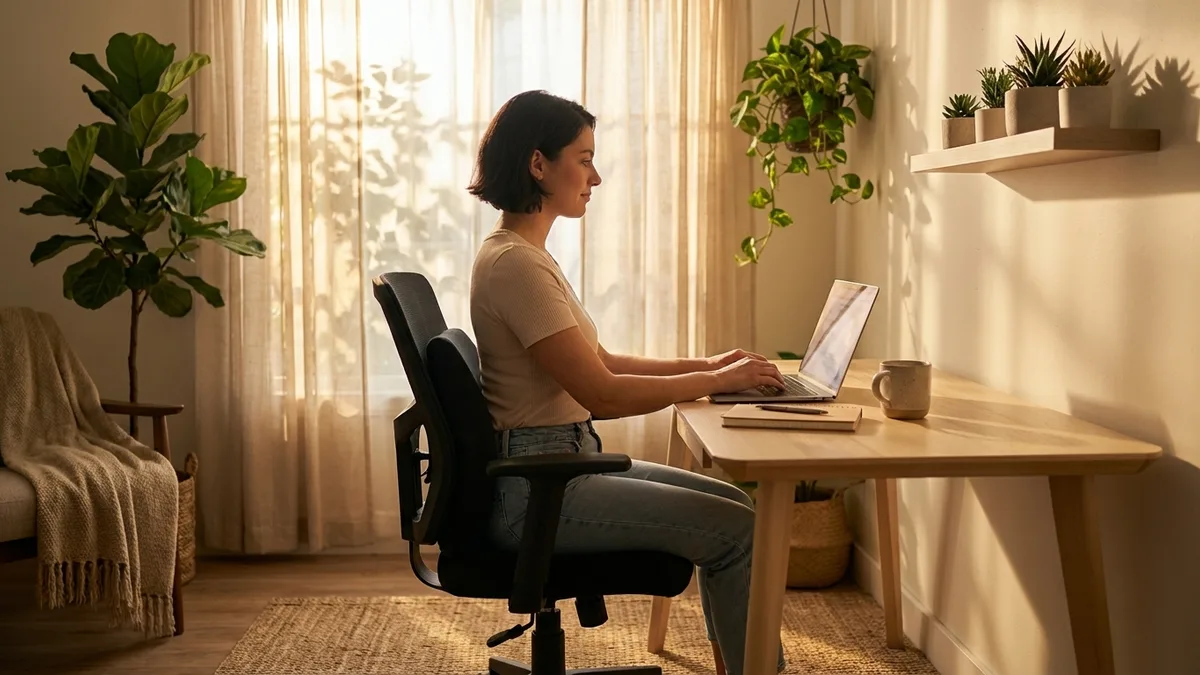
This is why the answer to "which chair?" is really "which adjustments?" A chair helps lower back and hip pain when it keeps the pelvis upright and the hip angle comfortable, not when it has the longest spec sheet.
The adjustments that actually matter
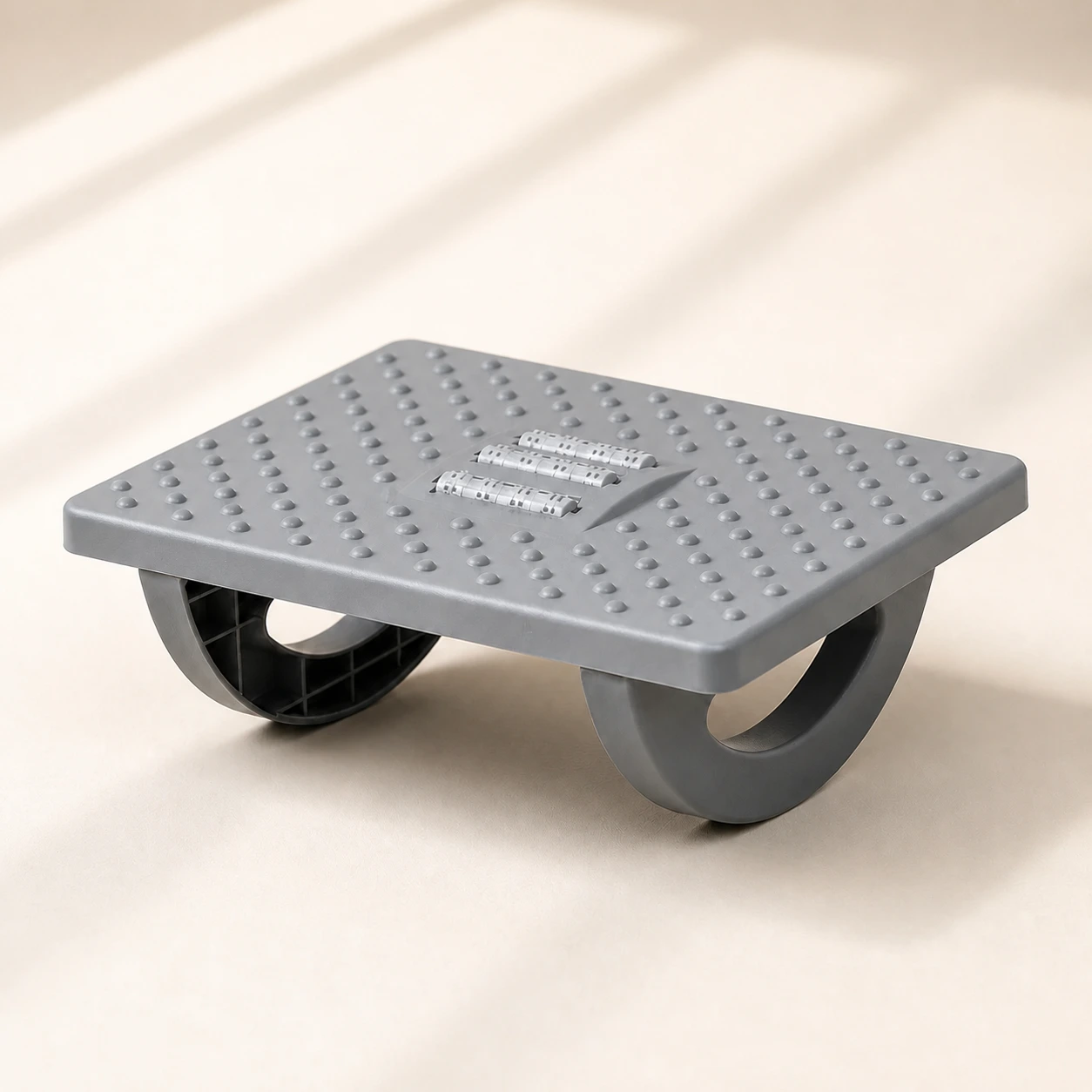 Product mentioned in this guideRollArc Rocking FootrestCompact gray footrest with twin curved supports for user-controlled rocking, a textured deck, and three central roller tracks.Free US shipping on every order60-Day Home Trial · we pay return shippingSee current price
Marketing copy lists dozens of features. For combined back and hip pain, a short set does the heavy lifting. Prioritize these.
1. Adjustable lumbar height
This is the most important feature and the one most often missing. The apex of the lumbar curve sits at a different point on a 1.6 m frame than on a 1.9 m frame, so a chair whose lumbar support slides up and down lets you place the support exactly in your curve. A fixed lumbar pad fits some people and misses others entirely. By holding the lumbar curve, good lumbar support keeps the pelvis from rolling back - which is the root of the hip strain too. If you can have only one lumbar adjustment, make it height.
2. Adjustable lumbar depth (firmness)
Depth controls how far the support presses into your back. Too little and it does nothing; too much and it forces an exaggerated arch that creates its own ache. Adjustable depth lets you tune the firmness to your body and to how reclined you sit. A controlled study of a lumbar support during prolonged sitting found it shifted the lower back toward a more neutral position, which is exactly the effect you want a backrest to produce - but only when it is set to match you, not someone else.
3. Seat depth
Seat depth is where hip pain is won or lost. If the seat pan is too long, its front edge digs into the back of your knees and you are forced to slide your pelvis forward, away from the lumbar support - straight back into a slump. A seat-depth slide lets you sit fully back against the support while keeping two to three fingers of clearance behind your knees, so your thighs are supported without pressure at the hip and knee.
4. A waterfall seat edge and seat angle
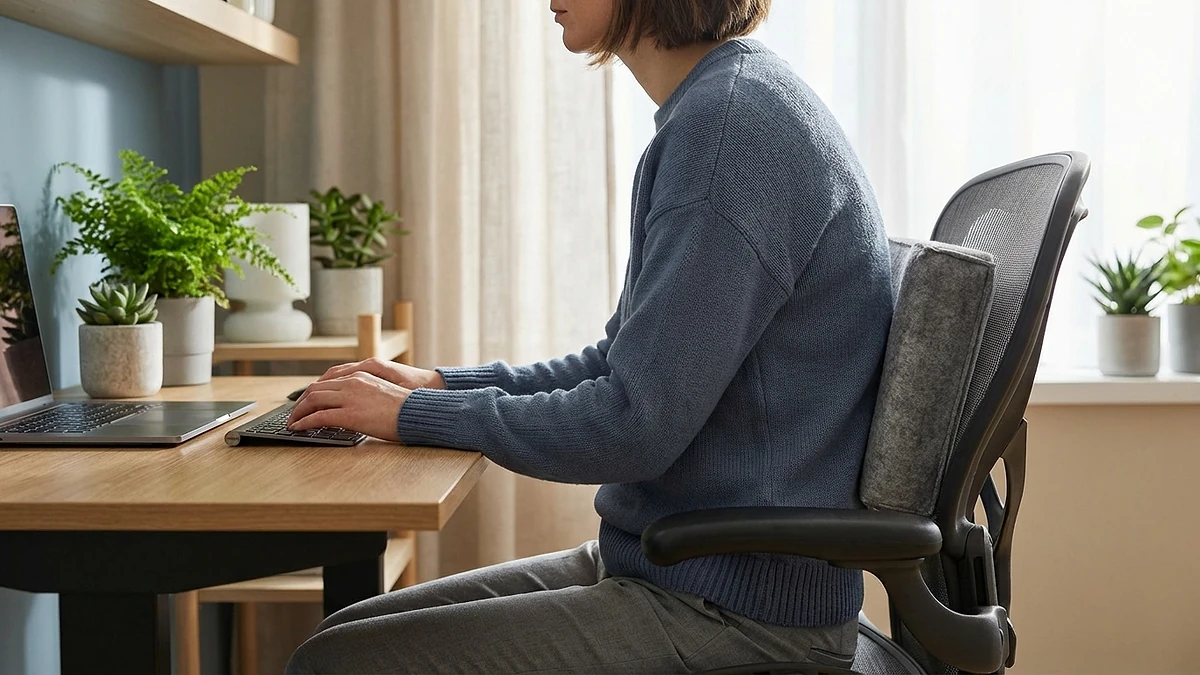
A waterfall front edge curves down and away from your thighs instead of cutting across them, which reduces pressure on the underside of your legs and the soft tissue near the hips. A slight forward seat tilt, or simply the freedom to sit toward the front of the seat, opens the trunk-to-thigh angle past 90 degrees and encourages a neutral pelvis. An adjustable seat angle is more useful than a fixed forward tilt, because the right angle depends on the task and the person.
5. Seat height, recline and armrests
Seat height is upstream of everything else: if your feet do not rest flat with your knees around hip height, your pelvis tips and no lumbar setting can save it. A recline with adjustable tension lets you shift load off your spine through the day while the backrest keeps lumbar contact. Height-adjustable armrests let your shoulders relax so you do not brace and grind through the hips and lower back. None of these replace the first four, but they round out a chair that protects you.
How to choose: a quick checklist
- Adjustable lumbar height (most important for keeping the pelvis upright).
- Adjustable lumbar depth or firmness.
- A seat-depth slide for correct thigh and knee clearance.
- A waterfall front edge and, ideally, an adjustable seat angle.
- Pneumatic seat-height adjustment so your feet rest flat.
- Recline with adjustable tension and a lock.
- Height-adjustable armrests.
- A backrest and cushion that hold their shape, and a warranty long enough to signal the maker trusts the mechanisms.
If you want a chair that already meets this checklist, the LumaSpine Pro ergonomic office chair is built around adjustable lumbar height and depth with the seat-depth, recline and armrest controls above, so the support meets your spine and your hips rather than asking your body to meet the chair. If you prefer a more enveloping executive feel with the same adjustability priorities, the executive mesh chair is a sound alternative, and you can compare the range in the office chairs collection.
How to set the chair up once it arrives
Even the right chair only works when it is dialed in. Set it in this order.
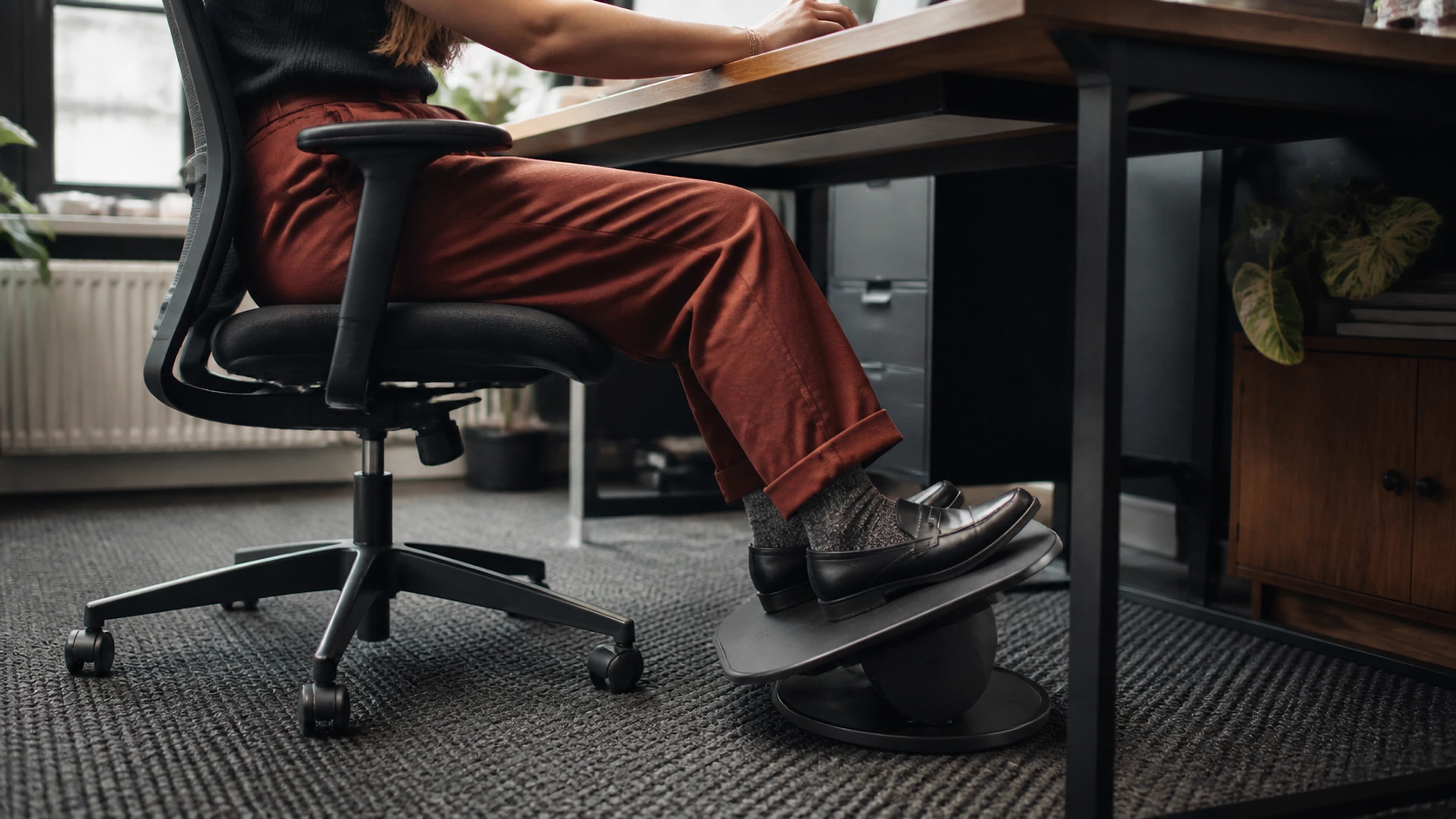
- Seat height first. Lower or raise the seat until your feet are flat and your knees are level with or slightly below your hips. If your feet dangle, add an ergonomic foot rocker so the pelvis is not left to tip.
- Seat depth. Slide the seat so you can sit fully back against the lumbar support with two to three fingers of space behind your knees.
- Lumbar height. Find the inward curve of your lower back, just above the belt line, and set the support there - not lower on the pelvis or higher on the mid-back.
- Lumbar depth. Increase firmness until you feel gentle, continuous contact that stops your lower back rounding, then ease off slightly. You should feel supported, never pushed forward.
- Seat angle. If the chair allows it, add a slight forward tilt until your hips feel open and your pelvis sits neutral rather than tucked under.
- Armrests and recline. Set armrests so your forearms are level and shoulders relaxed, and tune recline tension so the backrest follows you and keeps lumbar contact as you lean.
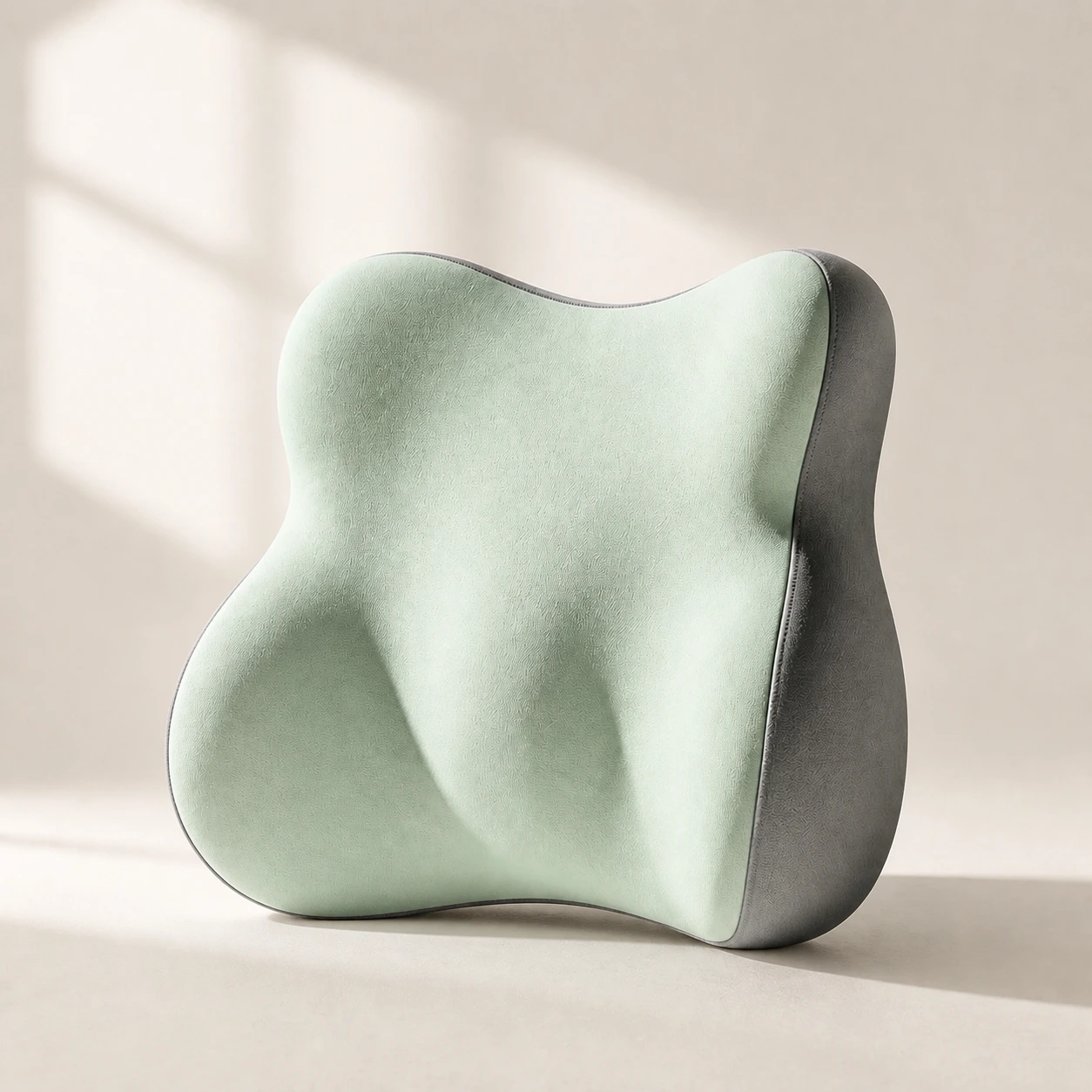 Product mentioned in this guideLumaWing Lumbar Cushion39 × 34 × 14 cm lumbar cushion available in four colours with a slow-rebound memory-foam core, fixed central ridge, recessed side channels, and broad outer…Free US shipping on every order60-Day Home Trial · we pay return shippingSee current price
If you already own a decent chair and only the seat or lumbar support lets it down, you may not need to replace it. A contoured gel seat cushion with a waterfall edge retrofits better hip and thigh support onto an existing seat, and a separate lumbar support pillow set at the right height restores the curve. Built-in adjustment is more stable, but a well-placed cushion and pillow are legitimate fixes you can browse in the seat cushions collection.
When a chair is not enough
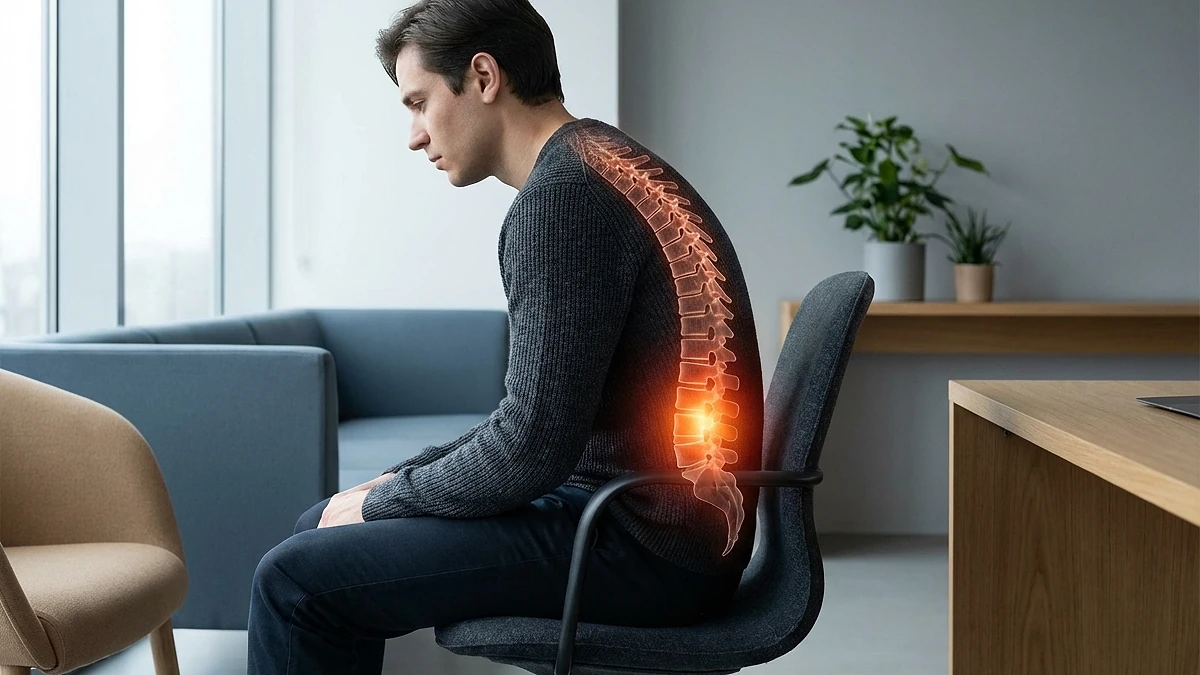
No chair offsets hours of unbroken sitting. Spinal discs and hip tissues rely on movement to exchange fluid and stay healthy, and no static posture, however neutral, replaces that. The most useful evidence here is encouraging: a 2024 cluster-randomized controlled trial in high-risk office workers found that a seat designed to promote frequent postural shifts substantially reduced new cases of neck and low-back pain over six months. The lesson is not that one cushion is magic - it is that movement and changing position is the active ingredient, and the best chair is one that makes shifting easy rather than locking you in place.
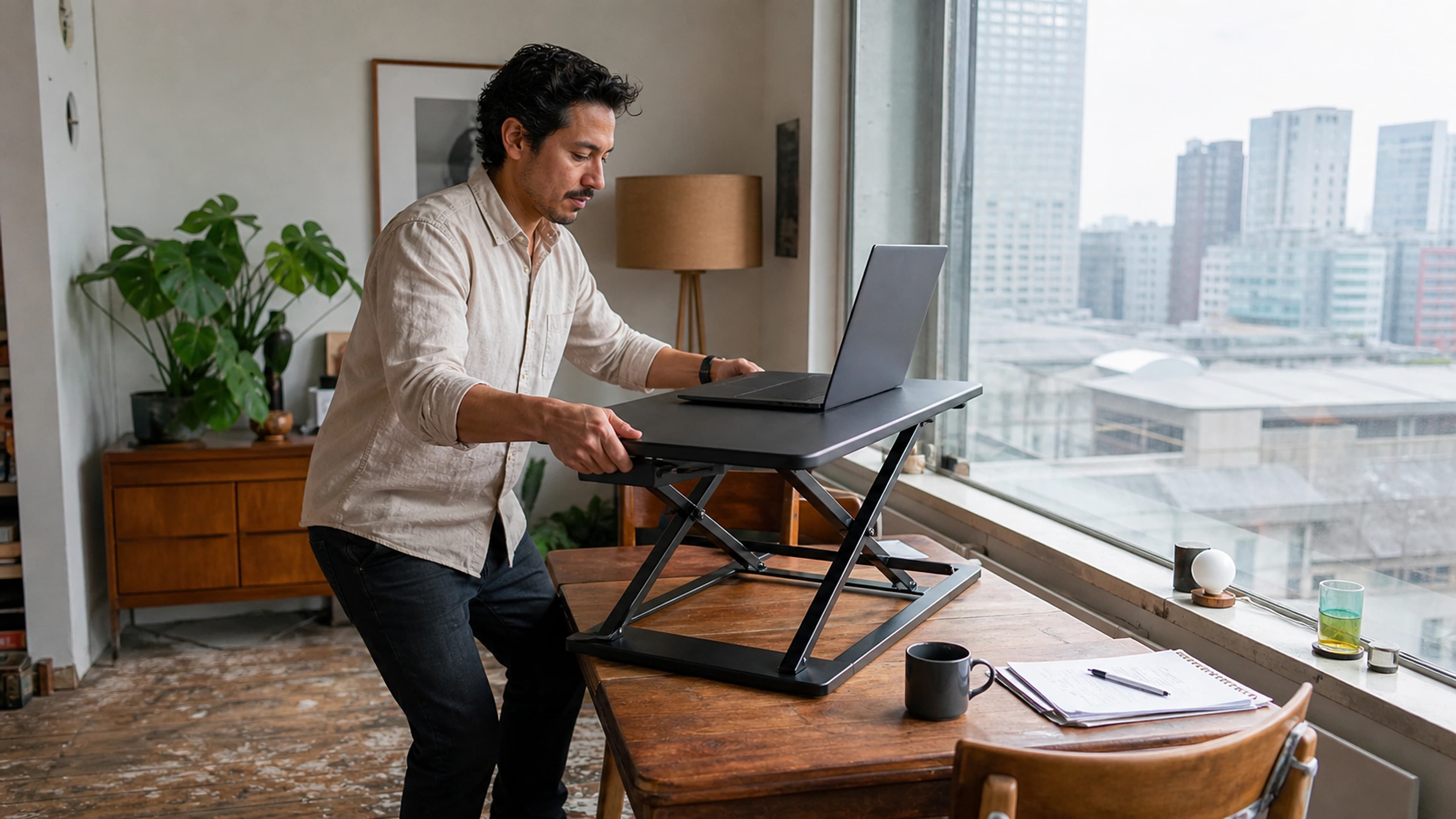
So build movement in. Stand, walk, or simply change posture every 30 to 60 minutes. A sit-stand setup such as an adjustable standing desk makes alternating between sitting and standing practical without leaving your work, and it pairs with a well-adjusted chair rather than replacing it. A short hip-flexor stretch and a walk to refill your water do more for stubborn hip pain than any single feature on a spec sheet.
One honest caveat: this is general ergonomics guidance, not medical advice. Pain that is severe, that radiates down a leg, that follows an injury, or that simply will not settle deserves assessment by a clinician. The right chair removes a major mechanical cause of everyday desk-related back and hip ache; it is not a substitute for care when something more is going on.
The bottom line
For combined lower back and hip pain, skip the feature wars and choose a chair you can fit to your body: adjustable lumbar height and depth to keep the pelvis upright, a seat-depth slide and waterfall edge to protect the hips and thighs, and the freedom to move through the day. Set it up in order, add a cushion or footrest if your current seat is the weak link, and keep changing position. If you want one chair built around exactly those priorities, start with the LumaSpine Pro ergonomic office chair.