
Proper Sitting Posture at a Desk: An Honest Guide
You finish a workday with a stiff neck, an ache low in your back, and the vague sense that you have been sitting wrong for years. If that is you, learning proper sitting posture at a desk is a reasonable place to start, because where your head, shoulders, elbows, hips and feet land for eight hours genuinely affects how you feel by the evening.
We will give you a concrete neutral-posture checklist drawn from recognised ergonomics guidance. But we will also be honest about the part most posture guides skip: no single position is healthy when you hold it all day. The biggest lever is not finding one perfect pose. It is changing position often.
One disclosure up front: we sell ergonomic chairs, cushions and footrests at ERGOLA, so treat any product mention here as a framework, not a verdict. Most of what follows costs nothing and uses the desk you already own.
What proper sitting posture looks like
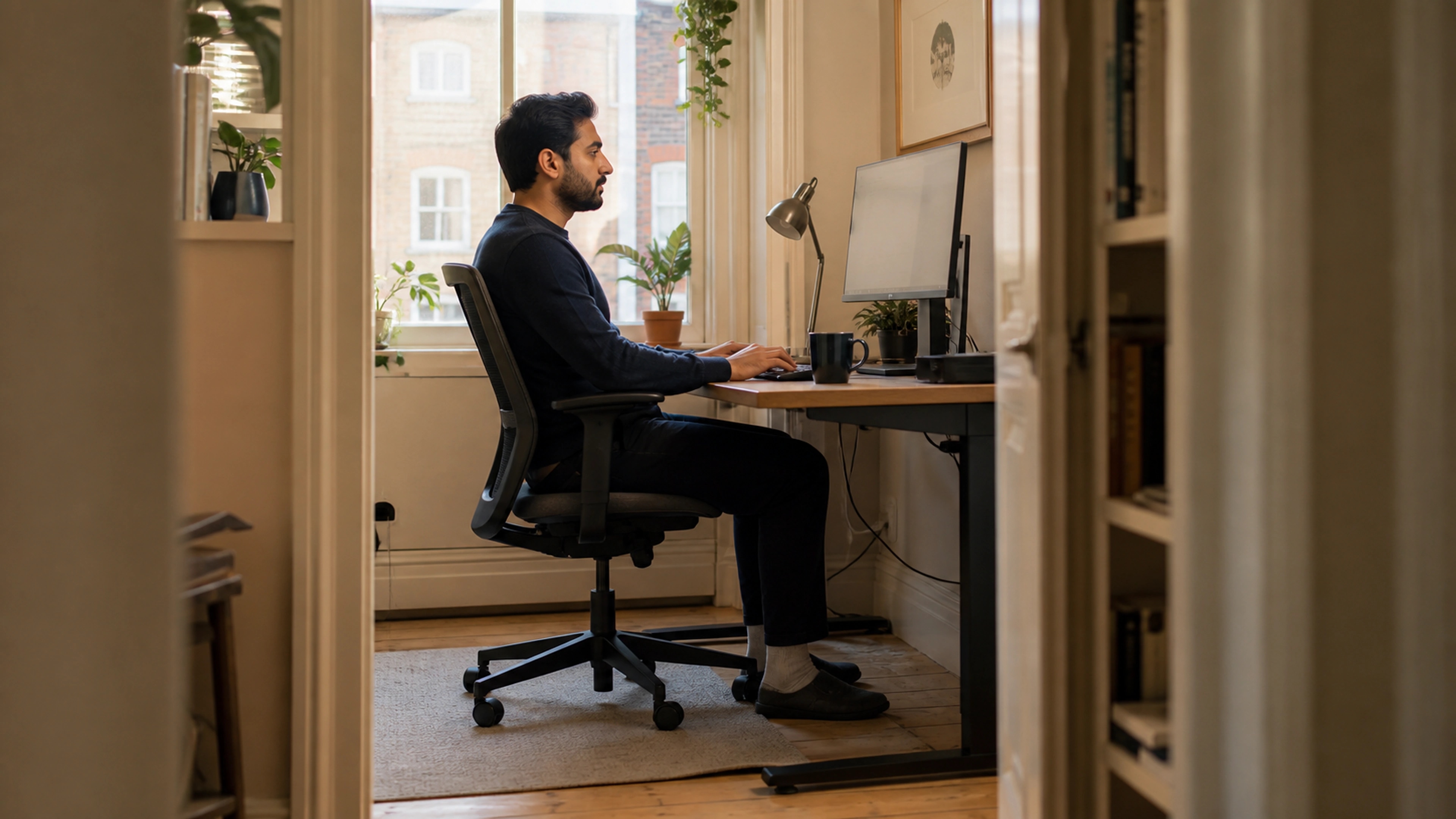
Proper sitting posture at a desk means keeping your body in roughly neutral positions: head balanced over your shoulders, monitor at about eye level, shoulders relaxed, elbows close to the body at around a right angle, lower back supported, hips level with or slightly above the knees, and feet flat on the floor or a footrest. According to OSHA, no posture should be held for long.
The word "neutral" matters more than "upright". You are not aiming for a rigid, military-straight back. You are aiming to avoid the extremes: no craning forward to read a low screen, no hunching, no perching on the front edge of the seat with your legs dangling. OSHA's guidance on good working positions describes this as keeping the body's joints in their natural, mid-range alignment so that muscles and ligaments are under the least strain.

A quick honesty note on the evidence. There is good consensus on what neutral posture looks like, and it is sensible. What is less certain is exactly how much posture alone explains everyday aches, because most non-specific back and neck discomfort has several contributing factors and no single identifiable cause. So treat this checklist as a way to reduce avoidable strain and stay comfortable, not as a guaranteed cure for pain. We would rather you know that than oversell a chair.
The neutral-posture checklist, head to feet
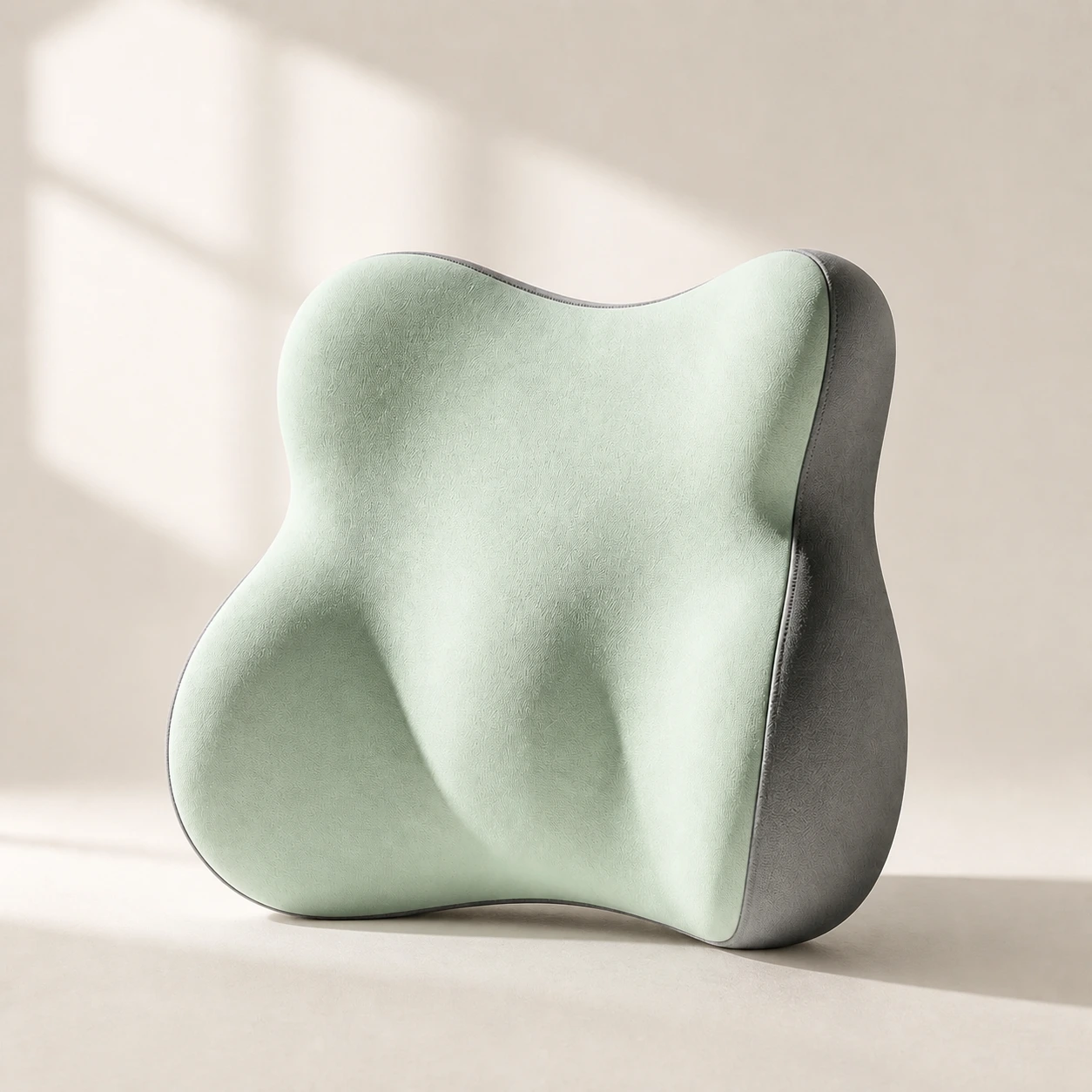 Product mentioned in this guideLumaWing Lumbar Cushion39 × 34 × 14 cm lumbar cushion available in four colours with a slow-rebound memory-foam core, fixed central ridge, recessed side channels, and broad outer…Free US shipping on every order60-Day Home Trial · we pay return shippingSee current price
Work down your body. Each item is independent, so fix whichever is worst first rather than trying to perfect everything at once.
- Head and neck. Keep your head balanced over your spine, not pushed forward. Your ears should sit roughly over your shoulders rather than ahead of them.
- Monitor. The top of the screen should be at or slightly below eye level, and about an arm's length away. OSHA recommends positioning the monitor so you look slightly downward at the centre of the screen, which keeps the neck neutral.
- Shoulders. Let them drop and relax. If they creep up toward your ears, your armrests or desk are likely too high.
- Elbows. Keep them close to your sides at roughly a 90 to 110 degree angle, with forearms about parallel to the floor while typing.
- Lower back. Maintain the gentle inward curve of your lumbar spine. A chair's built-in support or a separate cushion can help fill the gap between your back and the seat.
- Hips and thighs. Sit fully back in the seat with hips level with or slightly higher than your knees, and a small gap behind the knees.
- Feet. Keep them flat on the floor. If they do not reach comfortably, a footrest takes the pressure off the backs of your thighs.
The catch: no posture is healthy if you hold it all day
Here is the part that should change how you read every other section. Even a textbook-perfect position becomes a problem when it is the only position you adopt for hours. Static loading is the issue, not the specific angle. The NHS is direct about this: sitting for long uninterrupted periods is associated with poorer health outcomes, and breaking up that time is the recommended response.
So the practical rule is simple. The best posture is the next one. Shift in your seat, stand up, stretch, walk to refill a glass of water. A common piece of advice is to change position and move briefly every 30 minutes or so; the exact interval matters less than the habit of not freezing in one shape. If you take only one thing from this guide, make it this: a slightly imperfect posture that you change often beats a perfect posture held rigidly.
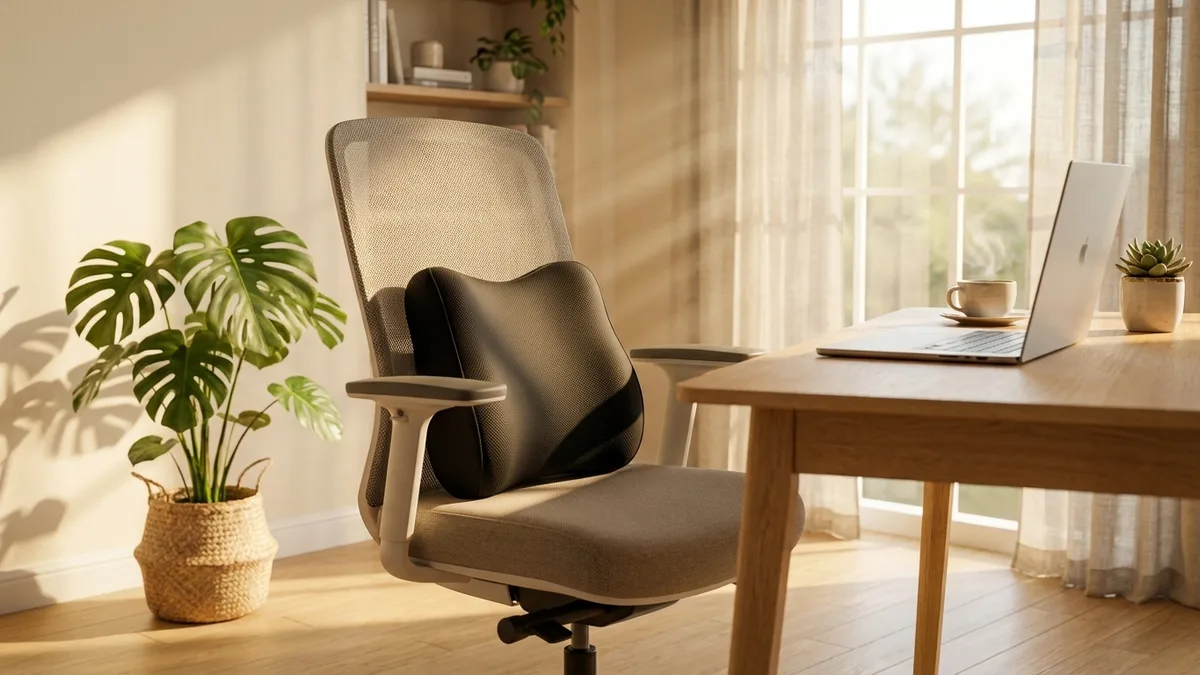
You can build this in cheaply. Stand for phone calls. Keep your water glass small so refilling forces you up. Read longer documents standing. Set a quiet recurring reminder if you tend to get absorbed and lose track of time. None of this requires equipment, and it does more for how you feel by the evening than any single posture tweak. A sit-stand desk can make alternating easier, but it is an enabler of movement, not a replacement for it; standing still for hours has its own drawbacks, which is why the goal across the day is variety rather than one ideal stance.
Setting up your chair and desk to make it easy
Good posture is far easier to maintain when your equipment does some of the work, so that staying neutral is the path of least resistance rather than a constant act of will.
Desk and monitor height
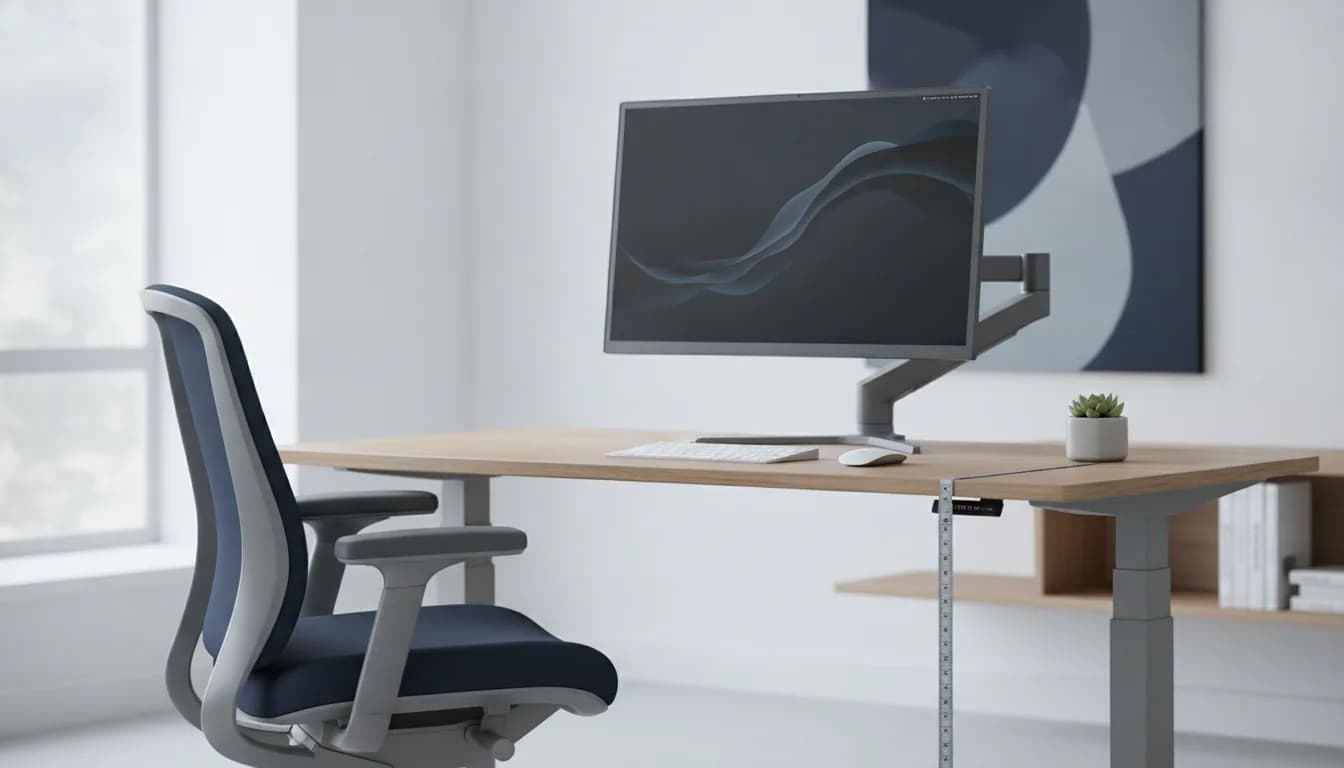
Desk height drives almost everything above the waist. If the desk is too high, your shoulders shrug; too low, and you slump forward. As a starting point, your forearms should be roughly level with the desk surface when your shoulders are relaxed. For the full method, see our correct desk height guide. Then set the monitor so the top of the screen is at or just below eye level, following OSHA's monitor placement guidance.
Chair adjustment
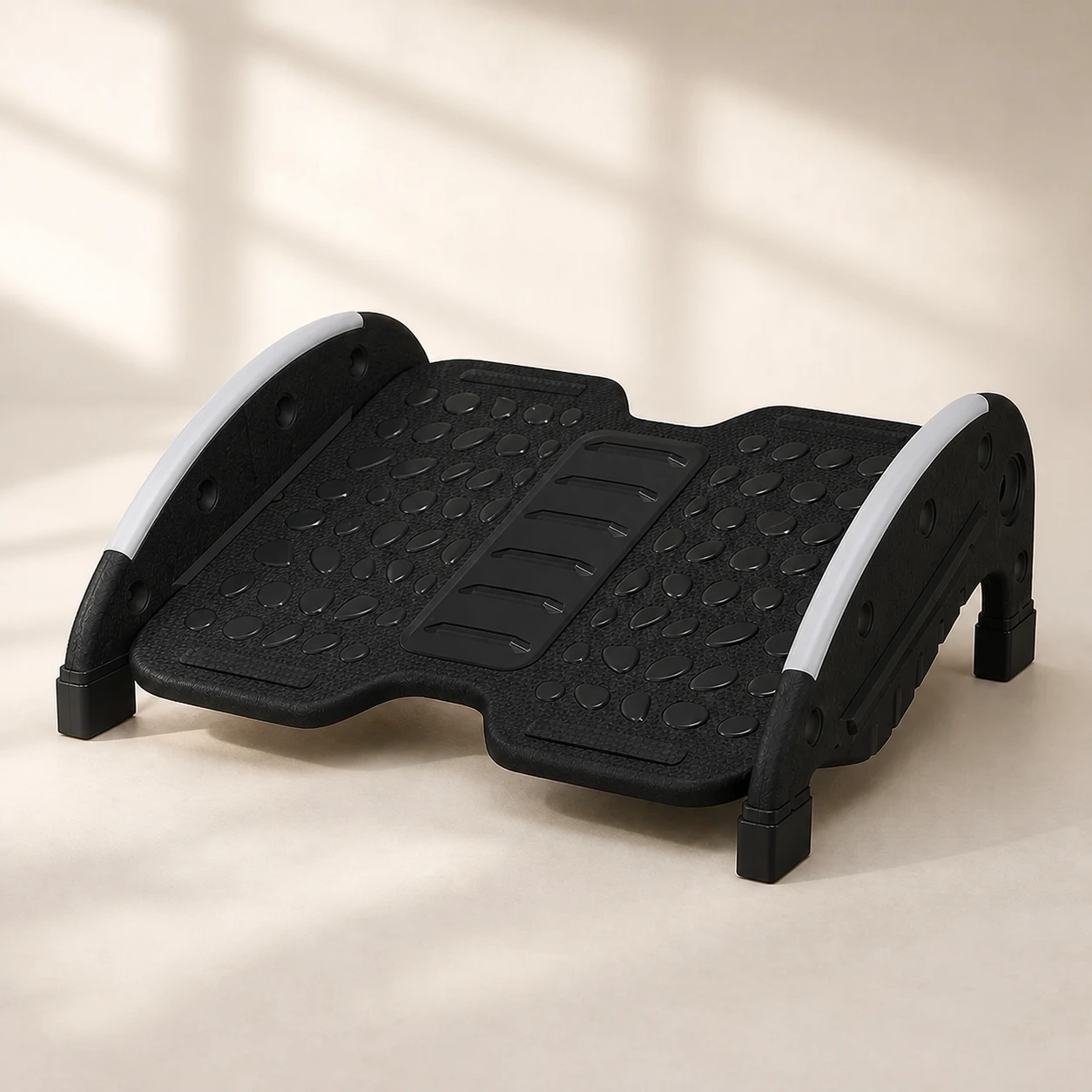 Product mentioned in this guideFlexRock DuoTwo-mode under-desk footrest with a user-controlled rocking option, fixed 15° support, and a reversible 40 × 30 cm textured platform.Free US shipping on every order60-Day Home Trial · we pay return shippingSee current price
Adjust your chair in a fixed order so each change builds on the last. First, set seat height so your feet rest flat and your knees are at roughly a right angle. Second, sit fully back and set the backrest so it supports your lower back's natural inward curve. Third, bring the armrests to a height where your forearms rest lightly and your shoulders stay relaxed, neither shrugged nor drooping. If your chair has a seat-depth or tilt control, set the depth so there is a small gap behind your knees, and use a slight recline rather than sitting bolt upright, which loads the spine less. Working top-down or skipping the order tends to leave you re-doing earlier steps.
Tools that help hold posture (and who does not need them)
You can achieve neutral posture with a well-adjusted chair and free changes to your setup. Tools earn their place only when your existing equipment leaves a clear gap. We sell these, so judge them against that test, not our marketing.
- Lumbar support. If your chair flattens your lower back or leaves an obvious gap, a lumbar support pillow can help you hold the lumbar curve without conscious effort. If your chair already supports your back well, you do not need one.
- Footrest. Useful only if your feet do not reach the floor at the correct seat height. A foot rocker also adds gentle movement, which suits the "keep shifting" principle. If your feet already sit flat, skip it.
- A bundled setup. If you are starting from a bare desk and want chair support, lumbar and footrest together, our complete ergonomic bundle packages them. For many people, fixing desk and monitor height first is enough, and that costs nothing.
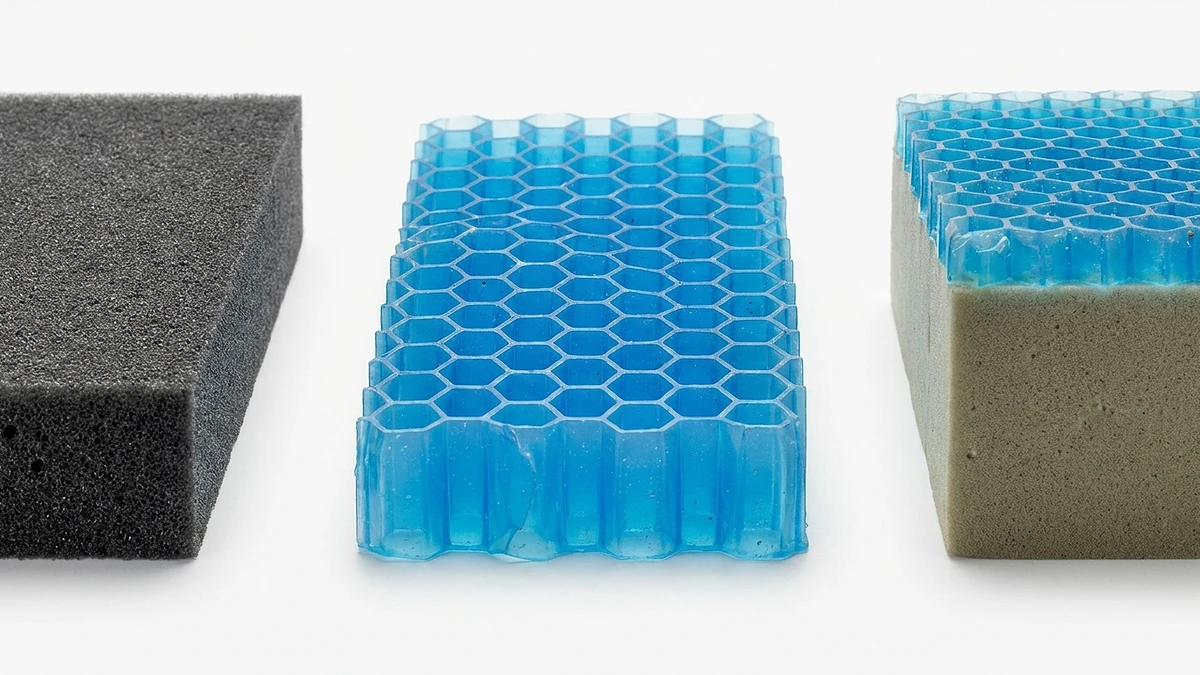
To be clear about scope: these are comfort and posture aids, not medical devices. They can make a neutral position easier to sustain. They do not treat an injury, and they are not a substitute for movement or for professional care.
When to see a professional
Posture adjustments are for everyday stiffness and mild aches. Some symptoms need a clinician, not a new cushion. See a doctor or seek urgent care if you have any of the following:
- Trauma. Back or neck pain that started after a fall, accident or other injury.
- Progressive weakness. Increasing weakness, numbness or tingling in an arm or leg.
- Saddle numbness. Numbness around the buttocks, genitals or inner thighs.
- Loss of bladder or bowel control. This needs emergency assessment.
- Systemic signs. Unexplained weight loss, a fever, or pain that is severe, constant or wakes you at night.
National health services publish plain-language guidance on back pain and related symptoms, and we link the NHS source below. If any of the red flags above apply, treat them as a reason to get checked rather than to adjust your chair. Most everyday desk stiffness eases with movement and a better setup, but ruling out the serious causes first is the responsible order.
The bottom line
Proper sitting posture at a desk comes down to a few neutral positions, head balanced, monitor at eye level, lower back supported, feet flat, paired with the one habit that matters most: changing position often. Fix your desk and monitor height first, because those changes are free and high-impact, then add support tools only where a real gap remains.
If you are setting up from scratch and want chair, lumbar and footrest support in one go, our complete ergonomic bundle is a reasonable starting point, though plenty of readers will not need it. Either way, browse the full office chairs collection and remember that the best posture is still the next one.