
Ergonomic Office Chair With Lumbar Support: A Complete Buyer's Guide
Lumbar support is the single feature most people get wrong when buying an office chair. They either ignore it entirely, or they assume that any bulge in the backrest counts. Real lumbar support does one specific job: it holds the inward curve of your lower spine (the lumbar lordosis) so that your pelvis stays upright and your back does not collapse into a slump over a long day of sitting. This guide explains what that support actually does, the adjustments that genuinely matter when you shop, and how to set the chair up correctly once it arrives.
What lumbar support actually does
Your spine has a natural inward curve at the lower back. When you stand, that curve is easy to maintain. When you sit, the pelvis tends to rotate backward, the lumbar curve flattens or reverses, and the load on the spinal discs increases. Sustained over hours, that flattened posture is what produces the dull lower-back ache so many desk workers describe by mid-afternoon.
A lumbar support fills the gap between the small of your back and the chair's backrest. By pushing gently into that space, it keeps the pelvis tilted slightly forward and preserves the lumbar curve, so your back muscles do not have to hold the position by themselves. The key word is gentle: support should encourage neutral posture, not force an exaggerated arch. A backrest that simply has a fixed lump in roughly the right area is not the same as adjustable support that meets your spine where it actually curves.
The adjustments that actually matter
Marketing copy lists dozens of features. In practice, a short set of adjustments determines whether a chair will protect your lower back. Prioritize these.
1. Lumbar height adjustment
The most important adjustment, and the one most often missing. People are different heights, and the apex of the lumbar curve sits at a different point on a 1.6 m frame than on a 1.9 m frame. A chair whose lumbar support moves up and down lets you place the support exactly at the curve of your spine. A fixed-height lumbar pad will fit some people well and fail others entirely. If you can only have one lumbar adjustment, make it height.
2. Lumbar depth (firmness) adjustment
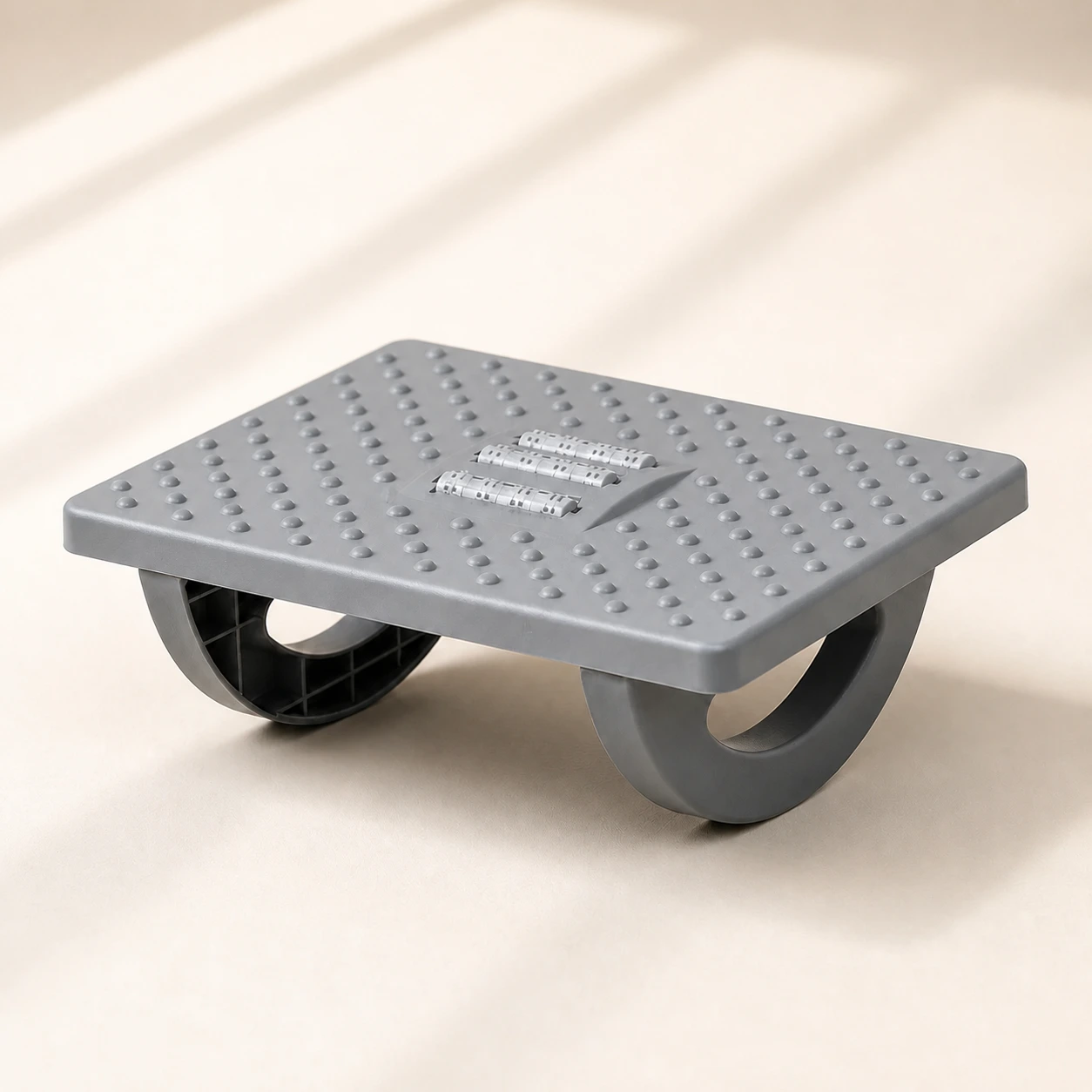 Product mentioned in this guideRollArc Rocking FootrestCompact gray footrest with twin curved supports for user-controlled rocking, a textured deck, and three central roller tracks.Free US shipping on every order60-Day Home Trial · we pay return shippingSee current price
Depth controls how far the support presses into your back. Too little and it does nothing; too much and it forces an uncomfortable arch. Adjustable depth, whether by a dial, an air pump, or a ratchet, lets you tune the firmness to your body and to how reclined you sit. This is the difference between a chair that feels supportive and one that feels like it is poking you.
3. Seat height
Seat height is not a lumbar feature, but it is upstream of one. If your feet do not rest flat on the floor with your knees at roughly a right angle, your pelvis tips and the lumbar support cannot do its job. Pneumatic seat-height adjustment is non-negotiable on any chair you sit in for real work.
4. Seat depth (slide)
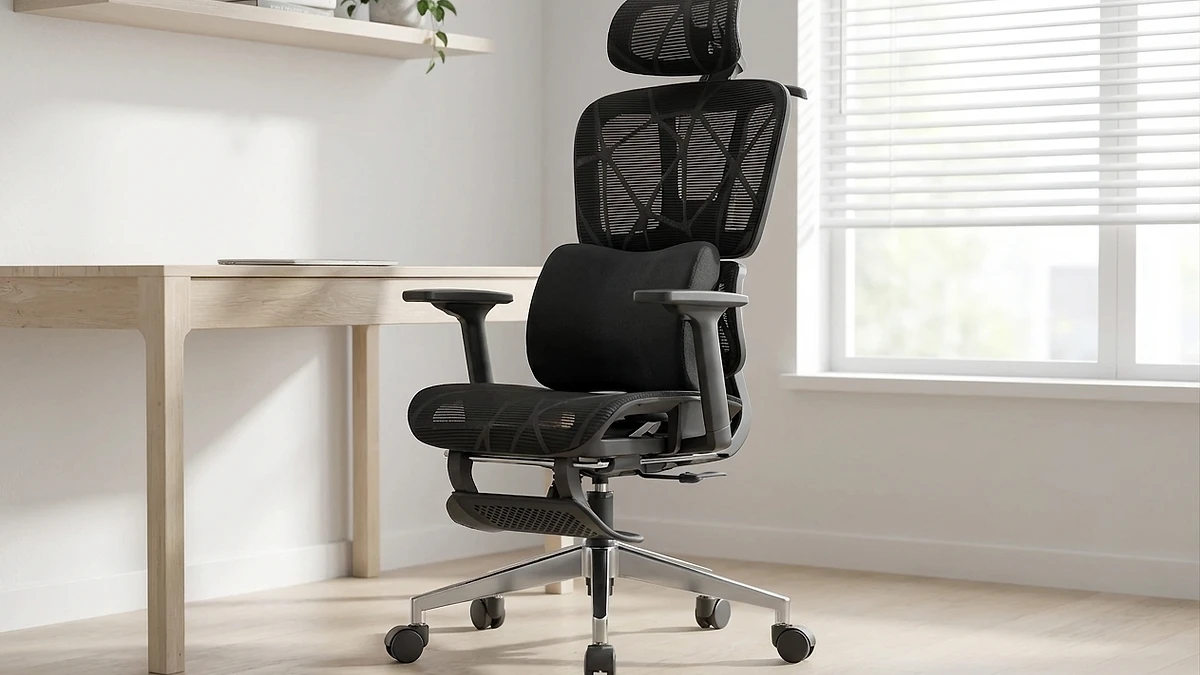
The seat pan should let you sit fully back against the lumbar support while leaving roughly two to three fingers of clearance behind your knees. If the seat is too deep, you slide forward to relieve pressure behind the knees, and the moment you do, you lose contact with the lumbar support. A sliding seat pan solves this; without it, a too-deep seat quietly defeats even excellent lumbar support.
5. Recline and tilt tension
You are not meant to sit bolt upright all day. A backrest that reclines, with tension you can set to your weight, lets you shift load off the discs periodically while keeping lumbar contact. Look for a recline lock at a few useful angles and tension you can actually adjust, not a single stiff setting.
6. Armrest adjustment
Armrests that support your forearms take load off your shoulders and upper back, which indirectly helps you keep an upright posture rather than hunching toward the desk. Height-adjustable armrests are the meaningful version; fixed armrests at the wrong height are worse than none, because they push your shoulders up or splay your elbows out.
Mesh, foam, and the backrest material question
Backrest material matters less than adjustability, but it is worth understanding. A breathable mesh back keeps you cooler over long sessions and, when tensioned correctly, conforms to the spine. The trade-off is that cheap mesh can sag and lose its lumbar shape over time. A well-built mesh chair such as the executive mesh chair pairs ventilation with a structured lumbar zone, which is the combination to look for. Padded foam backs can feel more enveloping and are easy to fit with a separate lumbar mechanism; the risk is heat build-up and, on lower-end chairs, foam that compresses flat within a year. Neither material is automatically better. The presence of real height-and-depth lumbar adjustment matters far more than the surface you can see.
How to set up your chair for proper lumbar support
A good chair set up wrong is no better than a bad chair. Once yours arrives, work through these steps in order.
- Set seat height first. Sit with your feet flat on the floor and your knees at roughly 90 to 100 degrees, hips level with or slightly above the knees. If your feet dangle, lower the seat or add a footrest such as an ergonomic foot rocker.
- Set seat depth. Slide the seat pan so you can sit fully back against the lumbar support with two to three fingers of clearance behind your knees.
- Position the lumbar support. Find the inward curve of your lower back, just above the belt line, and adjust the lumbar height so the support sits in that curve, not below it on the pelvis or above it on the mid-back.
- Tune the lumbar depth. Increase firmness until you feel gentle, continuous contact that keeps your lower back from rounding, then back off slightly. You should feel supported, never pushed forward.
- Adjust armrests. Raise or lower them so your forearms rest level with the desk and your shoulders stay relaxed.
- Set recline tension. Adjust tension to your weight so you can lean back with light effort and the backrest follows you, maintaining lumbar contact through the range.
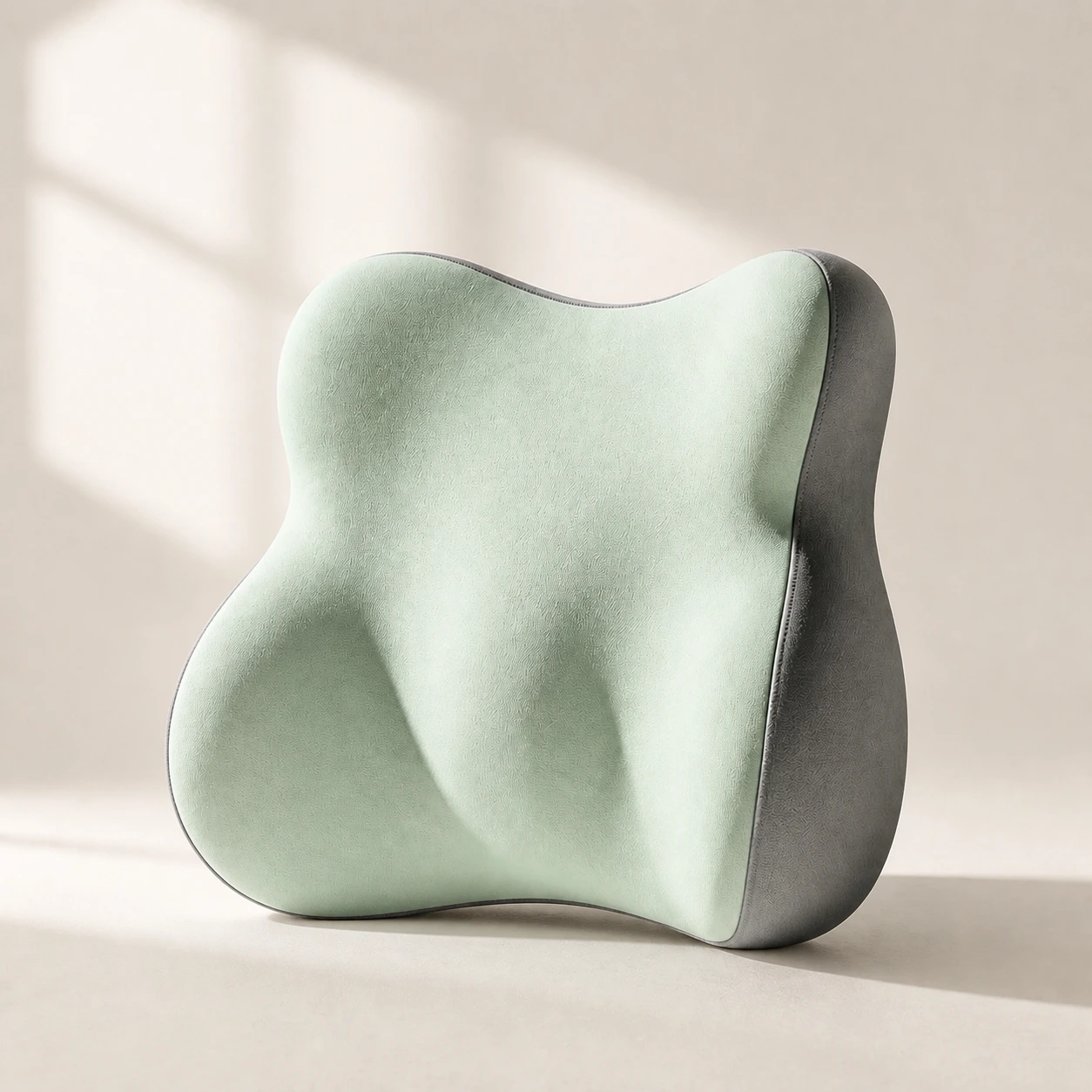 Product mentioned in this guideLumaWing Lumbar Cushion39 × 34 × 14 cm lumbar cushion available in four colours with a slow-rebound memory-foam core, fixed central ridge, recessed side channels, and broad outer…Free US shipping on every order60-Day Home Trial · we pay return shippingSee current price
If you already own a decent chair without movable lumbar support, you do not necessarily need to replace it. A separate lumbar support pillow strapped at the right height can retrofit proper support onto an existing seat, and the same principle applies in the car with a car lumbar pillow for long drives. Built-in adjustment is more convenient and more stable, but a well-placed pillow is a legitimate fix.
When a chair is not enough
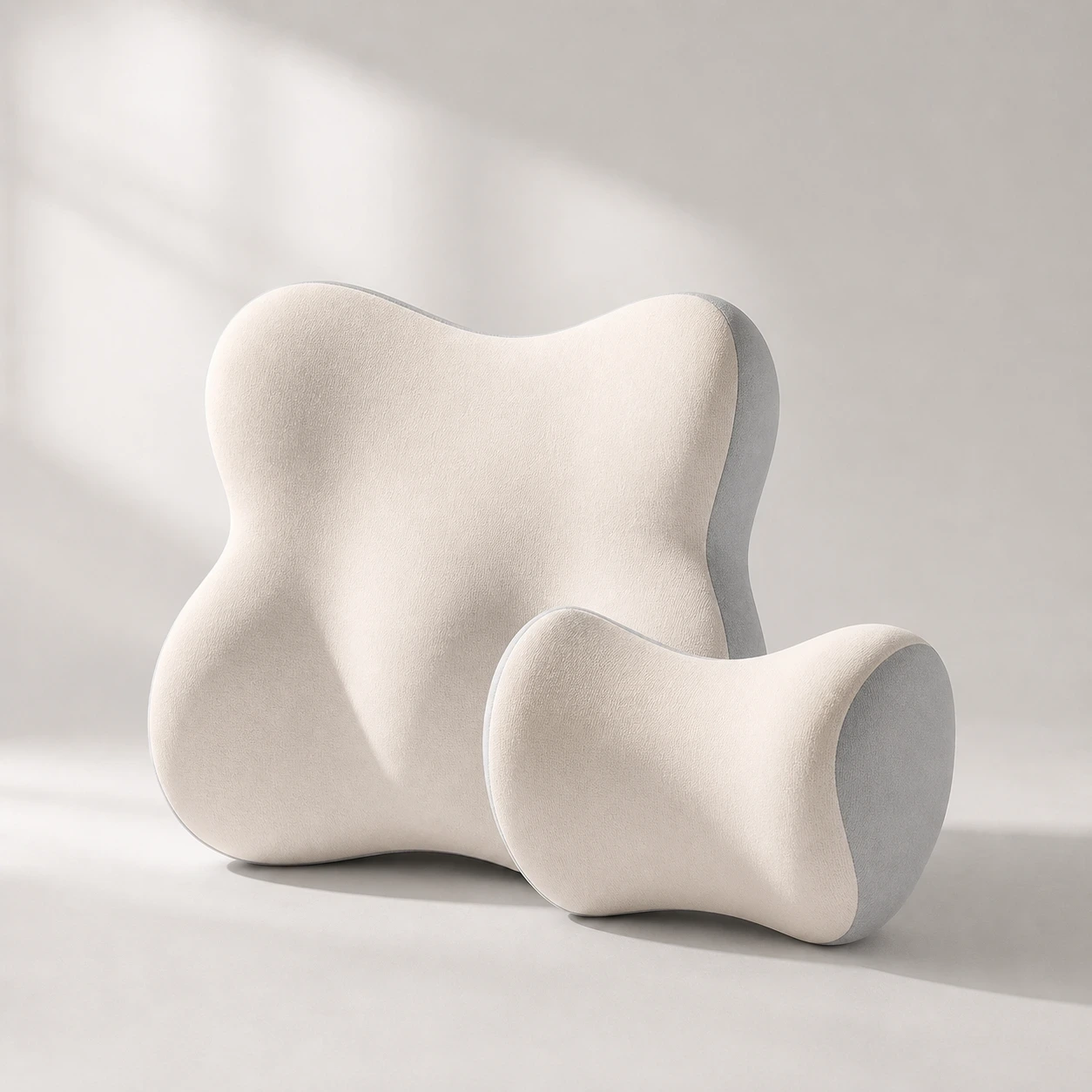 Product mentioned in this guideDriveNest DuoCar headrest and lumbar-cushion set available in four colours with 60D slow-rebound memory foam and two distinct contoured shapes.Free US shipping on every order60-Day Home Trial · we pay return shippingSee current price
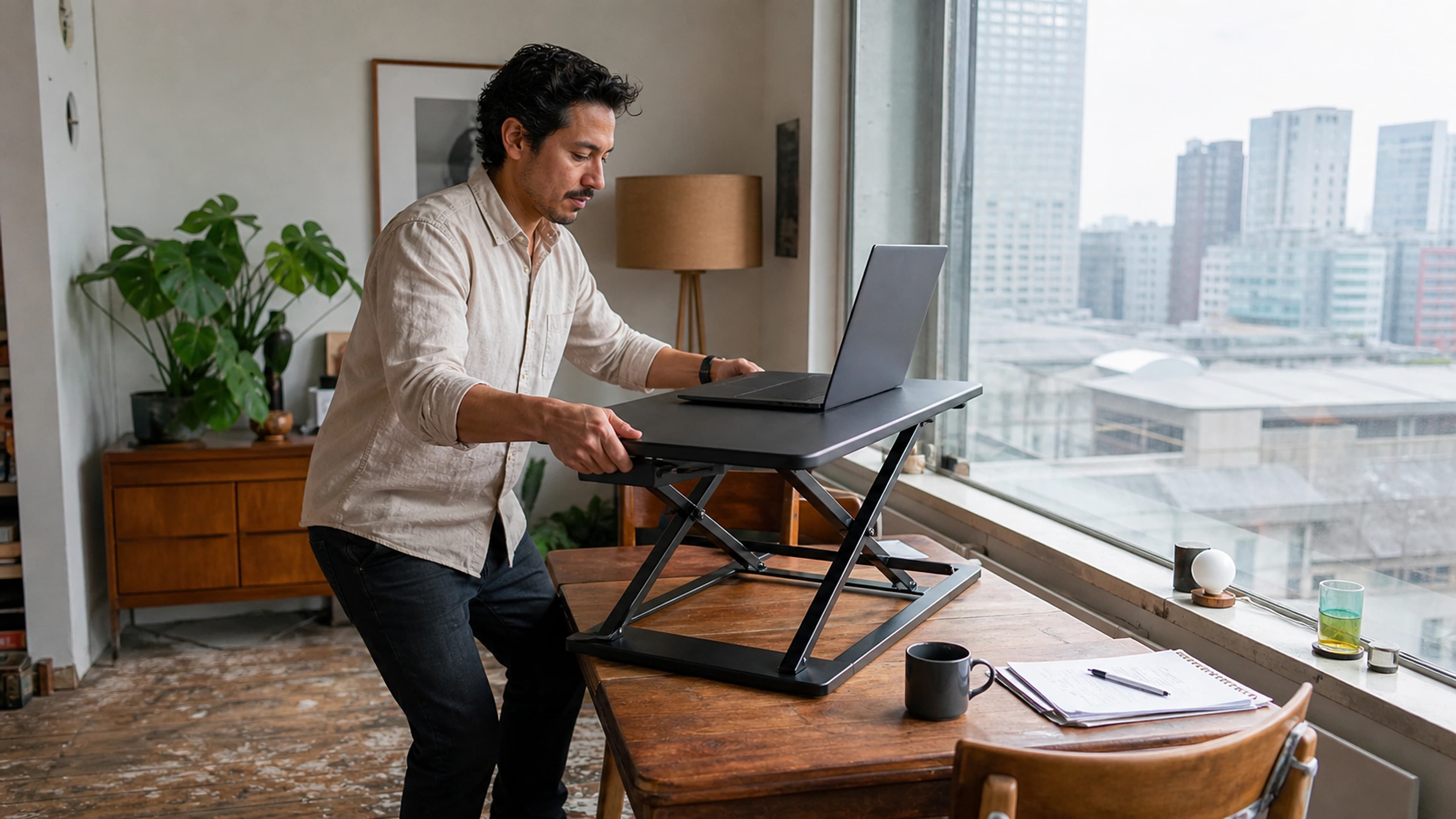
Even the best lumbar support cannot offset hours of unbroken sitting. Spinal discs rely on movement to exchange fluid and nutrients, and no static posture, however neutral, replaces that. The most effective long-term habit is to change position regularly: stand, walk, or simply shift every 30 to 60 minutes. A sit-stand setup such as an adjustable standing desk makes alternating between sitting and standing practical without leaving your work, and pairs naturally with a well-adjusted chair rather than replacing it.
A simple buying checklist
- Adjustable lumbar height (most important).
- Adjustable lumbar depth or firmness.
- Pneumatic seat-height adjustment.
- Seat-depth slide for correct thigh and knee clearance.
- Recline with adjustable tension and a lock.
- Height-adjustable armrests.
- A backrest material that holds its lumbar shape over time.
- A meaningful warranty, which signals the maker's confidence that the mechanisms will last.
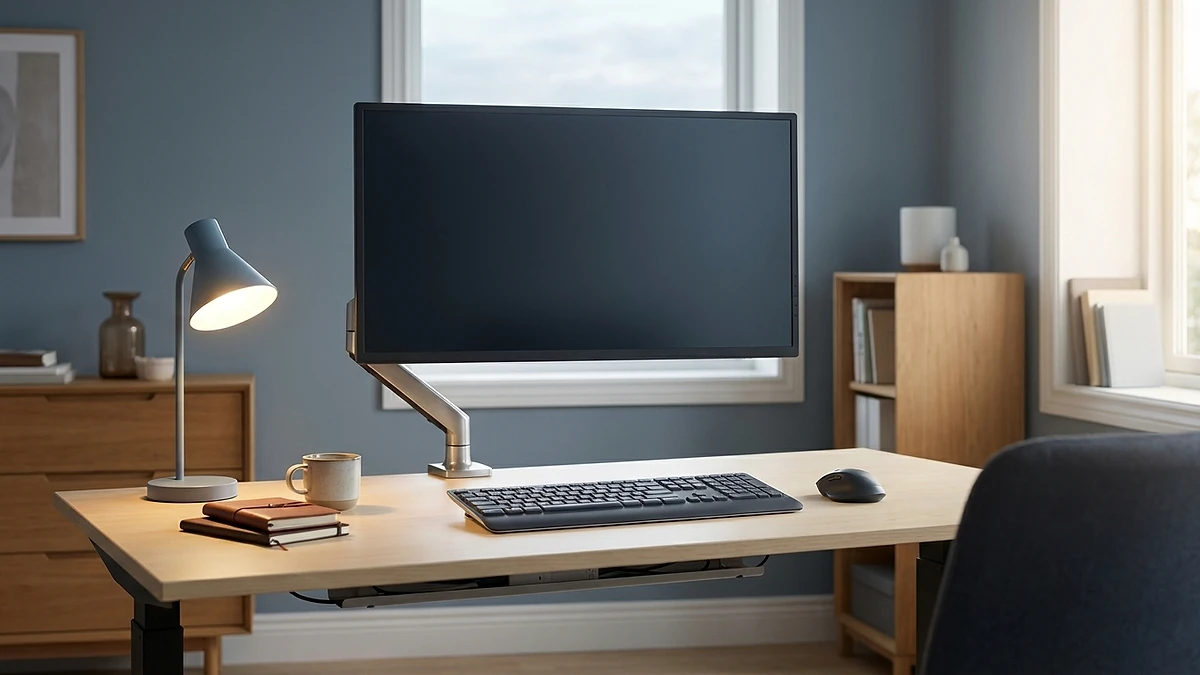
If you want a chair that already meets this checklist, the LumaSpine Pro ergonomic office chair is built around adjustable lumbar height and depth with the seat and recline controls above, so the support meets your spine rather than asking your spine to meet the chair.
Frequently asked questions
What does lumbar support actually do?
It fills the gap between the small of your back and the backrest, holding the natural inward curve of your lower spine. That keeps the pelvis upright and stops your back from slumping, which reduces the sustained disc load and muscle fatigue that cause lower-back ache during long sitting.
Is adjustable lumbar support worth it over a fixed pad?
Yes. People's spines curve at different heights, so a fixed pad fits some bodies and misses others entirely. Adjustable lumbar height lets you place the support exactly at your curve, and adjustable depth lets you tune the firmness. If you can have only one lumbar adjustment, choose height.
Where should the lumbar support sit on my back?
At the inward curve of your lower back, just above the belt line, not lower on the pelvis or higher on the mid-back. Adjust the support height while sitting fully back until you feel gentle, continuous contact in that curve.
Can I add lumbar support to a chair I already own?
Yes. A separate lumbar support pillow positioned at the right height retrofits proper support onto most chairs, and a car version does the same for driving. Built-in adjustment is more stable and convenient, but a well-placed pillow is a legitimate fix.
Mesh or foam backrest, which is better for lumbar support?
Neither is automatically better. Mesh runs cooler and conforms well when properly tensioned but can sag if it is low quality; foam feels more enveloping but can trap heat and compress flat over time on cheaper chairs. Adjustable lumbar height and depth matter far more than the material.
Will an ergonomic chair fix my back pain on its own?
It removes a major mechanical cause, but no static posture replaces movement. Combine a well-adjusted chair with changing position every 30 to 60 minutes, ideally with the option to stand, for the best long-term result. Persistent or severe pain should be assessed by a clinician.