
Work From Home Back Pain: How to Fix the Setup Behind It
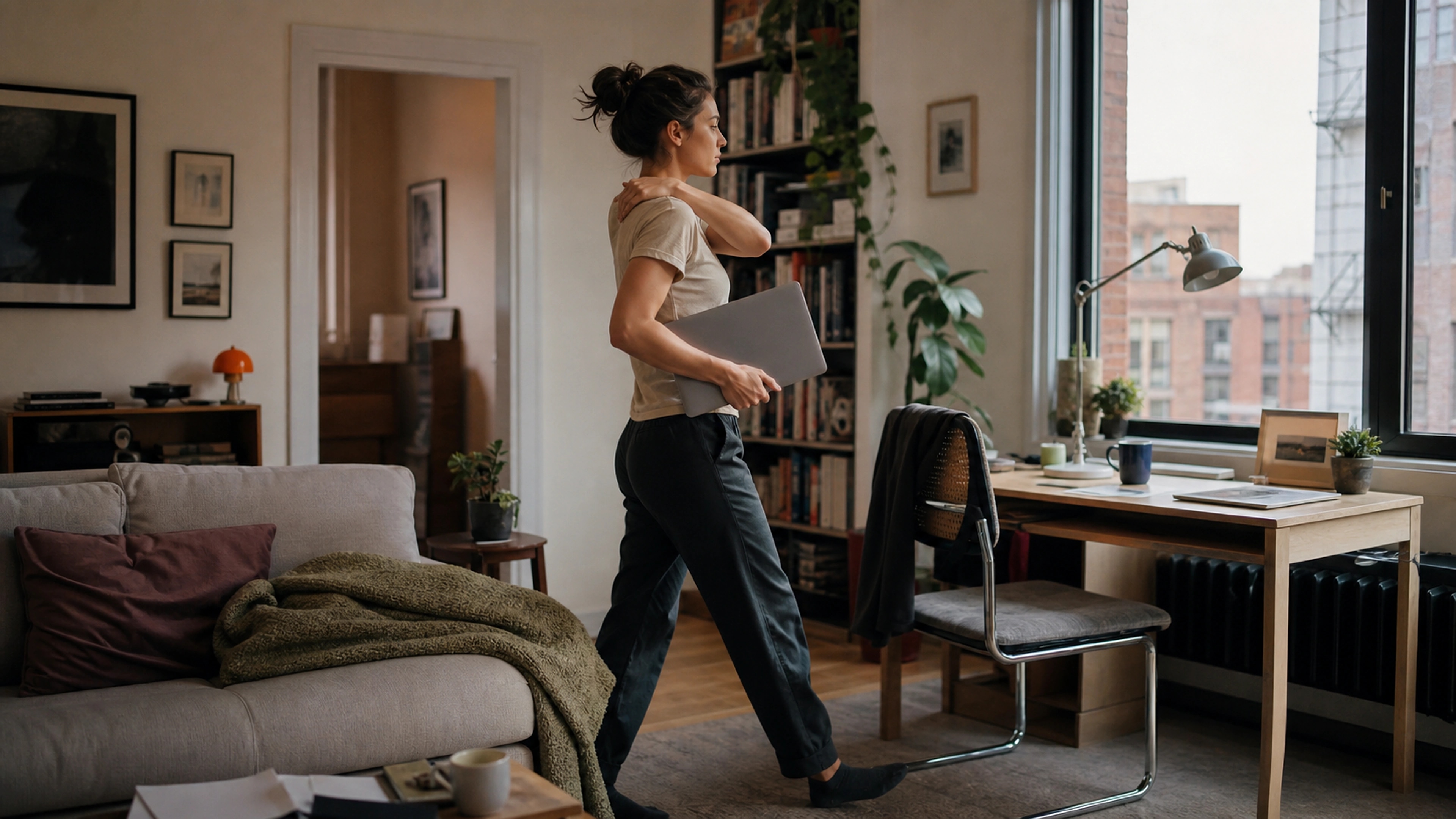
You moved to the dining table, then the sofa, then propped the laptop on a bed cushion, and somewhere in there your lower back started complaining by mid-afternoon. If that sounds familiar, you are dealing with work from home back pain, and in most cases the cause is not a weak back. It is a workspace that was never designed for eight hours of focused work, asking your spine to hold awkward positions it was never built to hold all day.
This guide is honest about what actually helps. Most of the fix is free: it is about geometry and movement, not gear. Where a product earns its place, we will say so plainly, and we will tell you when our own kit is more than you need. We sell comfort and posture aids, not medical devices, so treat everything here as a buying framework, with our products judged against the same criteria as everything else.
Why working from home causes back pain
Back pain from home working usually comes from posture, not injury. Working from a sofa, bed, or dining chair that was never meant for long sitting leaves your screen too low and your back unsupported, so your body slowly curls forward. Held for hours and repeated daily, the muscles around your spine fatigue and ache.
The office you left had a few things going for it that a kitchen table does not: a chair with a backrest at roughly the right height, a monitor near eye level, and a surface that let your forearms rest level. Strip those away and three problems appear at once. Your screen sits too low, so your head tips forward to read it. Your back has nothing to lean into, so your lower spine rounds. And your feet, arms, or both end up at the wrong height because dining chairs and beds were designed for meals and sleep, not for typing.
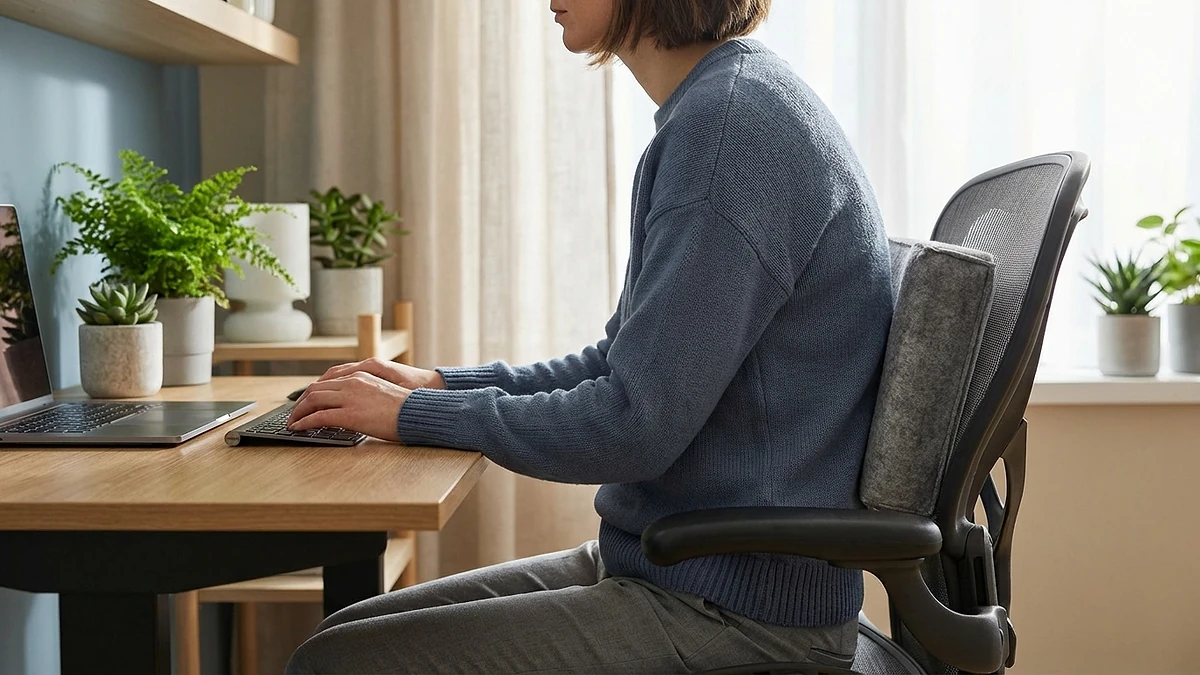
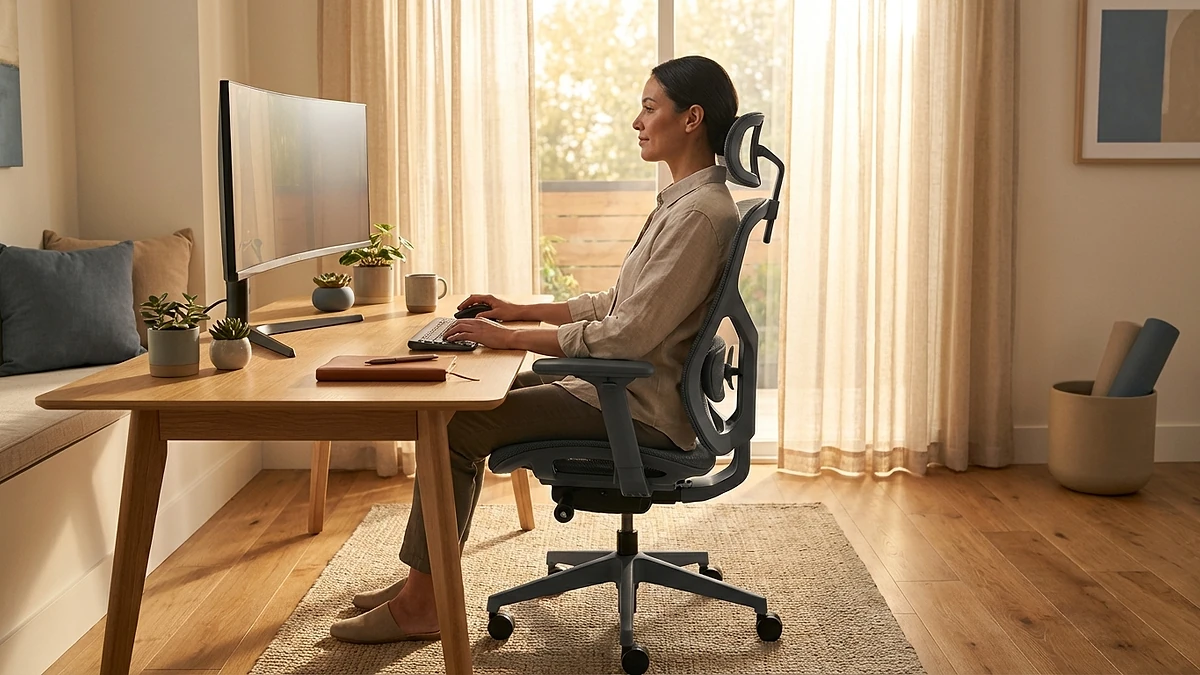
None of this is dramatic on day one. The damage is cumulative. The U.S. OSHA workstation guidance describes a neutral seated position, where the back is supported, the head is balanced over the shoulders, and the feet are flat, precisely because the further you drift from that, the harder your muscles work just to hold you up. The NHS makes the same point about back pain: it is very common, usually not caused by anything serious, and often linked to posture and prolonged sitting rather than a specific injury.
The non-negotiables of a healthy desk setup
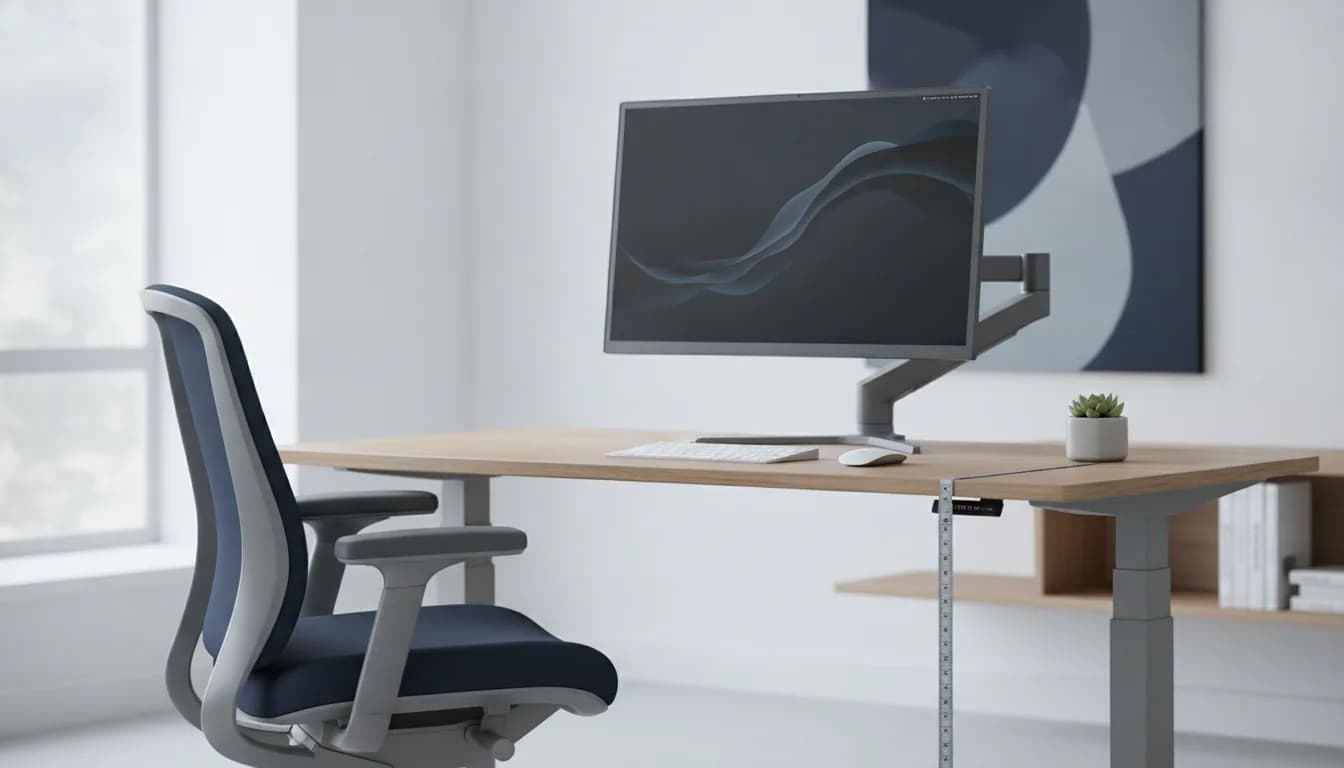
Before you buy anything, get four things right. These are the bones of a supportive setup, and most of them cost nothing. Fix these and a large share of work from home back pain eases on its own.
- A chair that supports your back. Sit right back into the seat so the backrest supports your lower spine, with your hips and knees near right angles. A dining chair gives you almost none of this, which is why it is the worst long-term choice in the house.
- Lower-back (lumbar) support. Your lower spine has a natural inward curve, and a supported curve is what keeps you from slumping. If your chair does not provide it, a lumbar pillow or even a firm rolled towel placed in the small of your back fills the gap.
- Monitor or laptop at eye level. The top of the screen should sit roughly at or just below eye level, about an arm's length away, so your head stays balanced over your shoulders instead of dropping forward. OSHA's monitor guidance puts the top of the screen at or slightly below eye height for exactly this reason.
- Feet flat and forearms level. Set your seat so your forearms rest roughly level with the desk and your feet sit flat on the floor. If raising the seat for your arms leaves your feet dangling, support them on a footrest, a box, or a stack of books.
The CCOHS overview of sitting at work makes the broader point that no single position is good for long stretches, even a correct one. A supportive setup is the baseline; changing posture and moving regularly is what keeps it working. We will come back to movement, because it does more than any cushion.
Fixing common work-from-home mistakes
The fastest wins come from undoing the habits a home took on by accident. None of these need a single purchase.
The laptop on the couch
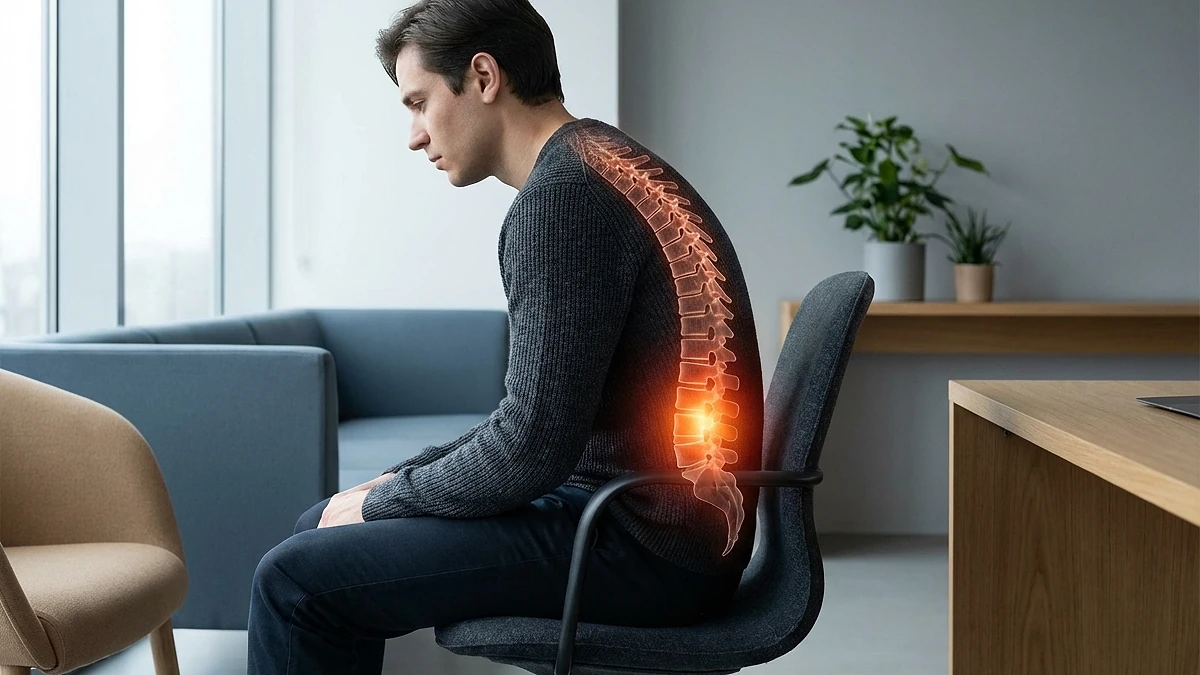
A laptop on the sofa forces a trade-off your body cannot win. Hold the screen high enough to see comfortably and your wrists bend awkwardly; drop it to type and your neck folds down to read. There is no good position, because the keyboard and screen are fixed together a few centimetres apart. For a short email it is fine. For a full day it is the single most reliable way to manufacture neck and back pain.
The screen that sits too low
A laptop on any flat surface puts the screen well below eye level, so your head tips forward to meet it. The fix is almost free: raise the laptop on a stand or a stack of books until the top of the screen is near eye level, then add a separate keyboard and mouse so your hands can stay low while your eyes look forward. Without that split, raising the screen just lifts your hands too high.
No back support at all
Perching on the front edge of a kitchen chair leaves your lower spine completely unsupported, and within an hour you will be rounding forward. Sit fully back so the chair frame meets your back, and add lumbar support if the backrest does not reach the small of your back. A firm cushion behind your lower back is a genuine, free first attempt before you buy anything.
Sitting still for hours
Even a corrected setup punishes you if you never leave it. Long, unbroken sitting is itself a risk, which is why the NHS recommends breaking up sitting time across the day. Stand, stretch, or walk for a minute or two at least once an hour. This is the habit that protects your back more than any product on this page.
A minimal supportive kit
If the free fixes are not enough, the goal is targeted, not maximal. You do not need to recreate a corporate office. For most home workers, the highest-value additions are the ones that restore the support a borrowed chair lacks: lower-back support and, where the seat itself is hard or flat, a cushion that takes pressure off your sit bones.
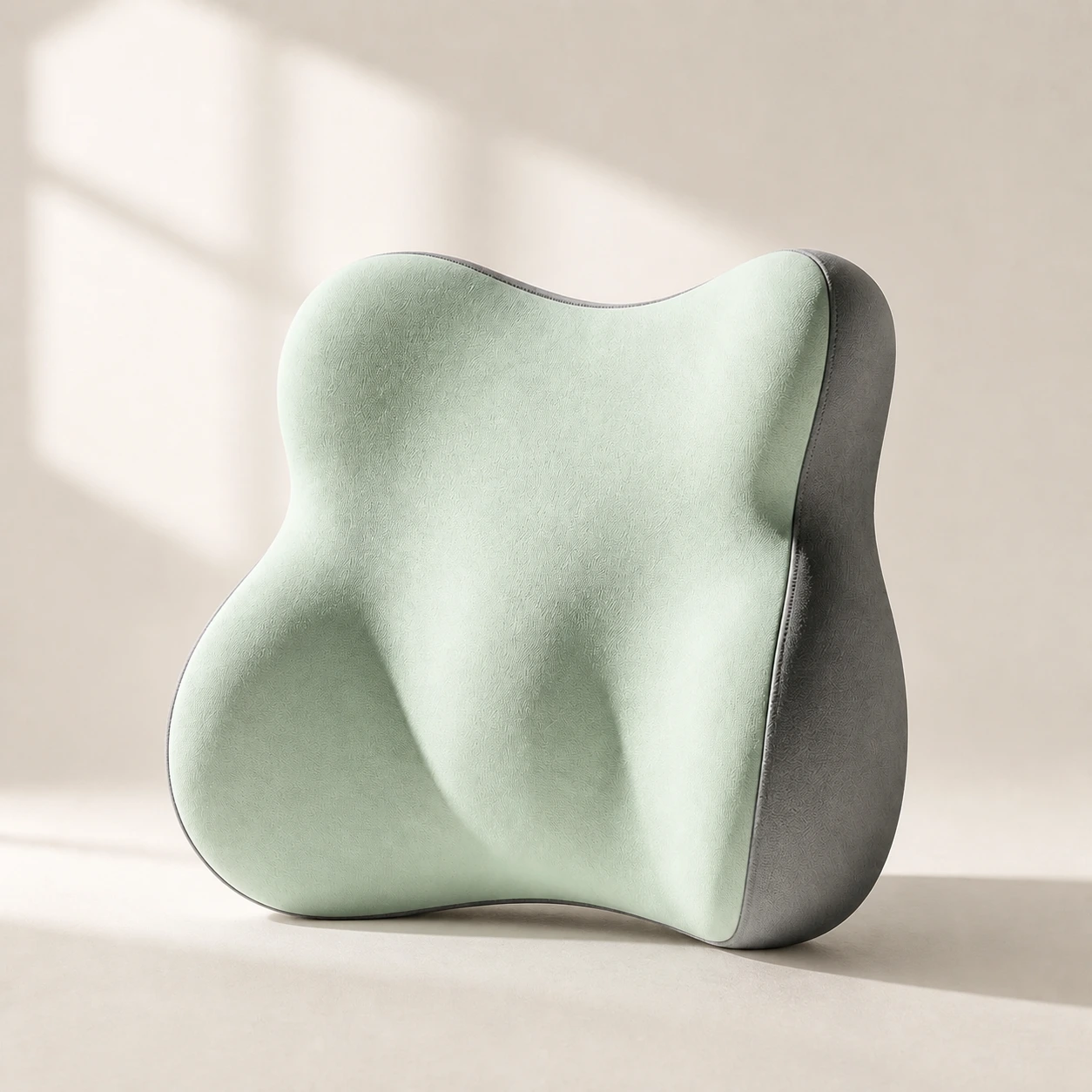 Product mentioned in this guideLumaWing Lumbar Cushion39 × 34 × 14 cm lumbar cushion available in four colours with a slow-rebound memory-foam core, fixed central ridge, recessed side channels, and broad outer…Free US shipping on every order60-Day Home Trial · we pay return shippingSee current price
That is the thinking behind our back pain remote work kit, which pairs lumbar support with a supportive seat cushion so a borrowed dining or kitchen chair behaves more like a proper office chair. We built it for the specific case of someone working from a chair that was never meant for it, which describes most people who started working from home in a hurry. Judge it on the same criteria as anything else: does it restore the lower-back curve, does it keep your hips supported, and does it suit the chair you actually own.
Here is who should not buy it. If your chair already has solid built-in lumbar support and a comfortable seat, a kit is redundant, and a single lumbar support pillow may be all you ever need. If you sit at a home desk all day, every day, the better long-term answer is often a real office chair rather than props on a borrowed one; our chair-versus-accessories thinking is laid out in the home office setup guide. Accessories rescue a poor chair. They do not turn a kitchen stool into an ergonomic seat.
A simple movement routine
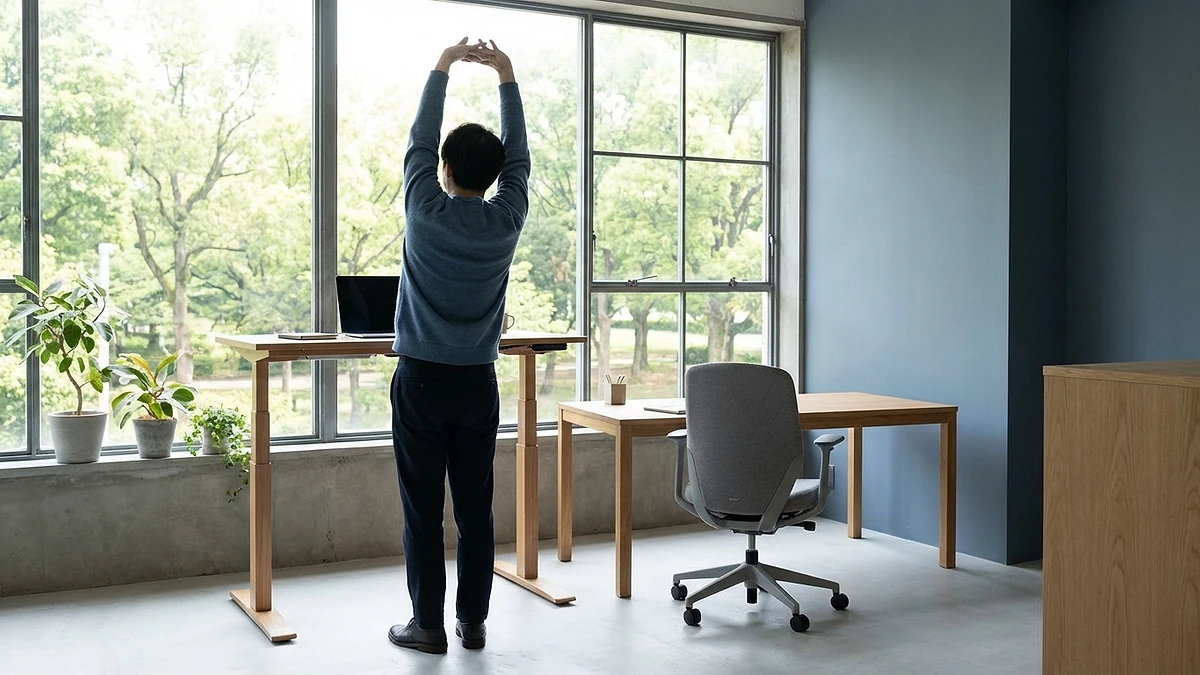
The most effective thing on this entire page costs nothing and is not a product. Sitting still for hours is hard on your back regardless of how good your chair is, so the routine matters as much as the setup.
- Break up sitting every 30 to 60 minutes. Stand up, walk to another room, or just shift position for a minute or two. The NHS advice to sit less and move more applies directly to a desk day.
- Change posture, not just position. Lean back, sit forward, stand for a call. CCOHS is clear that varying your posture beats holding any single one, even a textbook one.
- Add a short walk to your day. Standard physical-activity guidance points to regular movement across the week for general health, and a brisk walk at lunch is an easy way to start.
- Do a few gentle stretches. A short set of neck, shoulder, and lower-back stretches between tasks keeps things from stiffening up over a long sitting day.
If you remember one thing, make it this: a supportive setup lowers the cost of sitting, but movement is what keeps your back healthy. The gear is the smaller half of the answer.
When to see a professional
The advice here is for ordinary posture-related aches that ease when you fix your setup and move more. It is not a substitute for medical care, and our products are comfort and posture aids, not medical devices. See a GP, physiotherapist, or other healthcare professional if your back pain does not start to improve after a few weeks of better posture and movement, or sooner if any of the following apply.
- Pain after a fall, accident, or other trauma. A specific injury needs assessing rather than a cushion.
- Numbness or tingling spreading down a leg, or weakness in a leg or foot. This can point to a trapped or pressured nerve.
- Numbness around the saddle area, or loss of bladder or bowel control. Seek urgent medical help, as this can signal a serious problem.
- Unexplained weight loss, a fever, or pain that is worse at night and does not ease with rest. These warrant prompt medical review.
- Pain that is severe, getting steadily worse, or simply not settling. Persistent or progressive pain deserves a professional opinion rather than more guessing at home.
Adjusting your desk is the right move for everyday stiffness. It is the wrong move if your body is signalling something that needs a clinician, and waiting on a cushion to fix those signs only delays the help you need.
The bottom line
Work from home back pain is, for most people, a setup problem wearing the disguise of a back problem. Get the four basics right first, because they are mostly free: a chair you sit fully back into, lower-back support, a screen near eye level, and feet flat with forearms level. Undo the laptop-on-the-couch habit, and build a real movement break into every hour. Only then does a small, targeted kit make sense, and only to rescue a chair that cannot support you on its own. If a borrowed chair is your reality, our back pain remote work kit restores the support it lacks, and the wider home office setup guide walks through building the rest of the workspace around it.