Skip to content

Free shipping over $50

How-To Guides

Ergonomic Desk Setup: Complete Posture Guide

Set up an ergonomic desk step by step — monitor at eye level, elbows near 90 degrees, feet flat, lumbar support, screen an arm's length away.

Professional office setup with ergonomic chair

Key takeaways

Work from the chair outward: get your seated posture right before adjusting the desk and monitor.
The reference posture is monitor top at eye level, elbows near 90 degrees, feet flat, lower back supported.
Two rules of thumb carry most of the benefit: keep elbows at desk height and follow the 20-20-20 break rhythm.
Home office desk and supportive work chair

Step 1 — Set chair height to elbow level

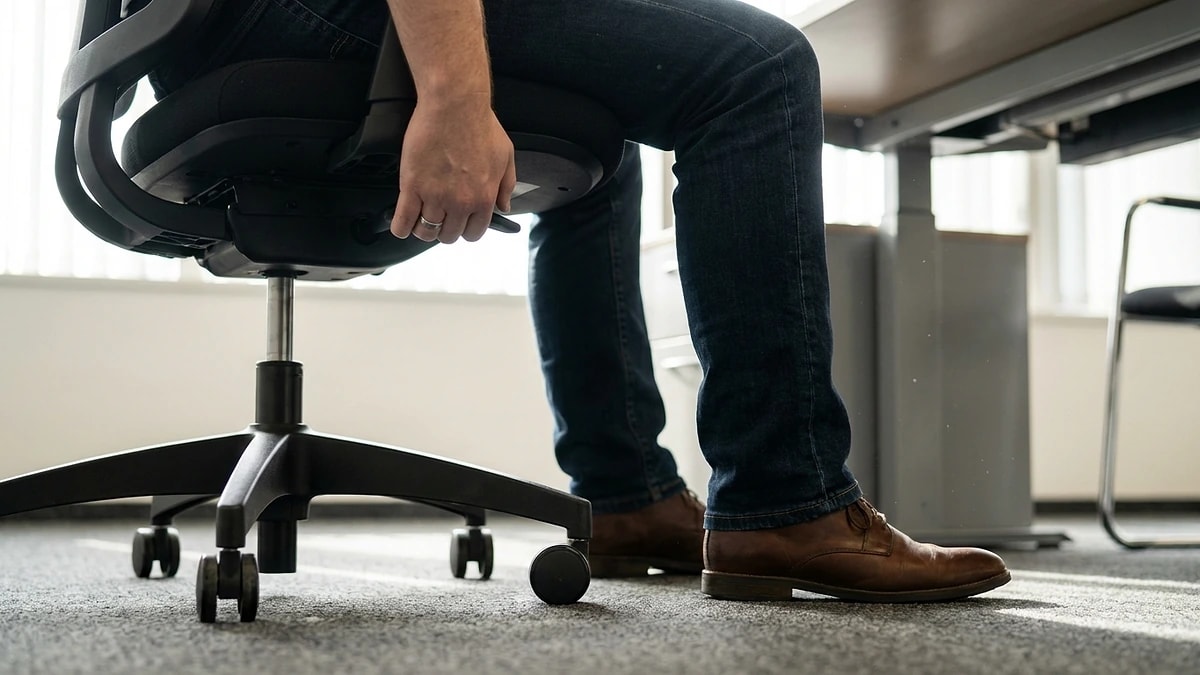
Everything in an ergonomic desk setup references your seated elbow height, so the chair comes first. Sit fully back, relax your shoulders, and let your upper arms hang straight down. Raise or lower the seat until your forearms are roughly parallel to the floor and your elbows sit at about a 90-degree angle when your hands rest on the desk surface.

If raising the seat to reach elbow height lifts your feet off the floor, that is expected — you fix it with a footrest in the next step rather than by sitting too low. A chair that supports this posture without you bracing your shoulders is the foundation; a dedicated ergonomic chair makes the height and tilt adjustments repeatable day to day.

  • Upper arms hang vertically, forearms roughly parallel to the floor
  • Elbows land at about 90 degrees with hands on the desk
  • Shoulders stay relaxed — no shrugging up to reach the keyboard
  • Set seat to elbow height first, then solve foot contact separately
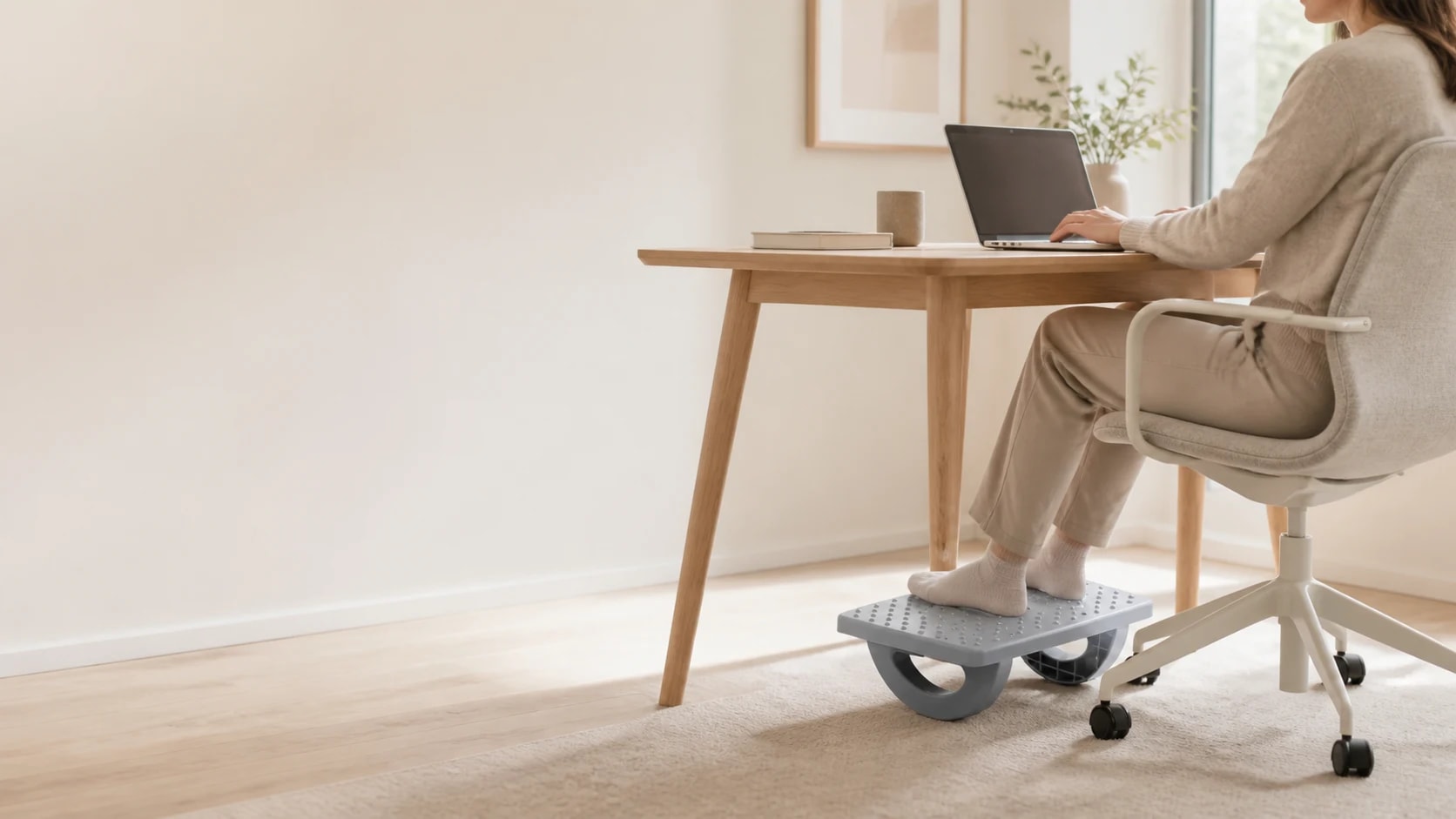
Focused workstation designed for long sessions

Step 2 — Keep feet flat and support your lower back

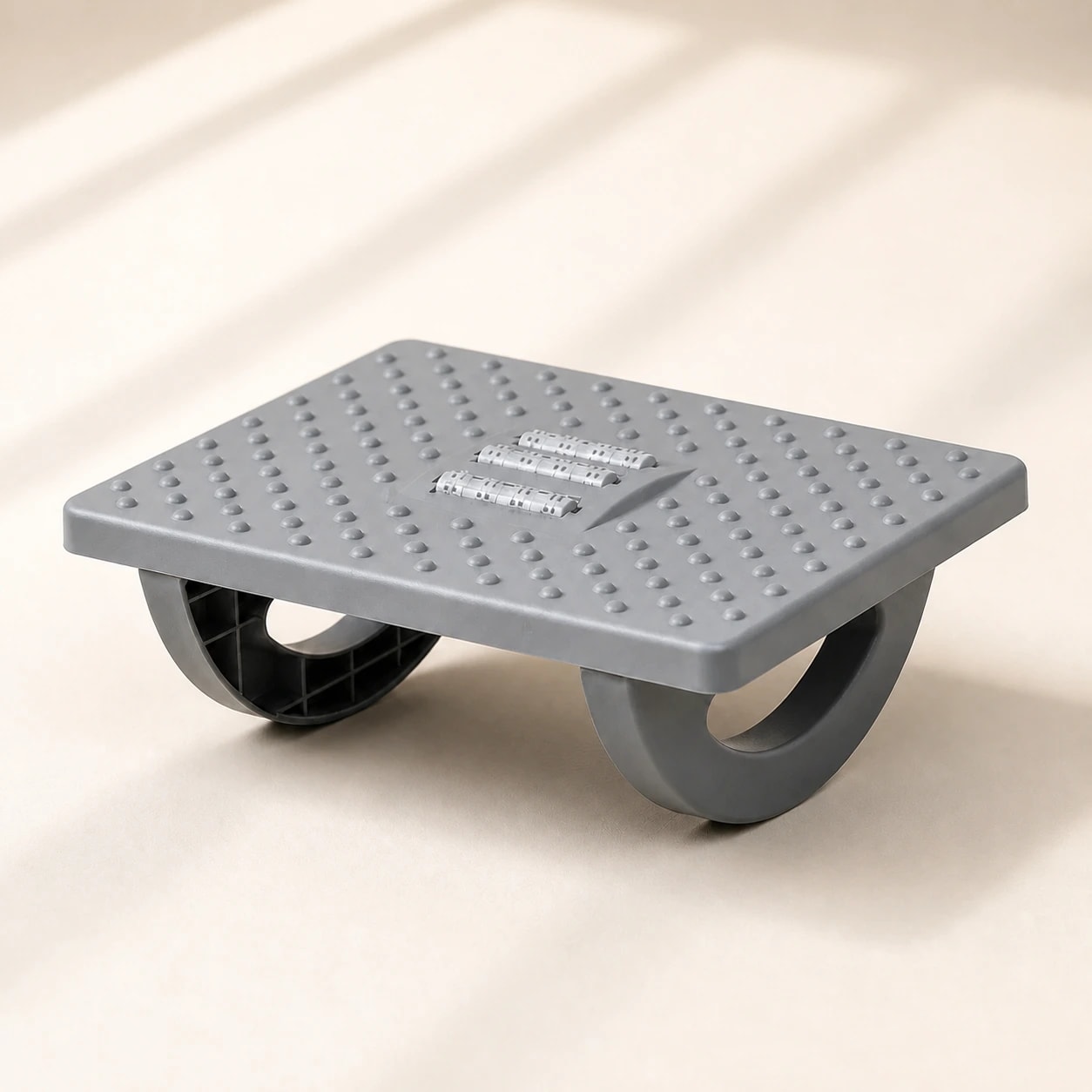
Once the seat is at elbow height, your feet should rest flat with thighs roughly parallel to the floor. If they do not reach comfortably, a foot rocker or footrest restores even weight distribution and takes pressure off the backs of your thighs. Dangling feet or tucking them under the chair shifts your pelvis and flattens your lower-back curve over a long session.

Your lower back needs to keep its natural inward curve while seated. Many chairs leave a gap at belt height, and that gap is where posture quietly collapses. A lumbar support pillow positioned at the curve of your lower back fills that gap so you hold an upright posture without conscious effort. This step does more for all-day comfort than any single monitor adjustment.

  • Feet flat, thighs roughly parallel to the floor
  • Use a foot rocker or footrest if your feet do not reach after raising the seat
  • Support the lumbar curve at belt height, not the mid-back
  • Lower-back support holds posture so your muscles do not have to
Professional office setup with ergonomic chair

Step 3 — Position the monitor at eye level, an arm's length away

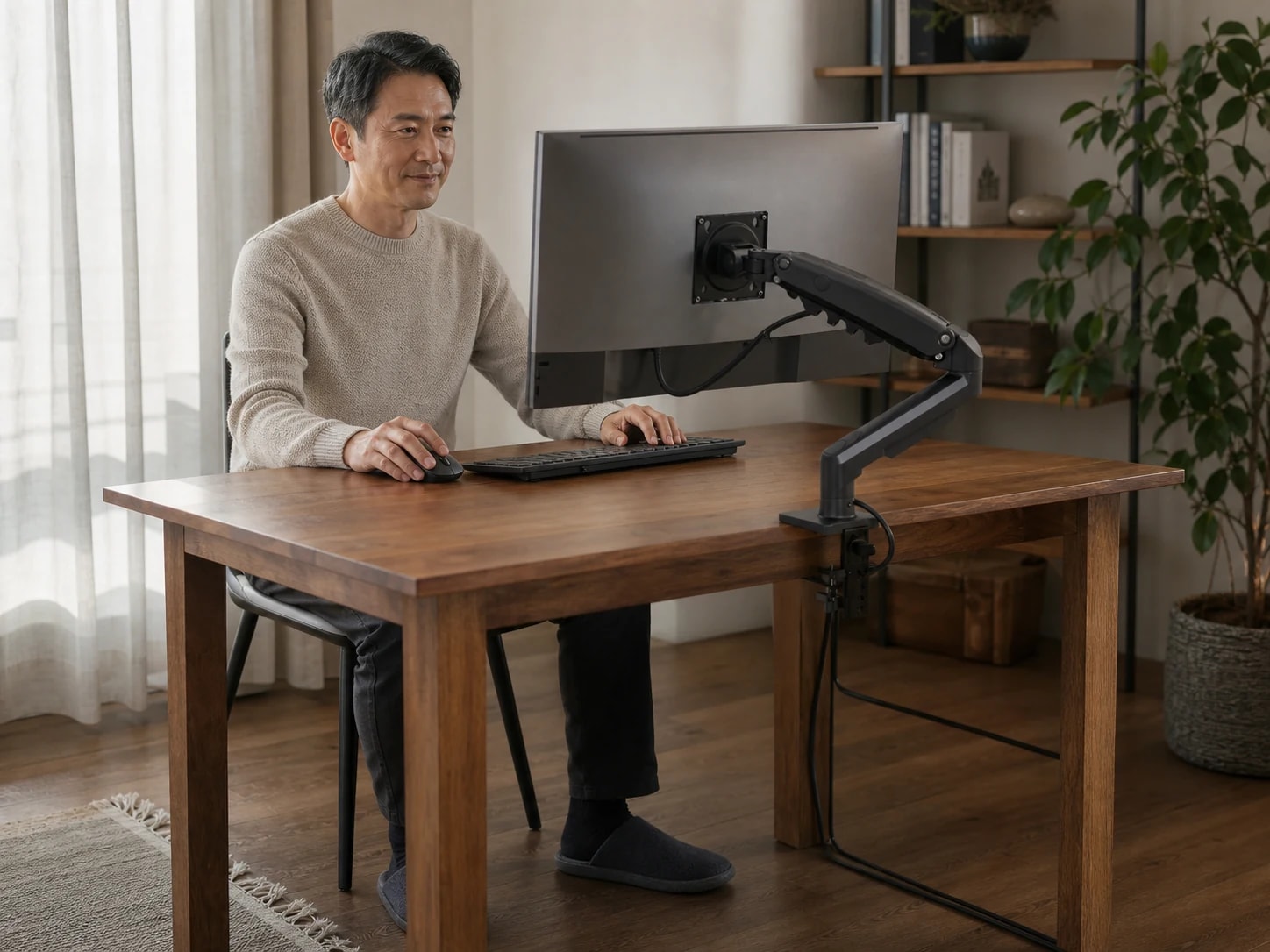
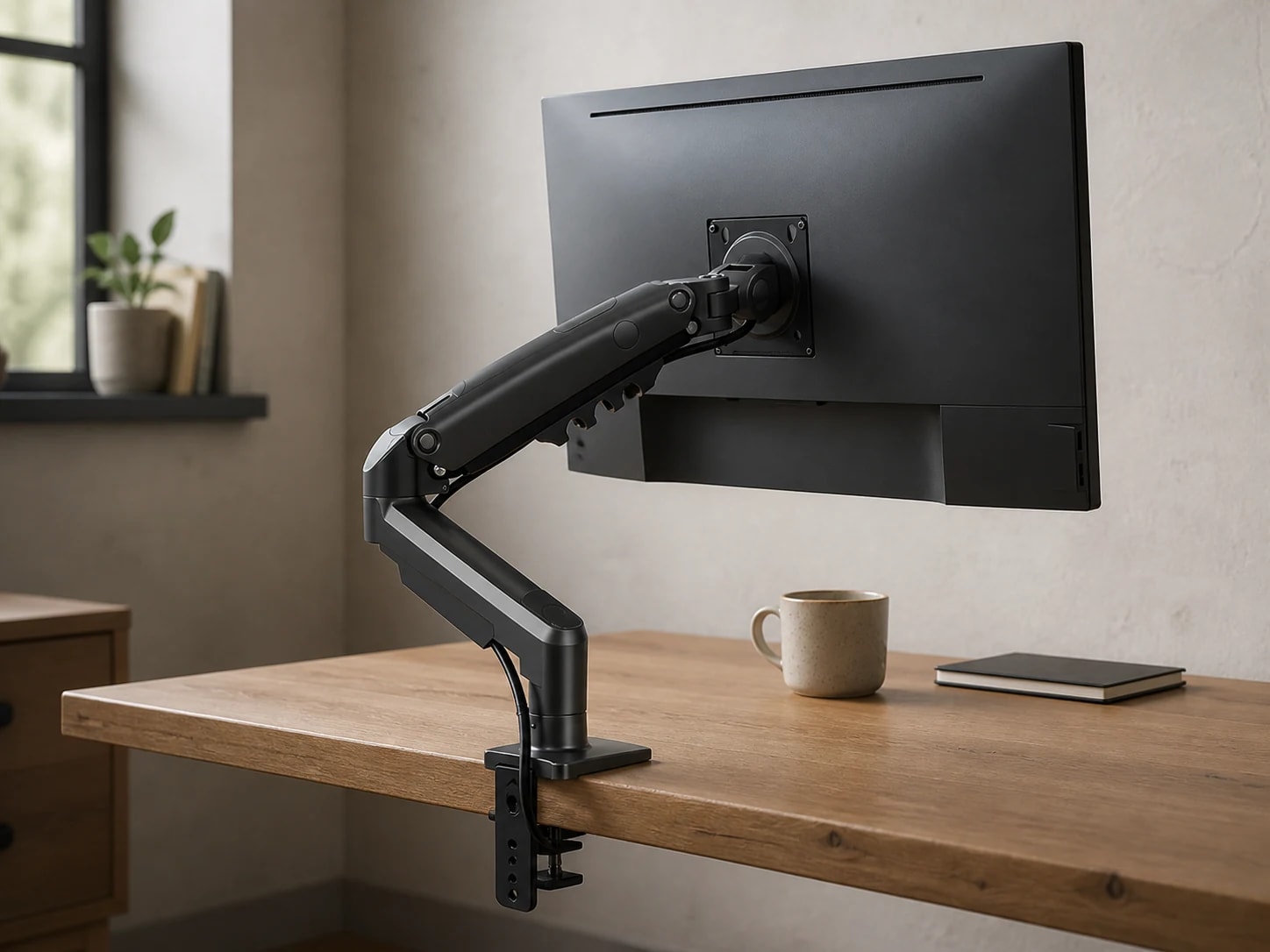
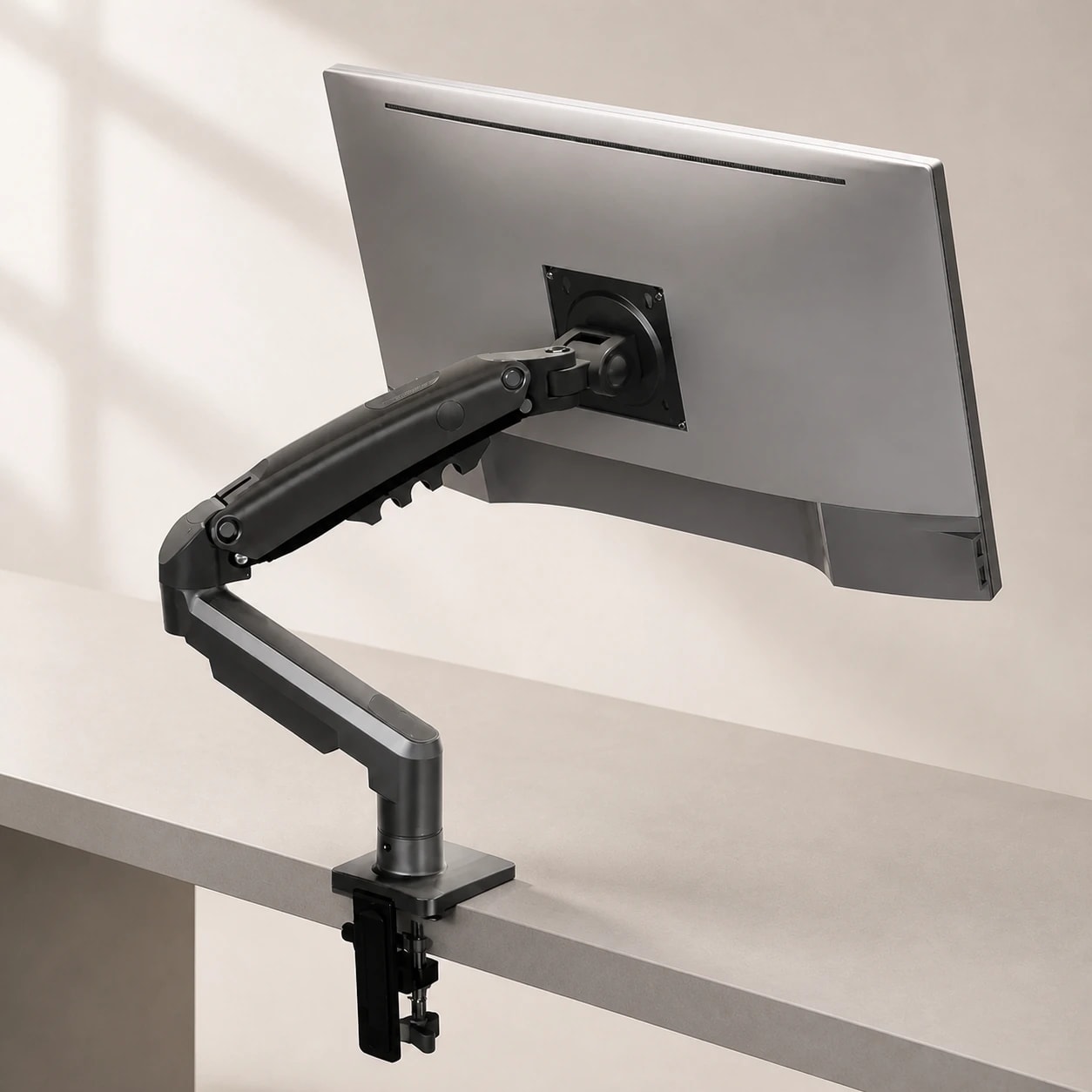
With your posture set, sit upright and look straight ahead. The top of your screen should sit at or just below eye level, so your gaze falls slightly downward onto the working area rather than tilting your head up or dropping your chin to your chest. Raise the monitor on a stand or arm if it sits too low — propping it on books is a fine stopgap while you dial in the height.

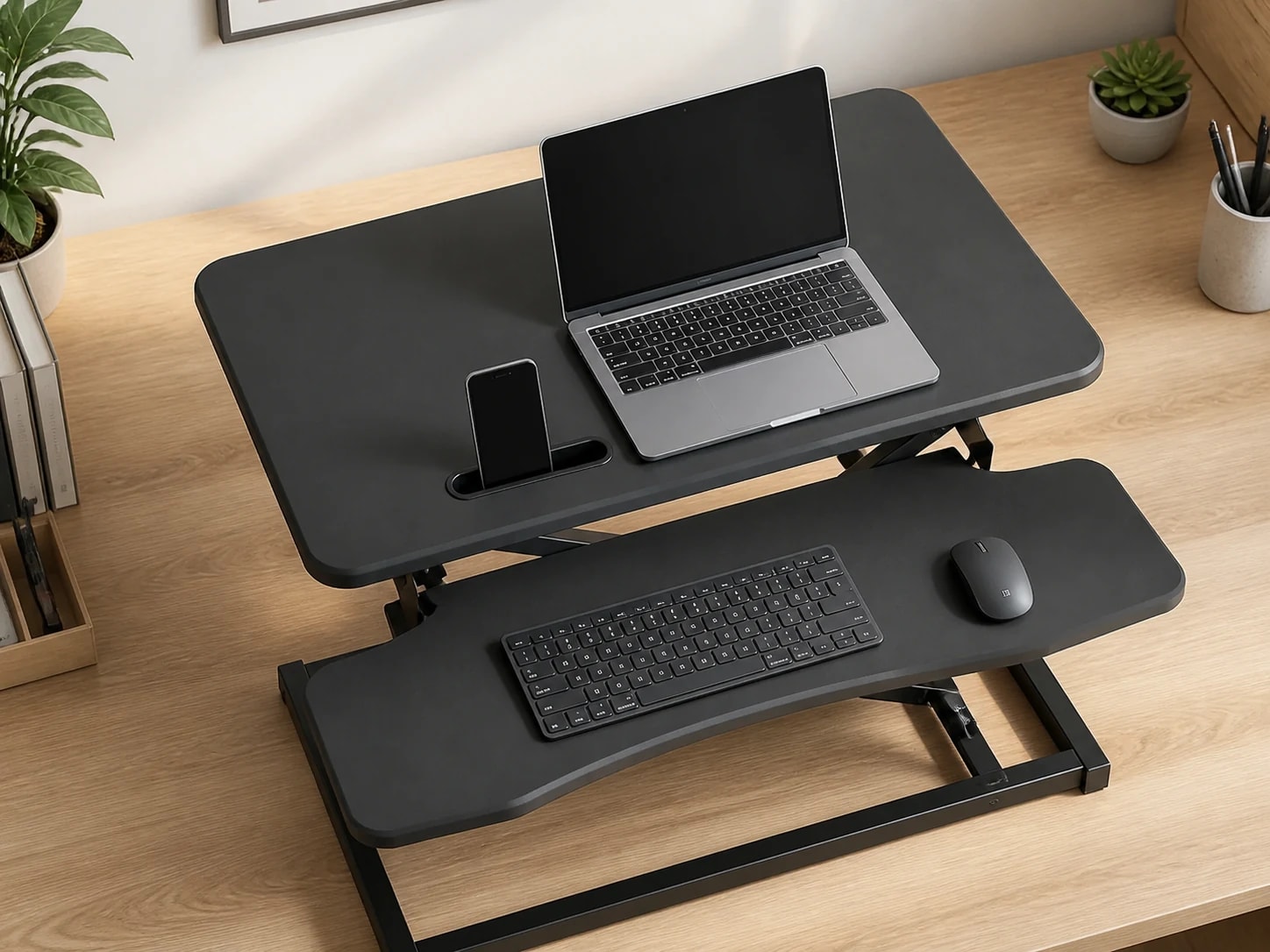
Distance matters as much as height. Place the screen about an arm's length away — roughly 50 to 70 centimeters for most people — and increase text size rather than leaning in if anything is hard to read. If you use a laptop as your main display, it almost always sits too low; pairing an external keyboard with a laptop riser lets you raise the screen while keeping your hands at elbow height.

  • Top of the screen at or just below eye level
  • Screen about an arm's length away (roughly 50-70 cm)
  • Tilt the screen back slightly to face your eyes squarely
  • Laptop users: raise the screen and add an external keyboard
Home office desk and supportive work chair

Step 4 — Place keyboard and mouse at elbow height

Your keyboard and mouse should sit at the same height your elbows naturally reach, so your wrists stay straight and your forearms stay roughly level. Keep the keyboard flat or tilted slightly away from you (a negative tilt) rather than propped up on its rear feet, which bends the wrists upward. Place the mouse right beside the keyboard at the same level so you are not reaching forward or up to use it.

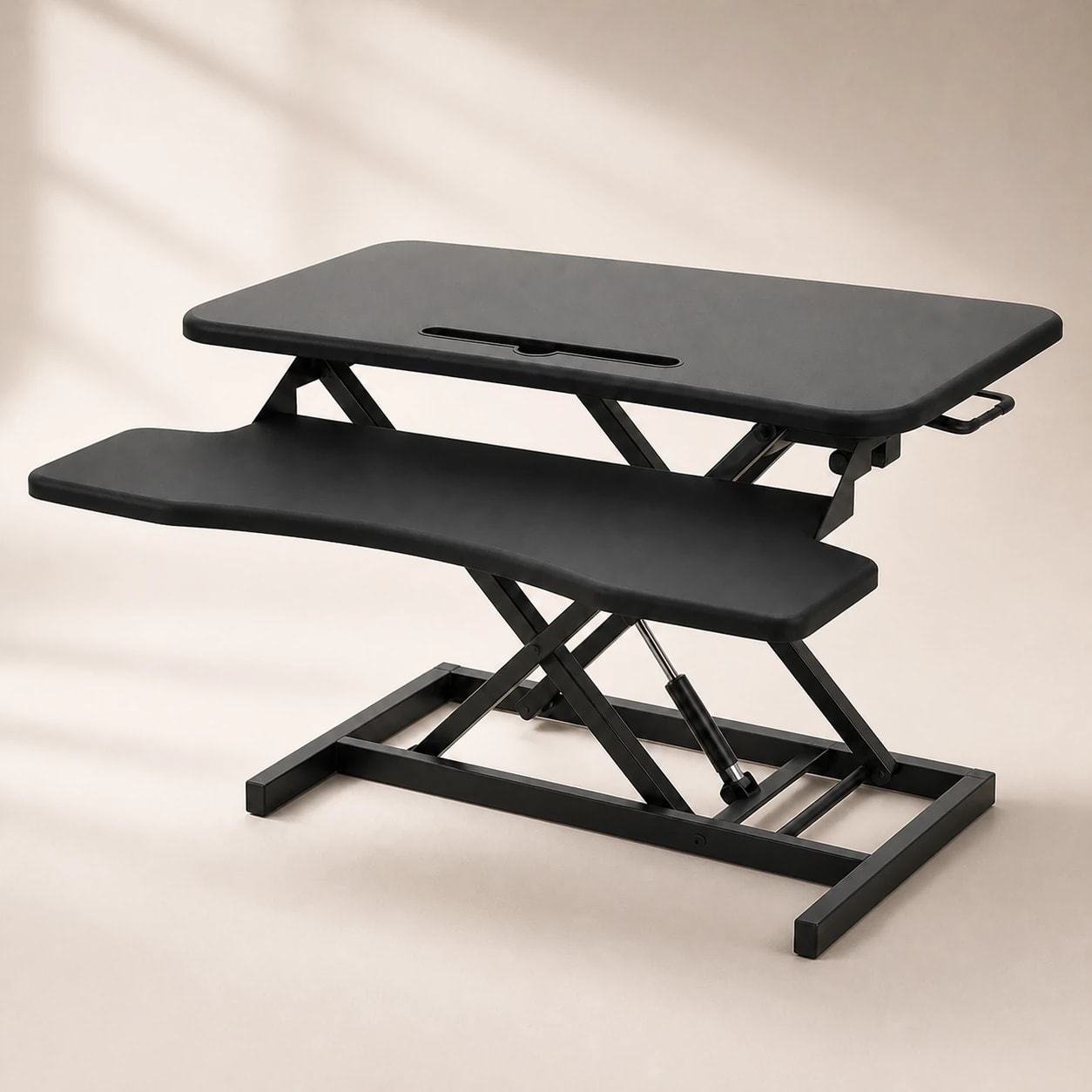
Your wrists should float in a neutral, straight line while typing — not bent up, down, or rested hard on a sharp desk edge. A soft palm rest can help you keep that neutral line during pauses, but you should not anchor your wrists on it while actively typing. If your desk is too high to reach elbow height even with the chair raised, a height-adjustable or standing desk lets you set the surface to your body instead of the other way around.

  • Keyboard and mouse at elbow height, wrists straight
  • Keep the keyboard flat or angled slightly away — not propped up at the back
  • Mouse sits beside the keyboard at the same level, no reaching
  • If the desk is too tall, adjust the surface rather than your posture
Focused workstation designed for long sessions

Step 5 — Alternate sitting and standing through the day

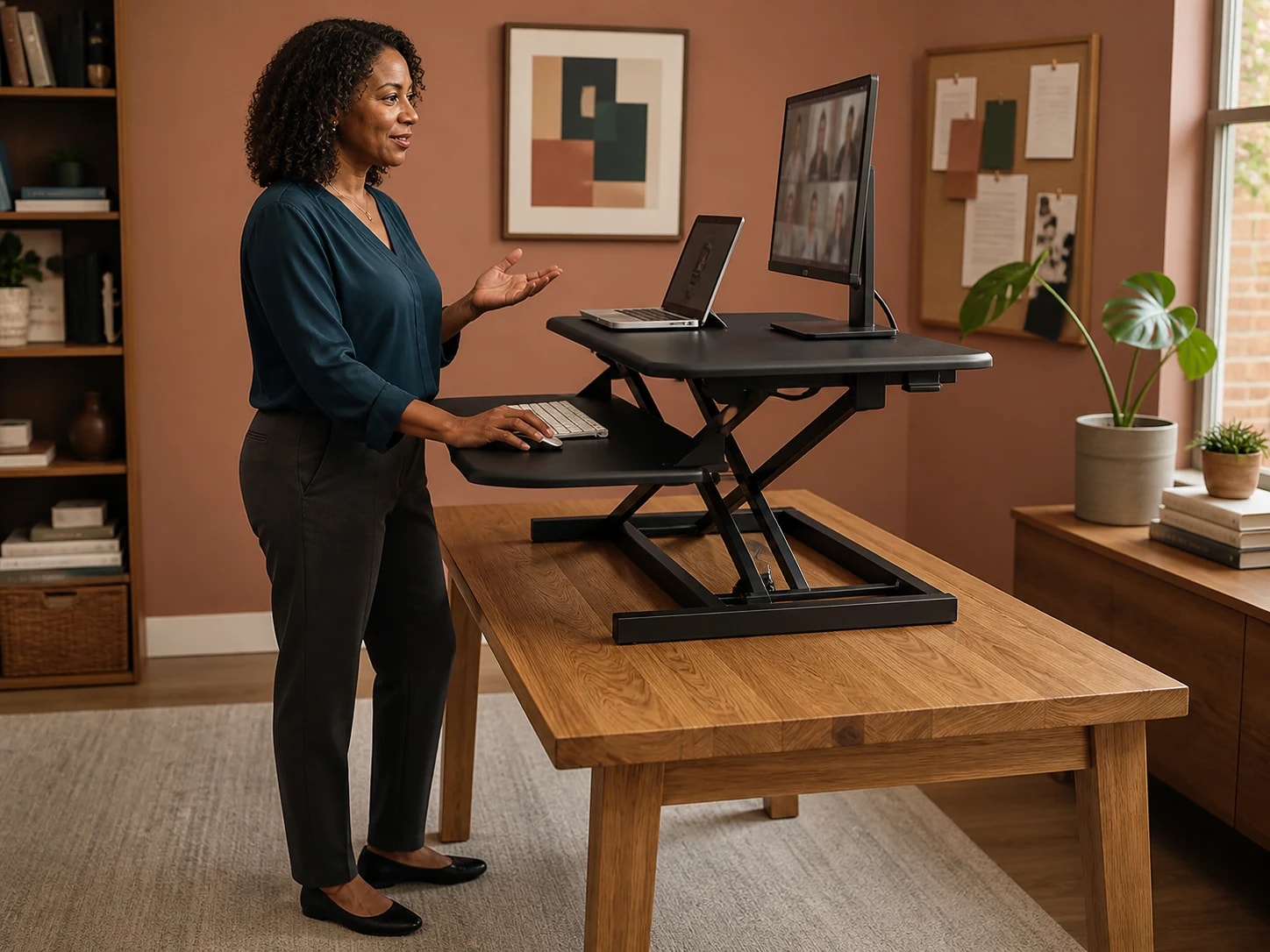
The healthiest posture is your next one. Even a well-tuned seated setup benefits from changing position regularly, and a height-adjustable desk makes that change a two-second push of a button rather than a reshuffle of your whole workstation. A common starting rhythm is to stand for the first part of an hour and sit for the rest, adjusting the ratio to what feels sustainable.

When you switch to standing, re-check the same fundamentals: elbows near 90 degrees at the keyboard, screen top near eye level, weight even on both feet. An anti-fatigue surface or comfortable footwear makes standing stretches easier to hold. The goal is not to stand all day — it is to break up long static blocks so no single posture is held for hours.

  • Change posture regularly rather than holding one position for hours
  • Re-check elbow and screen height each time you switch to standing
  • Start with a modest stand-to-sit ratio and adjust to what you can sustain
  • Weight even on both feet when standing, not leaning on one hip
Professional office setup with ergonomic chair

Rules of thumb and when to see a professional

Two habits carry most of the day-to-day benefit. The elbow-height rule keeps your keyboard, mouse, and desk surface aligned to your seated arms, which protects your wrists and shoulders. The 20-20-20 rule addresses eye strain: every 20 minutes, look at something about 20 feet (6 metres) away for 20 seconds. Pair it with a short stand-and-stretch micro-break and you reset both your eyes and your posture on the same timer.

An ergonomic setup may help reduce everyday discomfort from long sitting, but it is not a medical treatment. If you have persistent or worsening back, neck, wrist, or nerve pain, numbness, or tingling, see a doctor or physiotherapist — equipment changes are not a substitute for a professional assessment. Use this guide to remove obvious posture problems, and treat ongoing pain as a signal to get evaluated.

  • Elbow-height rule: keyboard, mouse, and surface align to your seated elbows
  • 20-20-20 rule: every 20 minutes, look 20 feet away for 20 seconds
  • Add a brief stand-and-stretch micro-break on the same timer
  • Persistent or worsening pain, numbness, or tingling: see a professional

Frequently asked questions

Where should my monitor be in an ergonomic desk setup?

Sit upright and look straight ahead — the top of the screen should be at or just below eye level, tilted back slightly, and about an arm's length away (roughly 50-70 cm). Raise the monitor on a stand or arm if it sits too low.

What angle should my elbows be at?

Aim for about 90 degrees with your forearms roughly parallel to the floor and shoulders relaxed. Set your chair to this elbow height first, then position the keyboard and mouse to match.

What is the 20-20-20 rule?

Every 20 minutes, look at something about 20 feet (6 metres) away for 20 seconds. It gives your eye muscles a regular break and pairs well with a short stand-and-stretch micro-break to reset your posture.

Do I really need a footrest?

Only if your feet do not rest flat after you raise the seat to elbow height. Dangling feet shift your pelvis and flatten your lower-back curve, so a foot rocker or footrest restores even support — otherwise it is optional.

Will an ergonomic desk setup fix my back pain?

A good setup may help reduce everyday discomfort from long sitting, but it is not a medical treatment. If you have persistent or worsening pain, numbness, or tingling, see a doctor or physiotherapist for an assessment.

Related guides

Explore these guides to learn more and find the right solution for your needs.