Pereiti prie turinio

Nemokamas pristatymas virš 50 €

Atsiliepimai „Trustpilot“

Sprendimai

Best Lumbar Support Pillow for Office Chairs

Greta ŠimkutėGreta ŠimkutėErgonomikos specialistė

Shop lumbar support pillows for office chairs. Compare memory-foam and contoured options by verified size, materials, attachment, care, and chair fit.

Editorial photograph illustrating Best Lumbar Support Pillow for Office Chairs

Memory Foam Lumbar Pillows Compared

Compare documented product details and ERGOLA-supplied measurements. “Not published” means that detail remains unverified; package size is not cushion size. All three include ERGOLA's 1-year warranty and 60-day returns. Review counts update from the product pages.

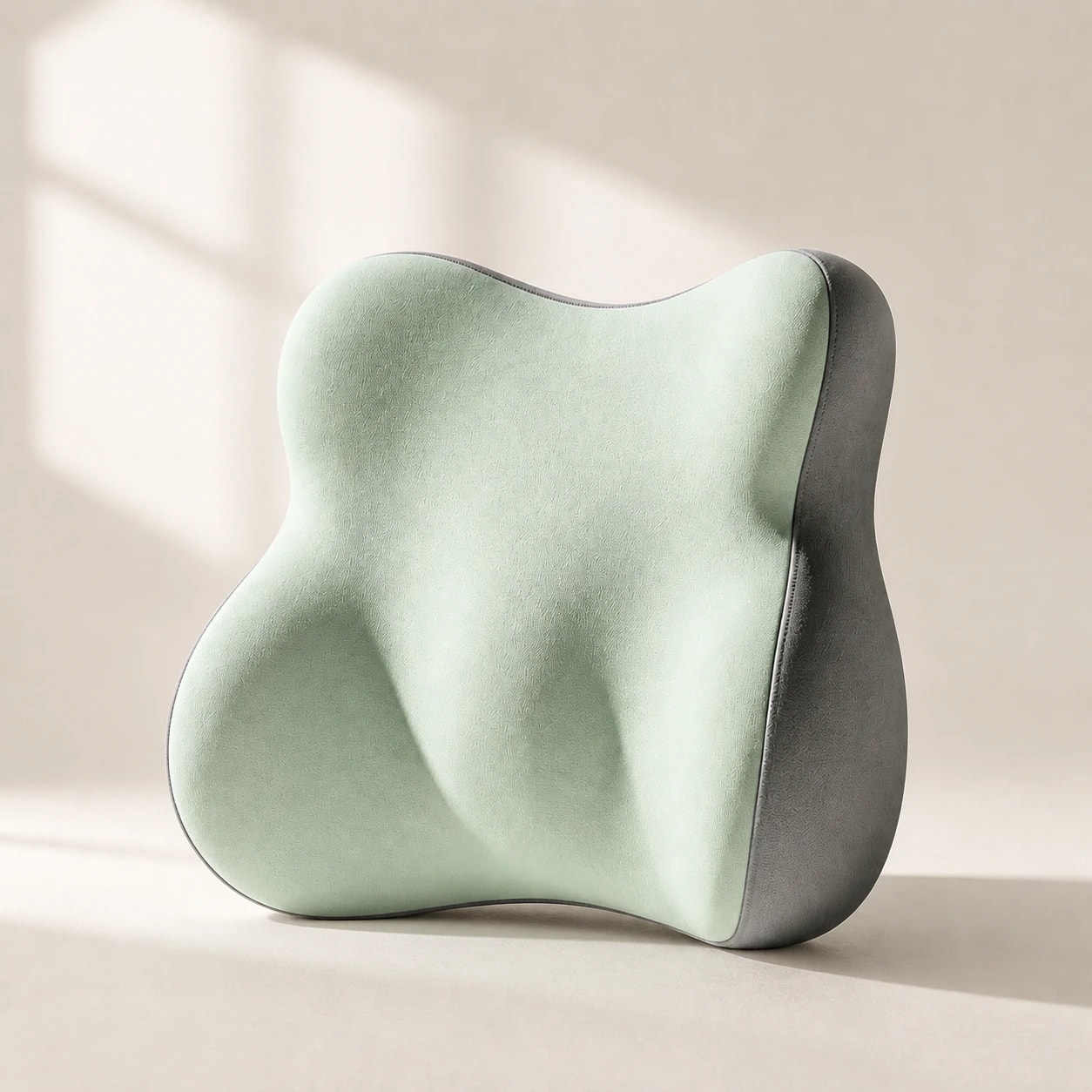
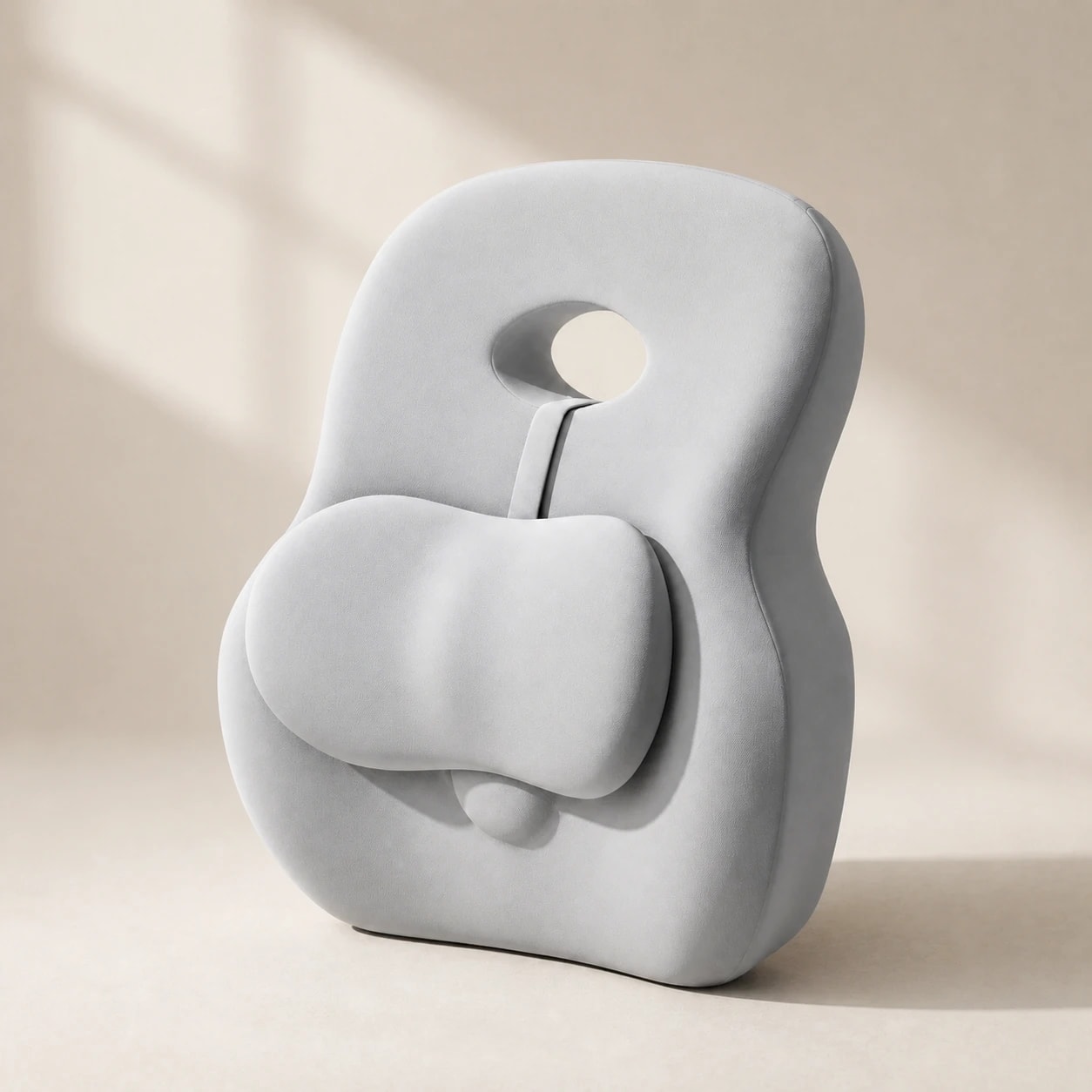
Model / best useLumaWing — standalone lumbar cushionDimensions / foam / firmness39 × 34 × 14 cm; slow-rebound memory foam. Density and firmness grade not published.Cover / careBreathable fabric; fiber, removable-cover status, and washing method not published.Attachment / chair depthNo securing strap documented. Check stability and whether its 14 cm maximum depth leaves enough usable seat room; no minimum chair depth is published.Warranty / reviews1-year store warranty · Read product reviews4.4/5 from 24 published reviews
Model / best useHaloBack — taller full-back contactDimensions / foam / firmnessApproximately 38.5 × 40 × 14.5 cm (15.16 × 15.75 × 5.71 in); fill, foam density, and firmness grade not published. Do not assume memory foam.Cover / careExterior composition, removable-cover status, and care method not published.Attachment / chair depthNo attachment method or chair-depth range documented. Test the one-piece profile on the intended chair before use.Warranty / reviews1-year store warranty · Read product reviews4.3/5 from 21 published reviews
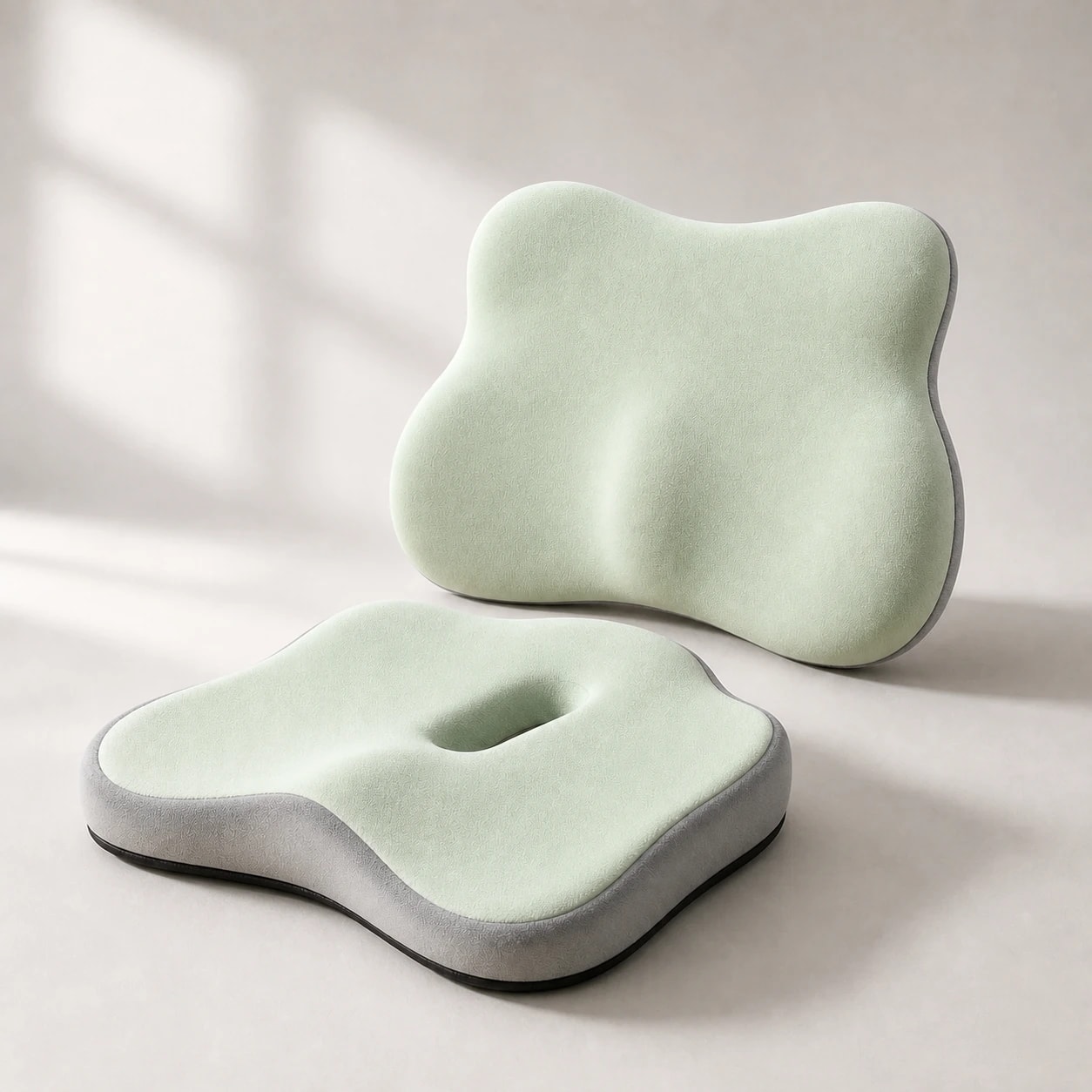
Model / best useSitContour Duo — seat plus lumbar setDimensions / foam / firmnessSeat: approximately 37 × 40 × 8 cm; lumbar: approximately 40 × 11 × 33 cm. Slow-rebound memory foam documented; density and firmness grade not published.Cover / careExterior fiber, removable-cover status, and washing method not confirmed.Attachment / chair depthNo verified attachment or chair-depth range. Both pieces must rest securely without overhang or blocked controls.Warranty / reviews1-year store warranty · Read product reviews4.3/5 from 18 published reviews

Įsigykite šiame vadove minimas prekes

Būtent tie produktai, kuriuos rekomenduoja šis gidas – kiekvienam taikomas 60 dienų išbandymas namuose.

Svarbiausios įžvalgos

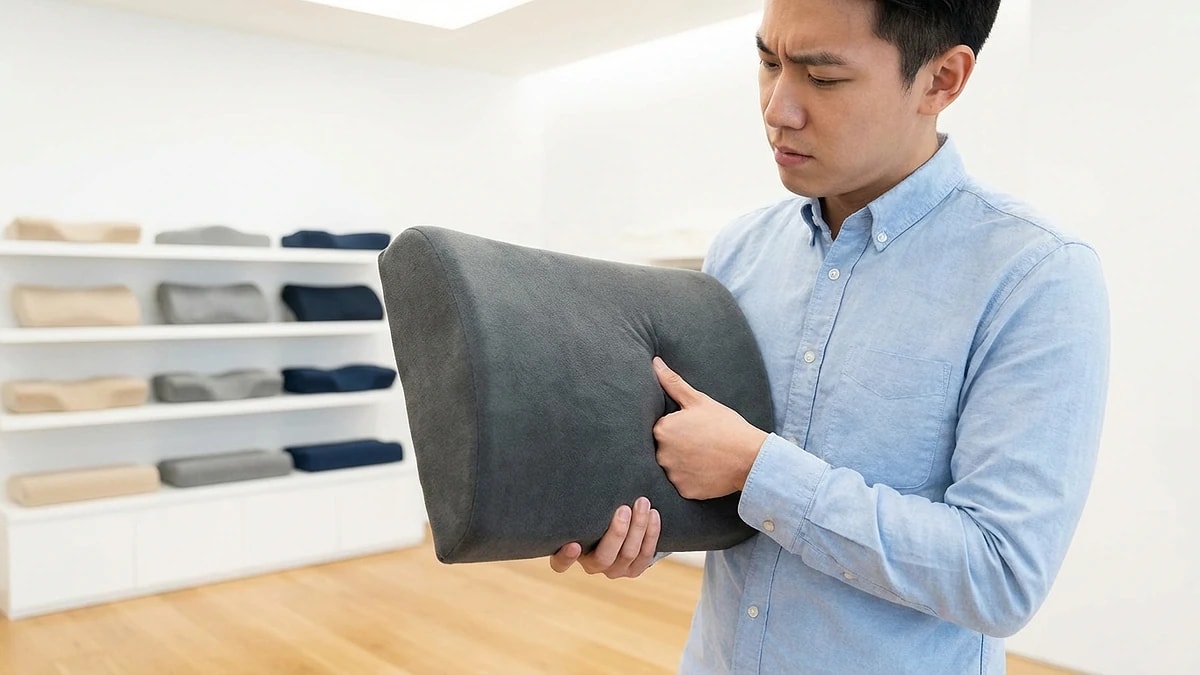
Compare verified dimensions and usable seat depth before choosing.
Match contour height and backrest shape, then check stability on your chair.
Stop and reposition if the cushion pushes your shoulders forward or creates a pressure point.
Editorial photograph illustrating Start with chair fit, not generic firmness claims

Start with chair fit, not generic firmness claims

A lumbar support pillow for an office chair should match the backrest and available seat depth before you judge softness. The best lumbar support for an office chair is the option that stays in a comfortable position, supports the lower-back curve without pushing your shoulders forward, and leaves enough room to sit fully on the seat.

Compare three office-ready formats: LumaWing's measured memory-foam lumbar cushion, HaloBack's taller one-piece backrest cushion, and SitContour Duo's separate seat-and-lumbar set. The table below separates confirmed product facts from specifications the suppliers did not publish.

  • Measure the usable chair depth before adding a thick contour.
  • Check whether the backrest is flat, curved, upholstered, or mesh.
  • Use published dimensions when available instead of assuming universal fit.
  • Keep enough room to sit fully back with your feet supported.
Editorial photograph illustrating Position the cushion and run a practical fit check

Position the cushion and run a practical fit check

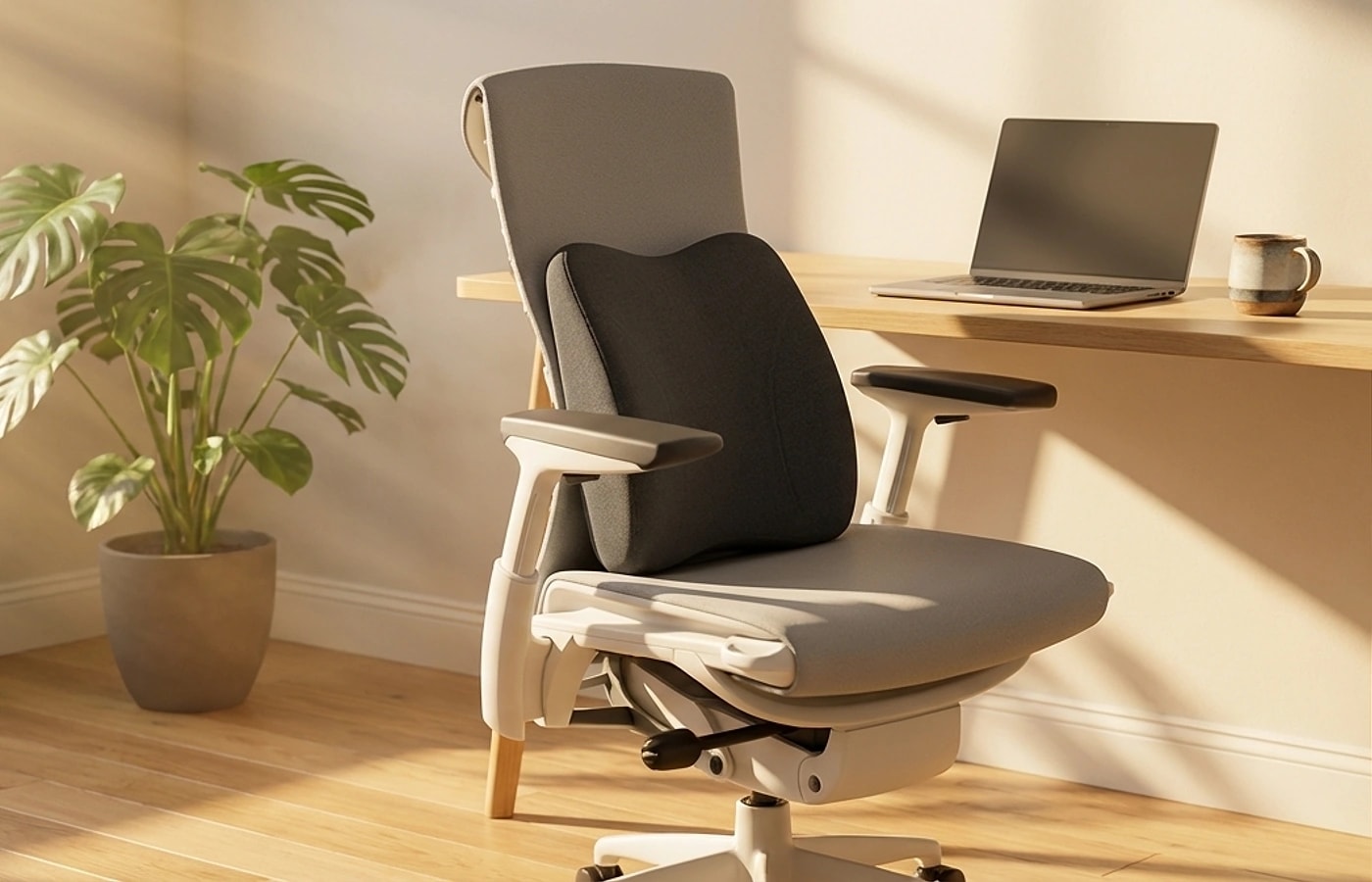
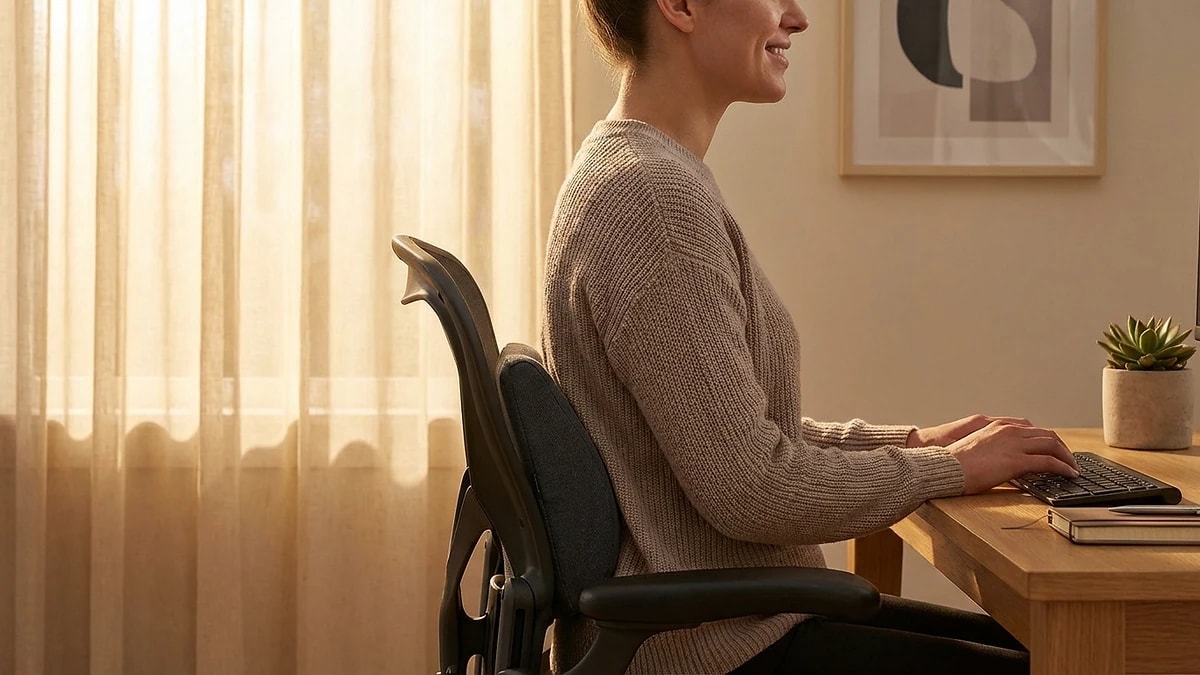
Place the cushion against the inward curve of your lower back, often near belt-line height, then sit fully back. Your shoulders should remain relaxed against the chair. If the contour pushes your torso forward or creates concentrated pressure, move it or choose a shallower profile.

Test normal tasks instead of judging the first few seconds. Type, reach for your mouse, lean forward, and sit back again. Confirm that the cushion remains stable and that you can still use the chair controls without obstruction.

  • Sit fully back before checking lower-back contact.
  • Keep shoulders relaxed rather than pushed toward the desk.
  • Check stability after normal movement and resitting.
  • Stop using the cushion if discomfort increases.
Editorial photograph illustrating Lumbar pillow or built-in chair support

Lumbar pillow or built-in chair support

A separate lumbar pillow is not automatically better than support built into the chair. Start by testing the chair's own setting. If it reaches the lower-back curve and remains comfortable, adding another contour may reduce usable seat depth or push you forward.

An external cushion is useful to compare when built-in support leaves a gap or cannot be positioned for your body. Use one primary support surface at a time, then compare stability, contact, and available seat room during the same desk tasks.

  • Test the chair's built-in setting first.
  • Avoid stacking contours if they push your torso forward.
  • Compare both setups during the same work routine.
Editorial photograph illustrating Use lumbar support as part of the full office setup

Use lumbar support as part of the full office setup

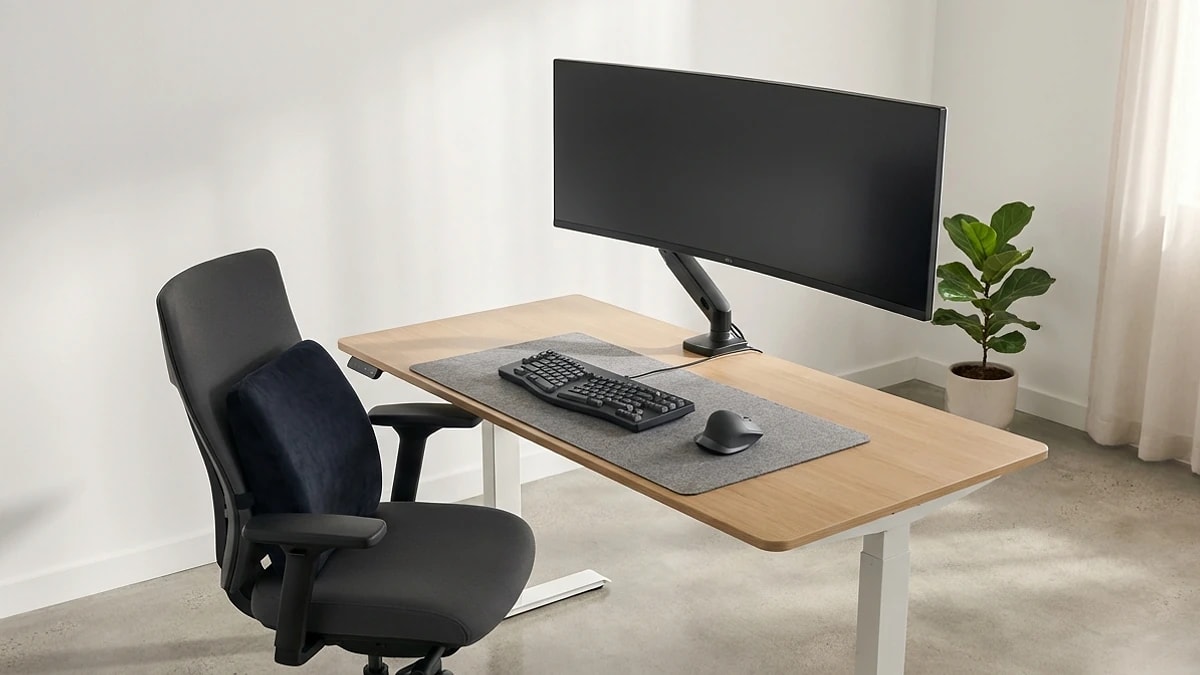
Recheck the rest of the workstation after adding a lumbar cushion. Your feet should remain supported, the seat edge should not press behind the knees, and the desk and armrests should let your shoulders stay relaxed. A cushion cannot correct a chair that is set too high, too deep, or too far from the work surface.

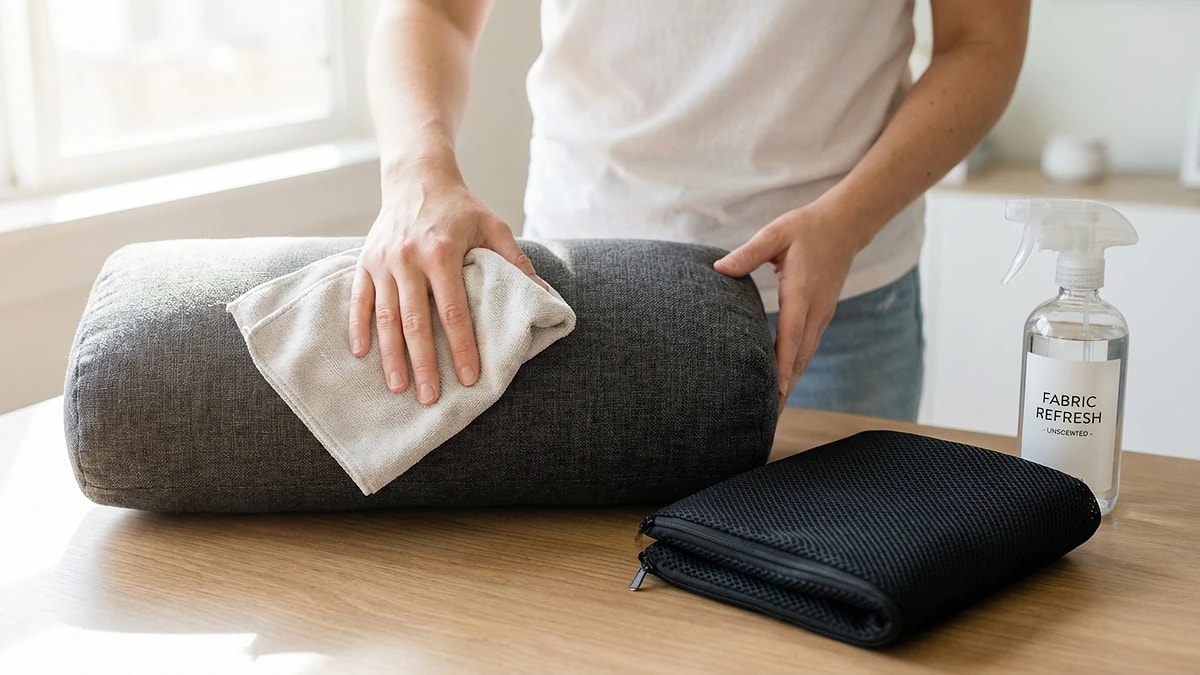
Change position regularly rather than treating any supported posture as a position to hold all day. Follow the care instructions supplied with the specific product, because cover removal and washing guidance differ by model.

  • Recheck feet, knees, armrests, desk height, and monitor position.
  • Keep chair controls and movement paths unobstructed.
  • Follow the product-specific care instructions.
  • Use regular movement and position changes during long desk sessions.

Dažnai užduodami klausimai

What is the best lumbar support pillow for an office chair?

The best option is the one that fits your chair and body without forcing your shoulders forward. Compare published dimensions, contour shape, usable seat depth, and stability. Do not assume that one profile fits every office chair.

Where should a lumbar support pillow sit on an office chair?

Place it against the inward curve of your lower back, often near belt-line height. Your shoulders should still rest naturally against the chair. Move the cushion if it creates a concentrated pressure point or pushes your torso forward.

Will a lumbar support pillow fit every office chair?

No. Backrest shape, built-in contours, seat depth, and attachment options vary. Compare verified measurements where available and test the cushion on a stable chair before a full work session.

Is a lumbar pillow better than built-in chair support?

Not automatically. Built-in support may be stable and adjustable, while an external cushion can be moved or replaced. Test the chair's built-in setting first, then compare an external cushion only if the backrest leaves an uncomfortable gap.

How should I test lumbar support fit?

Sit fully back with your feet supported and shoulders relaxed. Check that the cushion remains stable, does not reduce seat depth too far, and does not create new pressure. Reposition or stop using it if discomfort increases.

Can a lumbar support pillow treat back pain or sciatica?

No. A lumbar cushion is a comfort accessory, not a medical device or treatment. Persistent pain, numbness, tingling, or worsening symptoms should be assessed by a qualified healthcare professional.

Greta Šimkutė

Autorius

Greta Šimkutė

Ergonomikos ir darbo vietos įrengimo specialistė · „Ergola“ rašo nuo 2024 m.

Greta Šimkutė yra ergonomikos specialistė, rašanti „Ergola“ laikysenos ir darbo vietos gidus. Ji gilinasi į praktinę pusę, kaip sėdint atsiranda nugaros, kaklo ir klubų įtampa - kaip stalo aukštis, juosmens atrama ir kėdės tinkamumas iš tiesų keičia komfortą visą dieną - ir vertina produktus pagal kriterijus, kurie svarbūs, o ne pagal specifikacijų lenteles. Ergonomiškus baldus ir darbo vietų įrengimą ji nagrinėja nuo 2024 metų.