
30-day money back guarantee | Spring sale — 40% off + free shipping

Gidai pagal situacija

Office Workers Sitting 8+ Hours

Use-case guide for office workers with long seated blocks. Build a repeatable support setup for desk productivity and comfort.

Office Workers Sitting 8+ Hours

Pagrindiniai patarimai

Set support around work blocks, not only around pain moments.
Pair lumbar support with desk and armrest alignment.
Run a short daily consistency checklist.
Morning setup routine

Morning setup routine

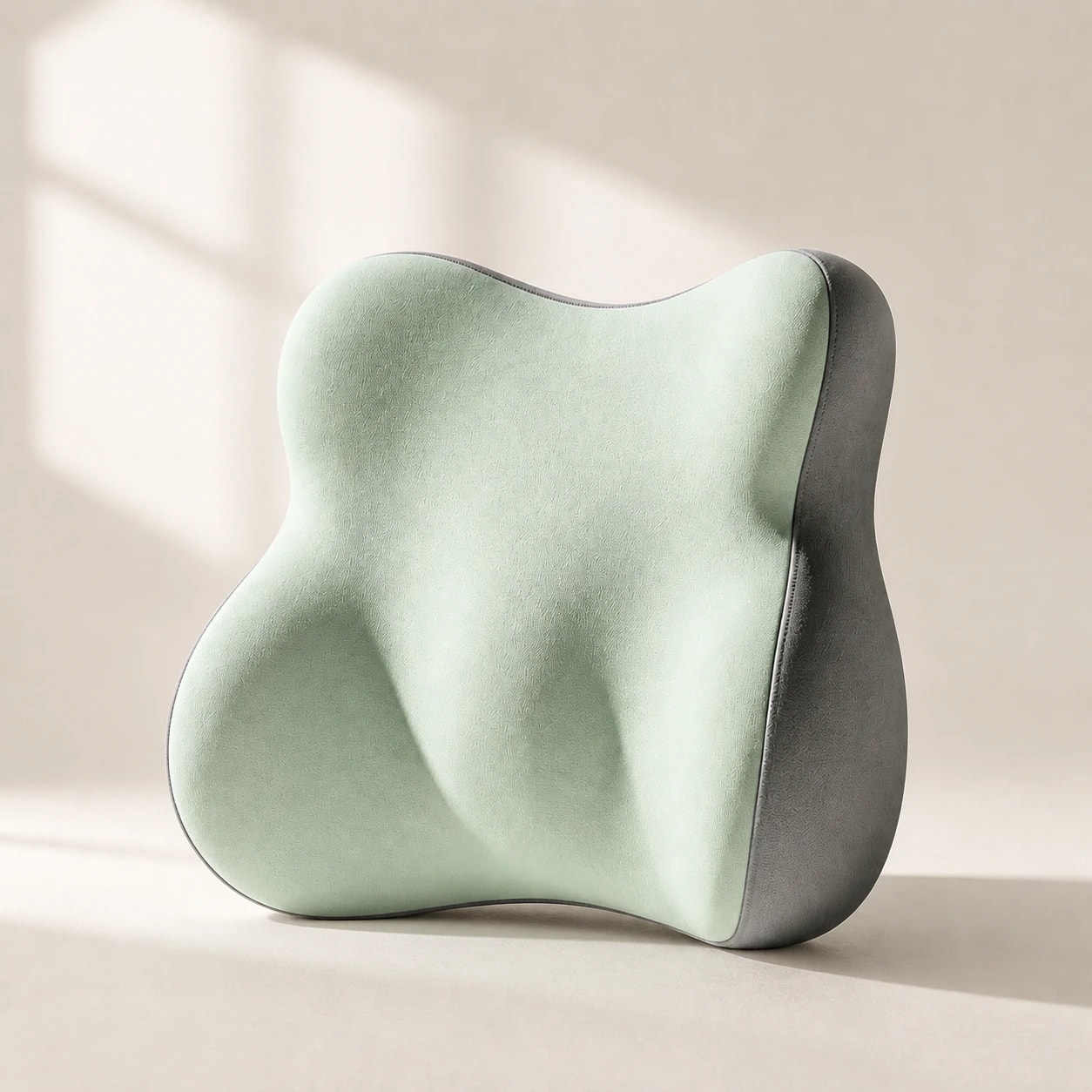
Spend the first two minutes of your workday positioning lumbar support at your natural curve and confirming seat depth. This small ritual prevents the gradual slouch that builds through the morning.

Set your monitor at eye level and pull your keyboard close enough that your elbows rest at roughly 90 degrees. Locking in these reference points early means fewer corrections later.

  • Place lumbar support before opening your laptop or monitor.
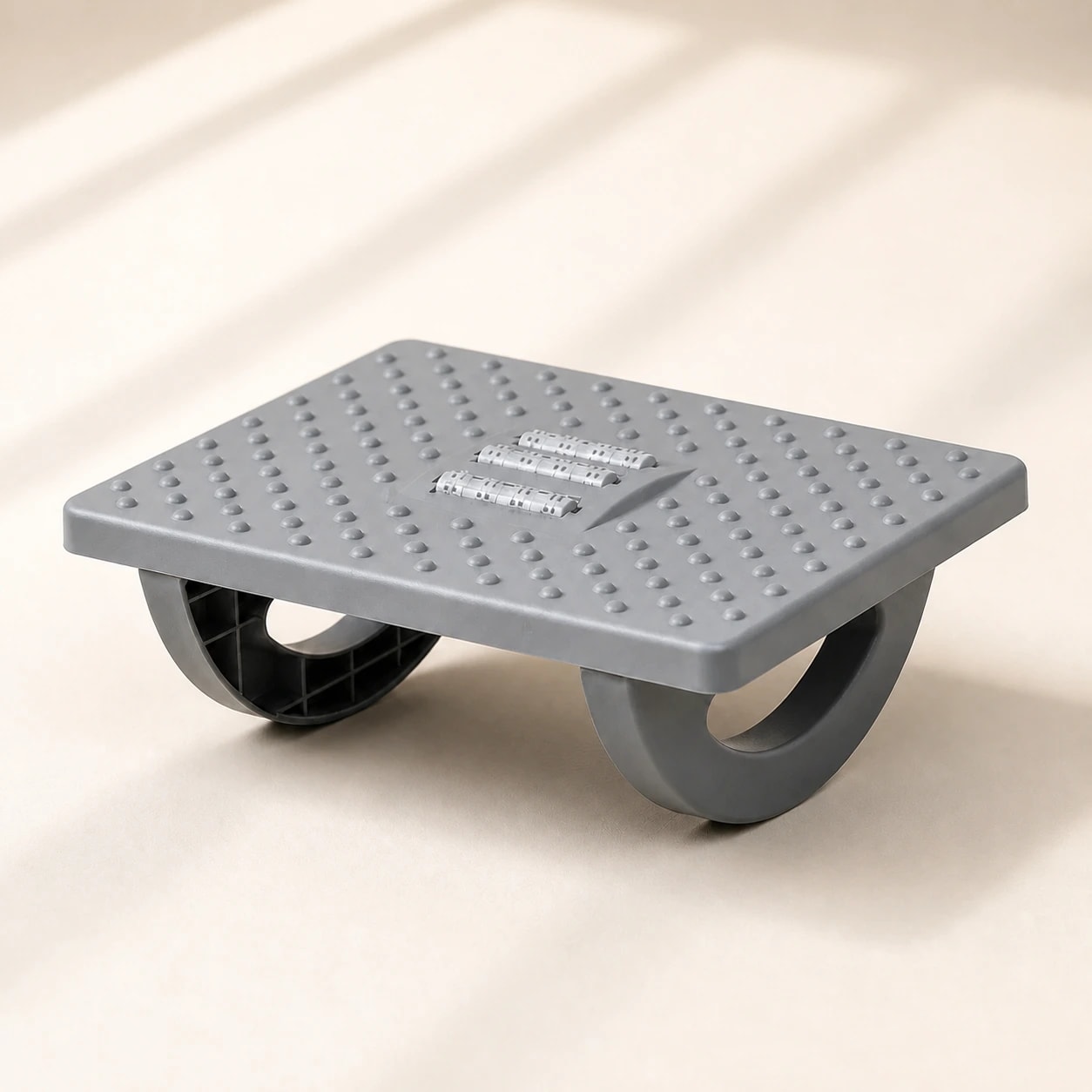
  • Confirm feet are flat on the floor or a footrest.
  • Adjust armrests so shoulders stay relaxed, not shrugged.
Midday posture reset

Midday posture reset

By midday, most seated workers have drifted forward or shifted their support out of position. A 60-second reset after lunch restores alignment and prevents afternoon fatigue from compounding.

Stand briefly, reposition your lumbar cushion, and re-check your screen distance. Treat this as a non-negotiable checkpoint rather than something you do only when pain appears.

  • Stand and stretch for 30 seconds before resetting your chair.
  • Re-center lumbar support against your lower back curve.
  • Verify screen distance is roughly one arm length away.
  • Roll shoulders back to release any forward tension.
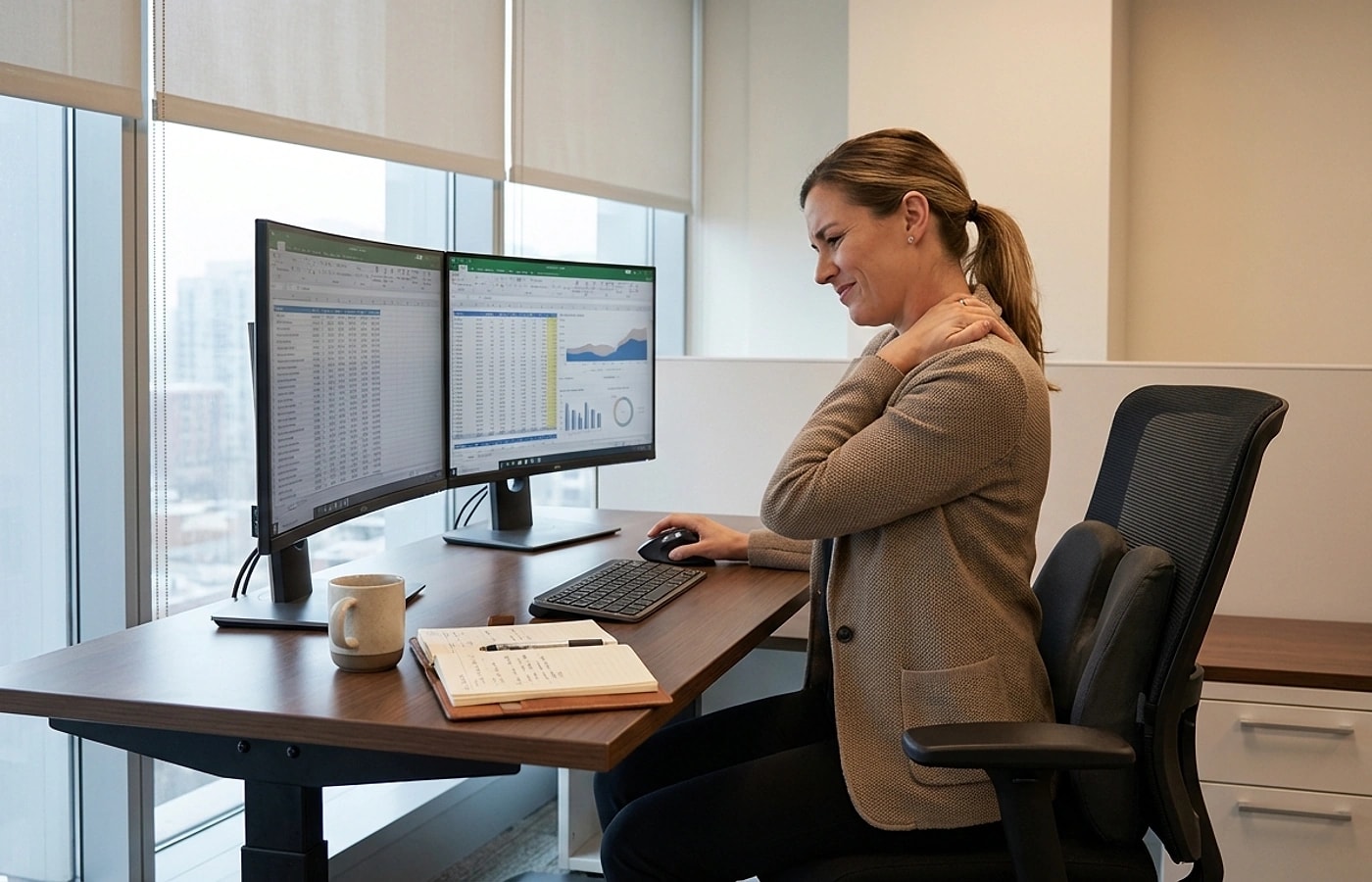
Professional office setup with ergonomic chair

Afternoon fatigue prevention

The last two hours of the workday are when most posture-related discomfort peaks. Proactive micro-breaks every 45 minutes keep muscles engaged and reduce stiffness accumulation.

If you notice yourself leaning to one side or perching on the seat edge, that is a signal to stand and reset. Catching these patterns early prevents them from becoming habits.

  • Set a recurring 45-minute timer for a brief stand-and-move break.
  • Alternate between slight recline and upright sitting angles.
  • Keep water within reach to create natural movement triggers.
Home office desk and supportive work chair

Weekly review checklist

Dedicate five minutes each Friday to review the week's comfort patterns. Note which days felt worst and what changed — meeting-heavy days, different chairs, or skipped resets.

Adjust one variable at a time based on your notes. Changing lumbar height, seat cushion, and monitor position simultaneously makes it impossible to identify what actually helped.

  • Log which days had the most discomfort and identify the trigger.
  • Adjust only one setup variable per week for clear feedback.
  • Check lumbar cushion for compression loss or strap loosening.
  • Compare beginning-of-week energy to end-of-week energy.

Dazniausiai uzduodami klausimai

How long should office setup optimization take?

Most users can stabilize setup in one to two weeks with daily consistency. After that, minor tweaks are all that is needed.

Is a seat cushion always needed?

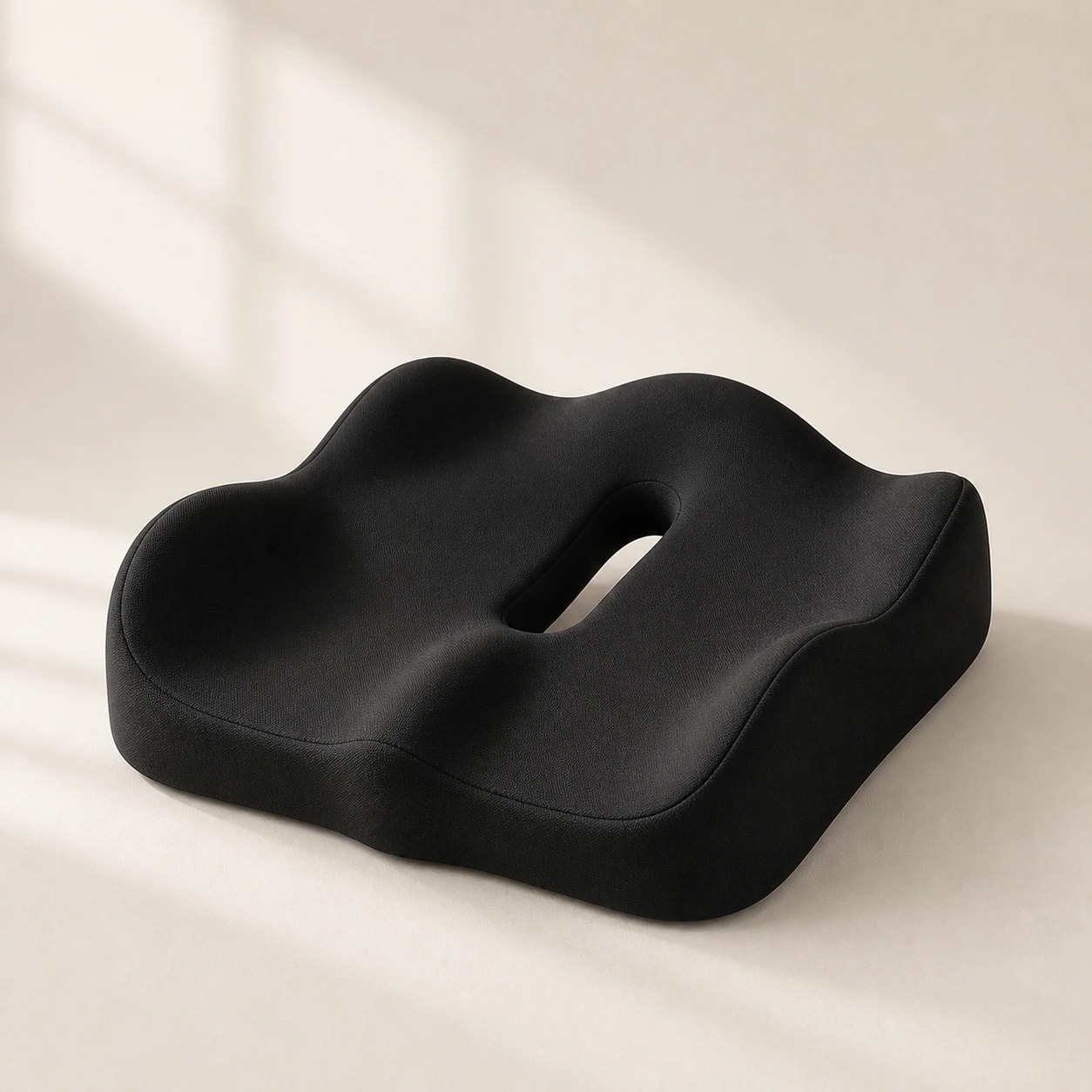
Not always. Add one when pressure discomfort remains despite good lumbar placement and correct seat depth.

What is the fastest first fix?

Correct lumbar height and chair depth first. These two changes resolve most early complaints before any accessories are added.

Should I use the same setup for meetings and focused work?

Your baseline should stay the same. For longer meeting blocks, confirm lumbar contact since conference chairs often differ from your main desk chair.

How do I know if my lumbar support is too high or too low?

If you feel pressure on your ribs, it is too high. If your lower back still rounds, it is too low.

Susije gidai

Naršykite šiuos gidus, kad sužinotumėte daugiau ir rastumėte tinkamą sprendimą.