30-day money back guarantee | Spring sale — 40% off + free shipping

Sprendimai

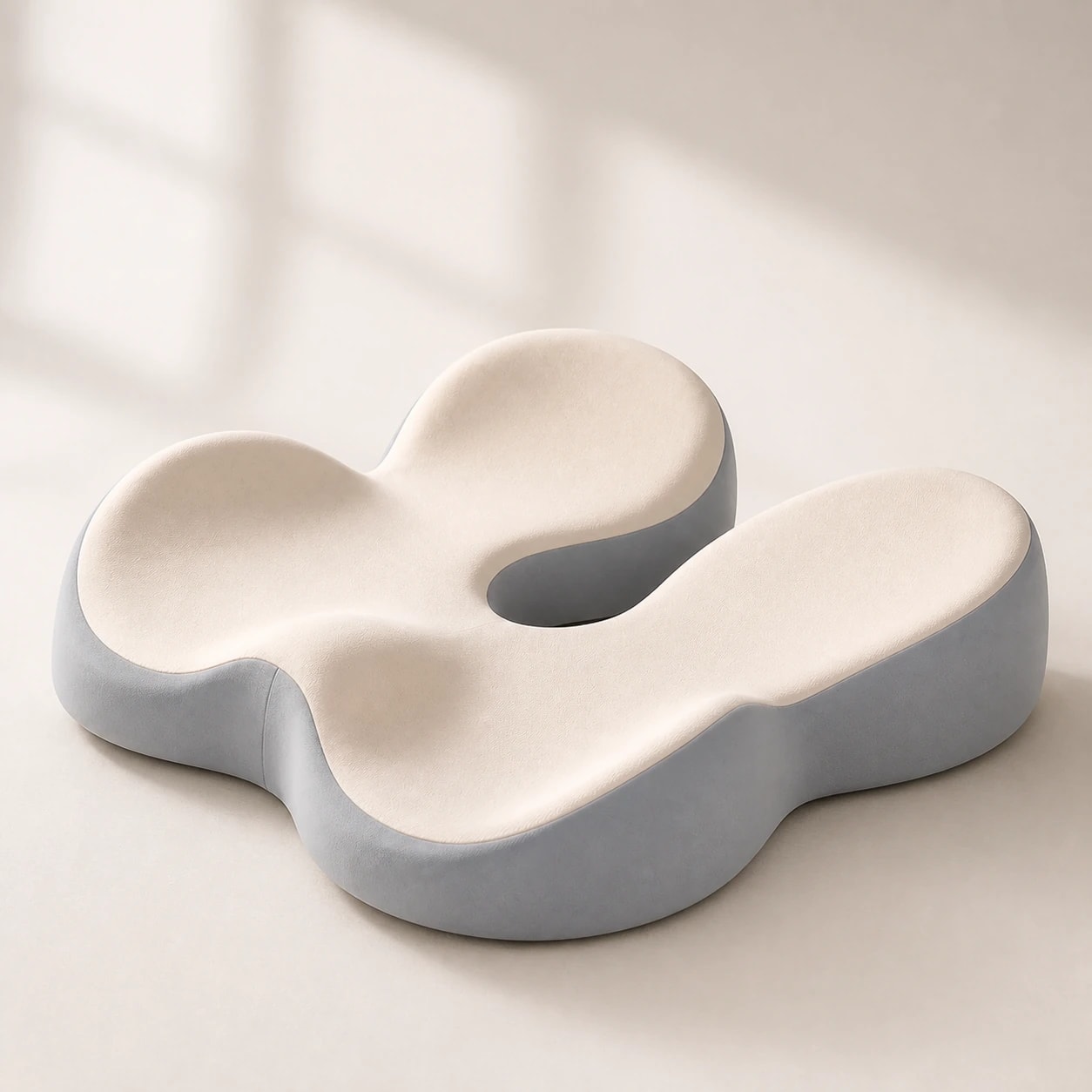
Back Support Seat Cushion for Office Chair

Back-support seat cushion options for office chairs. Learn how to combine pressure relief and lumbar alignment without overcorrecting posture.

Back Support Seat Cushion for Office Chair

Pagrindiniai patarimai

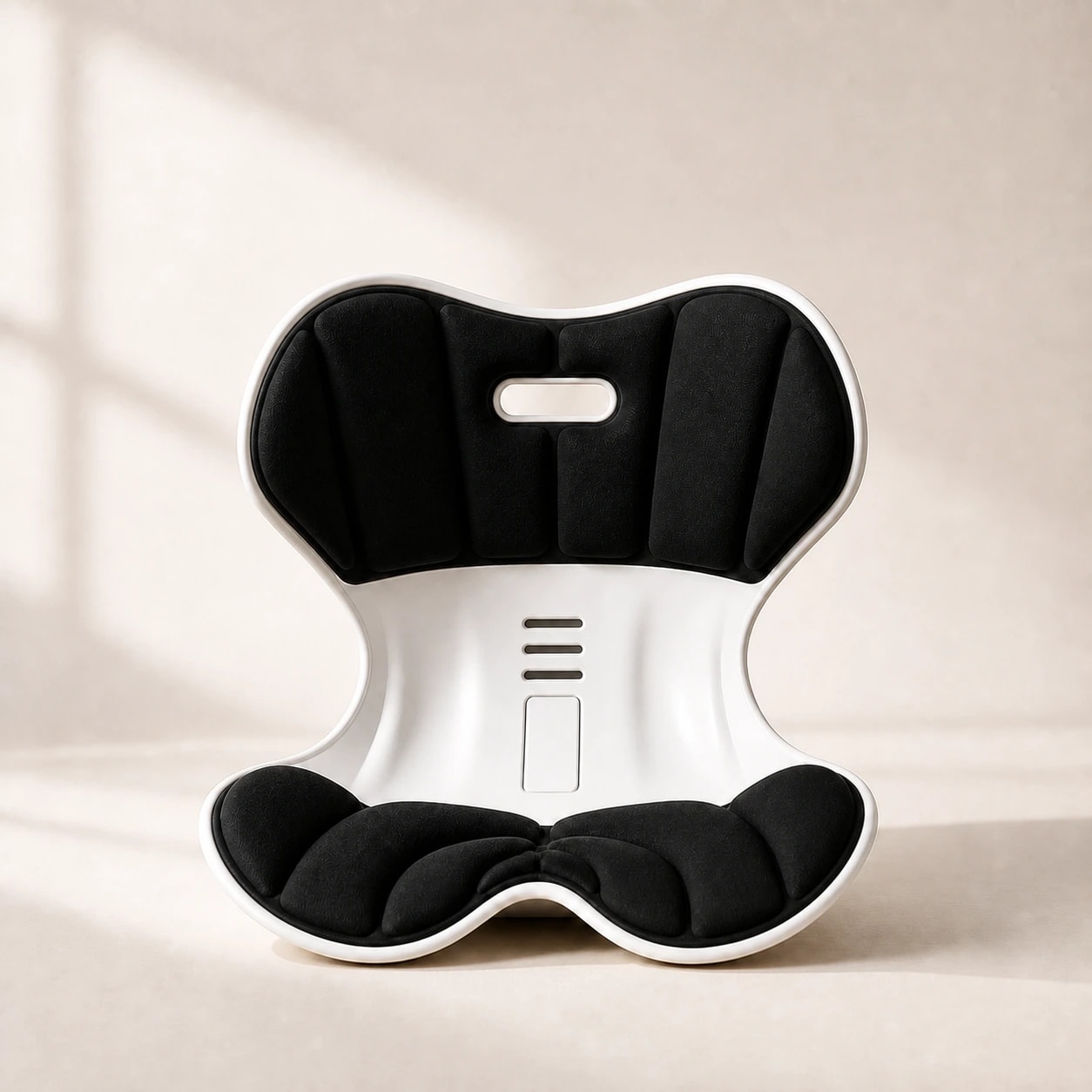
Support should keep pelvis and lumbar region working together.
Overly soft dual-cushion setups can worsen fatigue after several hours.
Choose adjustable components and test for one full workweek.
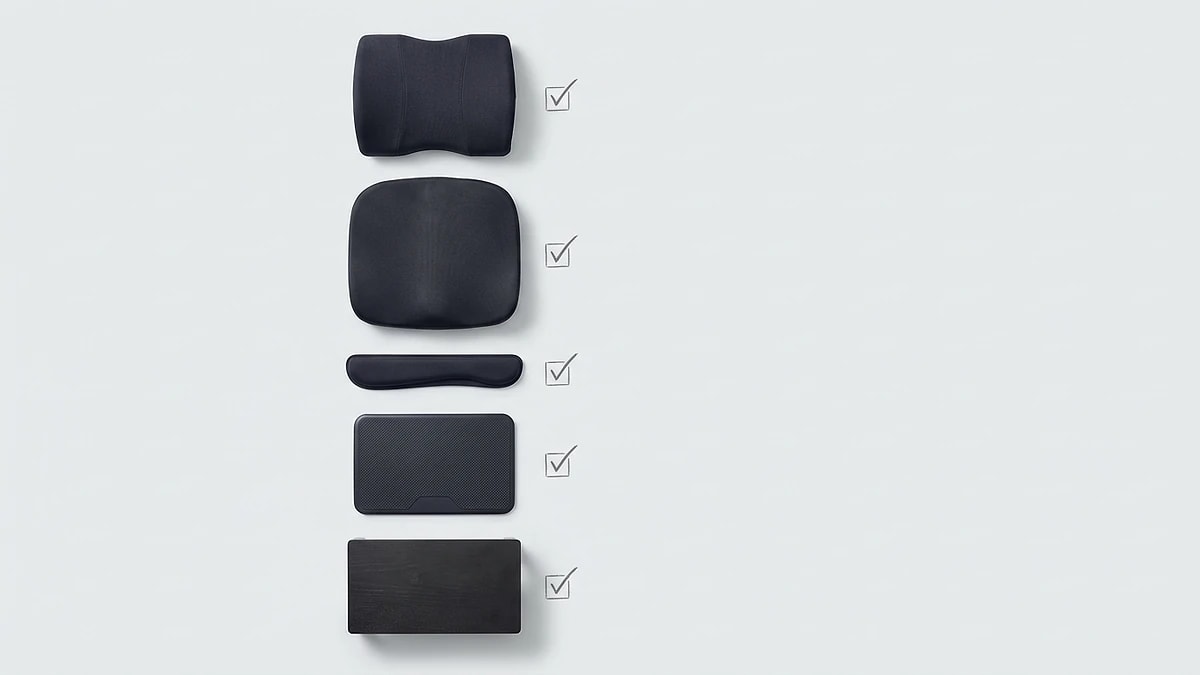
Combined setup checklist

Combined setup checklist

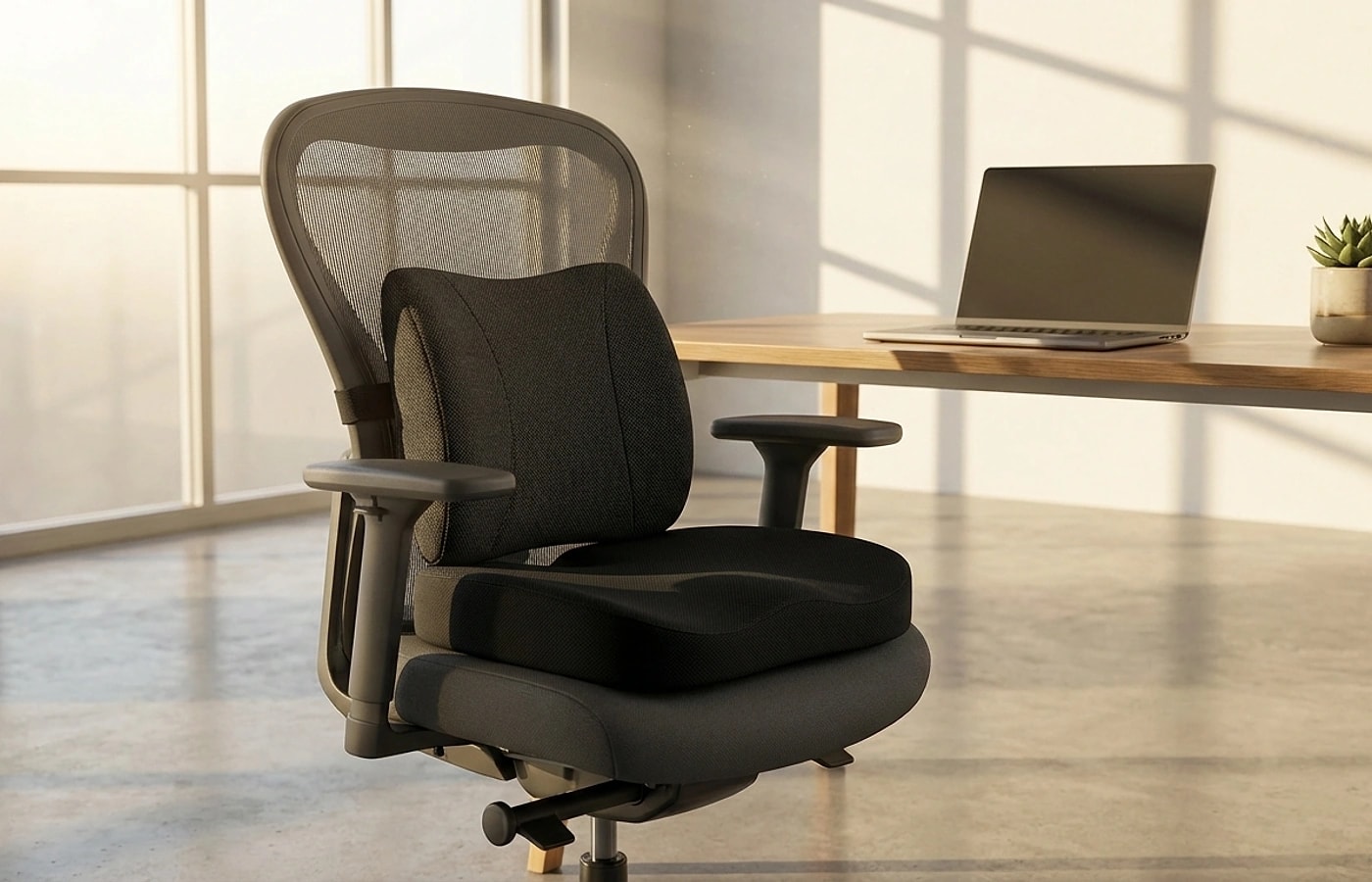
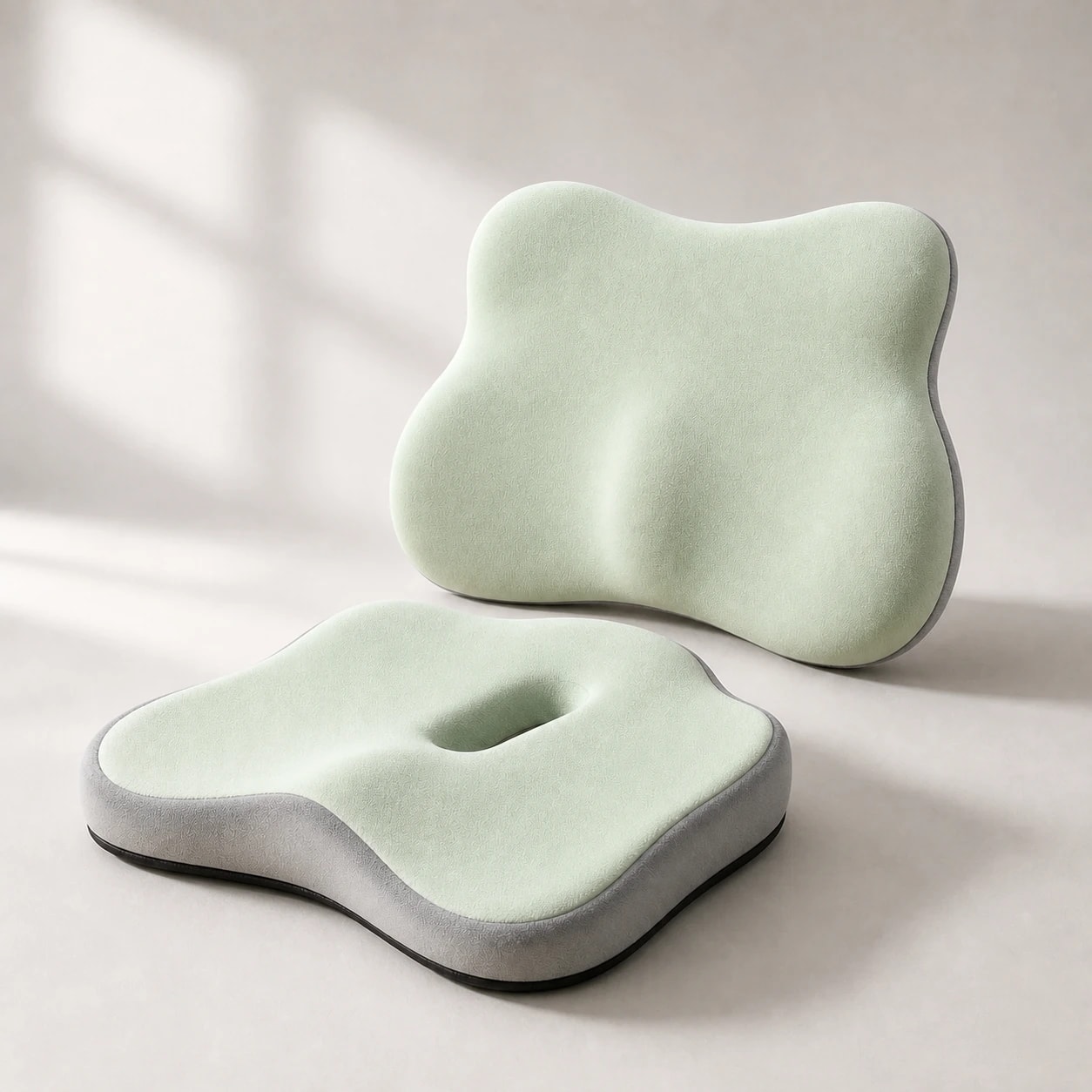
Users searching for back support seat cushions typically need both pressure relief at the sitting surface and spinal alignment at the lumbar region. A single product rarely solves both problems well, which is why combination setups consistently outperform individual components for all-day desk work. The key is getting the installation sequence right — seat cushion first, then lumbar pillow, then chair height, then armrests.

After placing the seat cushion, your hip height increases by two to three inches. This means your chair must drop by the same amount to maintain proper desk clearance and elbow angle. Only after this adjustment should you position the lumbar pillow, because the new seat height changes where your lower back contacts the chair backrest.

  • Seat height after cushion placement — readjust to maintain 90-degree elbow angle
  • Lumbar pillow contact point at belt-line level after height change
  • Armrest position after posture change to prevent shoulder elevation
  • Desk clearance check — thighs should slide freely under the surface

Common mistakes to avoid

Common mistakes to avoid

The most frequent error is stacking thick cushions without adjusting chair height to compensate. This pushes your elbows above desk level, forces shoulder shrugging, and creates neck tension that many users incorrectly blame on the cushion itself. The cushion is not the problem — the unchanged chair height is.

Another common issue is skipping strap adjustment on the lumbar pillow after adding a seat cushion. The new seated position shifts your back contact point, which means the pillow may ride higher or lower than intended. Re-strap after every change to the seat surface, and verify that the lumbar contour sits at your natural lower-back curve.

  • Always readjust chair height when adding or changing seat cushion
  • Re-strap lumbar pillow after any seat surface change
  • Avoid ultra-soft combinations that compress fully within two hours
  • Test the complete setup for at least one full workday before judging comfort
Choosing between bundles and separate components

Choosing between bundles and separate components

Pre-matched bundles offer convenience and typically cost less than buying components individually. They are designed to work together in terms of firmness balance and strap compatibility, which eliminates the trial-and-error of mixing products from different brands. For most first-time buyers, a bundle is the fastest path to a comfortable setup.

Separate components make more sense when you have specific needs — for example, a very firm lumbar pillow paired with a soft seat cushion, or when one component needs replacement while the other is still functional. Users who have already identified their preferences through previous purchases generally get better results with individual selections.

  • Bundles: faster setup, lower cost, pre-matched firmness balance
  • Separate: more control over individual firmness and size
  • Consider bundles for first-time buyers, separates for experienced users
Home office desk and supportive work chair

Adapting the setup for home and hybrid work

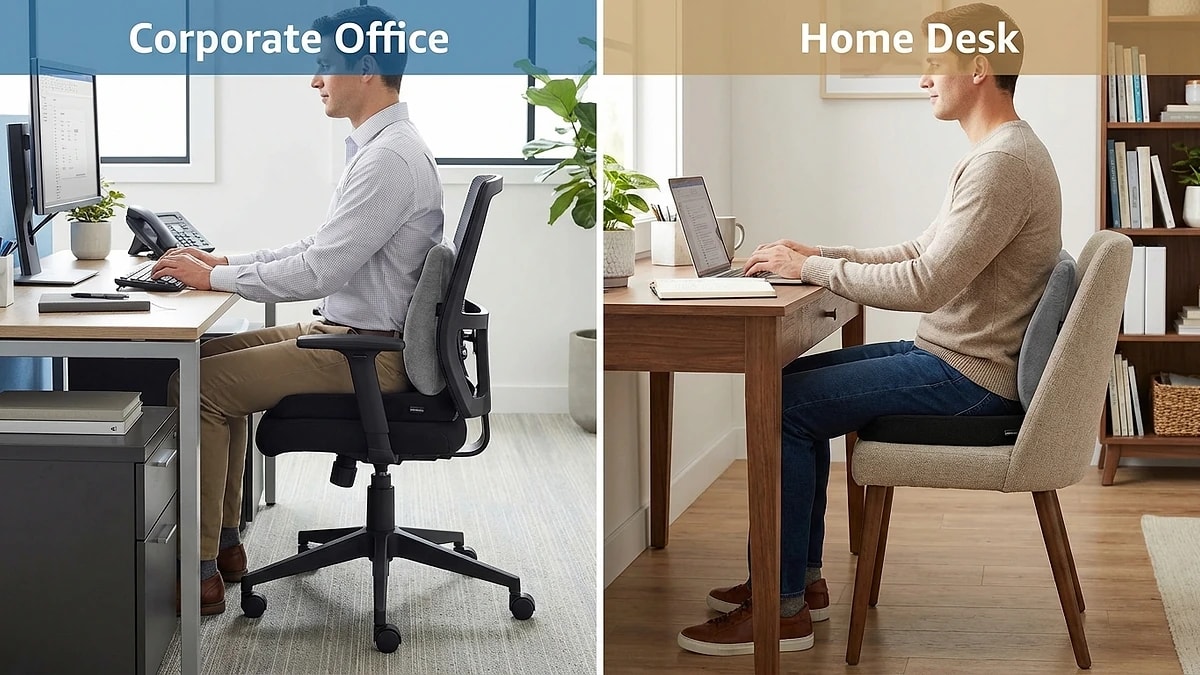
Hybrid workers face the challenge of maintaining consistent support across two different chair setups. Home office chairs often have different dimensions, backrest angles, and adjustment ranges than corporate office chairs. Rather than transporting cushions daily, keeping a dedicated set at each location ensures consistent posture without the inconvenience of packing and unpacking.

When setting up a second workstation, use the same measurement process: cushion first, chair height adjustment, lumbar pillow positioning, then armrest tuning. Even if the chairs are different models, matching the key angles — elbow, hip, and knee — produces similar comfort outcomes regardless of the specific chair brand.

  • Keep dedicated support sets at home and office locations
  • Match key angles (elbow, hip, knee) rather than trying to replicate exact chair setup
  • Re-measure when switching between different chair models

Dazniausiai uzduodami klausimai

Should I buy a combo or separate items?

Combos are faster and pre-matched for firmness balance, ideal for first-time buyers. Separate items offer more control when you need specific firmness combinations.

How do I know the combo is working?

Track end-of-day fatigue and reposition frequency over one full workweek. A working setup should reduce both compared to your baseline.

Is this setup only for office work?

No — it works for home offices, study desks, and some vehicle seats if dimensions match. The key is having a chair with height adjustment capability.

How thick should the combined setup be?

Total added height from seat cushion plus lumbar pillow depth should still allow proper desk clearance. Most setups work best with a 2-3 inch seat cushion and 3-4 inch lumbar pillow.

Will adding both cushions make my chair unstable?

Not if both components have non-slip bases and secure strap attachments. Instability usually indicates the cushion base material needs a grip surface or the lumbar strap needs tightening.

Susije gidai

Naršykite šiuos gidus, kad sužinotumėte daugiau ir rastumėte tinkamą sprendimą.