30-day money back guarantee | Spring sale — 40% off + free shipping

Gidai pagal situacija

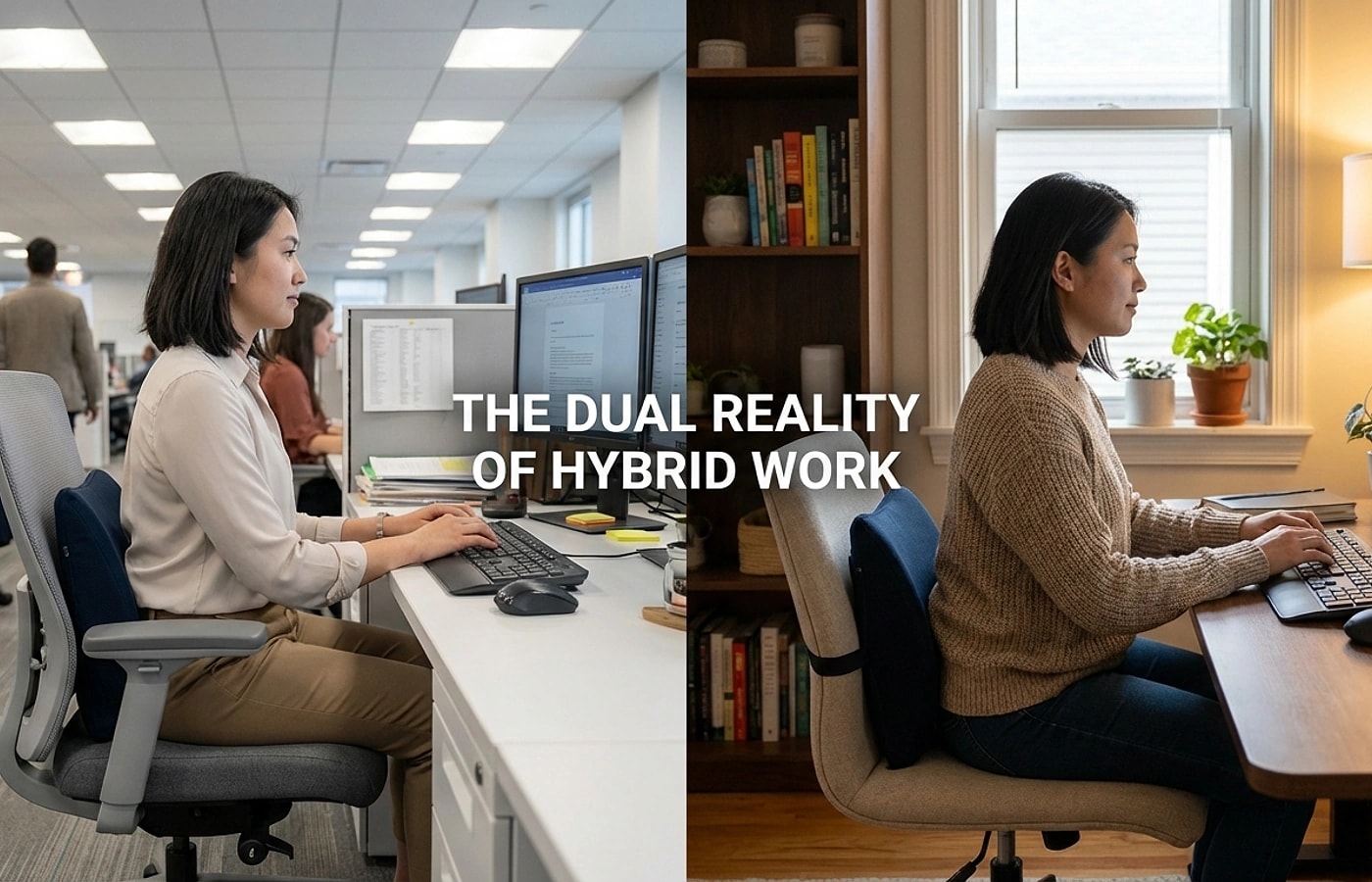
Hybrid Workers Switching Between Home and Office

Support strategy for hybrid workers rotating between multiple chairs. Keep comfort consistent across environments.

Hybrid Workers Switching Between Home and Office

Pagrindiniai patarimai

Hybrid discomfort often comes from setup inconsistency, not only product quality.
Use portable and fast-adjust designs for transferability.
Document baseline positions for each workspace.
Two-environment alignment

Two-environment alignment

Create one baseline setup for home and one for the office. Document the key measurements for each: chair height, lumbar support position, and screen distance. When you switch locations, you follow a known recipe instead of re-inventing your setup.

The goal is to match the feel across both locations, not to make them identical. If your home chair is different from your office chair, adjust the lumbar height to produce the same lower-back contact in both.

  • Document chair height, lumbar position, and screen distance for each location.
  • Match the feel of lumbar contact, not the exact product placement.
  • Update your baseline whenever furniture changes at either location.
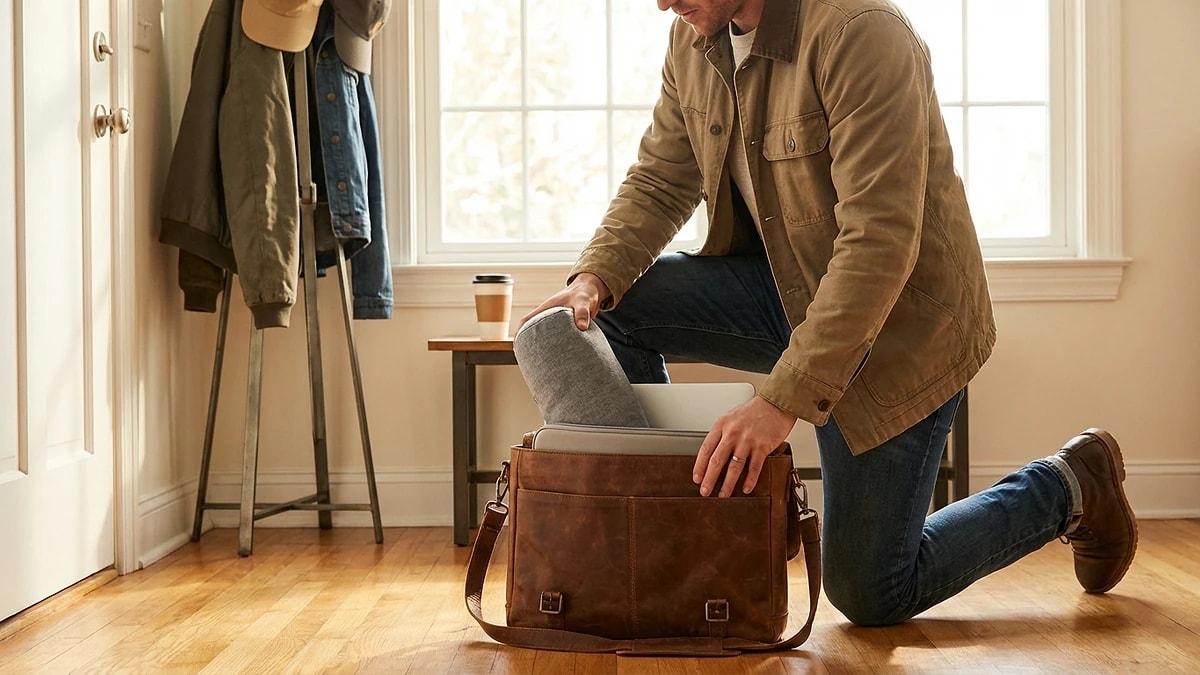
Portable carry-and-reset kit

Portable carry-and-reset kit

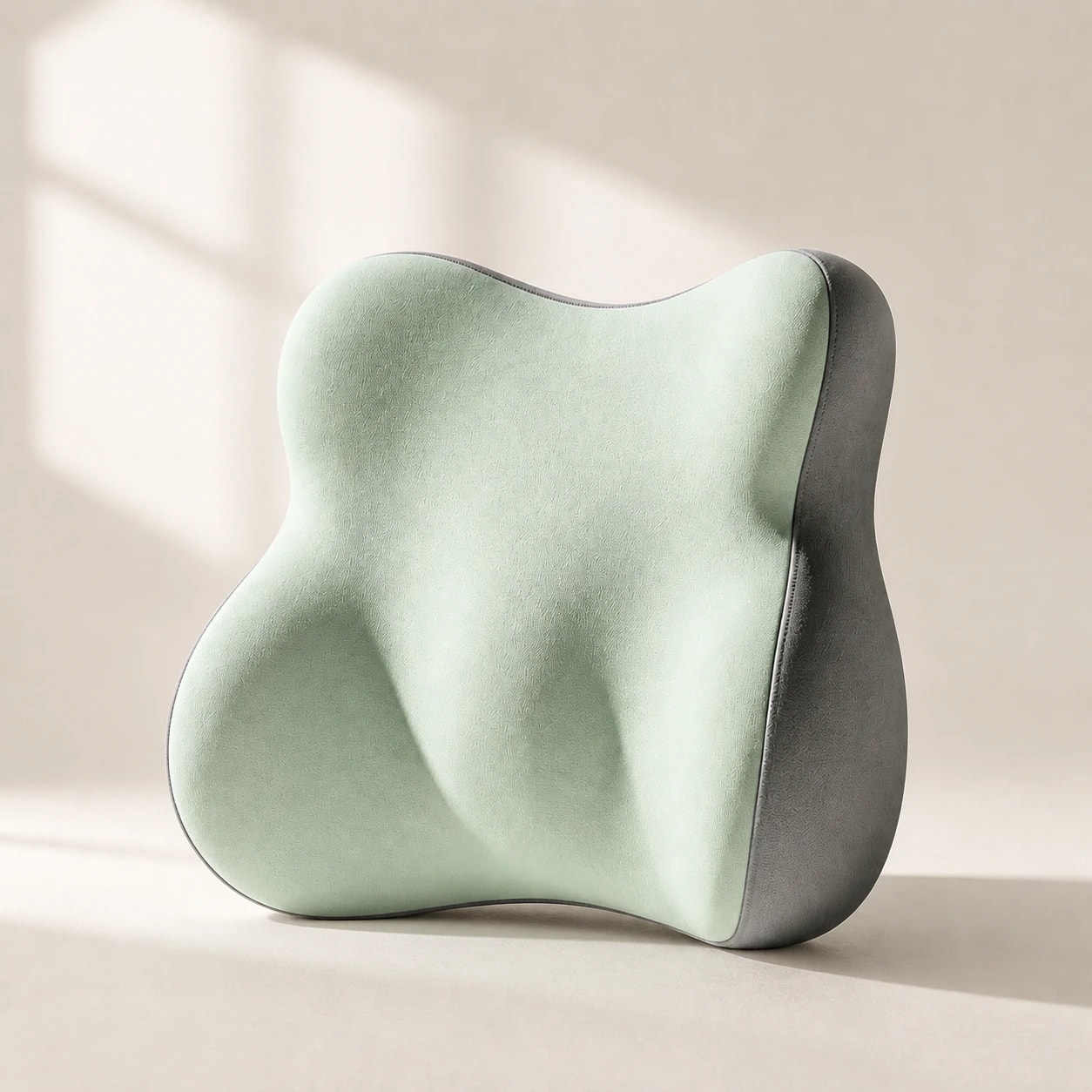
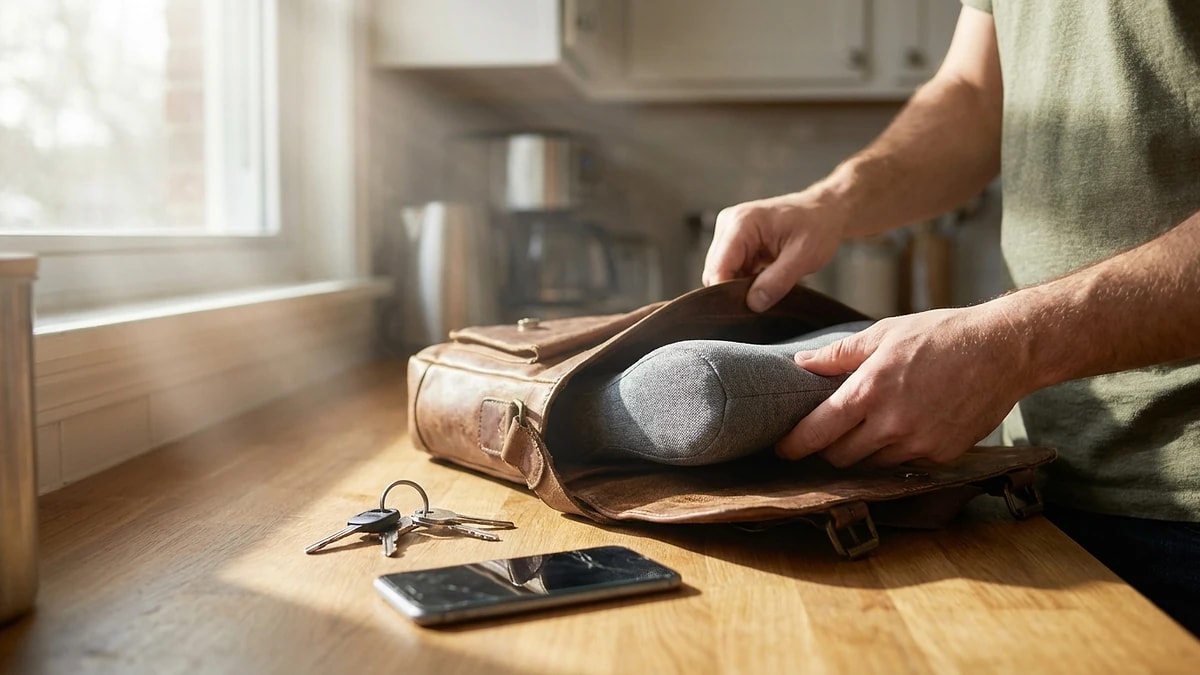
If you carry your lumbar support between home and office, choose one that fits in a bag without losing shape. A cushion with a carry strap or built-in handle makes the transition painless.

Build a 30-second reset routine: place support, sit back, check seat height, confirm screen distance. Doing the same four steps in the same order every time removes decision fatigue from the transition.

  • Choose a cushion with a carry handle or strap for easy transport.
  • Follow the same 4-step setup sequence at both locations.
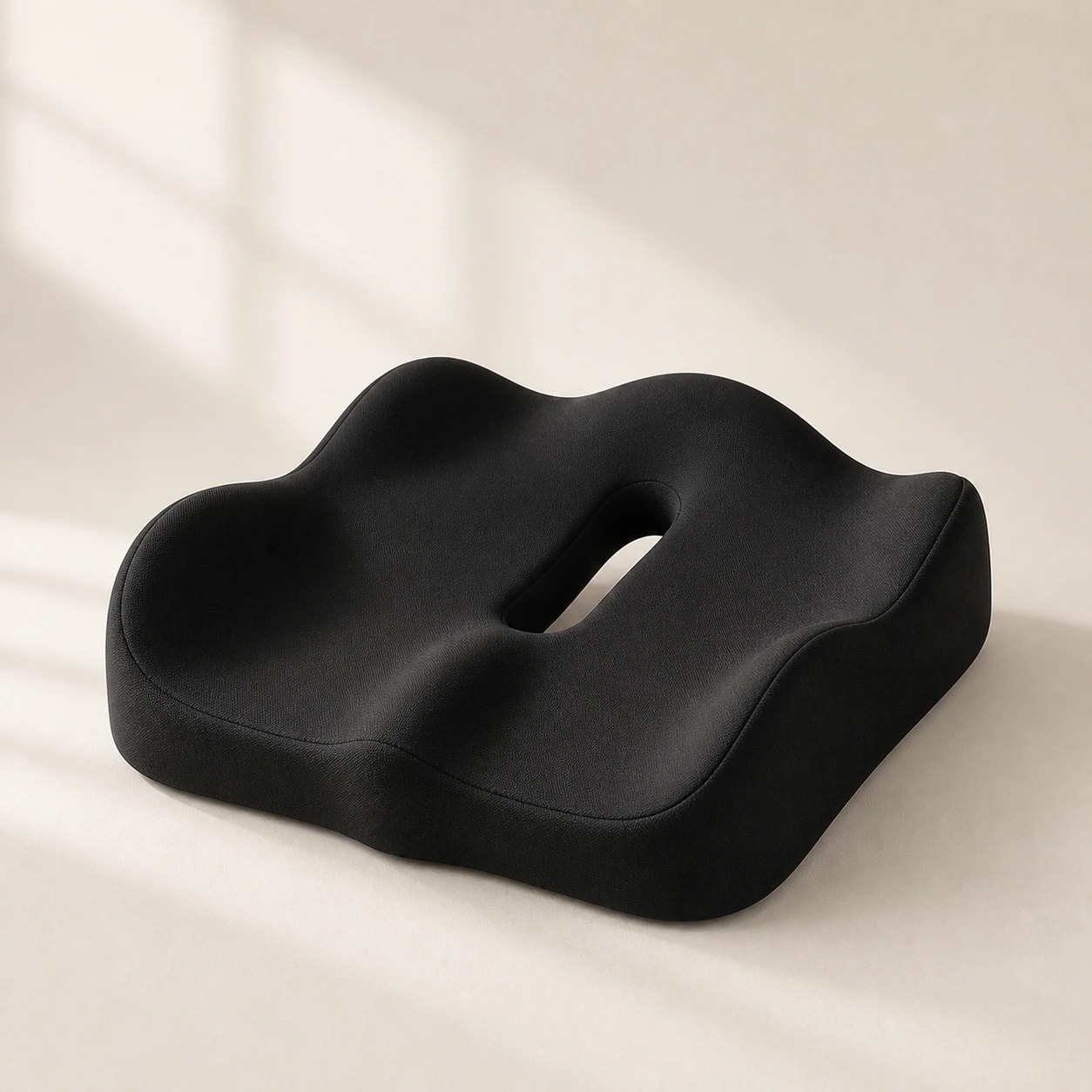
  • Keep a spare cushion at the office if carrying daily is not realistic.
  • Store the cushion flat or upright to maintain shape during transport.
Professional office setup with ergonomic chair

Office day vs home day differences

Office days typically mean a better chair but more meetings, more walking, and less continuous desk time. Home days mean longer uninterrupted sitting but often a worse chair. Adjust your approach accordingly.

On home days, set stricter break timers since you lack the natural movement that office hallways and meeting rooms provide. On office days, focus on quick lumbar placement since you may switch between your desk and conference rooms.

  • Set more frequent break timers on home days to compensate for less natural movement.
  • On office days, carry your lumbar support to meeting rooms when possible.
  • Track which environment causes more end-of-day discomfort and adjust that setup first.
Home office desk and supportive work chair

Travel between locations

The commute between home and office is its own posture challenge. If you drive, apply the same lumbar support in the car. If you take transit, use your portable cushion on the train or bus seat.

Avoid going from car seat to office chair to home chair without any standing break in between. Each transition is a chance to stand, extend your hips, and reset before sitting down in a new context.

  • Use lumbar support during your commute, not just at desks.
  • Stand and stretch for one minute at each transition point.
  • Keep your support accessible during the commute, not packed in a bag.
  • Use the commute as a movement trigger, not just dead sitting time.

Dazniausiai uzduodami klausimai

Can one product work in both locations?

Often yes, if the chair geometry is reasonably compatible. If chairs differ significantly, keep a dedicated cushion at each location.

What should I measure first?

Lumbar contact height and seat depth feel. These two variables drive most of the comfort difference between locations.

How do I reduce setup time?

Use simple fit markers and follow the same adjustment order every time. Most hybrid workers can set up in under 30 seconds with practice.

Should I buy two of the same cushion?

If you find a cushion that works well, having one at each location eliminates the need to carry it daily.

What if my office does not allow personal accessories on chairs?

A low-profile cushion that fits between your back and the chair is usually acceptable. Check with your facilities team if unsure.

Susije gidai

Naršykite šiuos gidus, kad sužinotumėte daugiau ir rastumėte tinkamą sprendimą.