30-day money back guarantee | Spring sale — 40% off + free shipping

Kaip tai padaryti gidai

How to Adjust Office Chair for Lower-Back Support

Complete office chair adjustment workflow: seat height, depth, lumbar placement, armrest alignment, and monitor position. Follow the correct order to eliminate lower-back strain at the source.

How to Adjust Office Chair for Lower-Back Support

Pagrindiniai patarimai

Always adjust chair geometry before judging whether a support product works.
Follow the correct sequence: height, depth, lumbar, armrests, monitor.
A weekly 30-second re-check prevents the slow drift that causes chronic discomfort.
Why adjustment order matters

Why adjustment order matters

Most people adjust their chair by feel — raising it a bit here, sliding it there — without a systematic approach. This creates cascading misalignment: changing seat height affects your elbow angle, which affects your shoulder position, which changes how your lumbar support makes contact. The result is that each fix creates a new problem elsewhere, and you end up cycling through adjustments without ever reaching a stable setup.

The solution is a fixed adjustment sequence that eliminates cascading errors. Each step builds on the one before it, so changes made later do not undo earlier settings. This takes about five minutes the first time and becomes a 30-second check once your baseline is established. The sequence is always the same: seat height, seat depth, lumbar contact, armrests, then monitor position.

  • Random adjustments create cascading misalignment
  • A fixed sequence eliminates the need to re-do earlier steps
  • First setup takes ~5 minutes, subsequent checks take 30 seconds
  • Order: height → depth → lumbar → armrests → monitor
Step 1 and 2: Seat height and depth

Step 1 and 2: Seat height and depth

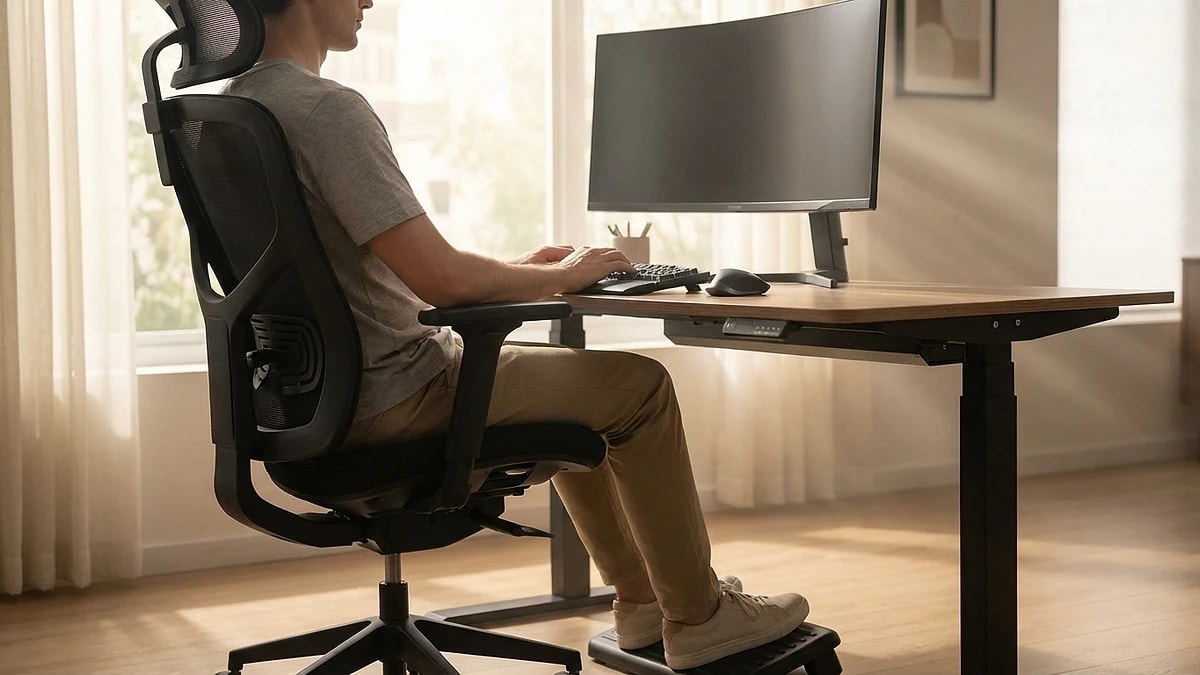
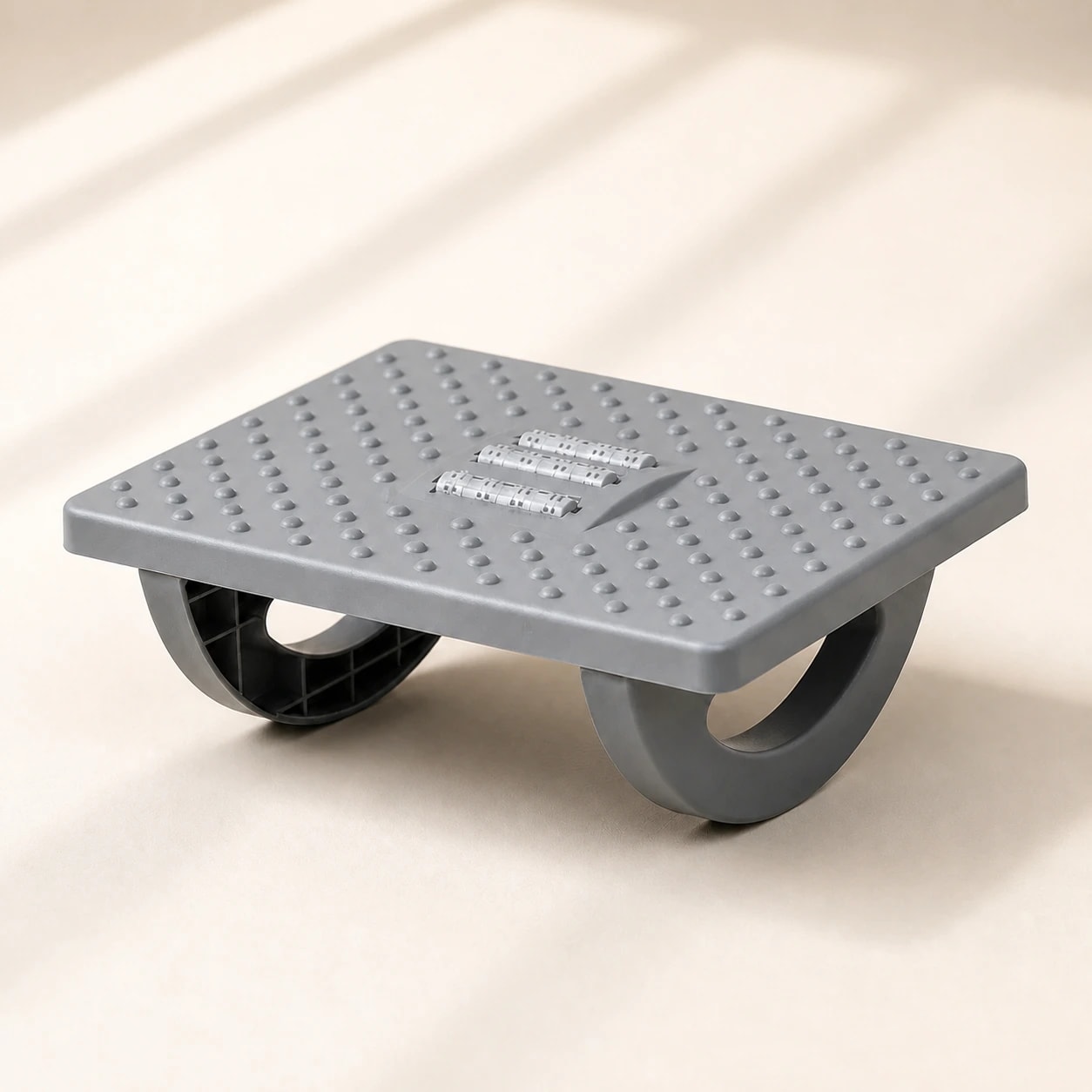
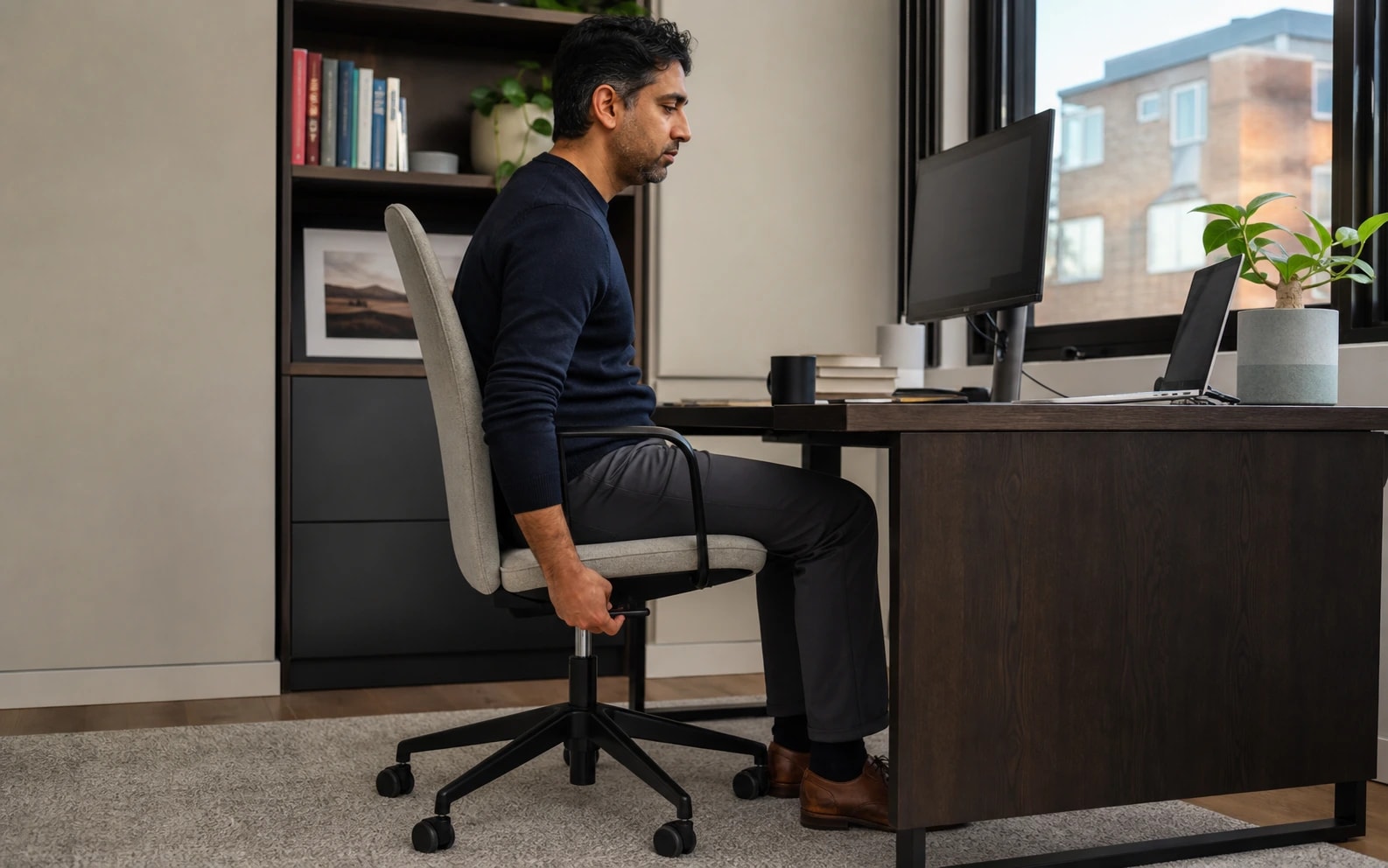
Start with seat height. Sit all the way back in your chair with your feet flat on the floor. Your thighs should be roughly parallel to the ground and your knees bent at approximately 90 degrees. If your feet dangle, lower the chair. If your knees are higher than your hips, raise it. For shorter users whose feet cannot reach the floor even at the lowest setting, a footrest maintains the correct angle without compromising other dimensions.

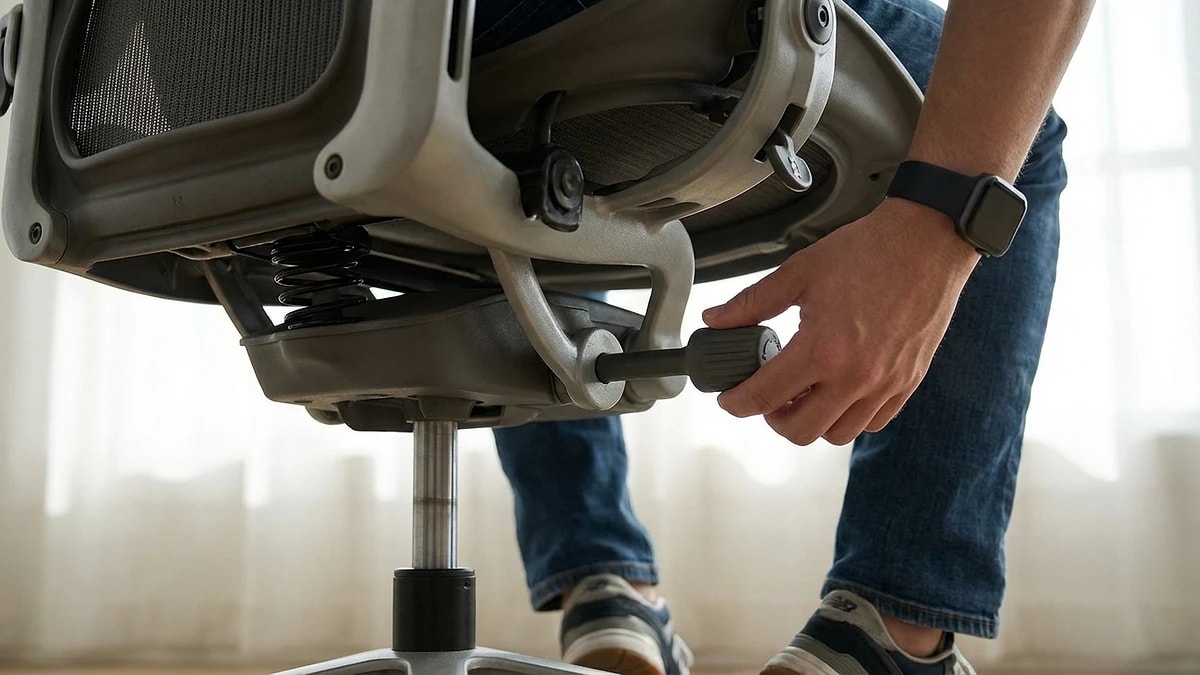
Seat depth is the next check — the distance from the chair back to the front edge of the seat. With your back against the lumbar zone, there should be a two-to-three finger gap between the front edge of the seat and the back of your knees. If the seat presses into the back of your knees, it restricts circulation and creates leg discomfort by afternoon. Most adjustable chairs have a seat slider; if yours does not, a slightly thicker seat cushion can effectively reduce seat depth.

  • Feet flat on floor, knees at 90 degrees, thighs parallel to ground
  • Use a footrest if chair cannot go low enough
  • 2-3 finger gap between seat edge and back of knees
  • Seat pressing behind knees causes circulation and leg discomfort
Step 3: Lumbar support positioning

Step 3: Lumbar support positioning

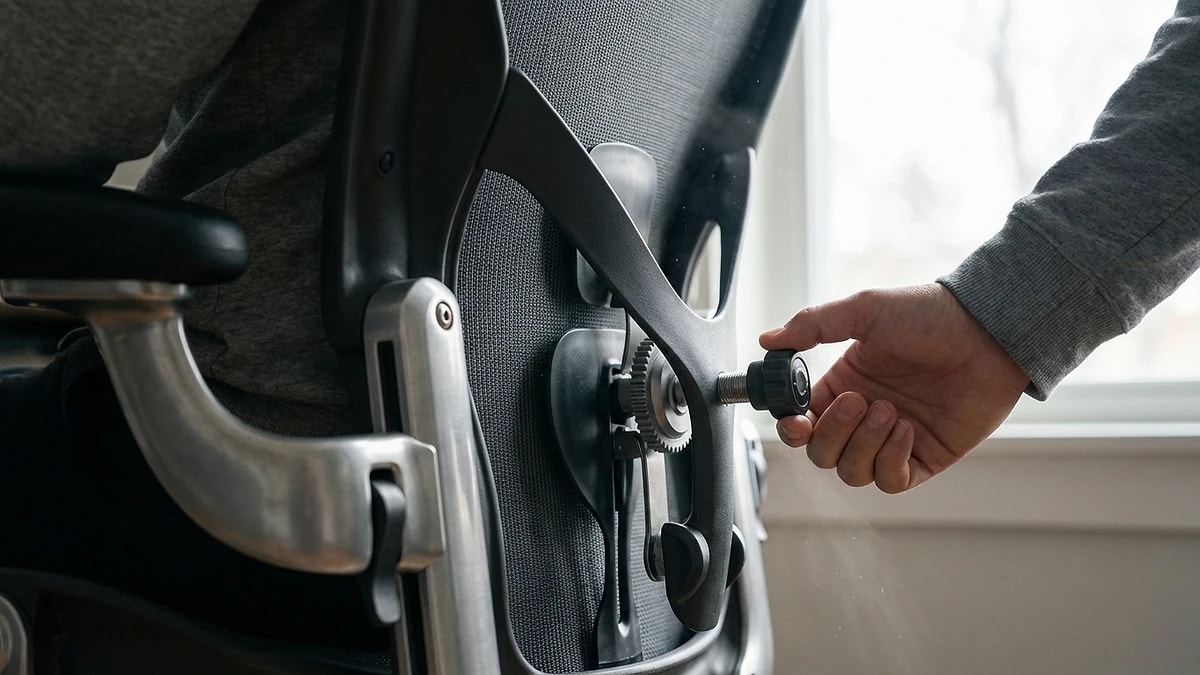
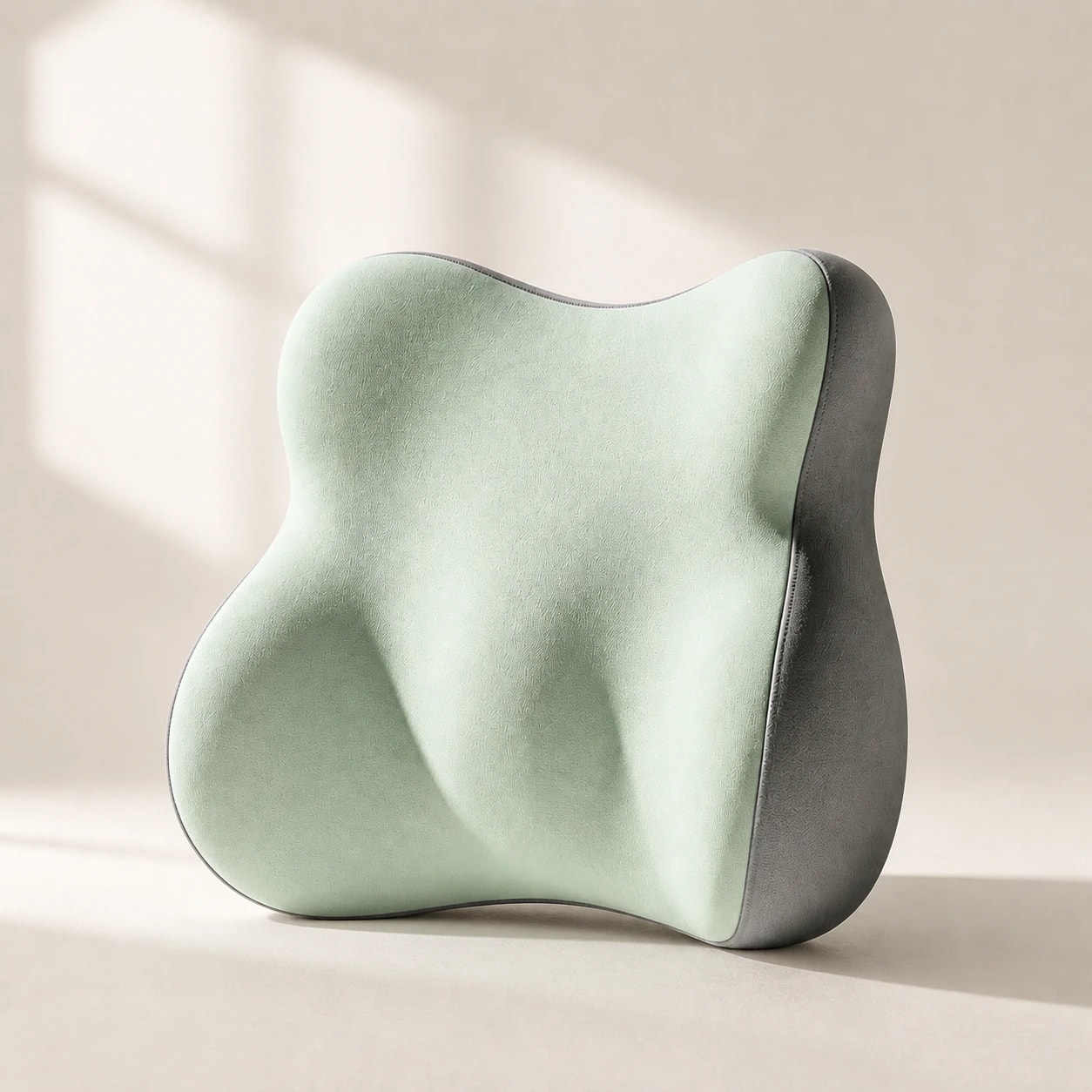
With height and depth set, now position lumbar support. If your chair has a built-in lumbar adjustment, move it to contact the inward curve of your lower back at roughly belt height. Increase depth gradually until you feel gentle, even pressure — not a sharp push. If the built-in adjustment does not reach low enough or feel firm enough, this is where an external lumbar pillow fills the gap.

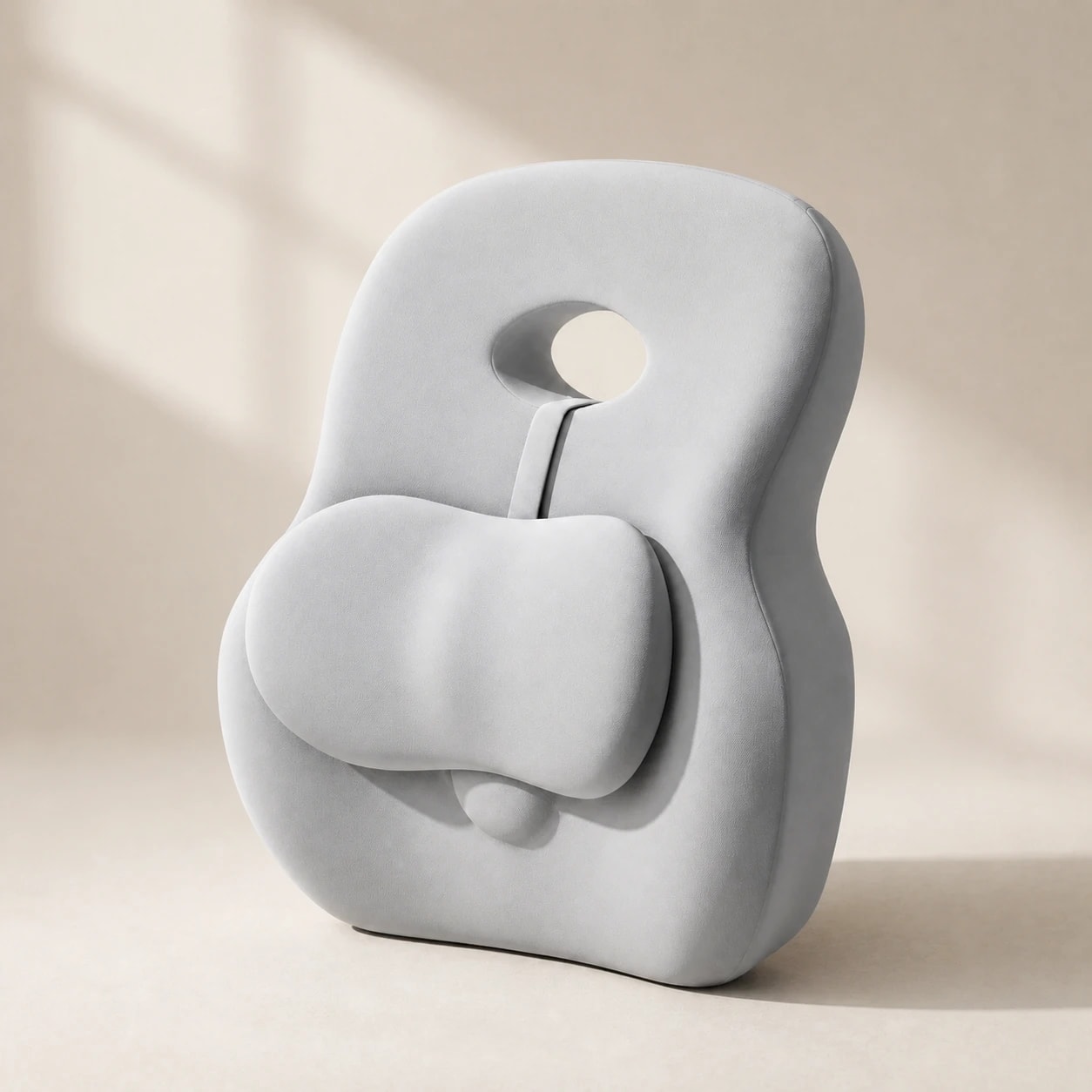
For external lumbar pillows, strap the support at belt-line height and lean back. Your shoulders should rest against the chair back without being pushed forward. If the pillow creates a gap between your upper back and the chair, the profile is too deep or positioned too high. The goal is continuous contact from lumbar through mid-back — the pillow maintains your curve while the chair back supports your upper torso.

  • Built-in lumbar: adjust to belt height, increase depth gradually
  • External pillow: strap at belt line, verify shoulders rest naturally
  • No gap should exist between upper back and chair
  • Goal: continuous contact from lumbar through mid-back
Step 4 and 5: Armrests and monitor

Step 4 and 5: Armrests and monitor

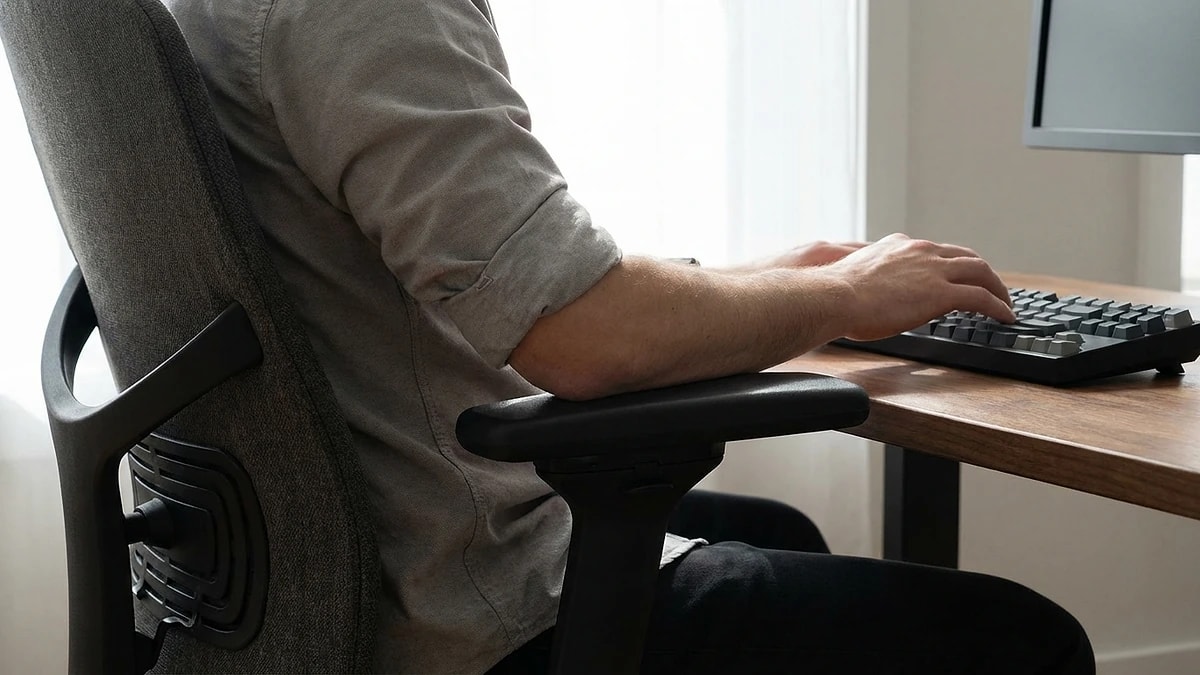
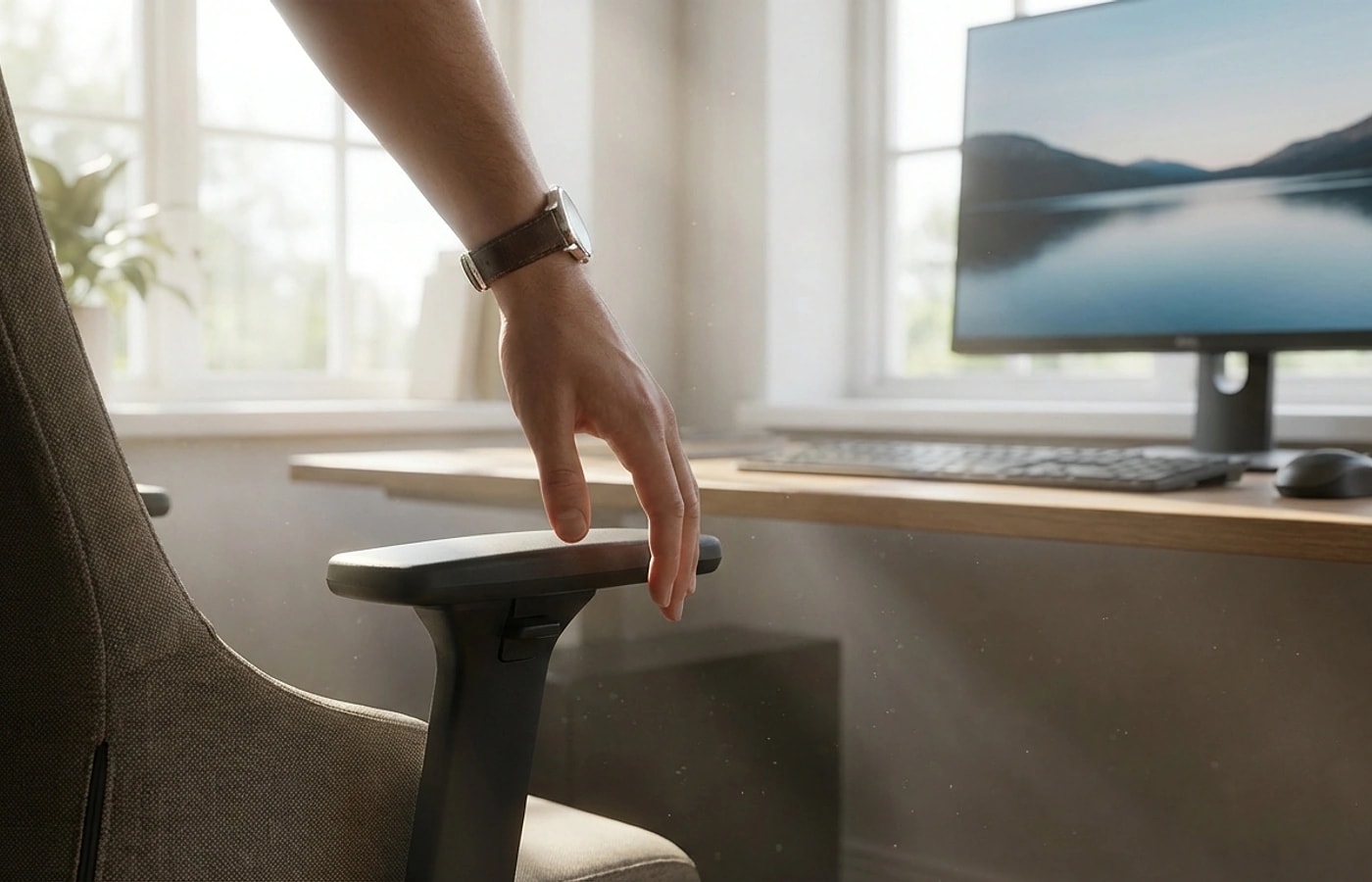
Armrests should support your forearms with your elbows at approximately 90 degrees and your shoulders relaxed — not elevated. If armrests push your shoulders up, lower them or remove them entirely. Armrests set too low cause you to lean to one side. The ideal position lets your arms rest lightly without any shoulder tension. If your armrests are not adjustable and cause problems, working without them is often better than forcing a bad height.

Monitor position is the final check. The top of the screen should be at or slightly below eye level, and the screen should be roughly an arm's length away. If you find yourself leaning forward to read text, increase font size rather than moving the monitor closer — leaning forward pulls you away from your lumbar support and undoes all previous adjustments. For laptop users, an external monitor or laptop stand paired with a separate keyboard solves this common problem.

  • Elbows at 90 degrees, shoulders relaxed — not elevated
  • Remove armrests entirely if they force bad shoulder position
  • Monitor top at eye level, arm's length distance
  • Increase font size rather than leaning forward to read
Weekly re-check routine

Weekly re-check routine

Even a perfect setup drifts over time. Chair pneumatics slowly lower seat height. Lumbar pillows compress and shift. You unconsciously slide your chair closer to the desk after intense focus periods. A weekly re-check takes 30 seconds and prevents the gradual degradation that most people never notice until discomfort returns weeks later.

Pick a consistent time — Monday morning before starting work is ideal. Stand up, check your chair height by sitting back down with awareness, verify your lumbar contact is at belt height, and confirm your feet are flat. If anything has changed, adjust using the same sequence. This habit alone prevents most of the chronic low-grade discomfort that desk workers attribute to the chair itself rather than setup drift.

  • Chair pneumatics, foam compression, and desk creep cause slow drift
  • 30-second Monday morning re-check catches problems early
  • Follow the same sequence: height → depth → lumbar → arms → monitor
  • Most chronic desk discomfort is caused by setup drift, not bad chairs

Dazniausiai uzduodami klausimai

How high should my office chair be?

Set height so your feet are flat on the floor with knees at approximately 90 degrees and thighs parallel to the ground. Use a footrest if needed.

Should lumbar support maintain constant contact?

Yes — it should provide gentle, stable pressure at your lower-back curve without pushing your torso forward. If you feel gaps when you lean back, the support is too low or too shallow.

When should I replace a product versus adjusting chair settings?

Always optimize chair settings first. Most discomfort blamed on products is actually caused by incorrect seat height, depth, or lumbar position. Adjust the chair before replacing accessories.

What if my chair has no adjustable features?

Use a seat cushion to modify height and depth, an external lumbar pillow for back support, and a footrest if your feet do not reach the floor. These three accessories compensate for most fixed-chair limitations.

How often should I completely redo my chair setup?

A full setup from scratch is needed after changing chairs, desks, or monitors. Otherwise, a 30-second weekly re-check using the standard sequence maintains your baseline.

Susije gidai

Naršykite šiuos gidus, kad sužinotumėte daugiau ir rastumėte tinkamą sprendimą.