30-day money back guarantee | Spring sale — 40% off + free shipping

Gidai pagal situacija

Gamers and Streamers

Long-session support guide for gamers and streamers. Improve posture consistency and reduce session drop-off from discomfort.

Gamers and Streamers

Pagrindiniai patarimai

Session duration requires stable support and frequent minor resets.
Monitor and armrest alignment should follow lumbar setup.
Use measurable routine changes, not random adjustments.
Gaming chair baseline setup

Gaming chair baseline setup

Before your first match or stream, position lumbar support at your natural lower-back curve and lock it in place. Most gaming chairs have a built-in pillow, but it often sits too high or too low for actual lumbar contact.

Test the fit by sitting for 10 minutes in your normal gaming posture. If you feel pressure on your mid-back instead of your lower back, move the support down. If your lower back still rounds, add a firmer cushion.

  • Position lumbar support at belt level, not mid-back.
  • Test fit in your actual gaming posture, not just sitting upright.
  • Replace the built-in pillow if it does not contact your lower back curve.
Session break scheduling

Session break scheduling

Long gaming sessions without breaks create compounding stiffness that tanks your performance in later hours. Set a timer for every 45 to 60 minutes and take a 2-minute stand-and-stretch break.

Use natural break points like queue times, loading screens, or between matches. The goal is not to interrupt flow but to build recovery into the rhythm you already have.

  • Set a 45 to 60 minute timer for stand-and-stretch breaks.
  • Use queue times and loading screens as natural movement triggers.
  • Roll shoulders and extend hips during each break.
  • Hydrate during breaks to reinforce the habit.
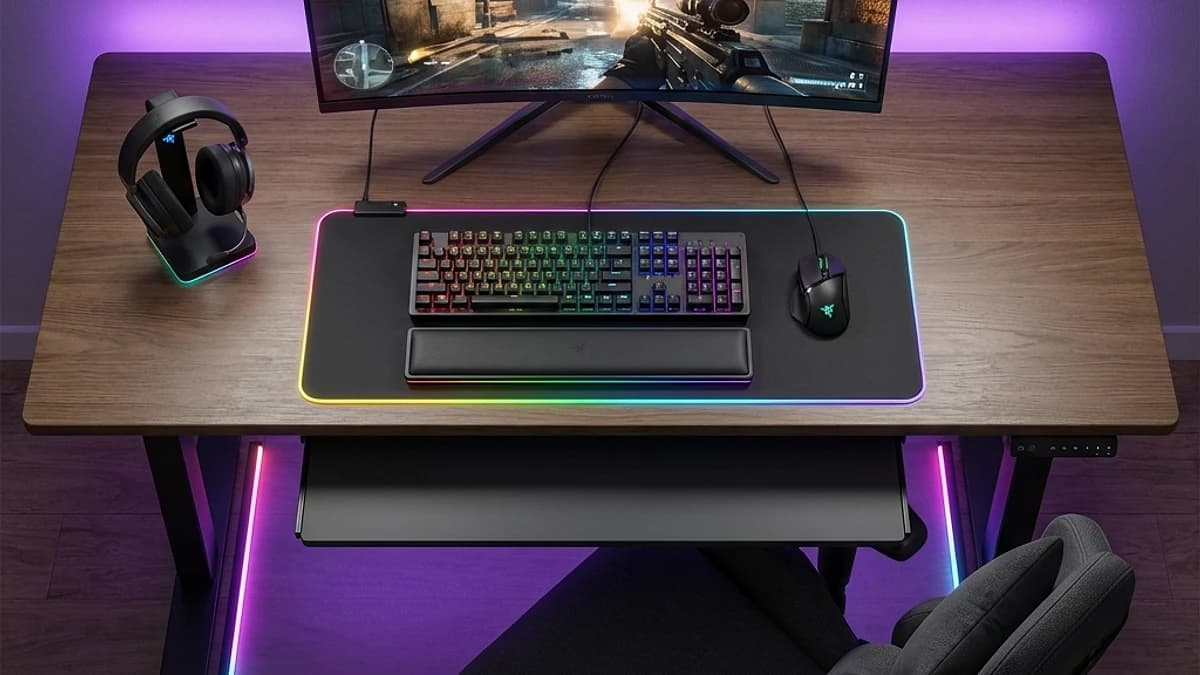
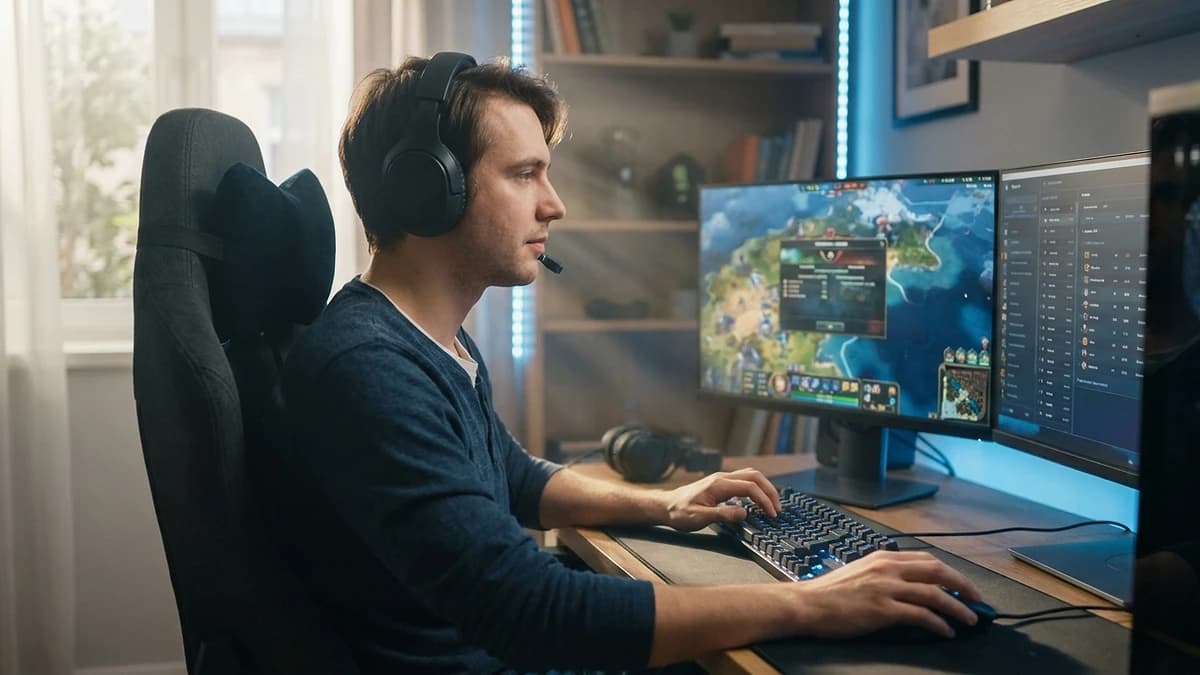
Gaming desk with supportive chair setup

Stream-day marathon protocol

Streaming for four-plus hours requires a different approach than casual gaming. Pre-set your lumbar support, confirm mic and camera angles with support in place, and plan breaks into your stream schedule.

Announce breaks to your audience — most viewers respect a 2-minute stretch break. It also gives you a chance to re-center your support without doing it on camera.

  • Set up lumbar support before adjusting mic and camera angles.
  • Schedule announced breaks every 60 to 90 minutes during long streams.
  • Keep a quick posture reset checklist visible near your monitor.
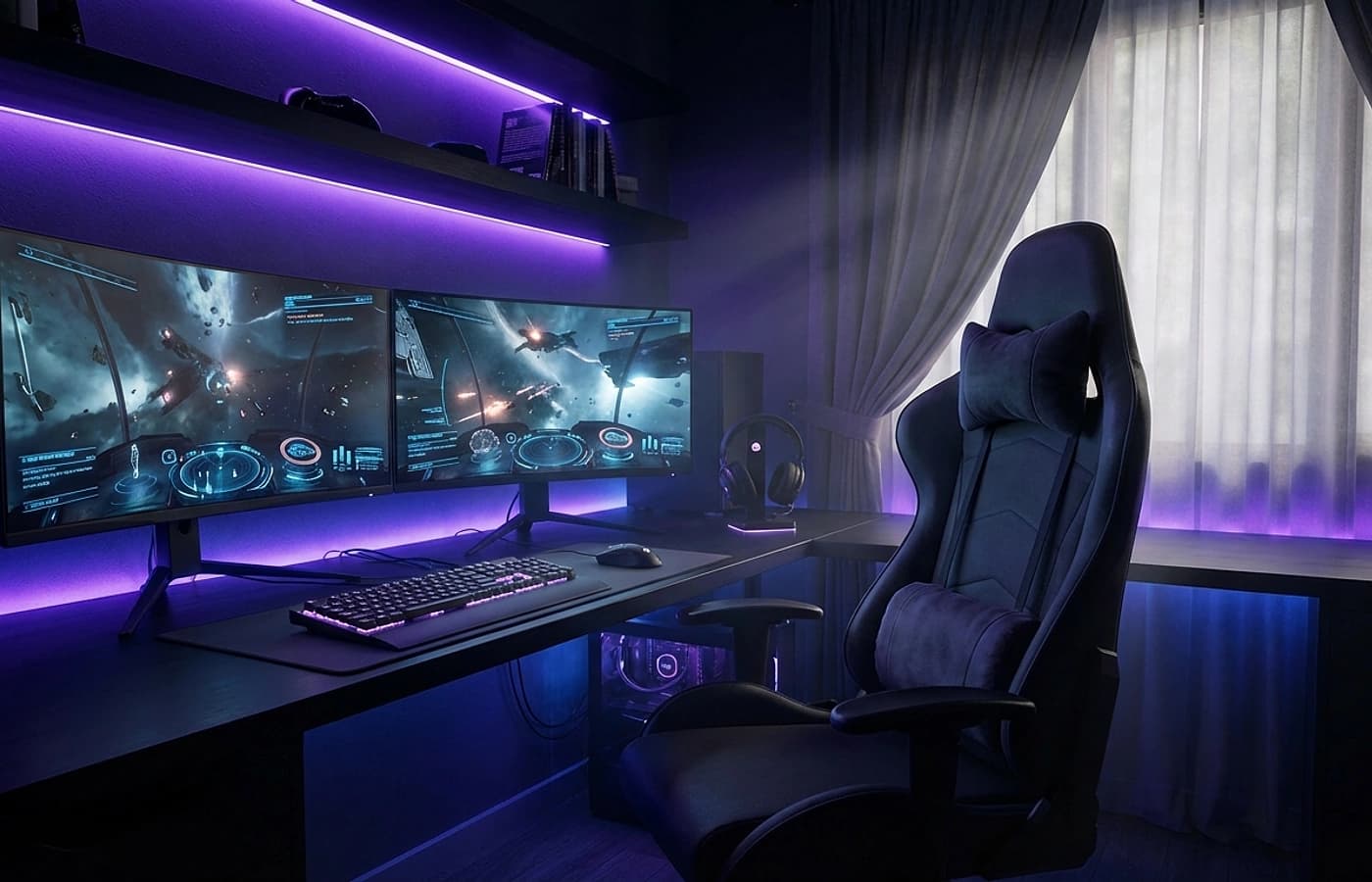
Long-session gaming environment with ergonomic posture

Peripheral and posture alignment

Changing your lumbar setup shifts your torso angle, which changes your natural reach to keyboard, mouse, and controller. After adjusting lumbar support, re-check that your elbows are at roughly 90 degrees and your wrists are neutral.

Monitor height matters too. Your eye line should hit the top third of the screen without tilting your head. If you added lumbar support and now look over the top of your monitor, raise the screen.

  • Re-check keyboard and mouse position after any lumbar adjustment.
  • Keep elbows at 90 degrees and wrists neutral on the desk surface.
  • Raise monitor if lumbar support increased your seated height.
  • Position controller play at a relaxed arm angle, not raised to chest level.

Dazniausiai uzduodami klausimai

Can lumbar support affect aim or control comfort?

It can improve consistency by stabilizing your torso. Make sure the support does not push you too far forward toward the desk.

Should I use the gaming chair built-in pillow only?

Built-in pillows often sit too high or lack firmness. Test yours for actual lower-back contact before deciding.

How often should I stand during long sessions?

Every 45 to 60 minutes for a 2-minute break. Use queue times or loading screens as natural triggers.

Does lumbar support help with shoulder and neck pain from gaming?

Indirectly, yes. Proper lumbar alignment reduces the forward lean that causes shoulder and neck strain.

What if my gaming chair already reclines — do I still need support?

Recline helps reduce spinal load, but it does not fill the lumbar gap. You still need contact at your lower-back curve.

Susije gidai

Naršykite šiuos gidus, kad sužinotumėte daugiau ir rastumėte tinkamą sprendimą.