30-day money back guarantee | Spring sale — 40% off + free shipping

Sprendimai

Lumbar Support for Gaming Chair

Gaming-chair lumbar support setup for long sessions. Improve posture endurance and reduce repeated mid-session adjustments.

Lumbar Support for Gaming Chair

Pagrindiniai patarimai

Gaming sessions need stable support through position changes.
Built-in pillows often need refinement or replacement.
Armrest and monitor alignment should be adjusted with lumbar fit.
Why gaming setups lose comfort over time

Why gaming setups lose comfort over time

Gaming sessions create a unique comfort challenge because they combine long duration with frequent posture shifts. Unlike office work where you maintain a relatively stable seated position, gaming involves leaning forward during intense moments, reclining during cutscenes or downtime, and shifting laterally during competitive play. These constant position changes stress lumbar support systems in ways that static sitting does not, causing cheaper supports to shift, compress, or detach within weeks.

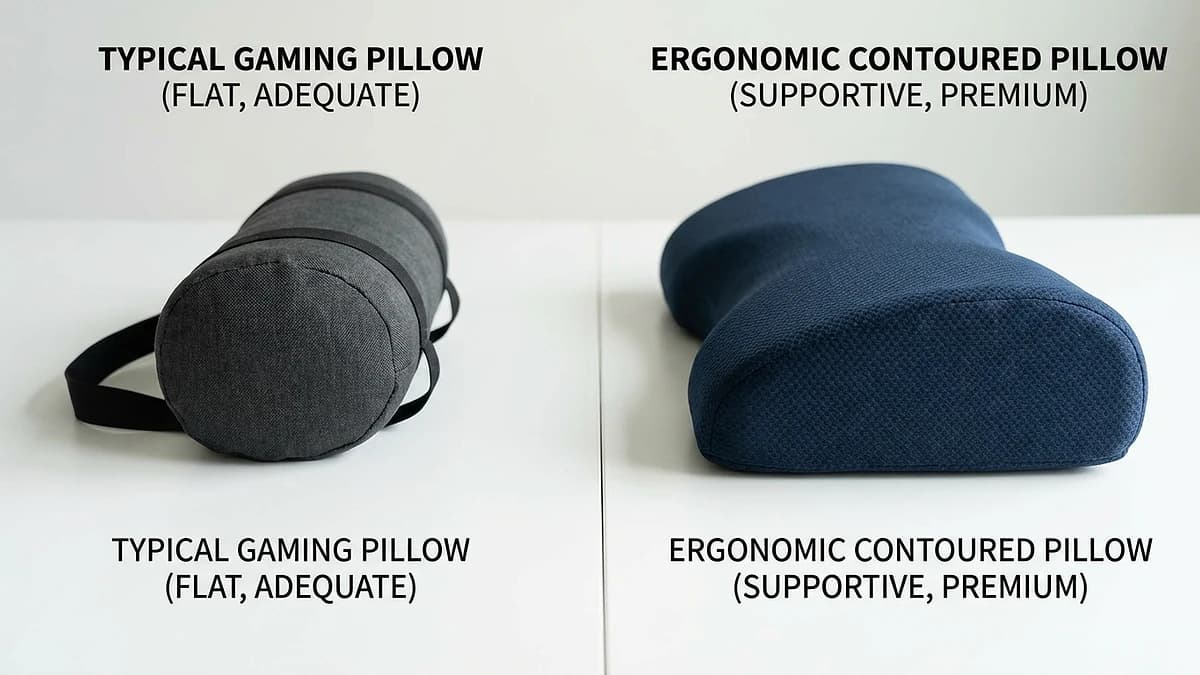
Built-in gaming chair lumbar pillows are often the first component to fail because they are typically attached with a single elastic strap and filled with low-density fiber rather than structured foam. Once the strap stretches or the fill compresses, the pillow rides up above the lumbar region and provides no meaningful support. Upgrading to a contoured memory foam support with a dual-strap attachment system solves both the positioning and durability problems.

  • Gaming involves more posture shifts than office work, stressing support systems
  • Built-in pillows typically use low-density fill that compresses quickly
  • Single-strap attachments lose tension after weeks of heavy use
  • Contoured memory foam with dual straps addresses both common failure points
Performance setup sequence

Performance setup sequence

The order in which you adjust your gaming station components matters because each change affects the next element in the chain. Start with lumbar support position — place the contour center at belt level and secure the straps. Then adjust armrest height so your elbows rest at a 90-degree angle without shoulder elevation. Finally, set monitor height so the top of the screen sits at or slightly below eye level when you are looking straight ahead.

This sequence prevents the chain-reaction misalignment that frustrates gamers who adjust components randomly. If you set monitor height first and then add lumbar support, the new back position changes your eye level, requiring monitor readjustment. Starting from the spine outward ensures each subsequent adjustment builds on a stable foundation rather than creating new problems.

  • Step 1: Position lumbar support at belt-line level, secure straps
  • Step 2: Adjust armrests to 90-degree elbow angle
  • Step 3: Set monitor top edge at or slightly below eye level
  • Always adjust from spine outward to prevent chain-reaction misalignment
Gaming chair vs office chair: lumbar support differences

Gaming chair vs office chair: lumbar support differences

Gaming chairs and office chairs have fundamentally different backrest geometries that affect how lumbar support interacts with your body. Gaming chairs typically feature a wider, flatter backrest with pronounced side bolsters designed for an aggressive reclined position. This means lumbar supports need to be positioned slightly lower than in office chairs because the reclined angle shifts the contact point between your back and the chair surface.

Office chairs generally have a narrower, more upright backrest with a subtle built-in lumbar curve. Many office chairs have adjustable lumbar mechanisms that can be combined with an external pillow for enhanced support. If you use the same chair for both gaming and work, set your lumbar support for the position you use most frequently, then make minor strap adjustments when switching between upright work posture and reclined gaming posture.

  • Gaming chairs: wider, flatter backrest — position lumbar support slightly lower
  • Office chairs: narrower, more upright — standard belt-level positioning works
  • Reclined gaming posture shifts lumbar contact point downward by 1-2 inches
  • Dual-use chairs: set for primary position, minor adjustments when switching
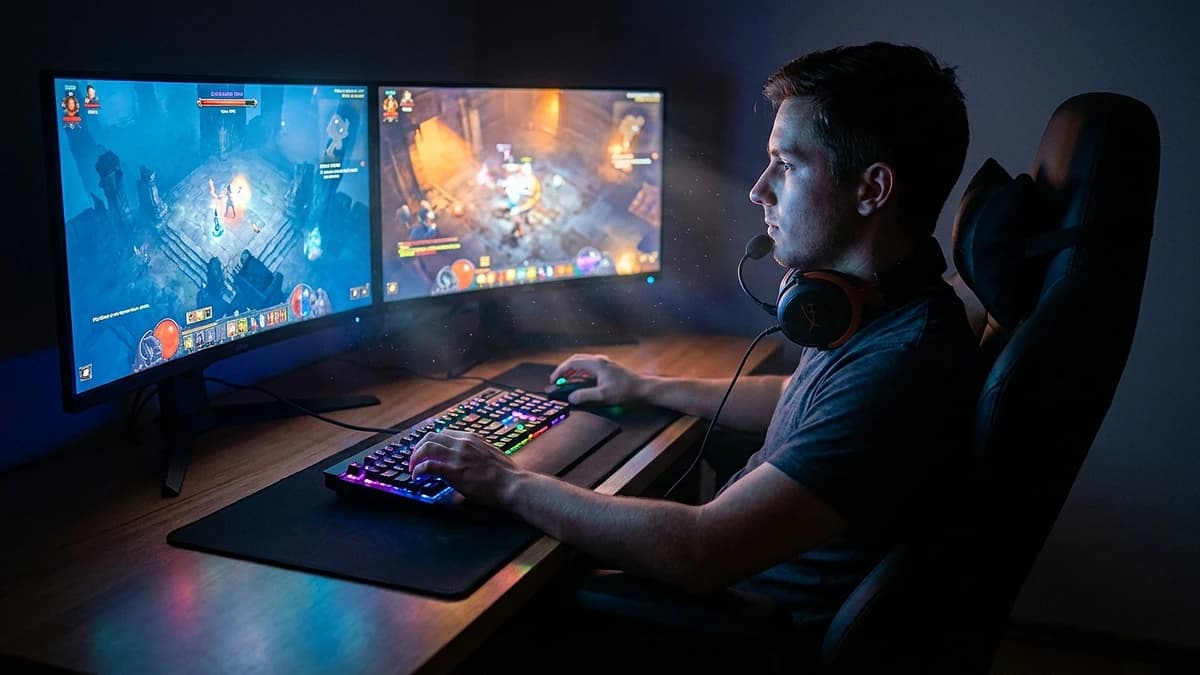
Long-session gaming environment with ergonomic posture

Long-session comfort strategies for streamers

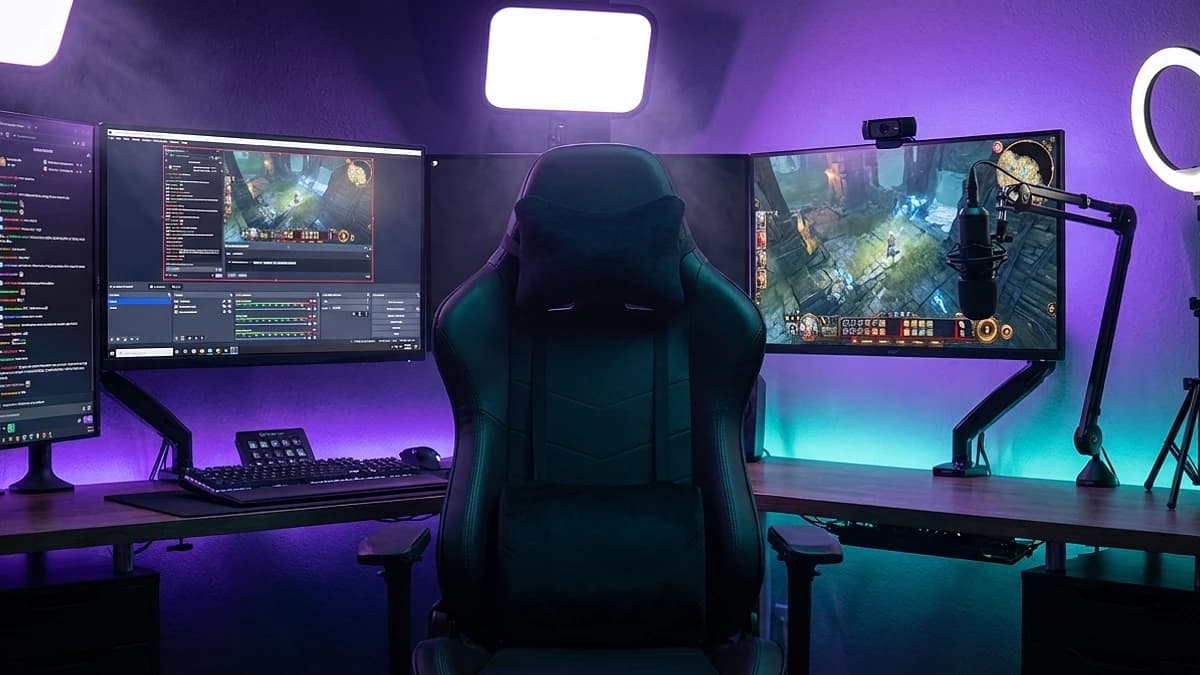
Streamers face the most extreme seated duration in the gaming world — four to eight hour streams with minimal movement breaks are common. At this session length, even good lumbar support cannot fully prevent the circulatory and muscular fatigue that prolonged sitting causes. Building structured movement breaks into your stream schedule is essential, and many successful streamers use bio-break timers or viewer-interactive stretch segments every 60 to 90 minutes.

Temperature management also becomes relevant during long streams. Memory foam lumbar supports retain body heat, and combined with a gaming chair's synthetic upholstery, this can create uncomfortable warmth during extended sessions. Gel-infused foam or mesh-backed lumbar supports provide better airflow. Some streamers use a small desk fan directed at their chair back to supplement cooling during peak streaming hours.

  • Schedule movement breaks every 60-90 minutes during streams
  • Viewer-interactive stretch segments serve dual purpose: health and engagement
  • Gel-infused foam or mesh-backed supports improve airflow for long sessions
  • Desk fan directed at chair back supplements cooling in warm setups

Dazniausiai uzduodami klausimai

Do gaming chairs already have enough lumbar support?

Most built-in gaming chair pillows use low-density fill that compresses within weeks. A dedicated contoured memory foam support significantly improves long-session comfort.

What should I adjust after adding lumbar support?

Re-check armrest height for 90-degree elbow angle and monitor height for eye-level alignment. Both shift when your back position changes.

Can this help if I switch between gaming and work?

Yes — a stable lumbar setup works for both modes. Make minor strap adjustments when switching between upright work posture and reclined gaming posture.

How often should I take breaks during long gaming sessions?

Every 60 to 90 minutes for brief standing and stretching. Even with optimal lumbar support, prolonged static sitting causes muscular and circulatory fatigue.

Is a gaming-specific lumbar pillow different from a regular one?

Not fundamentally — the key difference is positioning. Gaming chairs require the support slightly lower than office chairs due to the reclined backrest angle.

Susije gidai

Naršykite šiuos gidus, kad sužinotumėte daugiau ir rastumėte tinkamą sprendimą.