
The 5-step fit test protocol
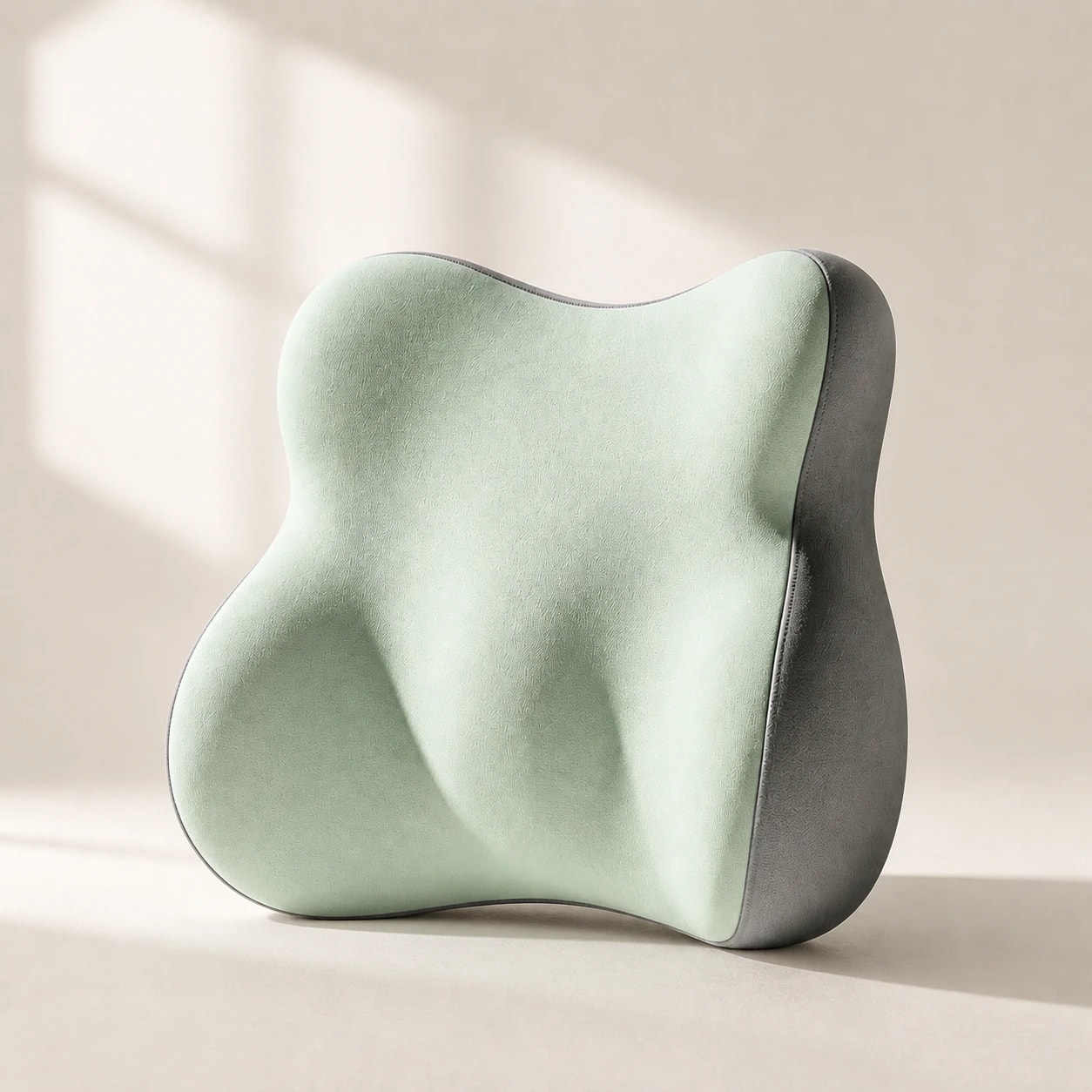
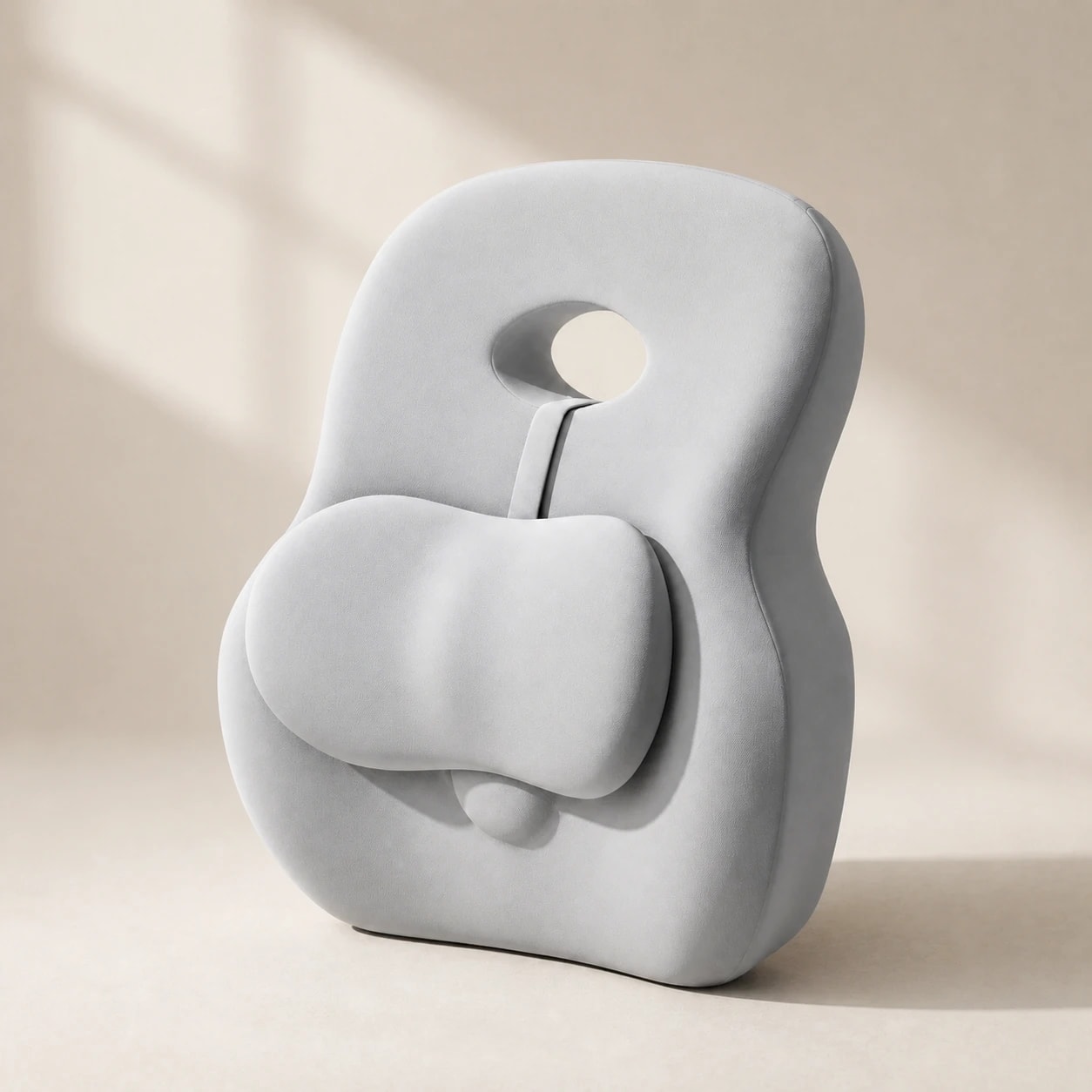
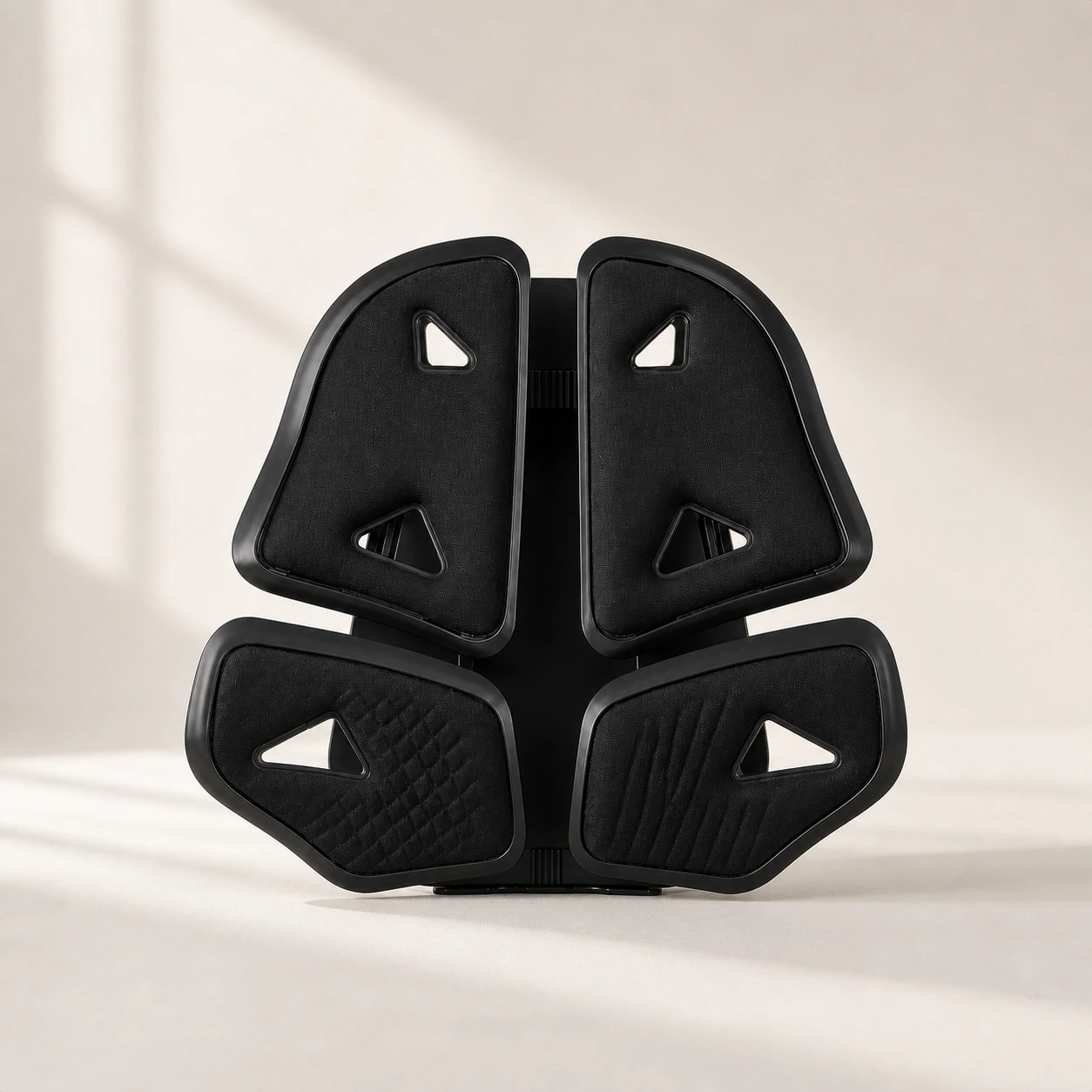
This is a practical self-check, not a validated clinical test. Step one: check the individual support's attachment method, if any, and whether it stays on the chair during normal movement. Step two: position the support near the inward curve of your lower back, often around belt height.
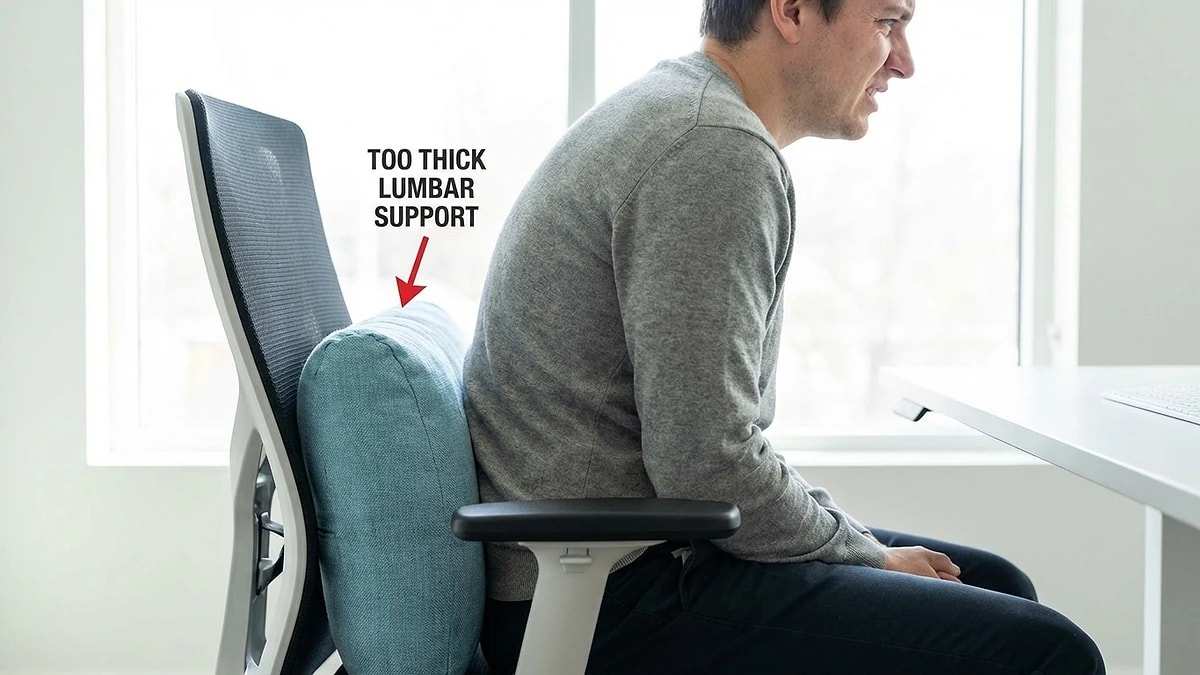
Step three: lean back and confirm your shoulders are not pushed forward. Step four: confirm you still have enough usable seat depth, foot support, and no new pressure points. Step five: use the setup during normal seated work and note whether comfort or position changes. If a check fails, change one variable or compare a different support shape.
- Step 1: Model-specific attachment or stability — no unwanted sliding
- Step 2: Contact height — center at belt-line lumbar curve
- Step 3: Torso angle — shoulders touch chair, not pushed forward
- Step 4: Seat fit — usable depth, foot support, no new pressure point
- Step 5: Normal-use session — note comfort and any repositioning