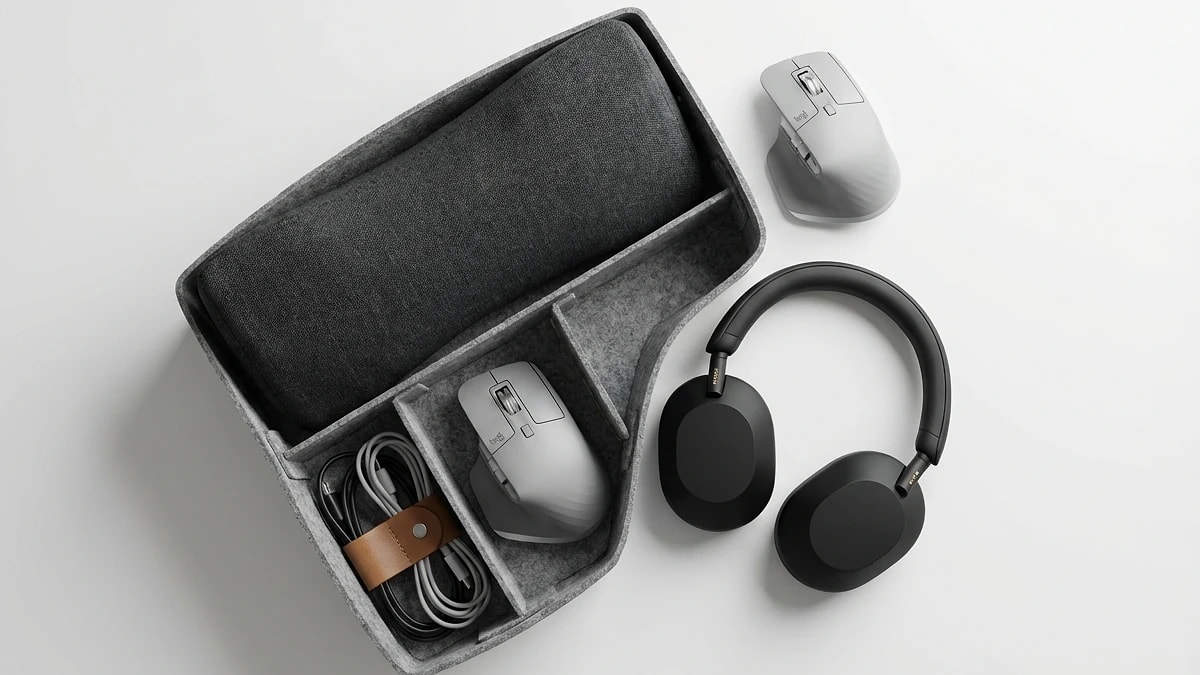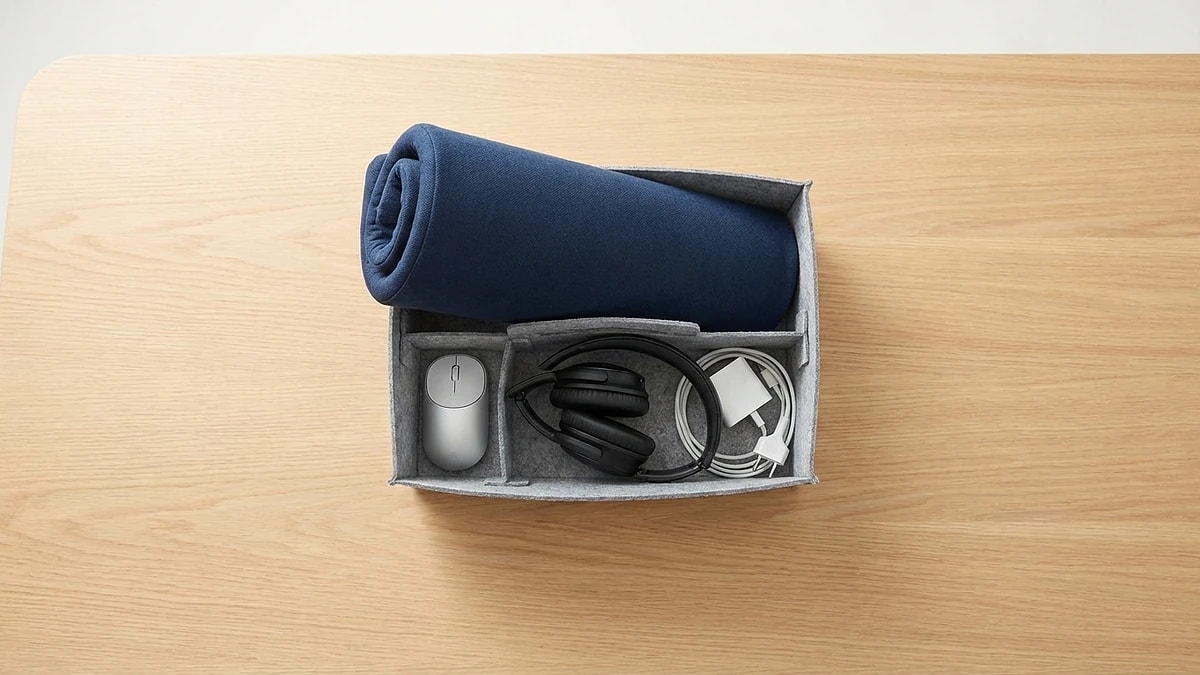
Hot-desk 60-second setup flow
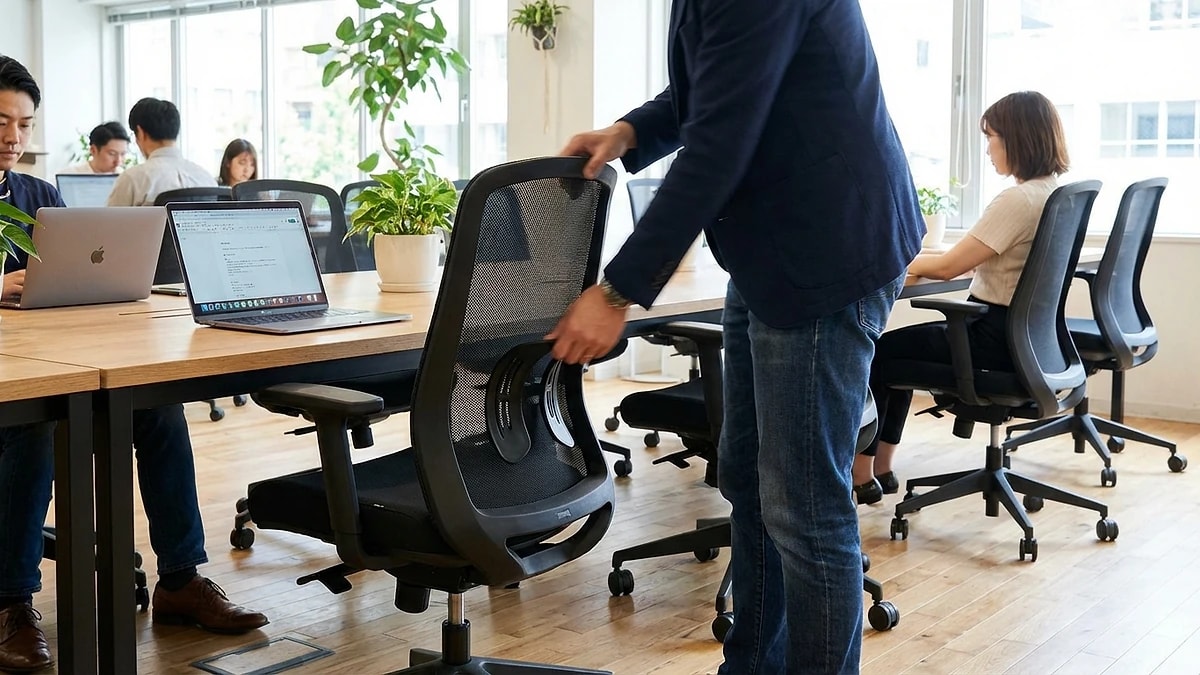
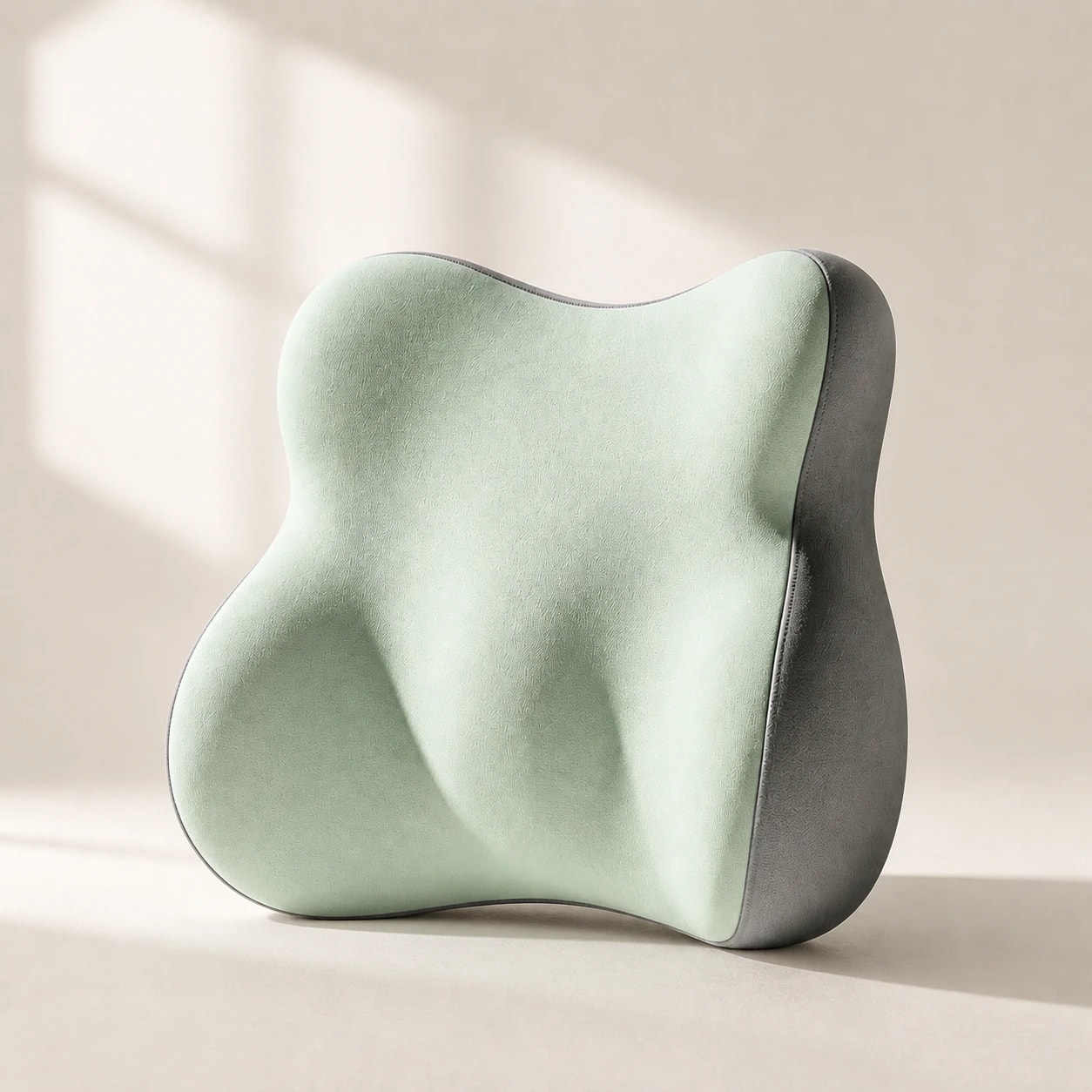
When you arrive at a new hot desk, follow one fixed sequence: adjust chair height, place lumbar support, check armrests, then align the monitor. Doing these four steps in the same order every time takes under 60 seconds.
Skipping this routine because you are in a rush guarantees discomfort by afternoon. Treat it like logging into your computer — it is the first thing you do, not an optional extra.
- Step 1: Adjust chair height so feet are flat on the floor.
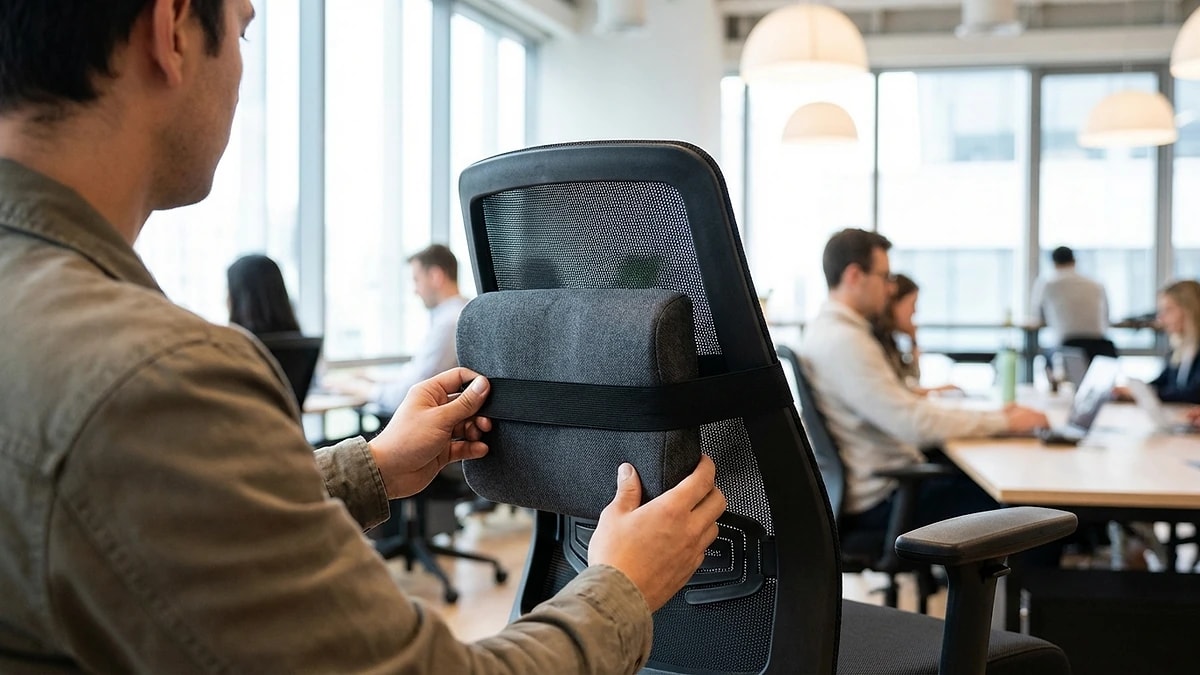
- Step 2: Place lumbar support at belt level against the chair back.
- Step 3: Set armrests to elbow height or remove them if they block the desk.
- Step 4: Position monitor at eye level and arm length distance.