30-day money back guarantee | Spring sale — 40% off + free shipping

Kaip tai padaryti gidai

How to Use Seat Cushion and Lumbar Pillow Together

Step-by-step method to combine a seat cushion and lumbar pillow without creating posture side-effects. Learn the correct setup order, height adjustments, and troubleshooting for all-day dual support.

How to Use Seat Cushion and Lumbar Pillow Together

Pagrindiniai patarimai

Add the seat cushion first, adjust chair height, then position lumbar support.
Every cushion change alters your desk and armrest relationship — always re-check.
Track comfort over full sessions, not quick sit-down tests.
Why the combination works better than either alone

Why the combination works better than either alone

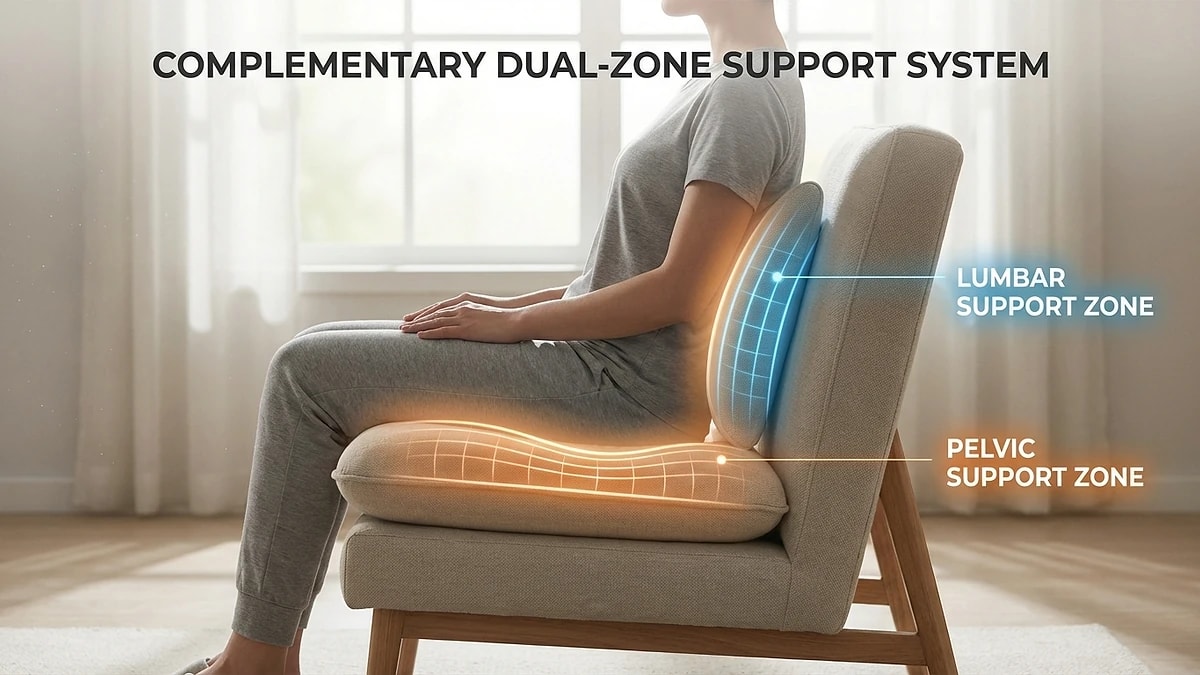
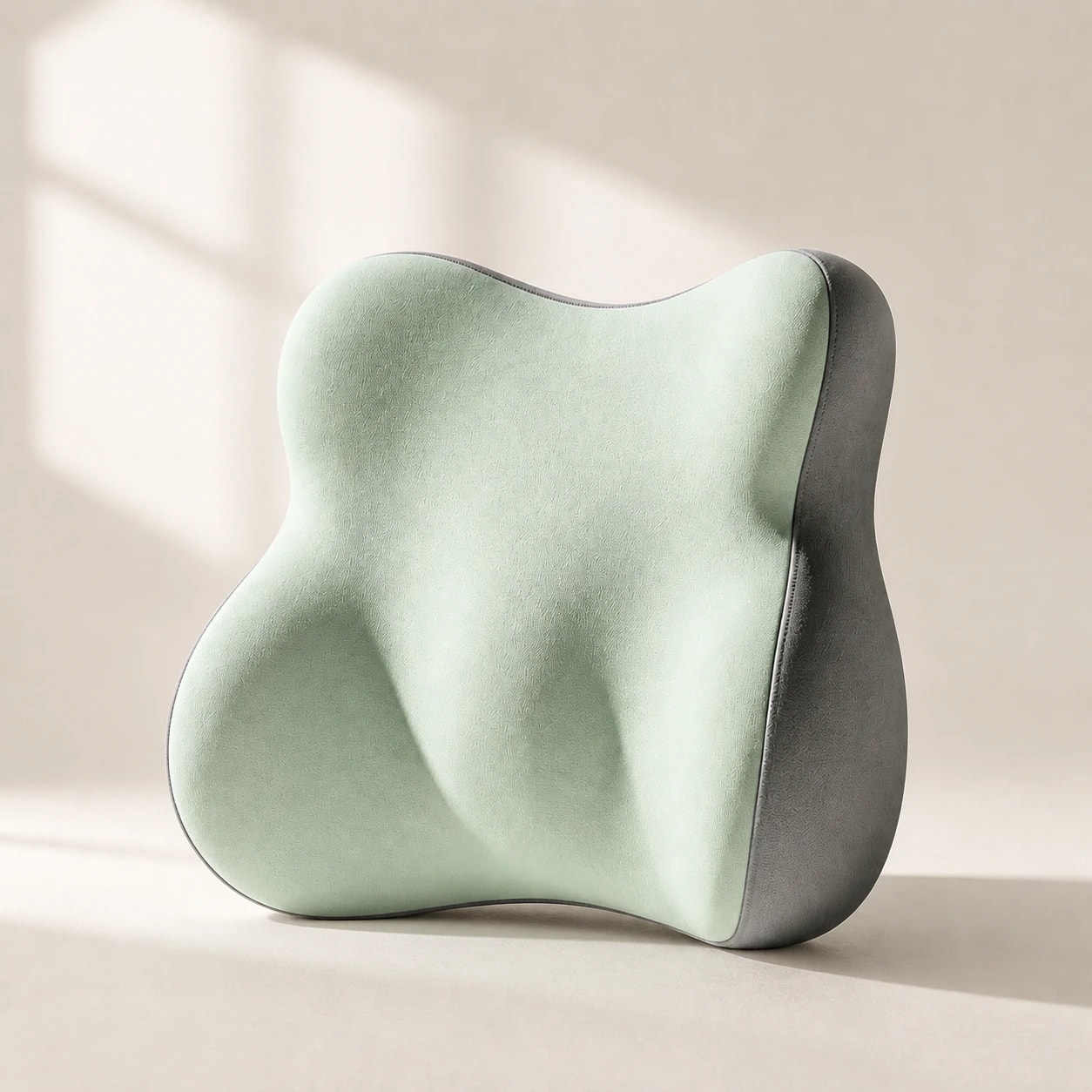
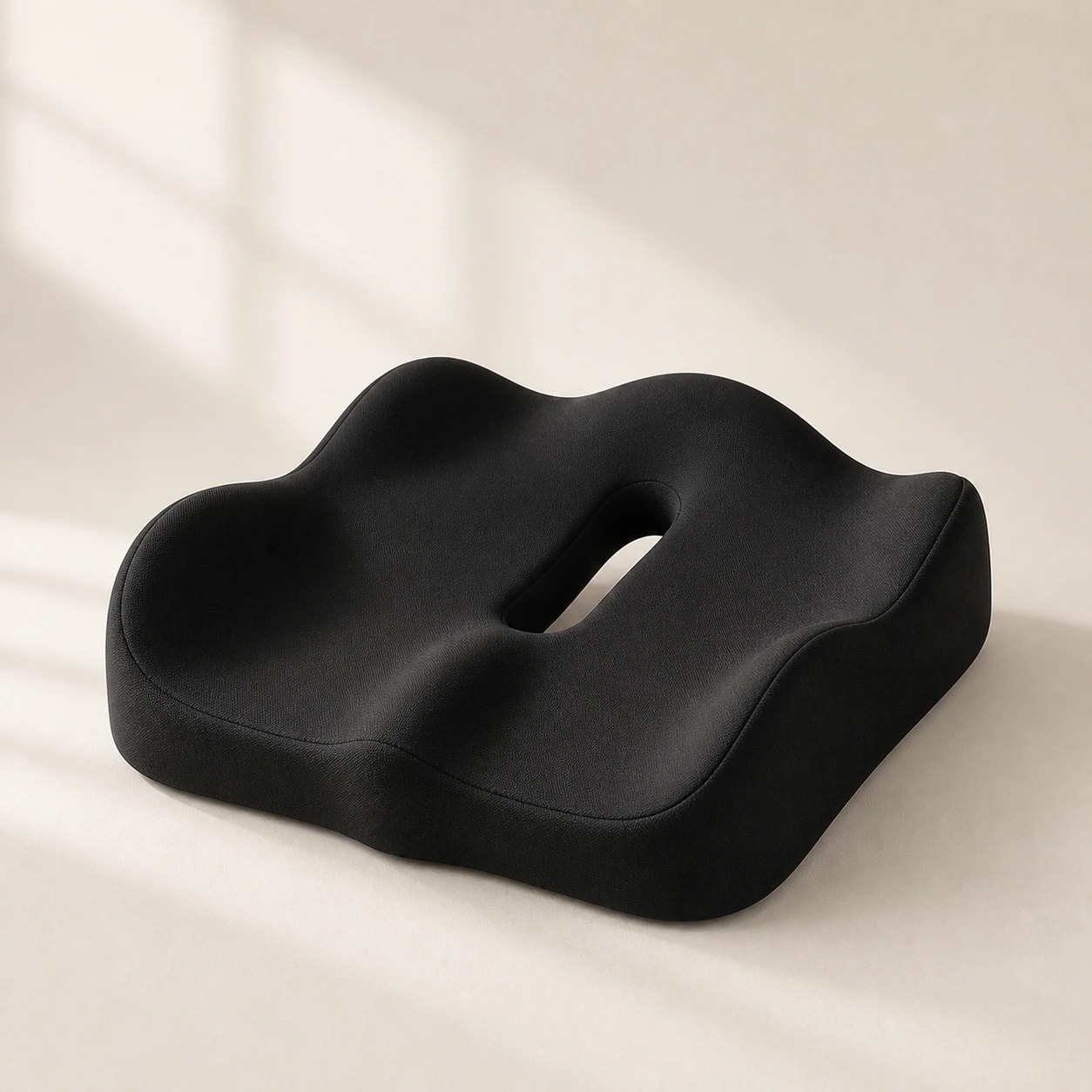
A seat cushion addresses pressure discomfort at the sit bones and thighs, while a lumbar pillow maintains the natural curve of your lower spine. Each solves a different problem, and for people who sit more than four hours daily, both problems usually coexist. Using just a seat cushion often improves pressure comfort but allows lumbar collapse by hour three. Using just a lumbar pillow maintains your curve but does nothing for the seat-pressure fatigue that builds underneath you.

The combined setup creates a closed support system: the cushion stabilizes your pelvis in a neutral tilt, and the lumbar pillow maintains the spine above it. This means your postural muscles do less compensating work, which is why many users report significantly less end-of-day fatigue with the combination than with either product alone. The key is getting the setup sequence right — adding both randomly usually creates more problems than it solves.

  • Seat cushion handles pressure relief at sit bones and thighs
  • Lumbar pillow maintains natural spinal curve independently
  • Combined setup reduces postural muscle compensation
  • Random placement of both often creates worse posture — sequence matters
The correct setup sequence

The correct setup sequence

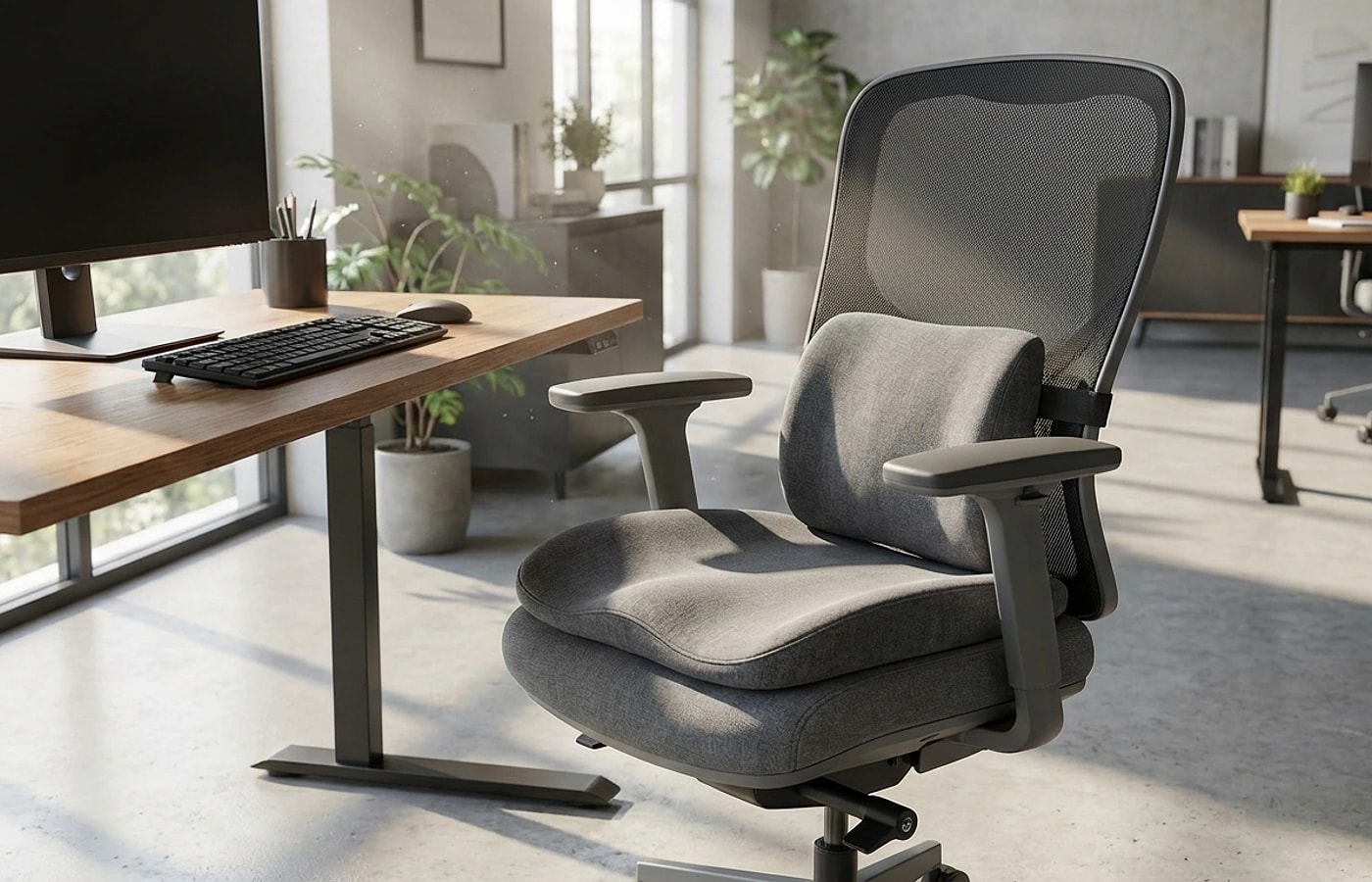
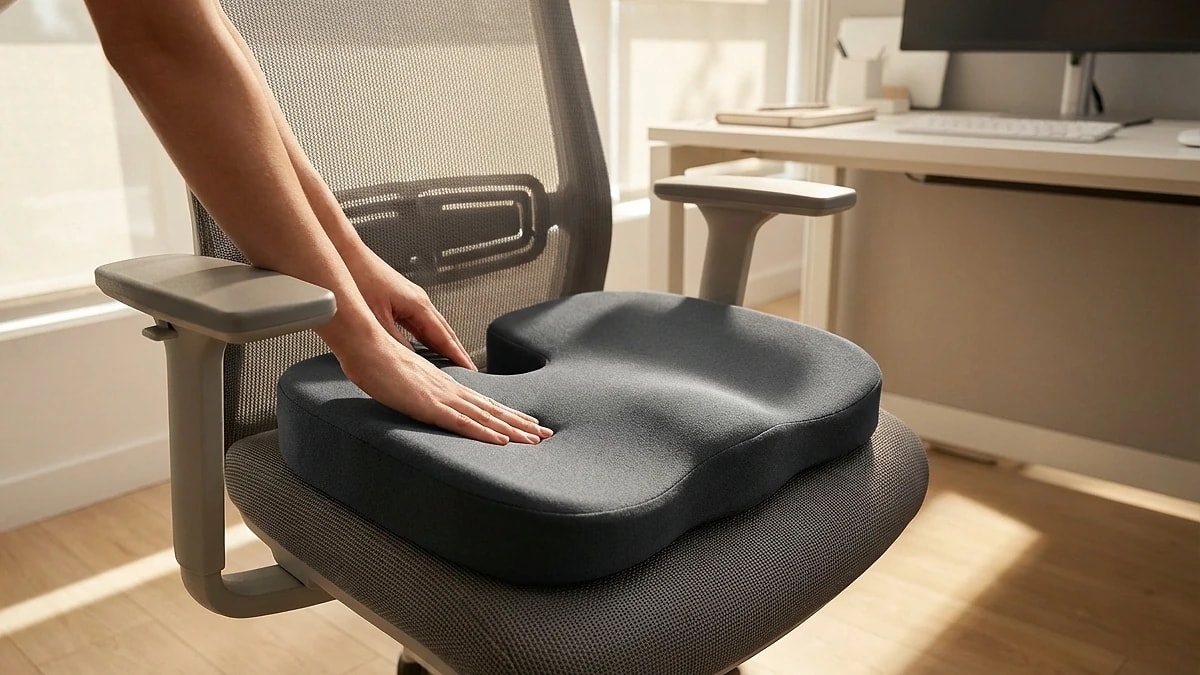
Always start with the seat cushion, because it changes your seat height — and every other alignment depends on height. Place the cushion on the chair, sit down, and lower the chair until your feet are flat on the floor and your knees are at approximately 90 degrees. Then check your elbow angle at your desk: it should be 90 to 100 degrees. If your elbows are too high, lower the desk or raise the chair slightly and use a footrest.

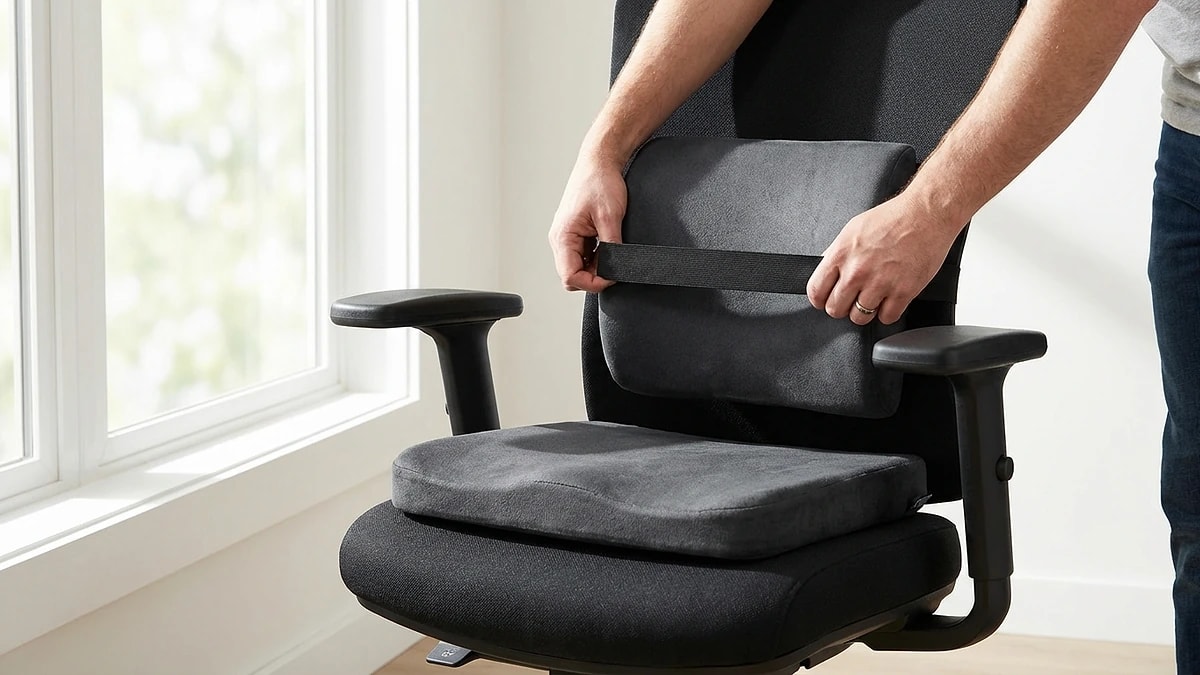
Only after the seat cushion and chair height are dialed in should you add the lumbar pillow. Your new seated height may shift the ideal lumbar contact point by one to two centimeters compared to your previous setup without the cushion. Strap the pillow at your belt line, lean back, and confirm your shoulders rest naturally against the chair without being pushed forward. The entire process takes about five minutes the first time and under a minute on subsequent days.

  • Step 1: Place seat cushion, then lower chair for flat feet at 90-degree knees
  • Step 2: Check elbow angle at desk — aim for 90-100 degrees
  • Step 3: Add lumbar pillow at belt line and verify shoulder position
  • Step 4: Final check — no forward lean, no shoulder elevation
Troubleshooting common combination problems

Troubleshooting common combination problems

The most frequent issue is shoulder elevation — your shoulders creep up toward your ears because the cushion raised your seat height beyond what your desk can accommodate. The fix is always chair height and desk relation, never removing the cushion or forcing your posture down. If your desk is not height-adjustable, a thinner cushion (2 inches instead of 3) or a keyboard tray can close the gap.

Forward lean is the second most common problem, caused by the lumbar pillow being too thick for the new seated position. When the cushion tilts your pelvis forward and the pillow pushes your lower back forward too, you end up perched at the edge of the seat. Try a flatter lumbar profile or move the pillow slightly lower. If you are constantly sliding forward on the seat cushion itself, the cushion angle may be wrong — a flat cushion or slight wedge with the high side at the back usually prevents sliding.

  • Shoulder elevation: lower chair or use thinner cushion — never force posture
  • Forward lean: try flatter lumbar profile or lower position
  • Sliding forward: switch to flat or rear-wedge cushion profile
  • Armrest mismatch: readjust after any seat height change
Validating the combination over a full week

Validating the combination over a full week

Like any ergonomic change, the combined setup needs a proper trial period. Use both products for at least five full work days before deciding whether the combination works. During the first two days, some users feel slightly different or even less comfortable — this is normal muscle adaptation and should not trigger immediate changes. By day three, your body has adjusted enough to give meaningful feedback.

Track three things daily during your trial: how often you reposition either product, your end-of-day comfort score (1-10), and whether you notice any new tension in your neck, shoulders, or hips. If reposition count drops and comfort scores rise by day five, keep the setup. If comfort is flat or declining after five days, revisit the chair height first, then cushion thickness, then lumbar depth — in that order. Changing multiple variables at once makes it impossible to identify what is actually wrong.

  • Commit to 5 full work days before making a keep-or-return decision
  • Days 1-2 may feel different — this is normal muscle adaptation
  • Track: reposition count, comfort score (1-10), new tension areas
  • Change one variable at a time: chair height first, then cushion, then lumbar

Dazniausiai uzduodami klausimai

Can combining both feel like too much support?

Yes — if the combined height pushes you too far above your desk or the lumbar depth tilts your torso forward. The fix is adjusting chair height and product thickness, not removing a product.

What should I adjust first if something feels wrong?

Always check chair height and desk relation first. Most combination problems are height mismatches, not product issues.

Who benefits most from using both together?

Anyone sitting 4+ hours daily who experiences both lower-back fatigue and seat-pressure discomfort. If you only have one of those issues, start with the product that addresses it.

Do I need to buy them as a bundle?

Not necessarily. If you already own one, add the other and follow the setup sequence. Bundles can save money, but fit matters more than matching brands.

Will this setup work with any office chair?

It works with most standard task chairs and executive chairs. Very narrow seats or chairs without adjustable height may require thinner products to maintain proper geometry.

Susije gidai

Naršykite šiuos gidus, kad sužinotumėte daugiau ir rastumėte tinkamą sprendimą.