
30-day money back guarantee | Spring sale — 40% off + free shipping

Gidai pagal situacija

Home Office Setup for Lower-Back Comfort

Home-office support playbook for long desk days. Match chair, lumbar support, and seat height in one repeatable setup.

Home Office Setup for Lower-Back Comfort

Pagrindiniai patarimai

Home setups often fail from mismatched chair-desk height.
Start with lumbar position, then adjust desk relation.
Use low-friction routines to keep adherence high.
Minimum viable home-office setup

Minimum viable home-office setup

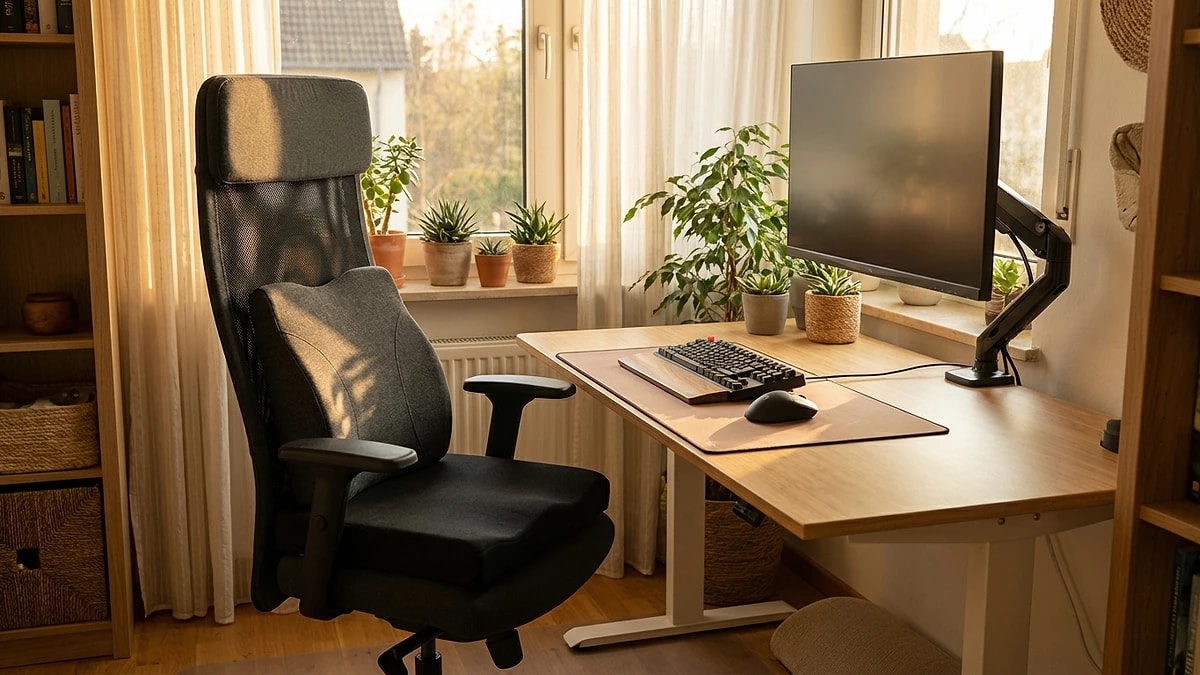
You do not need a premium ergonomic chair to work comfortably from home. A stable seat surface, a lumbar support positioned at your natural lower-back curve, and a desk height that keeps elbows near 90 degrees covers the essentials.

Focus on consistency over perfection. A simple setup you use every day outperforms an elaborate one you skip when rushed.

  • Use a firm, flat seat surface — avoid soft couches for long work blocks.
  • Position lumbar support so it contacts your lower back curve, not your mid-back.
  • Set desk height so forearms are roughly parallel to the floor.
Chair and desk alignment

Chair and desk alignment

The most common home-office failure is a mismatch between chair height and desk height. When your chair is too low, you shrug your shoulders to reach the keyboard. Too high, and your feet dangle, increasing thigh pressure.

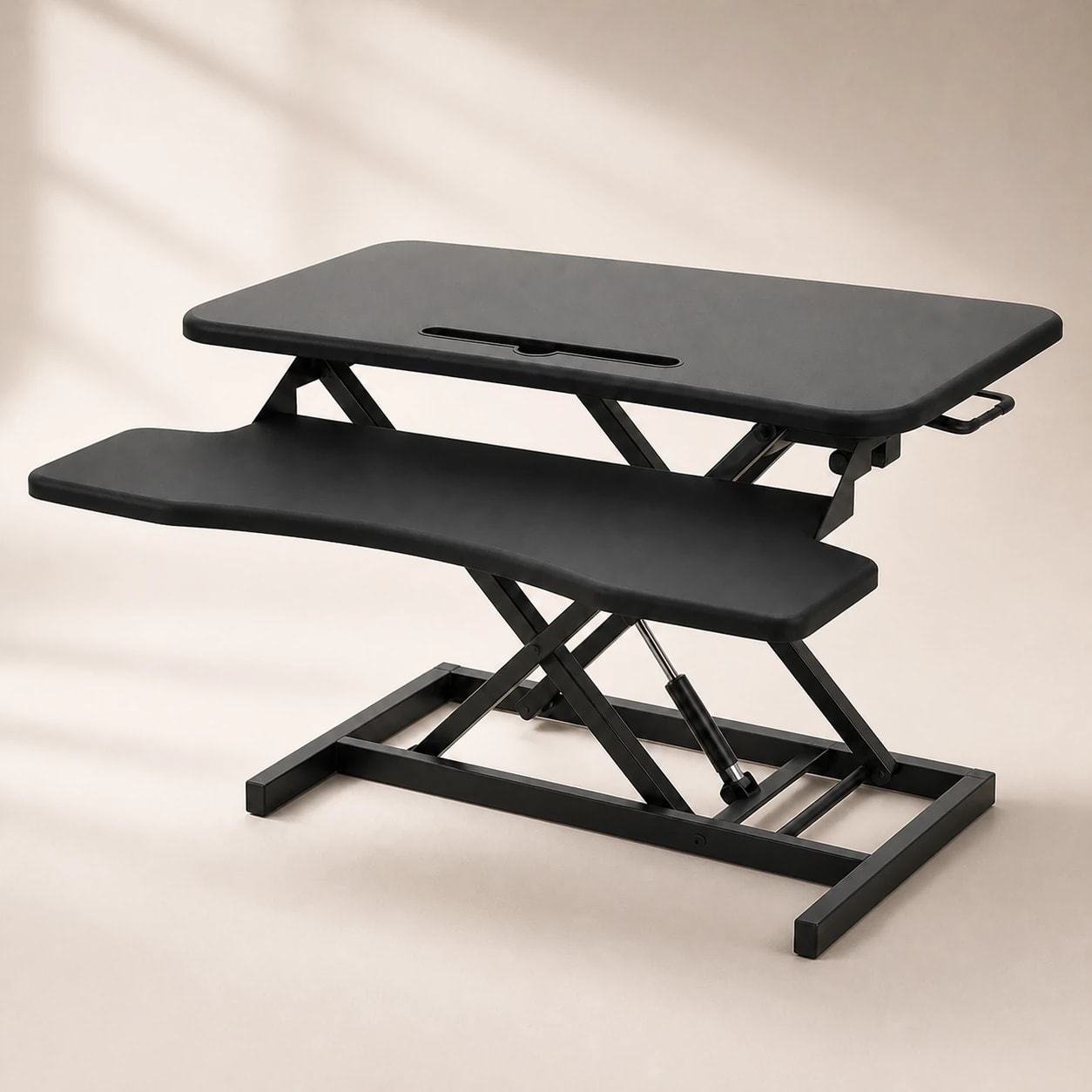
Adjust chair height first so feet are flat, then raise or lower your desk or use a keyboard tray to match. If your desk is not adjustable, a seat cushion can bridge a small height gap.

  • Set chair height so feet rest flat on the floor or a footrest.
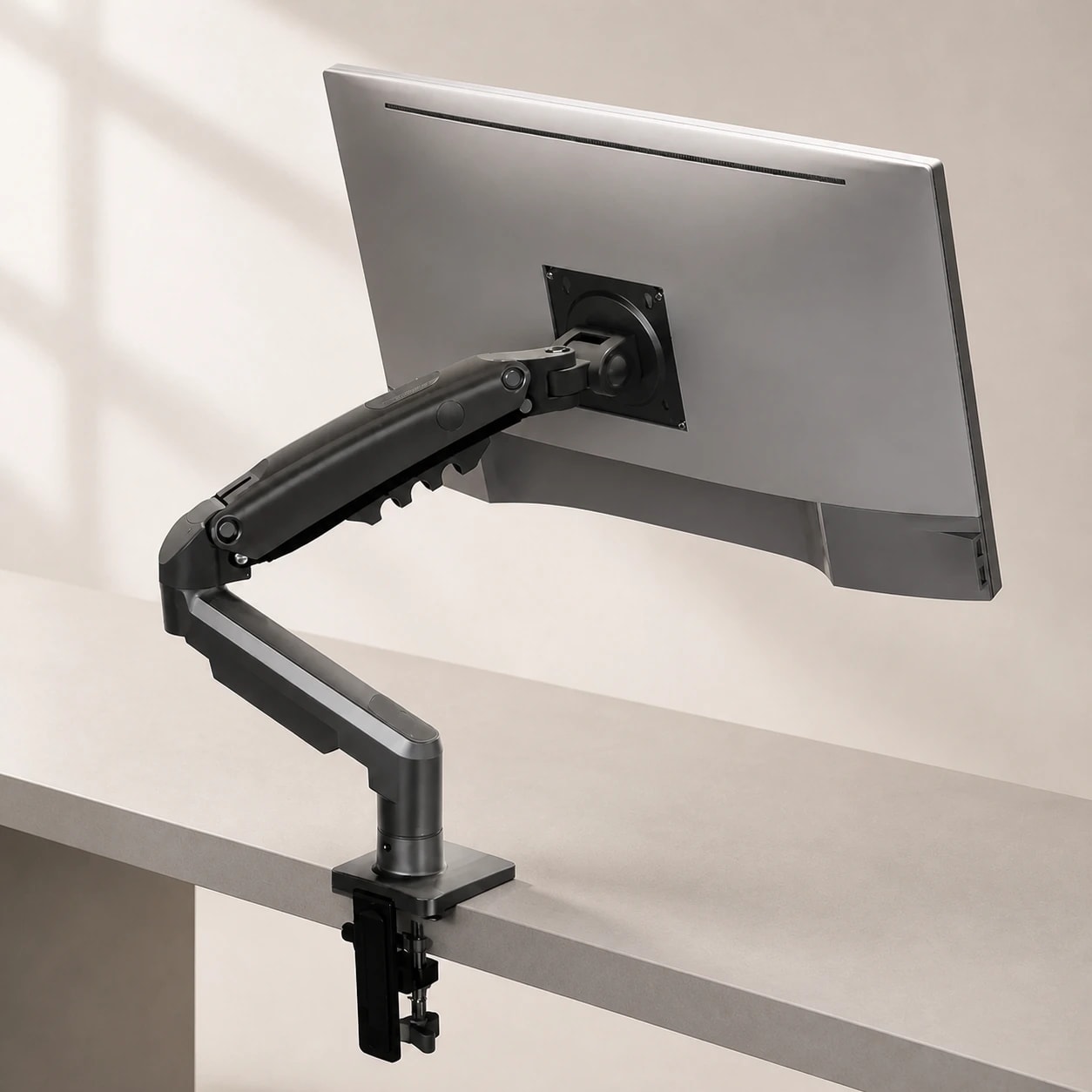
  • Align the top of your screen with eye level to avoid neck tilt.
  • Use a book or monitor stand if your screen sits too low.
  • Re-check alignment after any furniture change.
Professional office setup with ergonomic chair

Support product placement

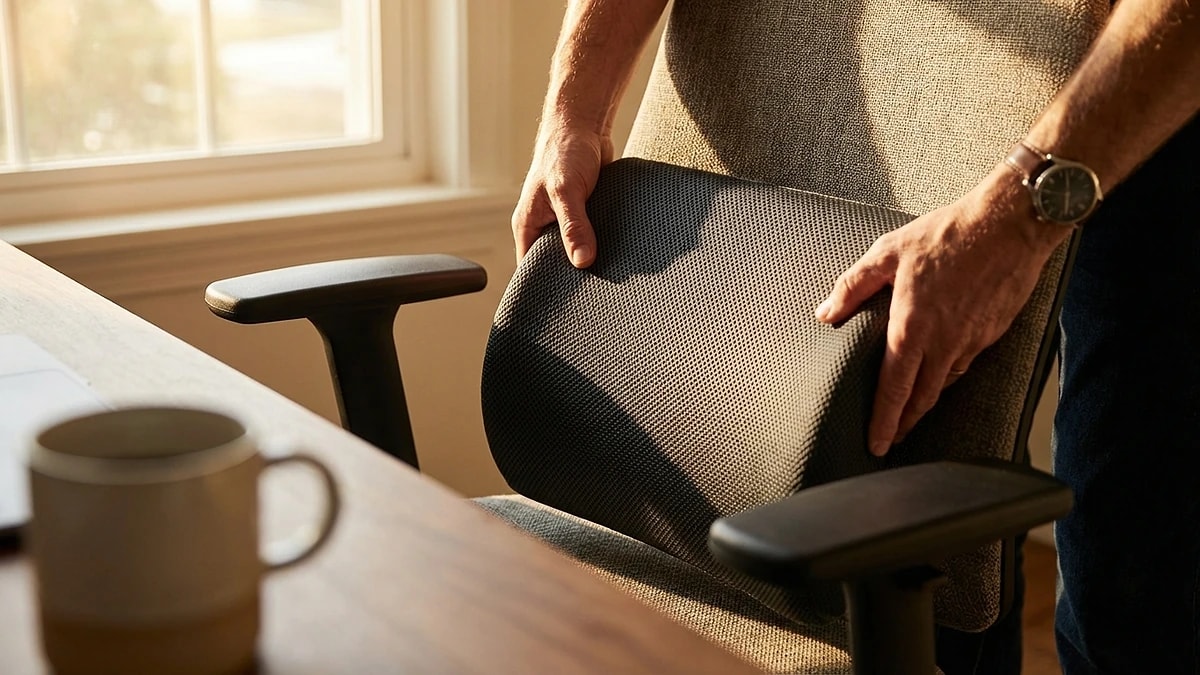
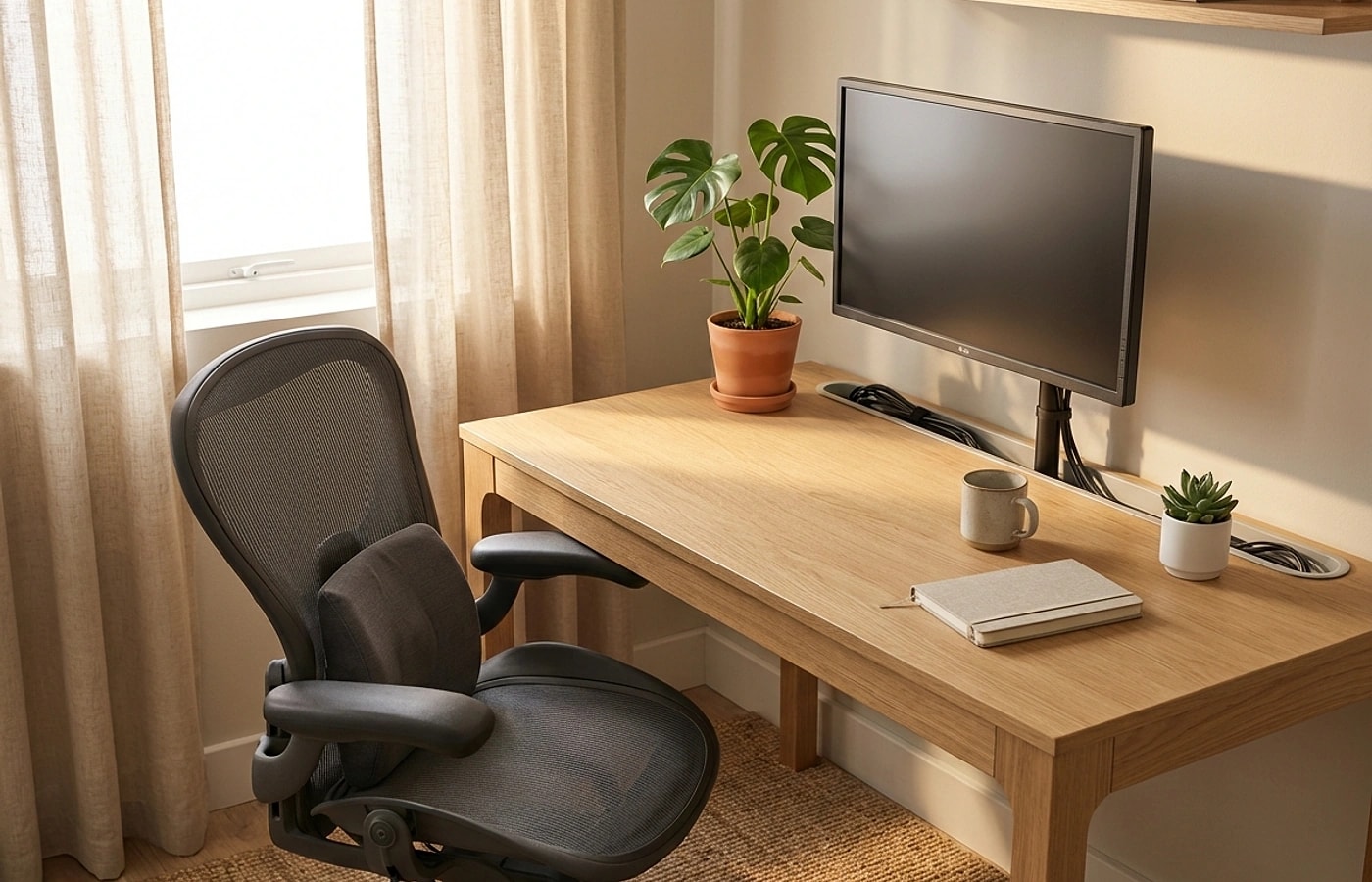
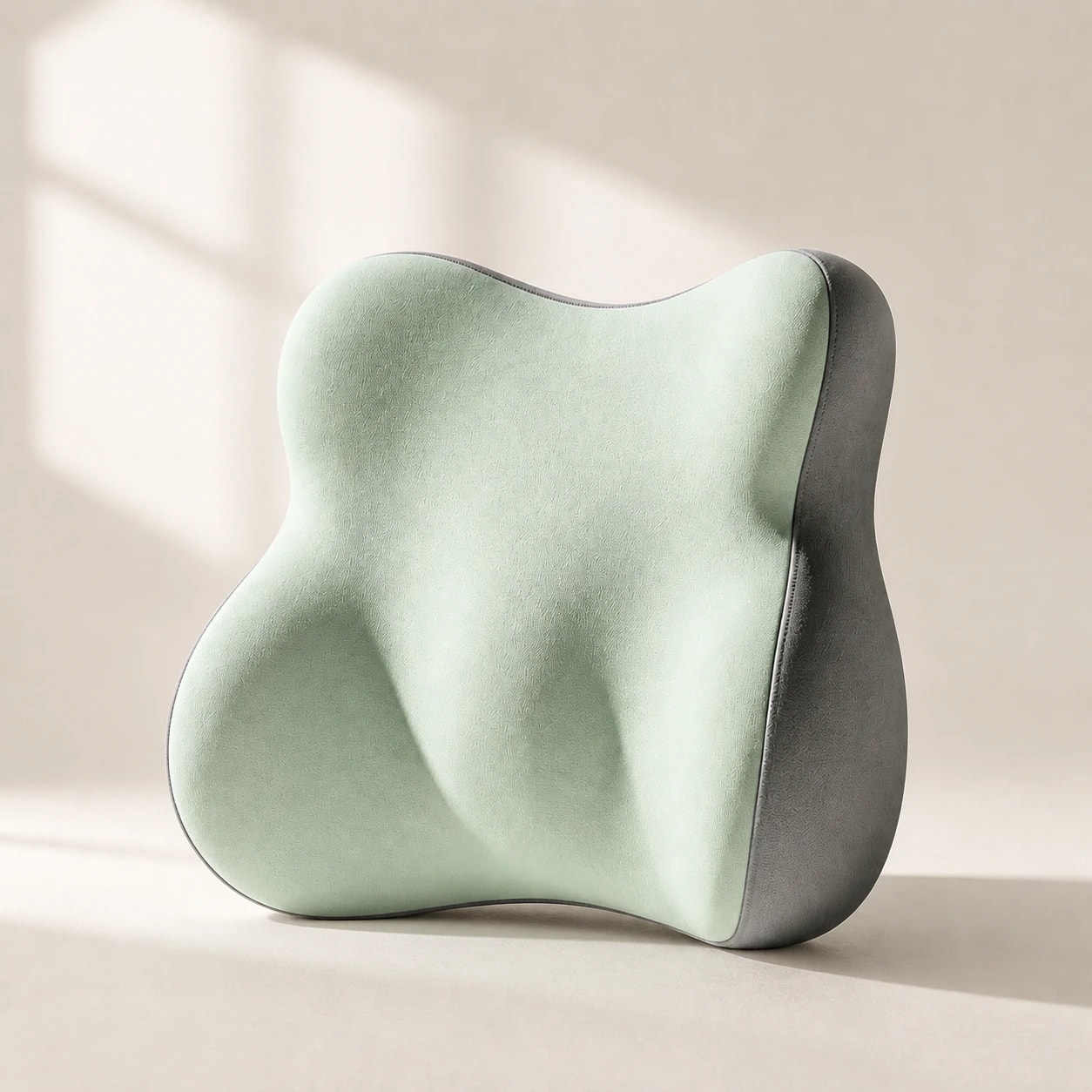
Lumbar pillows and seat cushions only work when placed correctly and used consistently. A lumbar pillow should sit at belt level, filling the gap between your spine and the chair back.

A seat cushion should be positioned so your sit bones rest on the widest part of the cushion. Avoid letting it slide forward — use a non-slip base or chair with a flat seat pan.

  • Place lumbar pillow at belt level, snug against the chair back.
  • Center your sit bones on the seat cushion, not the front edge.
  • Secure both products with straps or non-slip surfaces.
Home office desk and supportive work chair

Adapting to shared spaces

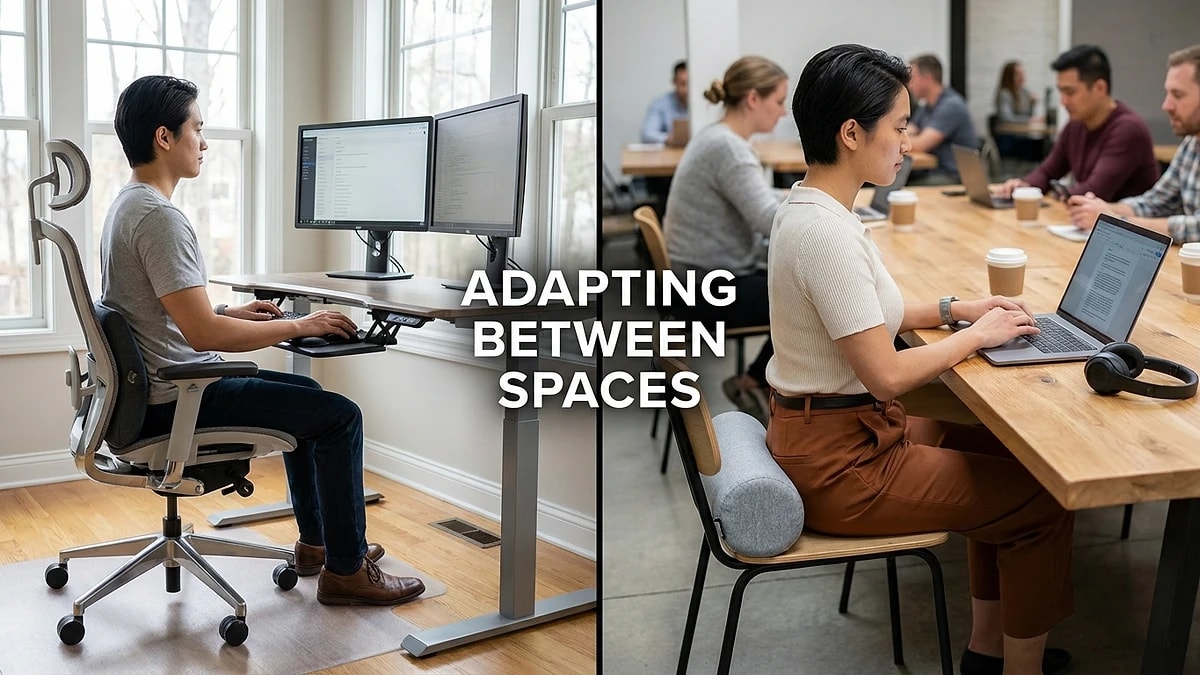
If you share your home office with a partner or use the dining table some days, portability matters. Choose support products that move easily between rooms without losing their shape.

Keep a 30-second setup ritual: place lumbar support, check seat height, confirm screen distance. This prevents the quality of your setup from degrading when you switch locations.

  • Choose lightweight, portable support products for multi-room use.
  • Maintain the same setup sequence regardless of which room you work in.
  • Store support products upright to preserve foam shape overnight.
  • Label or mark your preferred chair height if it is adjustable.

Dazniausiai uzduodami klausimai

Do I need an expensive chair first?

Not always. A stable lumbar and seat setup can improve comfort even on mid-range chairs. Upgrade the chair only when support products cannot compensate.

How often should I re-check setup?

A brief weekly check is enough for most users. Do a quick daily glance at lumbar position when you sit down.

Is a standing desk required?

No. Consistent seated setup and movement breaks are usually the first priorities. A standing desk is a bonus, not a prerequisite.

What is the most common home-office mistake?

Working on a couch or bed for extended periods. These surfaces lack the stability needed for consistent lumbar contact.

Can I use a dining chair for long work sessions?

Yes, with a lumbar pillow and seat cushion. Dining chairs are often the right height but lack back contouring.

Susije gidai

Naršykite šiuos gidus, kad sužinotumėte daugiau ir rastumėte tinkamą sprendimą.