Skip to content

Free US shipping on every order

Reviews on Trustpilot

Comparison Guides

Lumbar Pillow vs Built-In Chair Support

Greta ŠimkutėGreta ŠimkutėErgonomics specialist

Compare a lumbar support pillow with built-in chair lumbar support for adjustability, fit, stability, cost and long-session comfort.

Editorial photograph illustrating Lumbar Pillow vs Built-In Chair Support

Shop the gear in this guide

The exact products this guide recommends — each covered by the 60-Day Home Trial.

Key takeaways

Built-in systems vary widely by chair model.
Some external supports can be repositioned, depending on their attachment method.
Best choice depends on adjustability and session length.
Editorial photograph illustrating Adjustability and fit range

Adjustability and fit range

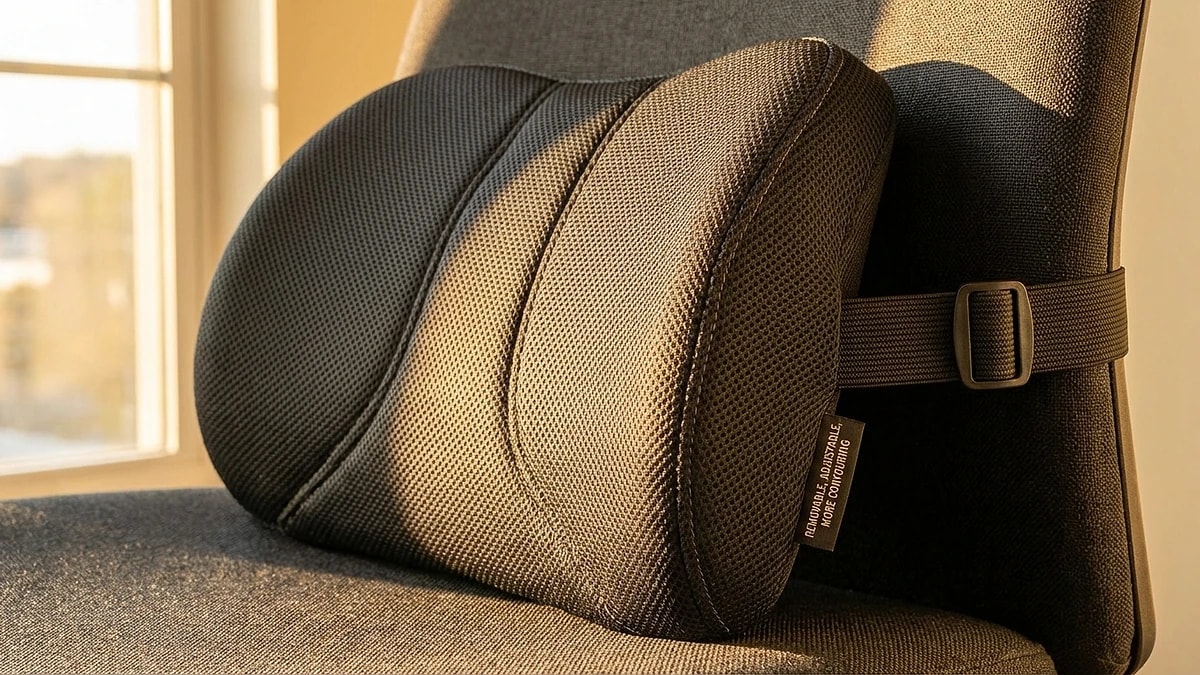
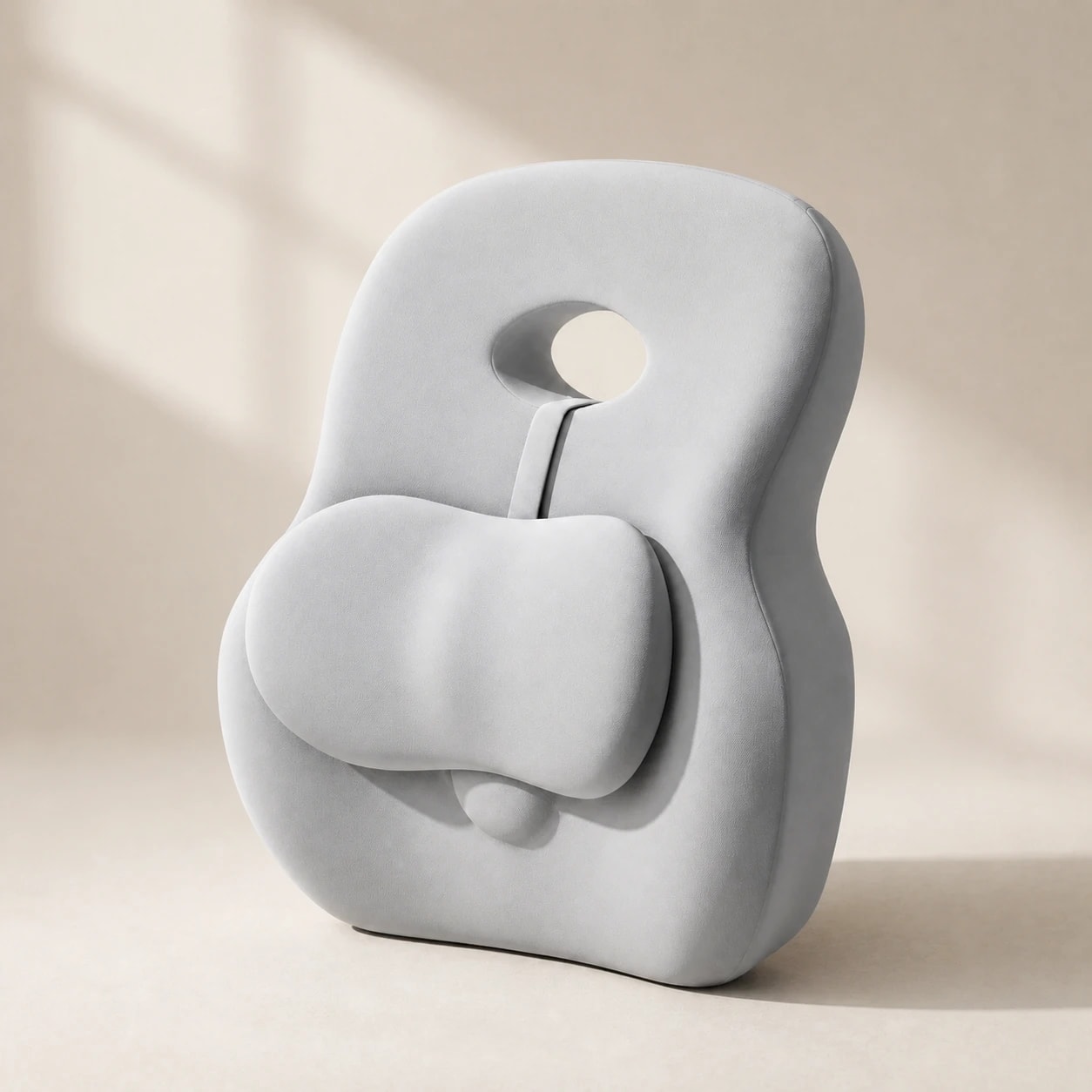
Some external lumbar supports can be moved up or down; others have a fixed attachment or depend on the chair back to hold position. Check the adjustment method on the individual product page rather than assuming every pillow has a strap.

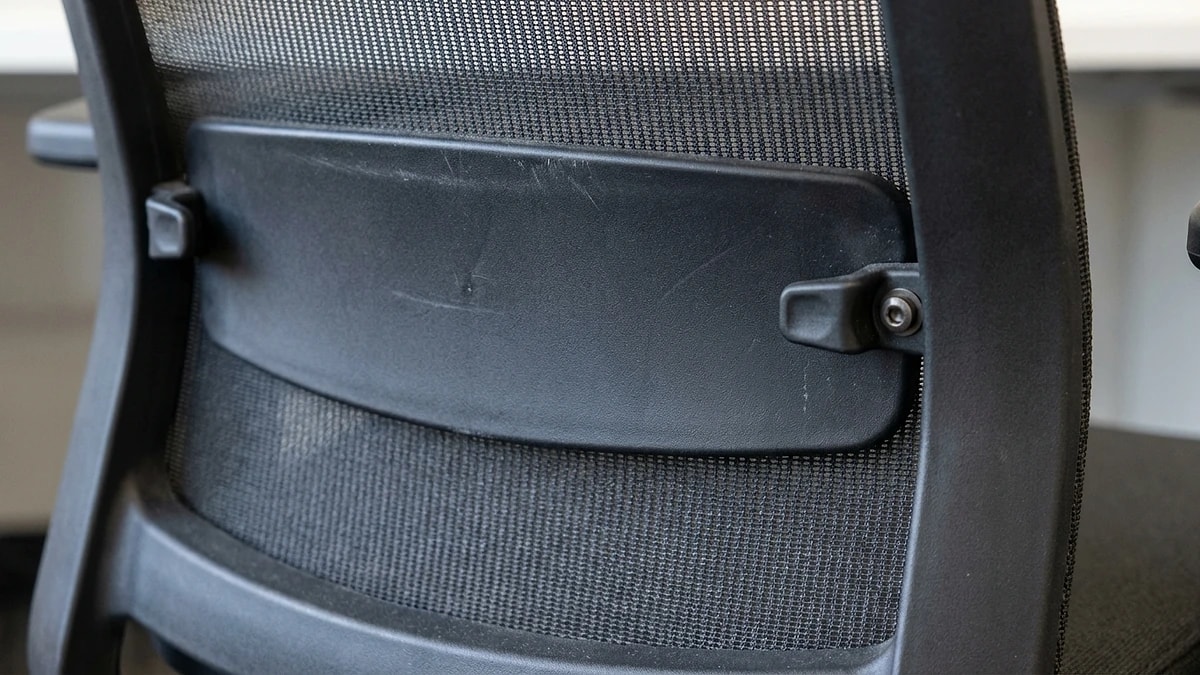
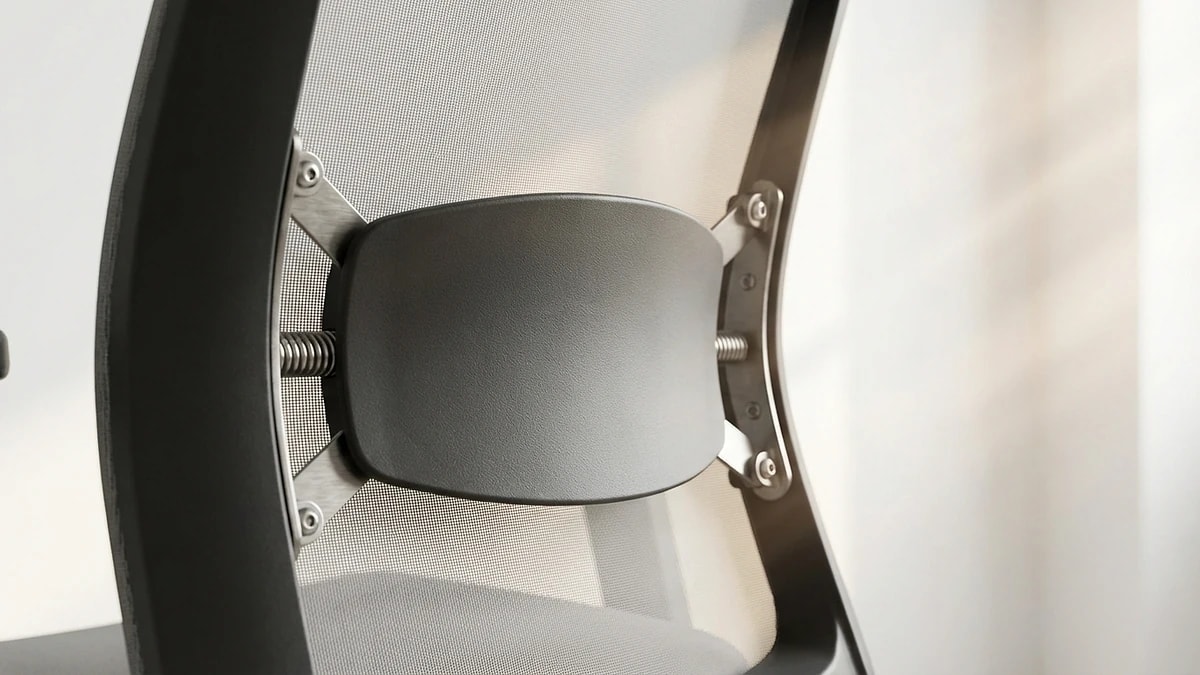
Built-in lumbar mechanisms also vary: some adjust vertically or in depth, while others are fixed. Test the chair's own support first and compare where it contacts your lower back.

  • Check each external support's published attachment and position options.
  • Compare the actual adjustment range of your chair's built-in support.
  • Compare support depth with the usable seat depth left for you.
  • A transferable support still needs a separate fit check on each chair.
Editorial photograph illustrating Long-session stability

Long-session stability

An integrated support is attached to its chair, while a separate cushion can move on some backrests. Neither design guarantees comfort through a full workday.

Check whether the specific external support stays in position during your normal sitting and standing. Do not assume a grippy backing or adjustable strap unless that model documents one.

  • Built-in support is attached to the chair, but its contact may change with adjustment or recline.
  • Verify stability using the actual support and chair, not a category-wide attachment claim.
  • Check pillow position during your midday reset to catch any drift.
Editorial photograph illustrating Cost and upgrade path

Cost and upgrade path

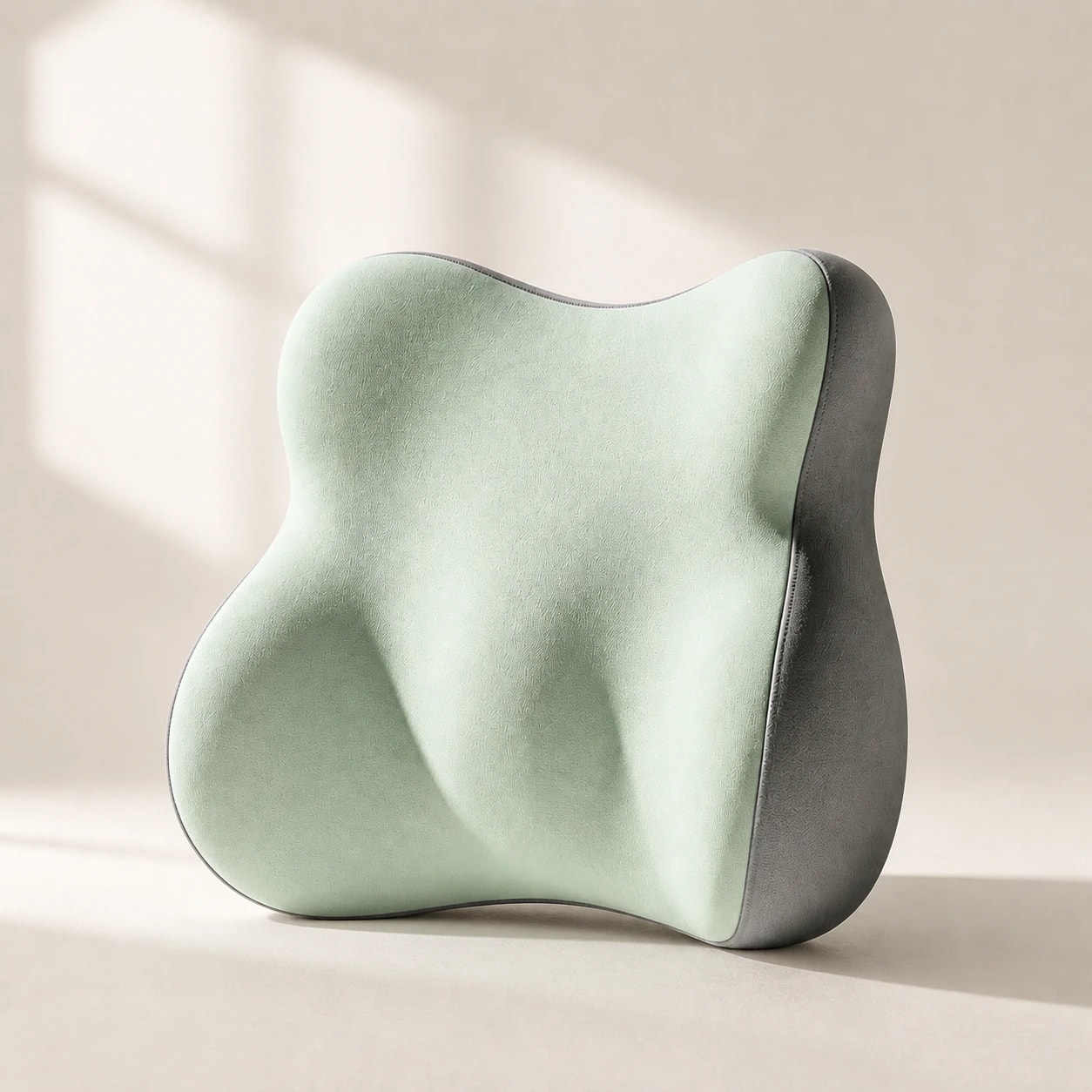
A separate support usually costs less than replacing an entire chair, but price alone does not establish that two setups fit or feel equivalent.

If your current chair is otherwise comfortable, compare a separate support with its built-in adjustment before deciding. If you are buying a new chair, test the chair's own support and seat depth first.

  • Compare today's product prices rather than relying on a fixed category price range.
  • A separate support avoids replacing a chair only if the current chair otherwise fits.
  • Recheck usable seat depth after adding any support.
Editorial photograph illustrating When to combine both

When to combine both

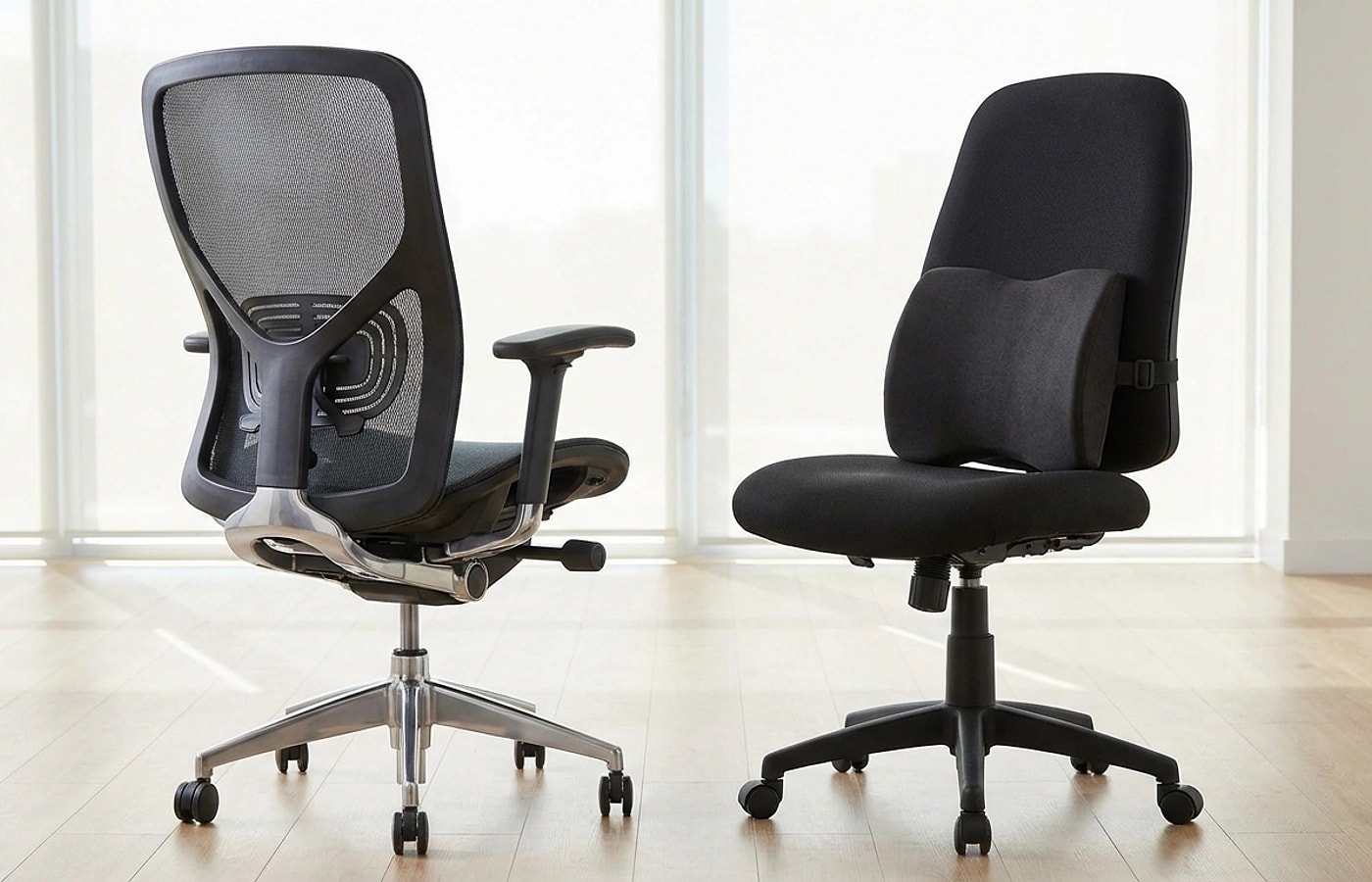
You can compare the chair's built-in support alone with a separate cushion, but adding both can increase depth and move you forward on the seat.

Avoid doubling up if the combined depth pushes your torso too far forward. The goal is a natural S-curve, not an exaggerated arch. Test the combination for a full session before committing.

  • Combine when built-in support is present but too shallow.
  • Skip combining if it forces you forward or creates an exaggerated curve.
  • If combining both, compare their combined depth with your available seat room.
  • Re-check armrest and monitor height after adding any lumbar accessory.

Frequently asked questions

Do I need both built-in and external support?

Not necessarily. Test the chair's built-in support first. Adding a separate cushion can reduce usable seat depth, so check fit before combining them.

Can extra lumbar support overcorrect posture?

Yes. If the combined depth is too aggressive or positioned too high, it can push your torso forward and create new discomfort.

How should I test this comparison?

Use each setup for at least three full work sessions. Compare end-of-day fatigue and how often you needed to reposition during the day.

Will an external pillow damage my chair?

Check the individual attachment method and your chair upholstery. Do not assume a support will leave no marks or fit every backrest.

Should I remove built-in lumbar before adding a pillow?

You cannot remove built-in lumbar on most chairs. Instead, set the built-in adjustment to its lowest or flattest setting, then position the pillow where you need it.

Greta Šimkutė

Written by

Greta Šimkutė

Ergonomics & workspace-setup specialist · writing for Ergola since 2024

Greta Šimkutė is an ergonomics specialist who writes Ergola's posture and workspace guides. She focuses on the practical side of sitting-related back, neck, and hip strain - how desk height, lumbar support, and chair fit actually change all-day comfort - and tests products against the criteria that matter, not spec sheets. She has covered ergonomic furniture and desk setups since 2024.

Related guides

Explore these guides to learn more and find the right solution for your needs.