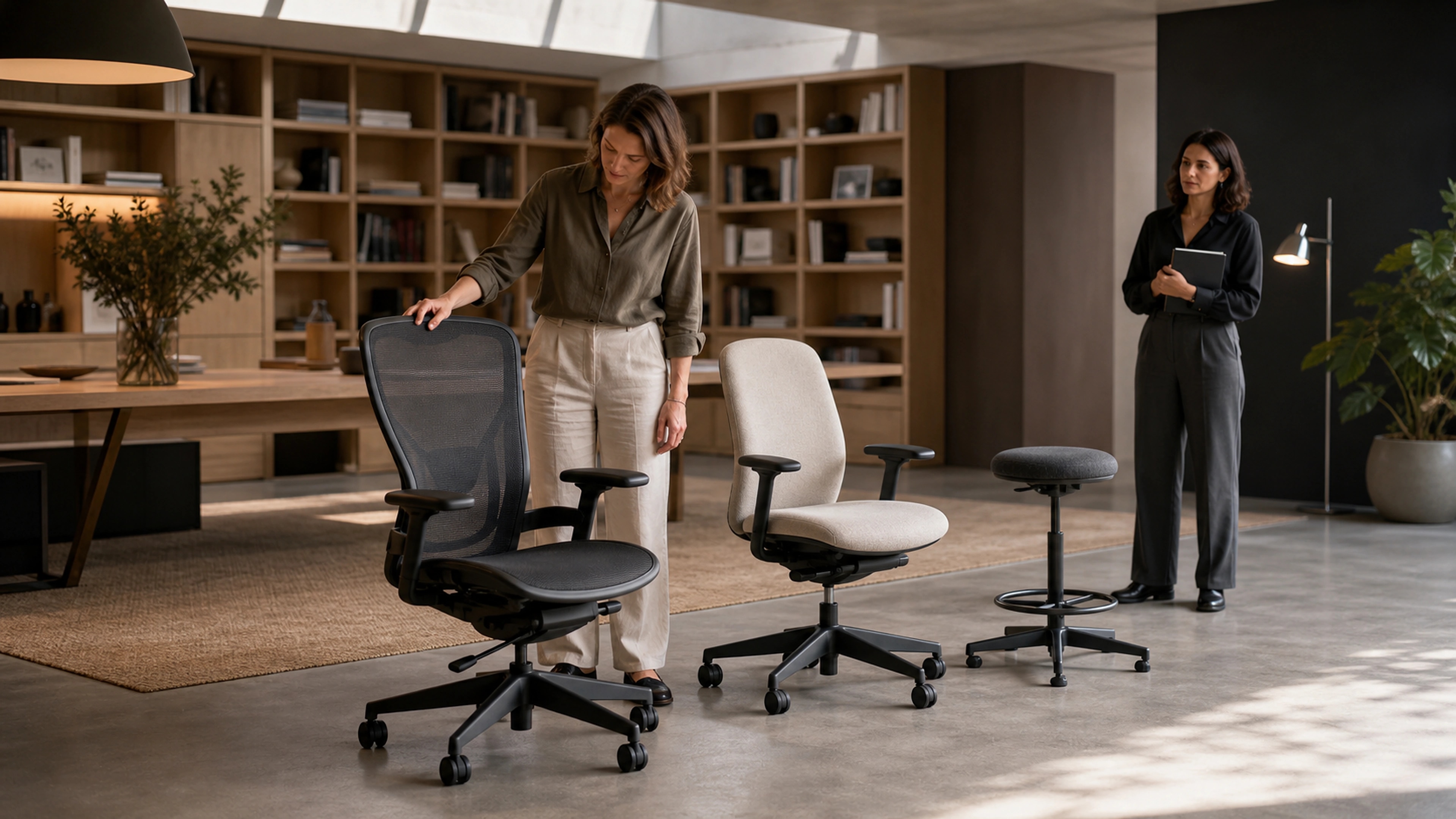

How to Choose the Right Ergonomic Chair: A Complete Guide
An ergonomic office chair is arguably the single most important piece of furniture in your workspace. You spend more waking hours in it than in your bed, yet most people give less thought to their chair than to their phone case. The result, according to the Bureau of Labor Statistics, is that back disorders account for more than 264 million lost workdays per year in the United States alone.
This guide will walk you through the features that actually matter, help you avoid expensive mistakes, and show you how to find a chair that fits your body, your budget, and your work style.
Essential Features to Look For
Not all chairs labeled "ergonomic" deserve the name. The term has no regulated definition, so manufacturers apply it liberally. These are the features that genuine ergonomic research supports as essential.
Adjustable Lumbar Support
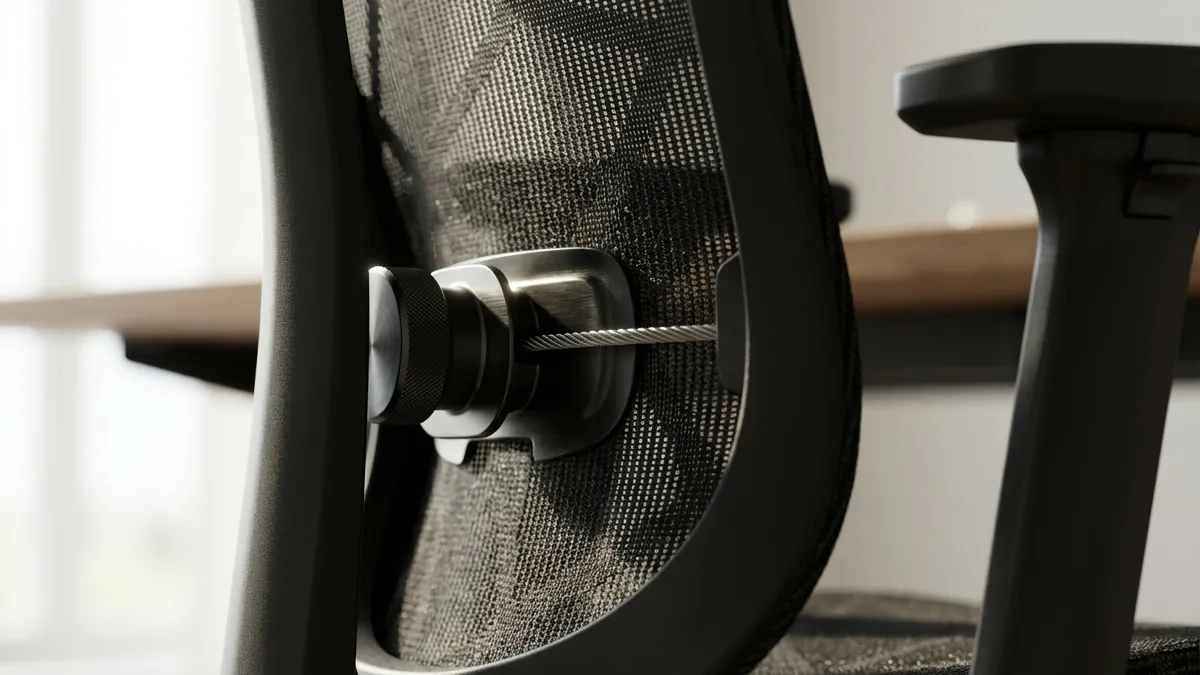
This is the non-negotiable feature. Your lower back has a natural inward curve, and a chair must support that curve to prevent disc compression and muscle fatigue. Fixed lumbar support is better than nothing, but adjustable lumbar, where you can change both the height and depth of the support, is significantly more effective because no two spines are identical.
Look for chairs where the lumbar pad moves independently of the backrest. Some chairs achieve this with an internal tensioning system, others with a separate adjustable panel. Either approach works, as long as you can position the apex of the support at your belt line.
Seat Depth Adjustment
When you sit with your back against the lumbar support, there should be a two- to three-finger gap between the front edge of the seat and the back of your knees. If the seat is too deep, it pushes you forward away from the backrest. If it is too shallow, it concentrates pressure on your thighs.
A sliding seat pan lets you adjust this distance. It is especially important if multiple people share the chair or if you are significantly taller or shorter than average.
Adjustable Armrests
Your armrests should allow your elbows to rest at roughly 90 degrees with your forearms parallel to the floor. At minimum, you want height adjustment. Ideally, the armrests should also pivot inward and outward and slide forward and back. This is commonly described as 3D or 4D adjustment.
Armrests that are too high push your shoulders up and create tension in your trapezius muscles. Armrests that are too low cause you to lean to one side. Both patterns lead to neck and shoulder pain over time.
Breathable Material
Heat buildup is one of the top complaints among office chair users. Mesh backrests offer the best airflow and tend to maintain a consistent temperature throughout the day. If you prefer an upholstered chair, look for high-performance fabrics with moisture-wicking properties rather than bonded leather or vinyl, which trap heat.
Waterfall Seat Edge
A waterfall edge curves gently downward at the front of the seat pan instead of creating a hard horizontal edge. This design reduces pressure on the underside of your thighs, which improves blood circulation to your lower legs and feet. It is a subtle feature that makes a significant difference during eight-hour days.
Types of Ergonomic Chairs Explained
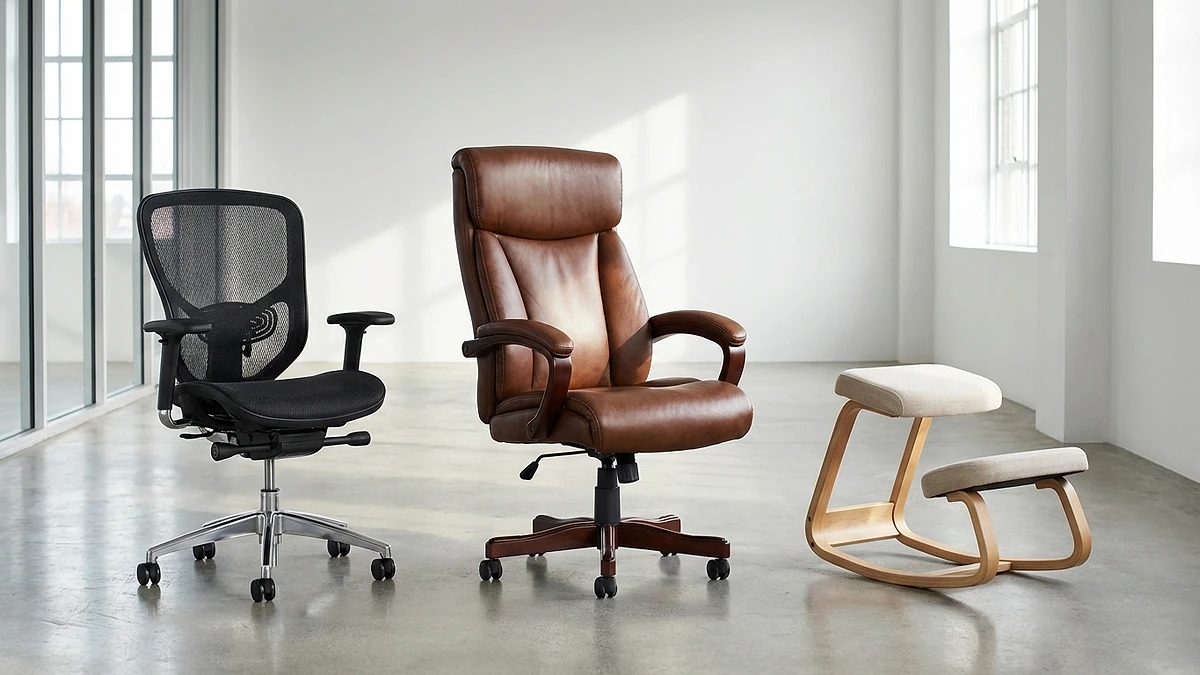
The ergonomic chair market has expanded considerably, and understanding the main categories helps you narrow your search before getting lost in spec sheets.
Mesh vs Upholstered
Mesh chairs use a woven synthetic fabric stretched over a frame. They excel in breathability and tend to weigh less. The trade-off is that mesh can feel less cushioned, particularly on the seat pan, and lower-quality mesh may sag within a year or two.
Upholstered chairs use foam padding covered in fabric, leather, or synthetic material. They typically offer a more cushioned sit experience and come in a wider range of aesthetic styles. The trade-off is heat retention and the potential for foam degradation over time.
Task Chair vs Executive Chair
Task chairs are designed for focused work at a desk. They tend to be compact, highly adjustable, and visually understated. Executive chairs are larger, often with a high back and more padding, designed as much for appearance as for function. For pure ergonomic performance, task chairs generally win because the design prioritizes adjustability over aesthetics.
Gaming vs Office
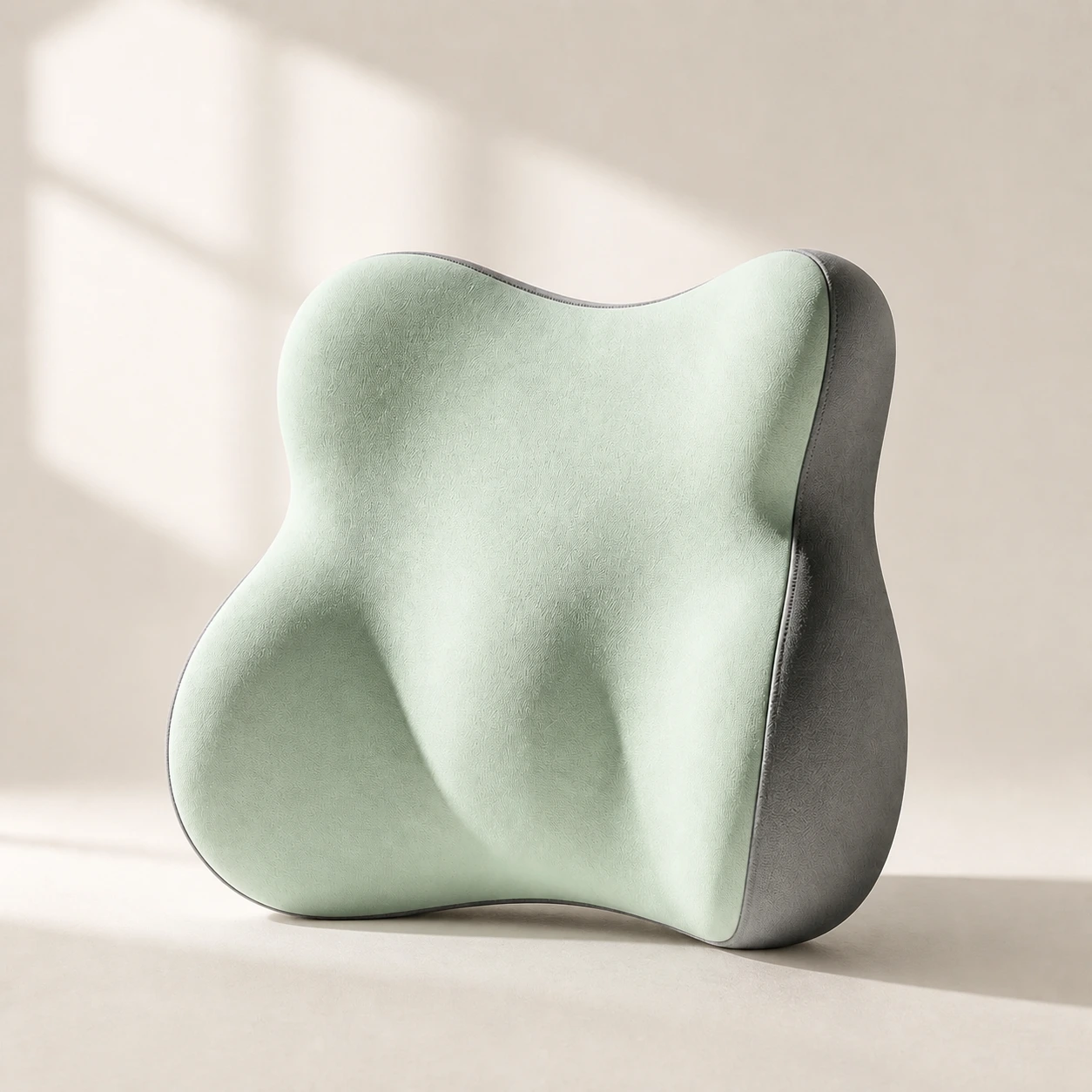 Product mentioned in this guideLumaWing Lumbar Cushion39 × 34 × 14 cm lumbar cushion available in four colours with a slow-rebound memory-foam core, fixed central ridge, recessed side channels, and broad outer…Free US shipping on every order60-Day Home Trial · we pay return shippingSee current price
Gaming chairs borrow heavily from racing seat design, with bucket shapes, high side bolsters, and aggressive styling. While some gaming chairs have improved their ergonomic features, most prioritize aesthetics over adjustability. A well-designed office ergonomic chair will almost always outperform a gaming chair of the same price in terms of lumbar support, seat adjustment range, and long-term comfort.
Features That Matter Less Than You Think
Marketing can be persuasive, but several heavily promoted features have minimal impact on your actual comfort and spinal health.
- Headrest: Unless you spend significant time reclined for video calls or reading, a headrest often goes unused. Many people find it pushes their head forward during active desk work.
- Massage or heating functions: These features add cost and complexity without addressing the root cause of discomfort, which is almost always poor posture or inadequate support.
- Weight capacity overkill: A chair rated for 150 kg when you weigh 75 kg is not inherently better. Weight ratings above your actual weight plus a reasonable margin add cost without functional benefit.
- Aesthetic materials: Genuine leather looks impressive but performs worse than mesh for thermal comfort and offers no ergonomic advantage.
Finding Your Size
One of the most overlooked aspects of choosing an ergonomic office chair is matching the chair's dimensions to your body. A chair that fits a 175 cm, 80 kg person perfectly may be terrible for someone who is 155 cm or 195 cm.

Height
When your feet are flat on the floor, your thighs should be parallel to the ground or angled very slightly downward. The chair's height adjustment range must accommodate your leg length. Most chairs suit people between 165 and 185 cm. If you fall outside that range, look for chairs specifically designed for petite or tall users.
Weight
Your weight affects how the seat foam compresses, how the recline mechanism feels, and how quickly components wear. Choose a chair rated for at least 120% of your body weight. Heavier users should also look for reinforced bases, larger casters, and denser seat foam.
Hip Width
The seat pan should be at least 2.5 centimeters wider than your hips on each side. A seat that is too narrow creates pressure points on the outer thighs, while a seat that is excessively wide may prevent you from using the armrests effectively.
How to Test an Ergonomic Chair
Whether you are in a showroom or testing a chair at home during a trial period, a quick sit is not enough. Use this 15-minute protocol to evaluate any chair properly.
- Minutes 1-3: Adjust everything. Set the seat height so your feet are flat and thighs parallel. Adjust the lumbar support height and depth. Set the armrests to elbow height. Slide the seat pan to achieve the two-finger knee gap.
- Minutes 3-8: Simulate work. Sit as you would at your desk. Type on an imaginary keyboard, move an imaginary mouse. Notice whether the armrests are at the right height, whether the lumbar support feels natural, and whether you feel any pressure points.
- Minutes 8-12: Shift positions. Lean back and test the recline. Cross your legs briefly. Lean to one side. A good chair accommodates natural movement without losing its support.
- Minutes 12-15: Check for pressure. By now, any discomfort will be emerging. Pay attention to the backs of your thighs, your lower back, and your shoulders. If anything feels off at 15 minutes, it will be significantly worse at 8 hours.
If possible, negotiate a 30-day trial period. Some discomfort during the first few days is normal as your body adjusts from a previous chair, but any issue that persists past the first week is unlikely to resolve.
Budget Considerations
Ergonomic chairs span an enormous price range, and more expensive does not always mean better for your specific needs.
- Under $300: You can find chairs with basic height adjustment, fixed or minimally adjustable lumbar support, and standard foam seating. These are adequate for occasional use but may not hold up to daily 8-hour sessions. Supplement with a quality lumbar support pillow to compensate for limited built-in support.
- $300-$700: This is the sweet spot for most office workers. Expect adjustable lumbar support, seat depth adjustment, 3D armrests, and a mesh or quality fabric backrest. Our LumaSpine Pro sits in this range and includes every essential feature discussed in this guide.
- $700-$1,200: Premium materials, more refined adjustment mechanisms, longer warranties, and typically better build quality. The ergonomic features are similar to the mid-range tier, but the durability and feel are noticeably improved.
- Over $1,200: Flagship chairs from major ergonomic manufacturers. The adjustability is exceptional, the materials are top-tier, and warranties often extend to 12 years. Worth considering if you have a history of back problems or plan to use the chair for a decade or more.
Setting Up Your Chair Correctly
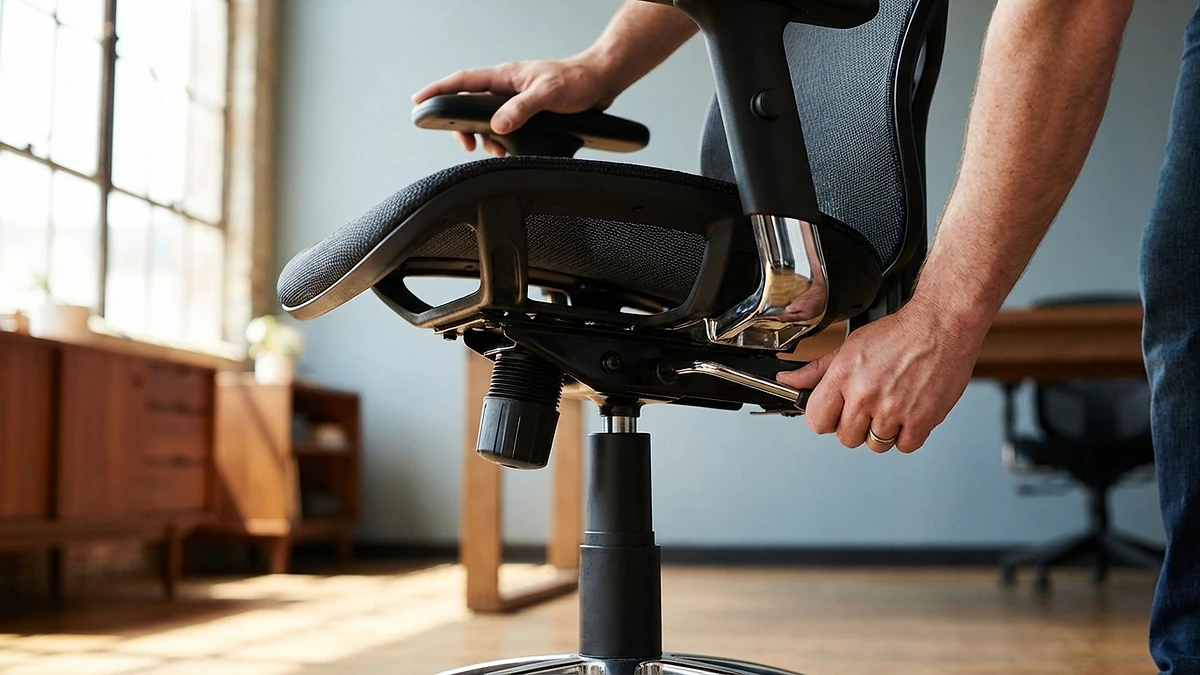
Even a $2,000 chair will cause problems if it is not adjusted to your body. Follow this sequence every time you change chairs or adjust your setup.
- Start with seat height. Stand in front of the chair and adjust the height until the seat pan is just below your kneecap. Sit down. Your feet should be flat on the floor with your thighs roughly parallel to the ground.
- Set the seat depth. Slide the seat pan forward or back until you have a two- to three-finger gap between the seat edge and the back of your knees. Your back should still contact the backrest comfortably.
- Adjust lumbar support. Move the lumbar pad so that its apex aligns with the curve of your lower back, typically at belt level. Increase the depth until you feel gentle, consistent pressure that supports your natural curve without pushing you forward.
- Set armrest height. Lower the armrests, sit with your arms relaxed at your sides, and then raise the armrests until they just touch the underside of your forearms when your elbows are at 90 degrees.
- Adjust recline tension. The recline should offer enough resistance that you can lean back without falling, but not so much that you have to push hard. Set it so the backrest supports you at about 100-110 degrees during normal work.
Pairing Your Chair with Lumbar Support
Even chairs with built-in lumbar support can benefit from an external lumbar pillow, particularly if the built-in support is not adjustable in depth or if the chair is shared among different users. An external pillow gives you finer control over the contour depth and position.
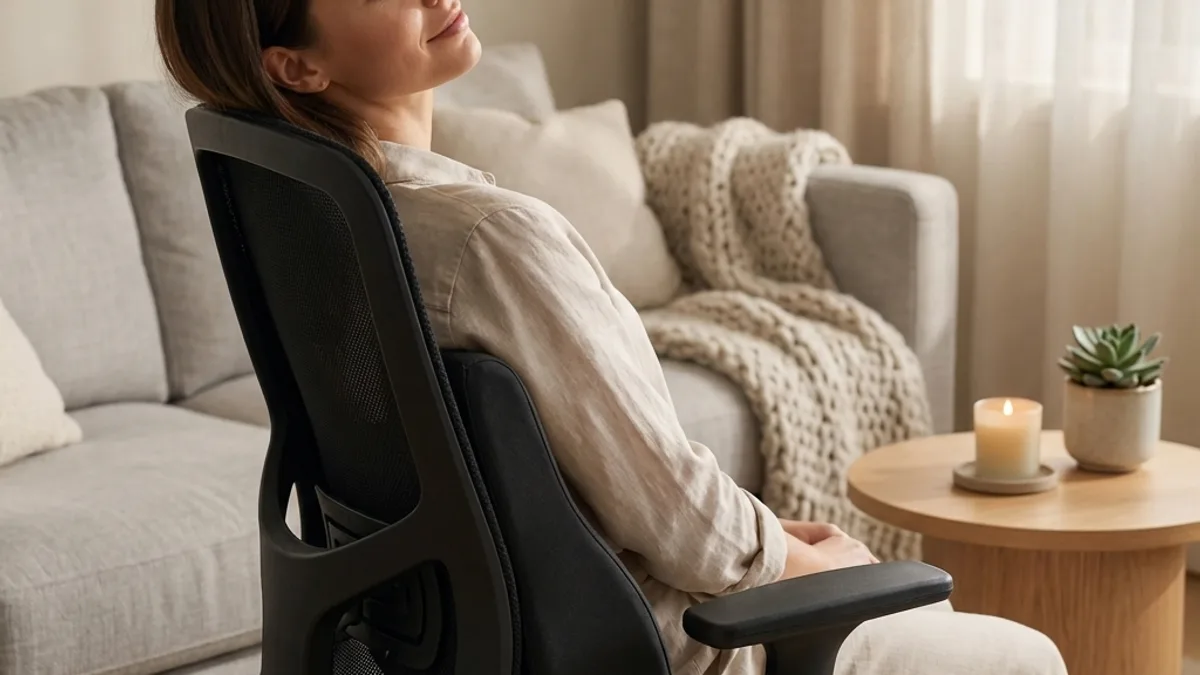
This combination is especially useful in the under-$300 category, where built-in lumbar support tends to be minimal. A $40-$60 lumbar pillow can transform a budget chair into something genuinely supportive. For guidance on choosing the right pillow, see our lumbar support pillow guide.
When pairing a pillow with a chair, disable or minimize the chair's built-in lumbar adjustment so the two supports do not compete. The pillow should rest against a relatively flat backrest surface for the best conformity.
Final Advice
The best ergonomic office chair is the one that fits your body, supports your lumbar curve, and adjusts to your work habits. Do not be swayed by brand prestige, aesthetic appeal, or feature lists that look impressive on paper but do not translate to better support in practice.
Prioritize adjustable lumbar support, seat depth adjustment, and a proper fit for your height and weight. Test before you commit, be willing to spend time on setup, and remember that even the best chair needs to be complemented by regular movement breaks and a well-designed workstation.
Your body will adapt to whatever environment you give it. Give it a good one.