Hoppa till innehåll

Fri frakt över 500 kr

Omdömen på Trustpilot

Lösningar

Seat Cushion for Office Chair: Find Your Fit

Greta ŠimkutėGreta ŠimkutėErgonomispecialist

Shop ergonomic seat cushions for office chairs. Compare SeatNest, Memory Foam Seat Cushion, and ContourX by contour, rear opening, and chair fit.

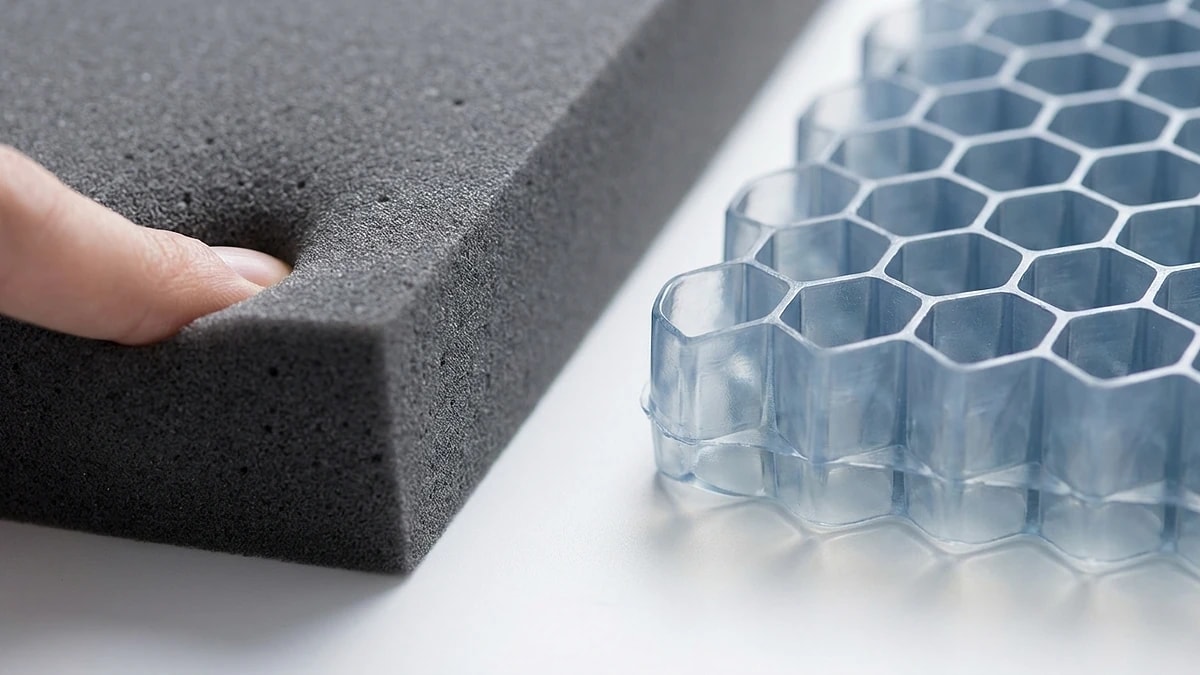
Editorial photograph illustrating Seat Cushion for Office Chair: Find Your Fit

Handla produkterna i den här guiden

Exakt de produkter som guiden rekommenderar – alla med 60 dagars hemprovning.

Viktiga slutsatser

Choose the cushion shape for the contact area you want to change, not a generic 'best' label.
Check that the entire cushion rests securely on your chair seat before ordering.
Recheck your feet, desk reach, and backrest contact after adding seat height.
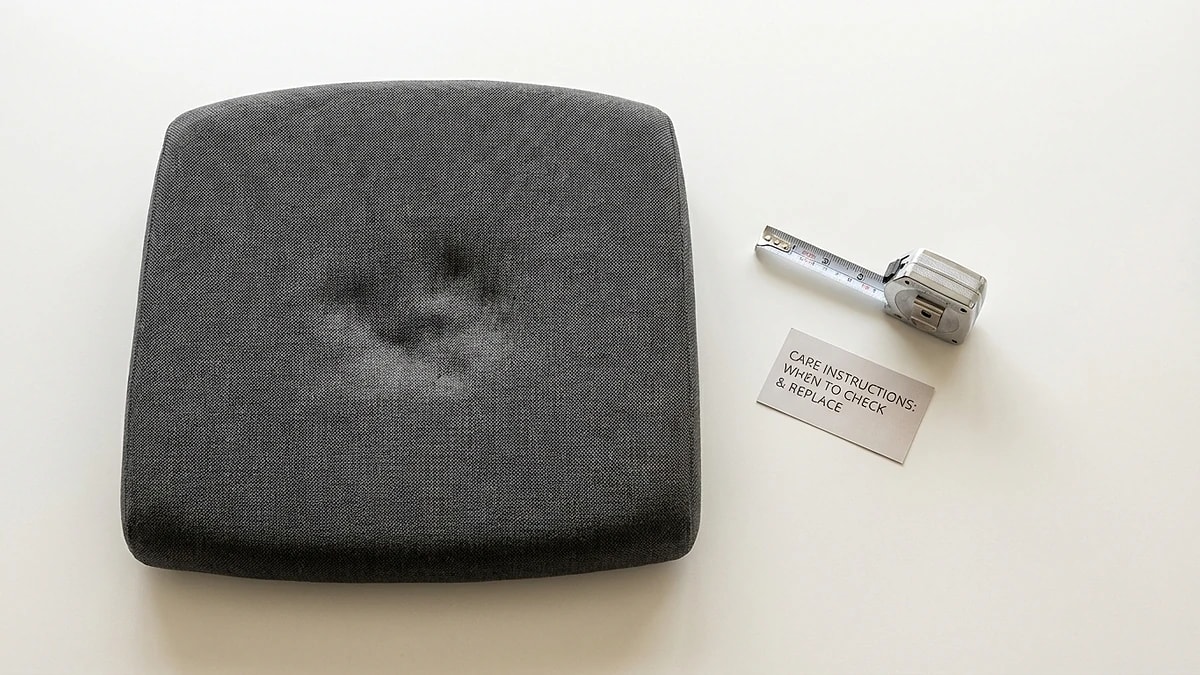
Editorial photograph illustrating Check office-chair fit before choosing a cushion

Check office-chair fit before choosing a cushion

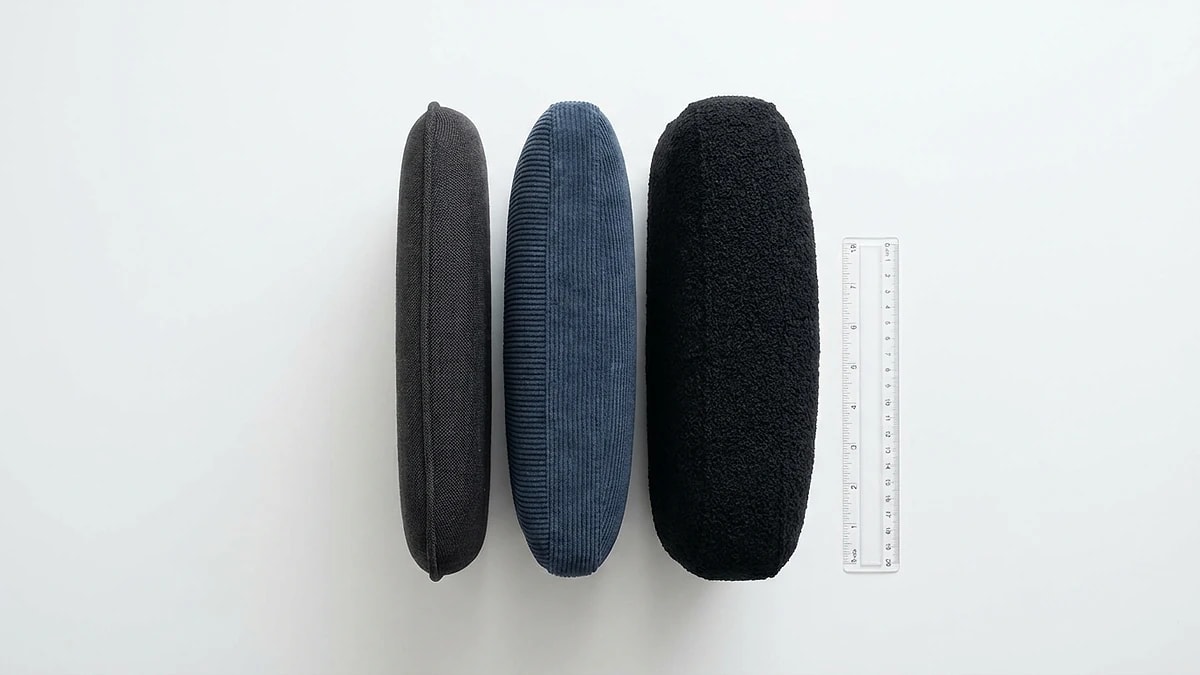
Measure the usable sitting surface between the armrests and from the backrest to the front edge. A seat cushion should rest fully on a stable chair without hanging over the sides, covering controls, or pushing the back of your knees into the seat edge. SeatNest is approximately 40 × 34 × 8 cm, Memory Foam Seat Cushion is 38 × 40 × 8 cm, and ContourX is 44 × 40 × 9 cm. These overall measurements help you compare footprints, but they do not guarantee universal chair fit.

Any added cushion changes sitting height. After placing it, check that your feet remain supported and you can reach the desk with relaxed shoulders. The best fit is the one that works on your actual chair during normal tasks, not a thickness or density claim that is missing from product documentation.

  • Measure the usable chair seat, not its outside width.
  • Keep the cushion entirely supported and chair controls clear.
  • Recheck feet, knees, armrests, and keyboard reach after adding height.

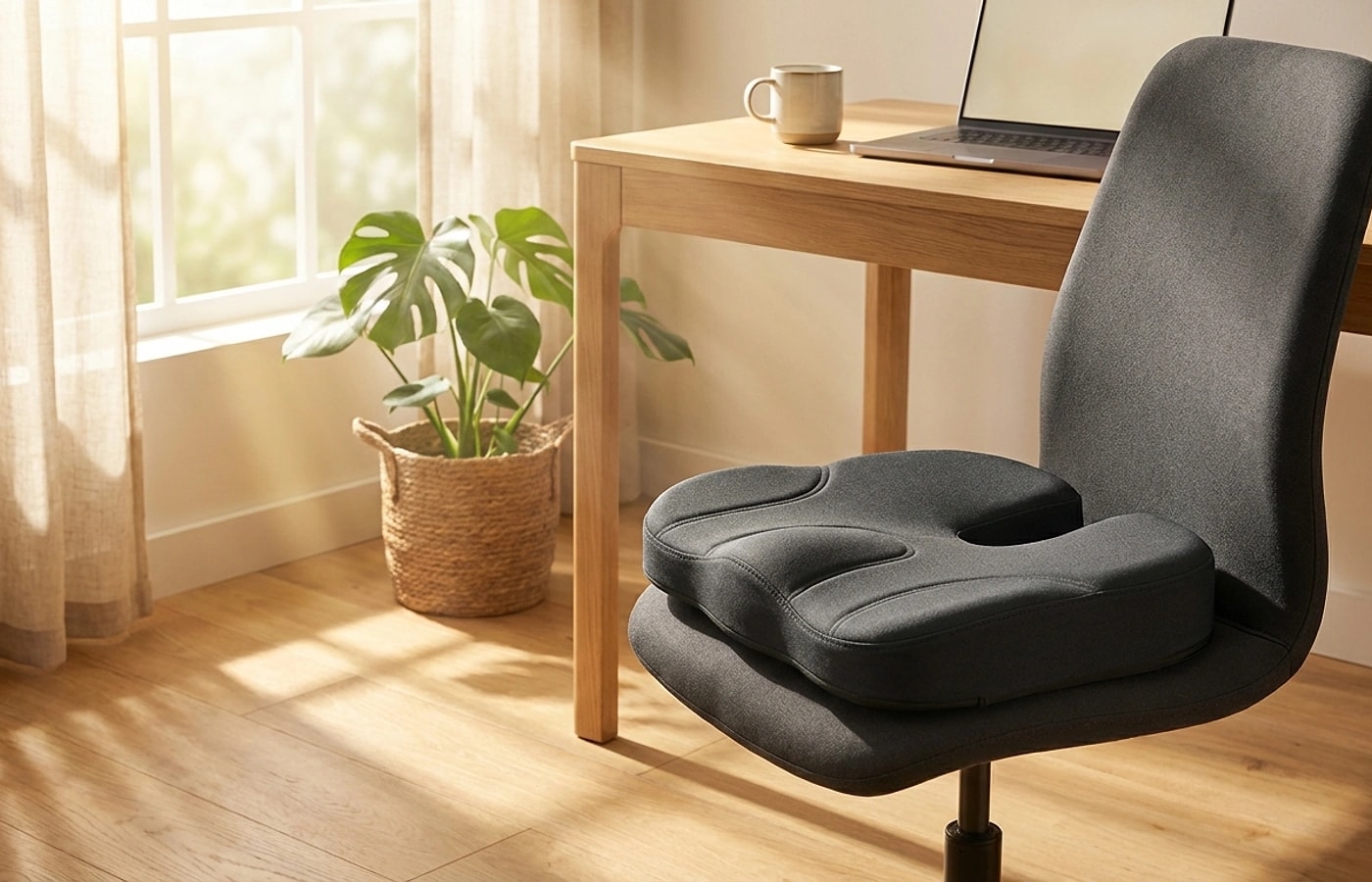
Editorial photograph illustrating Choose a contour for the sitting area you want to change

Choose a contour for the sitting area you want to change

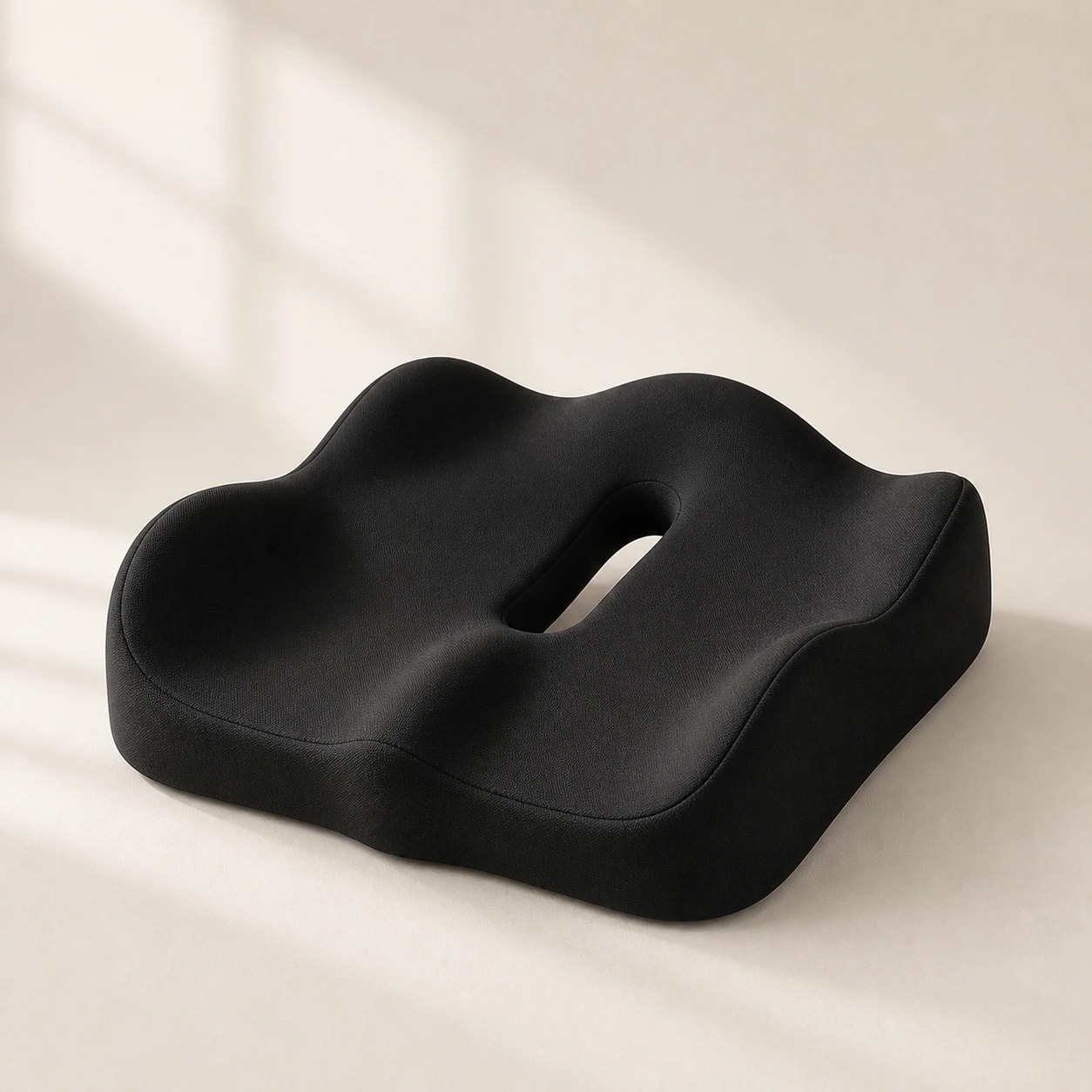
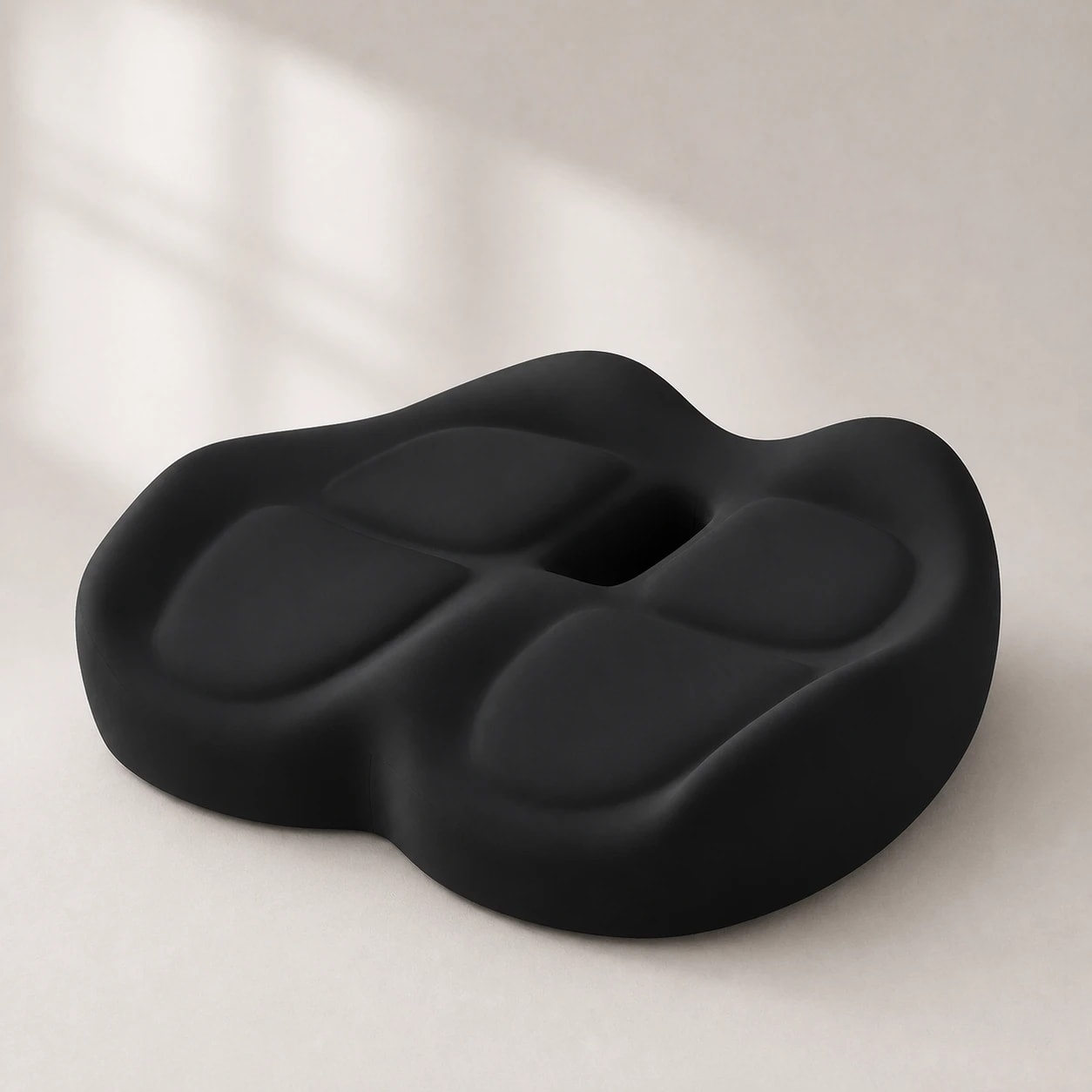
SeatNest has a sculpted memory-foam profile with raised outer zones and a central rear opening. Memory Foam Seat Cushion has a more open U-shaped rear channel for shoppers prioritizing tailbone clearance. ContourX has a deep fixed contour and broad raised zones. These are different geometries, not interchangeable medical treatments.

Compare the product photographs and the contact area of your present chair. If the rear opening is the main reason you are buying, check where that opening will sit once the cushion is placed against your backrest. If you are comparing several profiles, use our office-chair cushion guide; this page is for checking fit and shopping the available models.

  • SeatNest: sculpted one-piece memory-foam surface.
  • Memory Foam Seat Cushion: open rear U-shaped channel.
  • ContourX: broad, deep fixed contour.
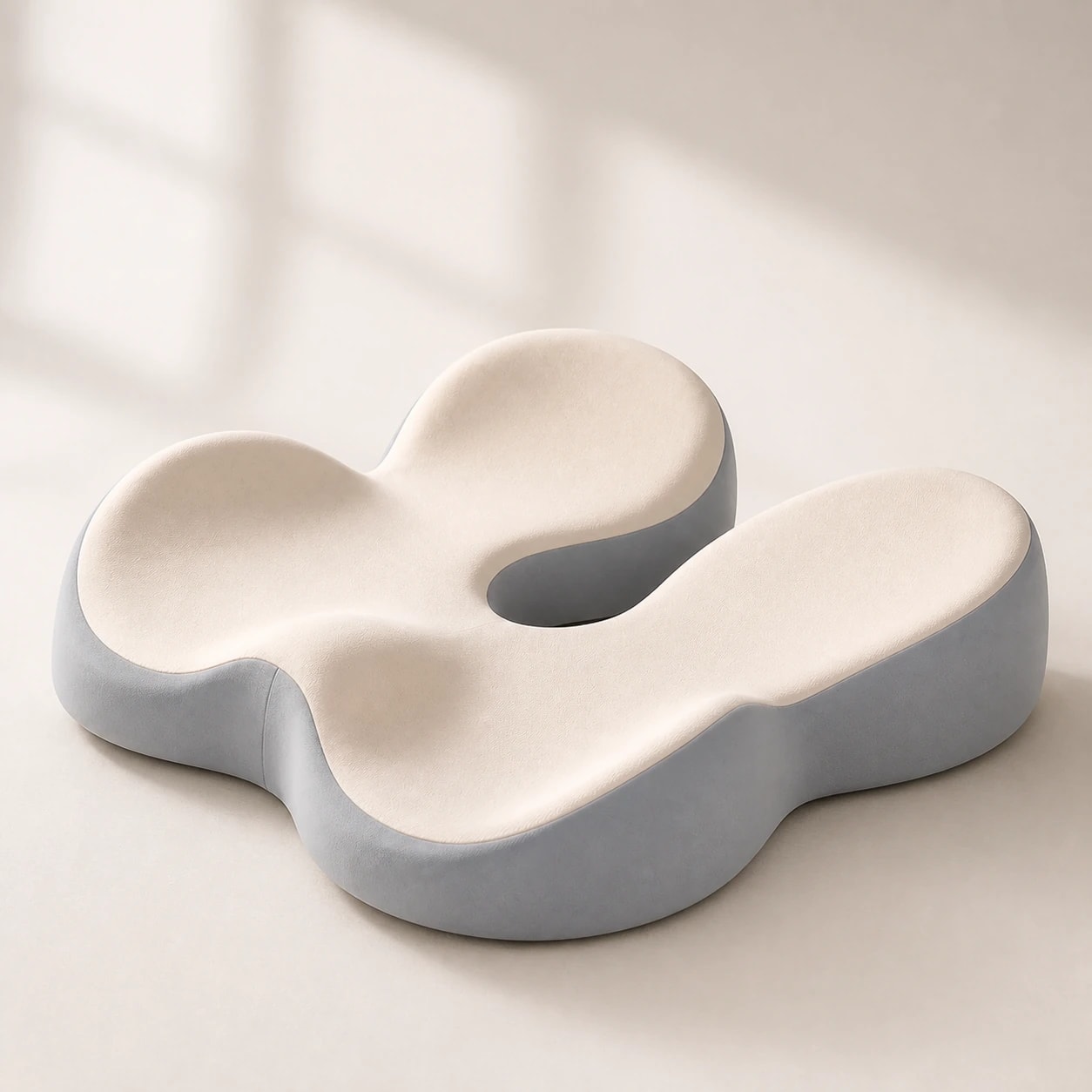
Editorial photograph illustrating Seat cushion versus lumbar support for lower-back discomfort

Seat cushion versus lumbar support for lower-back discomfort

A seat cushion changes the surface beneath the pelvis and thighs; a lumbar cushion changes contact at the chair back. If your main problem is a hard or poorly shaped seat, compare seat cushions first. If there is a gap behind your lower back, start by adjusting the chair's own backrest and then compare a separate lumbar support if needed.

Neither accessory diagnoses or treats lower-back pain. You can use both when they fit, but adding one changes your position relative to the other. Recheck seat depth, foot support, and backrest contact after each change; stop if discomfort increases.

  • Seat contact concern: compare cushion contour and rear opening.
  • Backrest gap: adjust built-in lumbar support or compare a lumbar pillow.
  • Using both: confirm neither pushes you forward or blocks controls.
Editorial photograph illustrating Which cushion type suits long office sitting?

Which cushion type suits long office sitting?

For a long desk day, prioritize a stable cushion that lets you sit fully back and keeps your feet supported. A sculpted surface such as SeatNest may suit someone who wants a broad contact shape; an open rear channel such as Memory Foam Seat Cushion may suit someone who wants less direct contact at the tailbone. These are fit choices, not guaranteed outcomes.

Use the office-chair comparison guide for a side-by-side look at the models, then check each product page for its confirmed materials and care instructions. Change position and take regular movement breaks; no cushion replaces those habits.

  • Check stability after sitting, standing, and sitting again.
  • Only use a cleaning method documented for the specific product.
  • Reassess fit if the cushion shifts or your seating position changes.

Vanliga frågor

How do I choose a seat cushion for an office chair?

Measure the usable chair seat, compare the cushion's contour and opening, and check that the cushion rests fully without blocking controls. After placing it, confirm that your feet, desk reach, and backrest contact still feel comfortable.

Is a rear-opening cushion better than a broad contour?

Not universally. A rear opening changes contact at the tailbone, while a broad contour shapes contact across more of the seat. Choose by your chair and the area you want to change rather than assuming one design is best for everyone.

Can I use a seat cushion and lumbar pillow together?

Yes, if both pieces fit securely. Add the seat cushion first, recheck feet and desk reach, then position the lumbar support against the lower back without losing too much usable seat depth.

How thick should an office seat cushion be?

There is no universal thickness for every chair and body. Where a model's thickness is published, compare it with your chair's height adjustment and your foot support. Do not treat an unpublished measurement as a known specification.

Will a seat cushion make my chair too high for my desk?

It can change your seated height. Check whether your feet remain supported and your shoulders relaxed at the desk after adding the cushion; adjust the chair or foot support if needed.

Greta Šimkutė

Skriven av

Greta Šimkutė

Specialist på ergonomi och arbetsplatsutformning · skriver för Ergola sedan 2024

Greta Šimkutė är ergonomispecialist och skriver Ergolas guider om hållning och arbetsplats. Hon fokuserar på den praktiska sidan av sittrelaterad rygg-, nack- och höftbelastning - hur skrivbordshöjd, ländrygggsstöd och stolens passform faktiskt förändrar komforten under hela dagen - och testar produkter mot de kriterier som spelar roll, inte mot specifikationsblad. Hon har bevakat ergonomiska möbler och skrivbordslösningar sedan 2024.

Relaterade guider

Utforska dessa guider för att lära dig mer och hitta rätt lösning för dina behov.